
AI for Architekts from sketch to render w sekundy
luw.ai is an AI platform built for architects and interior projektantów dołączyło. Upload a hand sketch, a SketchUp or Revit export, a floor plan or a reference photo, and get a photorealistic render in under 10 seconds — 4K standard, up to 8K, geometry preserved. Then design in 3D with Studio and let Archiagent draw, furnish and audit the plan. No install, no GPU, no licence. 3M+ architects, studios & students.


3M+ architects & studios
Do 8K
Photoreal Architektural Render
10s
Szkic to Render
Zaufanie wiodących firm na świecie
Najlepsze AI do Wnętrz i Zewnętrz


I ponad 500 Serwisów Informacyjnych


Przed

AI Render
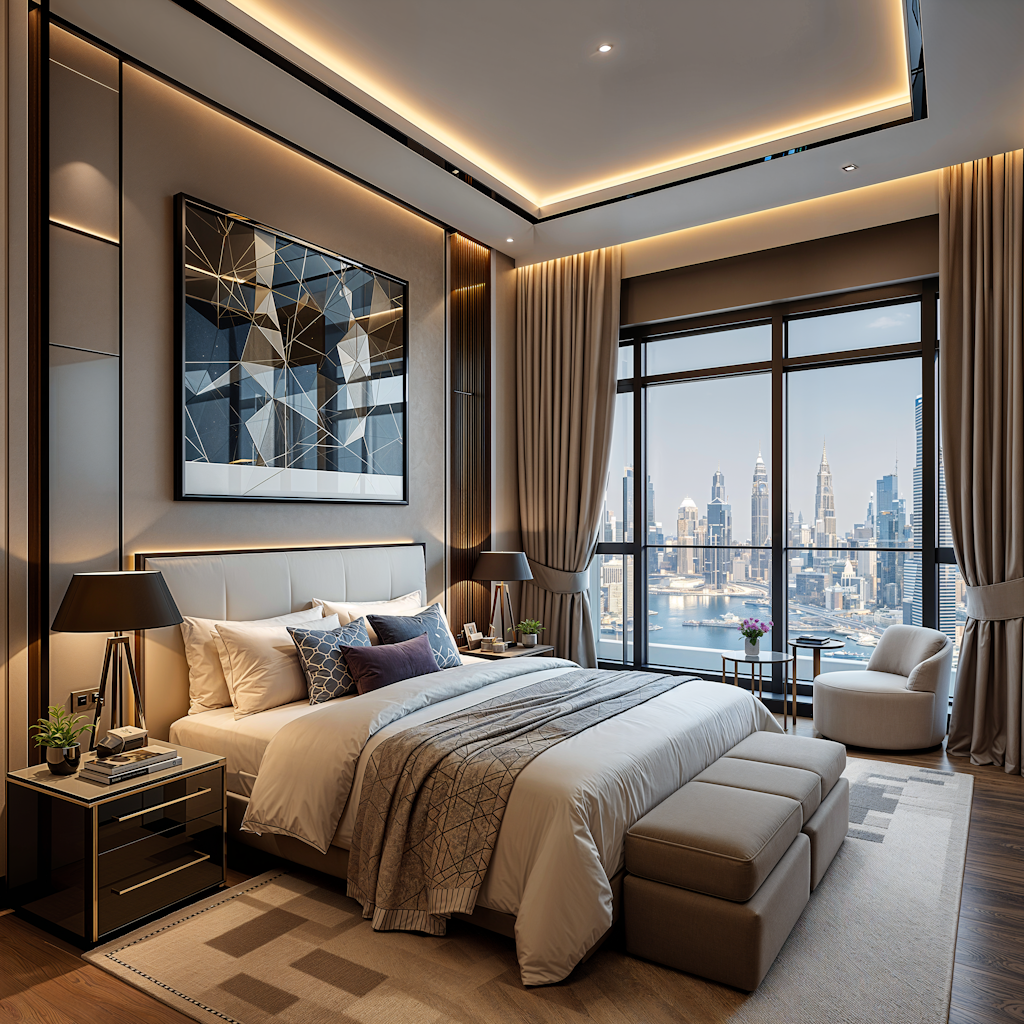
Boutique Hotel Suite
Po

Plays nicely with everything
Compatible with your favorite architecture software
Export any viewport, axonometric, sketch or floor plan from your existing tools — Luw.ai turns it into a photoreal architectural render. No plugins, no install.
01 — Szkic to Render AI
From hand sketch to photorealistic architectural render
Drop in a napkin sketch, line-art elevation or SketchUp viewport. The AI infers depth, materials, lighting and context — and returns a photorealistic architectural visualization in under 10 seconds. Iterate with one-click style variations until your concept lands with the client.
- ✓ Works with hand sketches, line drawings, axonometrics & perspectives
- ✓ Geometry-locked: AI preserves your architectural intent
- ✓ 4K output (up to 8K), instant material & lighting variations
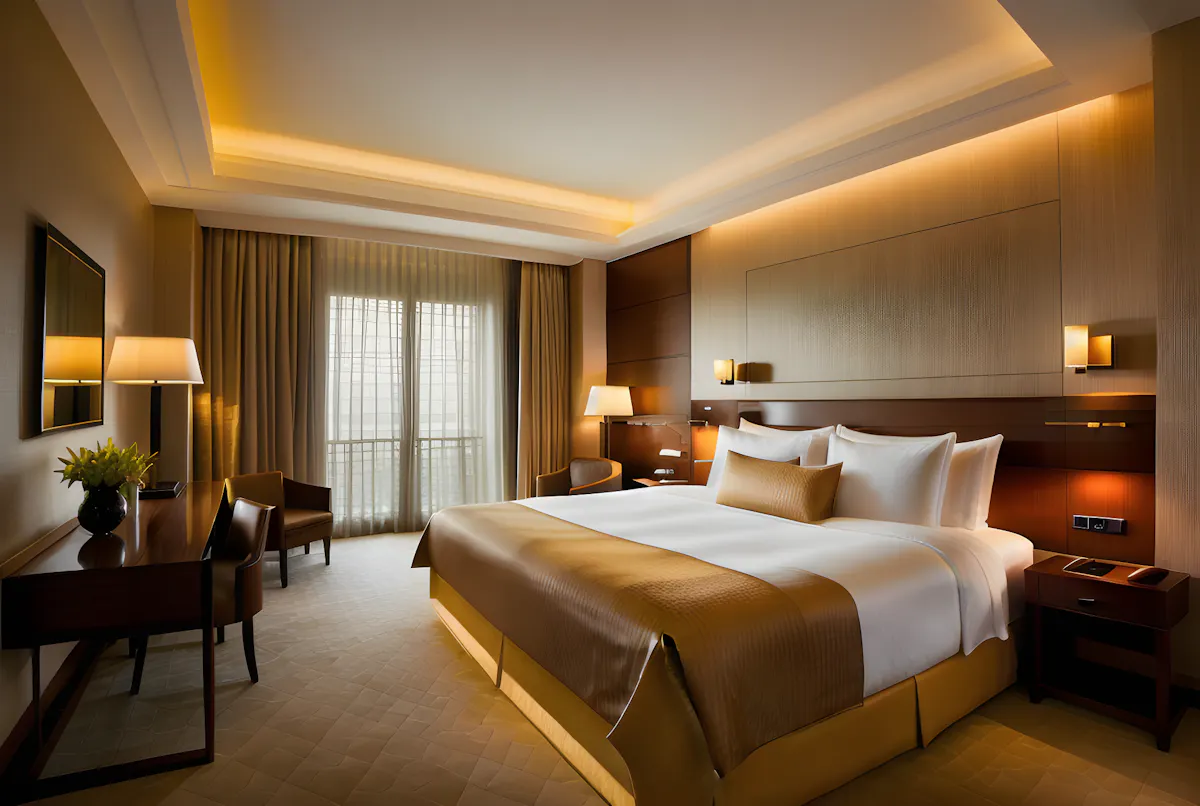
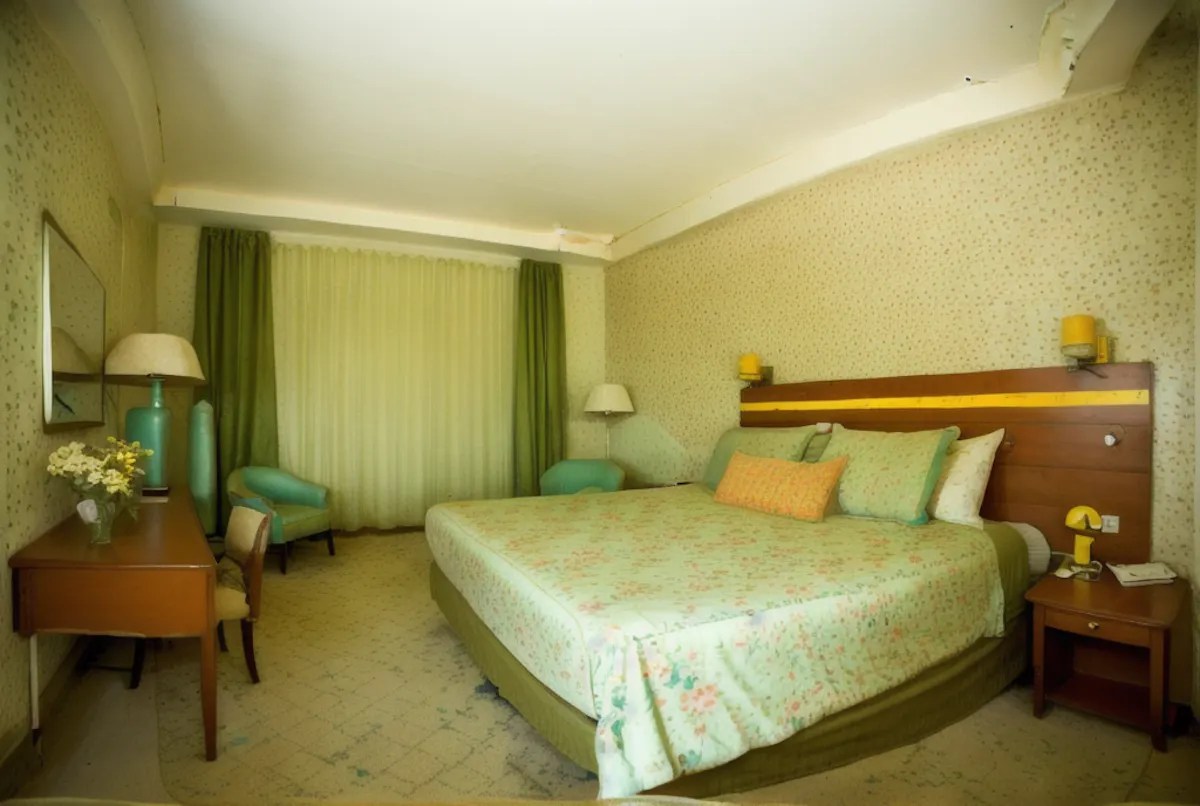
02 — AI Wnętrze Design from Photo & Photo-to-Render
AI interior design from photo — restyle any architectural photo w sekundy
luw.ai restyles any architectural photo with AI. Upload a site photo, an existing room, or a raw SketchUp/Revit render, and the AI swaps materials, lighting, time-of-day and surroundings while preserving the original geometry. With 40+ architectural styles it suits client pitches, planning boards, competition entries and virtual staging.
- ✓ 40+ architectural styles (modern, brutalist, minimalist, biophilic, japandi…)
- ✓ Material swap: concrete, timber, brick, glass, stone, metal
- ✓ Day/night, sunny/overcast, dusk & golden hour lighting
03 — AI for Floor Plan & 3D Floor Plan
Generator rzutów domu AI & 3D floor plan rendering — no Lumion required
Luw.ai is the only AI for floor plan work that goes both directions: generate clean 2D floor plans from a brief or hand sketch, or convert your existing CAD floor plans into rendered 3D floor plans and photoreal interior/exterior views. Darmowe floor plan AI for early-stage concept work, schematic design and selling the dream before construction starts.
- ✓ Generator rzutów domu AI from brief or hand sketch — free tier included
- ✓ 2D floor plan → 3D floor plan + photoreal interior in one step
- ✓ Export up to 8K renders, isometric views & client-ready boards
04 — Zewnętrze Architekture Rendering
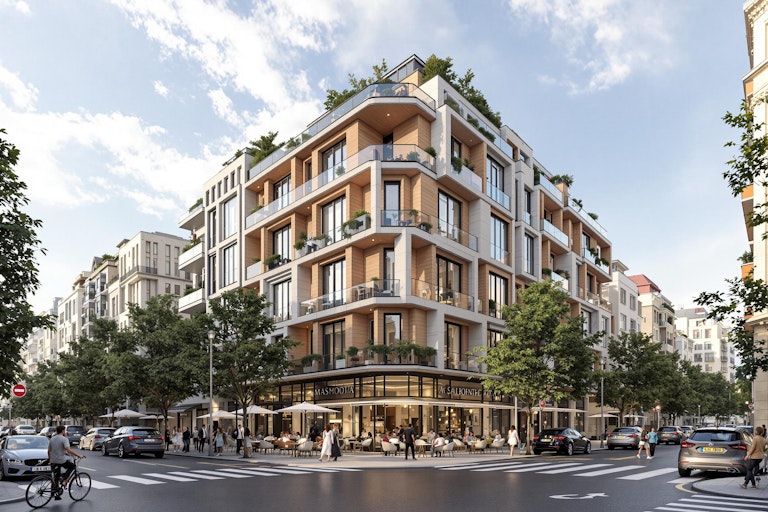
Zewnętrze renders that win the pitch
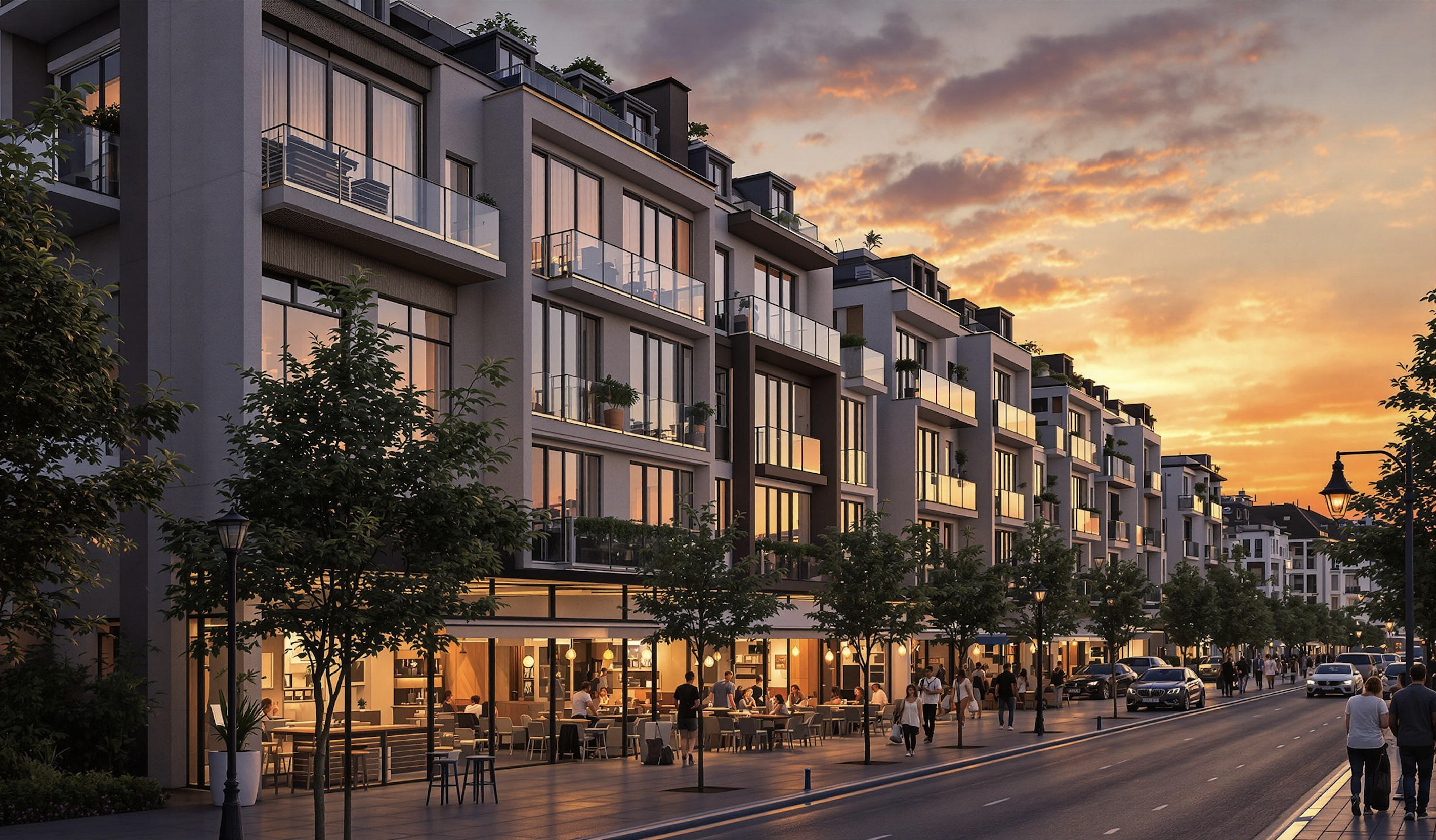
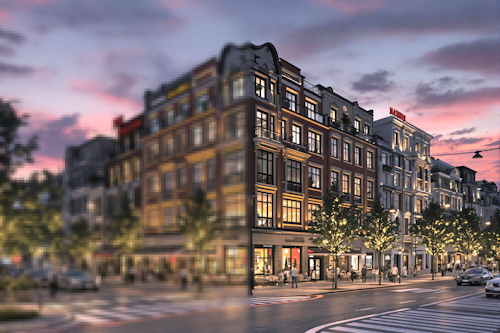
Façade studies, urban context, landscape integration, planning submissions — all from a SketchUp viewport, Revit export, hand sketch or site photo. Cinematic AI rendering for residential, commercial and urban architecture.
- ✓ Single-family, multi-family, commercial & mixed-use
- ✓ Add context: trees, cars, people, sky, neighborhood
- ✓ Façade material studies w sekundy, not days
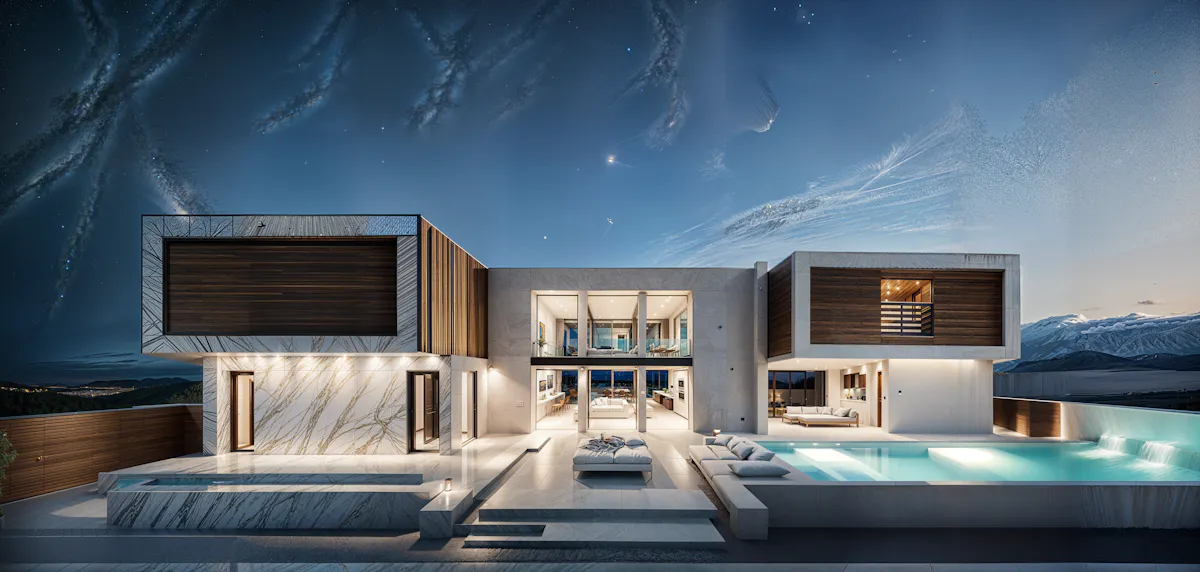
05 — luw.ai Studio
Studio — design in 3D and render on one canvas
luw.ai Studio is a browser-based 3D building editor with AI render built in. Most AI tools take a screenshot of your model; Studio is the model. Build multi-storey buildings, curved walls, columns, stairs and roofs, then render any view photorealistically without leaving the canvas — or walk through it in first person.
- ✓ Build — walls, 9 door types, 10 window types, 7 roof types, parametric columns
- ✓ Furnish — 150+ catalog items, placed with code-level rules
- ✓ Render & Walk — first-person walk mode, 8K render from the same view
06 — Archiagent
Archiagent — the first self-auditing AI architect
Archiagent is an AI agent that designs and checks its own work. Give it a brief — "a 1-bed, 80m² apartment, kitchen on the south wall" — and it draws the rooms to scale, places every fixture by architectural rules, then audits the plan in 2D for door-swing arcs, clearances and collisions. Most AI guesses; Archiagent verifies.
- 1. Brief → natural language in
- 2. Build & furnish → rooms + items, code-level placement
- 3. Self-audit → mandatory 2D pass, red swing arcs, zero clearance violations
07 — ArchiGPT & AI Concept Design Architekture
The best AI for architecture concept design — your AI co-architect
ArchiGPT is purpose-built for architectural reasoning and AI concept design: brief-to-concept, programme analysis, façade composition critique, materials advice and reference image generation. Trained on architecture — not generic AI art. The best AI for architecture brief work, not just rendering.
- ✓ Brief → concept moodboard in 30 seconds
- ✓ Critique on proportions, rhythm, hierarchy
- ✓ Material & style references with one-click render
Studio, które stoi za tym wszystkim
Luw.ai Studio — projektuj swój budynek, rozmawiając
Luw.ai Studio to natywnie przeglądarkowy generator rzutów domu AI i studio projektowania 3D, które napędza wszystko powyżej. Opisz założenia — lub wrzuć zdjęcie — a Archiagent, wbudowany w edytor architekt AI, rysuje rzut domu, modeluje go w 3D, urządza każdy pokój w skali, sprawdza własną pracę w 2D i renderuje dowolny widok w jakości do 8K. Bez CAD, bez instalacji, bez GPU.
Generator rzutów domu AI
Zdanie staje się rzutem domu 2D i 3D w skali — ściany, 9 typów drzwi, 10 typów okien, kolumny parametryczne, schody i 7 typów dachów, z wymiarami na żywo.
Zdjęcie na rzut
Wrzuć obraz rzutu, szkic lub skan iOS RoomPlan, a Archiagent odtworzy go jako prawdziwą, edytowalną scenę 3D, którą możesz dalej projektować.
Samokontrolujący się architekt AI
Ponad 40 deterministycznych narzędzi, twardy walidator i obowiązkowa samokontrola 2D — egzekwowane łuki otwierania drzwi, odstępy i ściany z instalacją hydrauliczną. Sprawdza, nie zgaduje.
Render i spacer w 8K
Przejdź się po nim z perspektywy pierwszej osoby, a następnie wyrenderuj dowolny widok fotorealistycznie lub w stylizacji, w jakości do 4K i 8K — wszystko na tym samym płótnie, bez eksportowania tam i z powrotem.
The best AI tools for architects in 2026
The complete AI toolkit for architects — 23 tools, one canvas
luw.ai bundles 23 AI tools for the architecture workflow under one subscription: rendering, floor plans, 3D editing, concept design, region editing and a self-auditing AI agent. Each tool is its own product, and they share one canvas, one credit balance and one login.
Wnętrze AI
Redesign any room from a photo. 40+ interior styles for architects & clients.
Explore Wnętrze AI →Zewnętrze AI
Façade studies, urban context & landscape integration w sekundy.
Explore Zewnętrze AI →3D AI
Image-to-3D model generation. Export GLB for SketchUp, Blender & Revit.
Explore 3D AI →Render AI
Photorealistic AI rendering hub — sketch, image & prompt to render.
Explore Render AI →ArchiGPT
AI co-architect for concepts, briefs, critique & references.
Open ArchiGPT →Szkic AI
Hand sketch & line drawing to photoreal architectural render.
Explore Szkic AI →Enhance / Upscale AI
Upscale low-res renders up to 8K. Sharpen textures, fix details.
Explore Enhance AI →Magiczna Różdżka AI
Precise region editing: change materials, swap furniture, fix details.
Explore Magiczna Różdżka →Magiczny Prompt AI
Prompt-only editing — describe the change, AI applies it.
Explore Magiczny Prompt →Usuń Meble AI
Empty any room for clean architectural shots & virtual staging.
Explore Usuń Meble →luw.ai Studio
Przeglądajr 3D building editor — walls, doors, columns, roofs, walk mode.
Open Studio →Archiagent
Agentic AI that draws, furnishes & self-audits plans in 2D.
Try Archiagent →Przestrzeń 3D AI
Drag real furniture images into a true 3D scene — not faked.
Open Przestrzeń 3D →Video AI
Cinematic flythrough videos from your render — same canvas.
Open Video AI →Mood Board AI
Brief → moodboard in 30s. Material, style & reference picks.
Open Mood Board →Krajobraz AI
Site context, trees, terrain & landscape integration.
Open Krajobraz →Floor Planner
2D floor plan editor — walls, doors, dimensions, room labels.
Open Floor Planner →Rozszerz AI
Outpaint & extend renders — widen the frame, add context.
Open Rozszerz AI →Wektor AI
Convert renders into scalable vector line art for diagrams.
Open Wektor AI →Wzory AI
Generate seamless textures, tiles & façade patterns.
Open Wzory AI →Fluw
Ulepszanie renderu jednym kliknięciemr — fix details, sharpen materials.
Open Fluw →Zmień Tło
Swap sky, surroundings or backdrop without re-rendering.
Open Change BG →Cennik & Darmowe Plan
Darmowe tier for architects & students. Studio plans from $0/mo.
See pricing →AI for architecture at every stage of the workflow
AI for architecture — from the first sketch to the last client board
luw.ai covers the entire architectural pipeline — rendering, floor plans, 3D editing and concept design — in one cloud platform.
Residential & AI home design
Single-family homes, ADUs, multi-family, renovations. Photoreal exterior & interior renders for clients before construction starts.
Commercial architecture render AI
Offices, retail, hospitality, mixed-use. Win pitches with cinematic AI rendering — same day, no render farm, no licence fee.
Urban & landscape
Masterplans, public realm, streetscapes. Drop in context — trees, people, cars, sky, neighborhood.
Concept & competition design
Brief to moodboard to concept render in 30 minutes. Iterate 50 variations a day instead of 5 a week.
Planning & permission
Contextual visualizations for planning submissions, heritage panels and community consultation boards.
Real estate & marketing
Off-plan marketing, virtual staging, brochure renders. From SketchUp model to listing-ready 4K (up to 8K) w sekundy.
Honest AI rendering software comparison
Best AI rendering software for architects: Luw.ai vs Lumion, D5 Render, V-Ray, Enscape & PromeAI
luw.ai differs from Lumion, D5 Render, V-Ray and Enscape by running in the browser with no install and no GPU, rendering in about 10 seconds instead of minutes to hours. Unlike PromeAI it is purpose-built for architecture rather than general AI art, and unlike all of them it includes a self-auditing AI agent.
| Luw.ai | Lumion | D5 Render | V-Ray | Enscape | PromeAI | |
|---|---|---|---|---|---|---|
| Built for architects | ✓ | ✓ | ✓ | ✓ | ✓ | General AI art |
| Time per render | ~10 sec | 5–30 min | 30 sec–5 min | 20 min–6 h | Real-time* | ~30 sec |
| Install required | No (cloud) | Yes | Yes | Yes | Yes | No (cloud) |
| Powerful GPU required | No | RTX-class | RTX-class | Yes | RTX-class | No |
| Darmowe tier | ✓ Generous | Trial only | Darmowe plan | No | Trial only | Limited |
| Max resolution | Do 8K | 4K+ | 4K+ | Unlimited* | 4K+ | 4K |
| Szkic to render | ✓ | — | — | — | — | ✓ |
| Photo to photoreal restyle | ✓ | — | — | — | — | Partial |
| SketchUp / Revit / Rhino workflow | Export & drop | Plugin | Plugin | Plugin | Plugin | Export & drop |
| Real browser 3D editor | ✓ Studio | Desktop only | Desktop only | — | Plugin host | — |
| AI agent + self-audit | ✓ Archiagent | — | — | — | — | — |
| Learning curve | Minutes | Days–weeks | Hours–days | Weeks–months | Hours–days | Minutes |
*Enscape is real-time but requires the host CAD app to be open and a powerful GPU. Comparison reflects typical architect workflows as of 2026; vendors update features frequently.
How it works
From concept to client-ready in five steps
Upload
Szkic, photo, SketchUp/Revit/Rhino viewport or floor plan.
Choose style
40+ architectural styles, materials & lighting presets.
Render in 10s
AI generates a photorealistic render at 4K (up to 8K) — geometry locked.
Iterate
One-click variations, Magiczna Różdżka region edits, prompt tweaks.
Deliver
Export PNG/JPG up to 8K, share link, or drop into your client deck.
Loved by architects worldwide
What architects say about Luw.ai
"We were paying a render farm $400 per board and waiting 48 hours. Luw.ai gives me a better-looking render in ten seconds from a SketchUp viewport. We won three pitches this month using it."
"I was a Lumion power user for six years. I haven't opened it in four months. Luw.ai is faster, the materials look better out of the box, and there's no rendering queue eating my evenings."
"As an architecture student, I can't afford V-Ray or D5 Render. The free tier on Luw.ai lets me deliver studio reviews at the same quality as the firms my classmates intern at. Game changer."
Darmowe AI for architects & students
AI rendering free for architects — pay only when you scale
Darmowe AI rendering for architects: daily renders, full-resolution previews and every architectural style on the free plan. Darmowe Generator rzutów domu AI. Studio & enterprise tiers add unlimited 4K and 8K exports, team workspaces and priority queue.
Architekt FAQ
Questions architects actually ask
What is the best AI for architects in 2026?
For architectural visualization specifically, Luw.ai leads the field for sketch-to-render, photo-to-photoreal restyle and floor-plan-to-3D in 2026. Unlike Lumion or D5 Render it needs no install and no GPU; unlike PromeAI it is purpose-built for architecture rather than general AI art. The free tier covers full-resolution previews so most architects can ship client boards without paying.
Will AI replace architects?
No. AI replaces the slow, repetitive parts of architectural visualization — manual rendering, lighting setup, material assignment, post-production, render-farm bills — not the design judgment, regulation, structure or client relationships that define the profession. Architekts who adopt AI rendering early ship 5–10× more concept iterations and win measurably more pitches.
How does AI rendering for architects actually work?
You upload a sketch, SketchUp/Revit/Rhino viewport, axonometric, floor plan or reference photo. Luw.ai's architecture-tuned diffusion model preserves your geometry and re-paints it with photoreal materials, contextual lighting and surroundings. Render time is typically under 10 seconds at 4K (with up to 8K available). You can lock geometry, restyle materials, swap time-of-day or apply Magiczna Różdżka region edits.
Can I use Luw.ai with SketchUp, Revit, Rhino, ArchiCAD, 3ds Max or Blender?
Yes — every major architecture tool. Export any viewport, axonometric, elevation or sketch as JPG/PNG (or use a 2D plan from AutoCAD/Vectorworks/Chief Architect) and drop it into Luw.ai. The AI preserves your geometry and applies photoreal materials, lighting and context. No plugin install required.
Is there a free AI rendering tool for architects?
Yes. Luw.ai's free tier includes daily renders, full-resolution previews and every architectural style. No credit card required. Architekture students get extended free access — perfect for studio reviews, thesis projects and portfolio work.
Can AI generate a photorealistic render from just a hand sketch?
Yes. Szkic-to-render is one of the most popular workflows on Luw.ai. Upload a napkin sketch, concept drawing or line-art elevation — even a phone photo of paper. The AI infers depth, materials, lighting and surrounding context to produce a photorealistic architectural visualization. See Szkic AI for the dedicated workflow.
Can AI generate floor plans?
Yes. Luw.ai's Generator rzutów domu AI turns a brief or hand sketch into a clean 2D floor plan, and converts existing CAD floor plans into rendered 3D interior or exterior views — useful for schematic design, client communication and real-estate marketing.
Luw.ai vs Lumion vs D5 Render vs V-Ray vs Enscape vs PromeAI — which should I pick?
Lumion, D5 Render, V-Ray and Enscape are traditional 3D rendering engines — they require a paid licence, a powerful GPU, plugin setup and a learning curve measured in days to months. PromeAI is general-purpose AI art with some architecture presets. Luw.ai is the only option built end-to-end for architects with cloud rendering (no install/GPU), sub-10-second turnaround, a free tier and architecture-specific tooling (sketch-to-render, floor-plan-to-3D, ArchiGPT). Many studios run Luw.ai alongside Lumion/D5 for early concept work and switch to the traditional pipeline only for final hero shots.
Is Luw.ai suitable for planning permission boards and client presentations?
Yes. Renders are 4K standard with up to 8K available, photoreal and consistent across iterations — suitable for client pitches, planning permission submissions, heritage consultation, real-estate off-plan marketing and competition entries. Use Enhance AI to upscale further for billboard-size prints.
Can the AI render exteriors as well as interiors?
Yes — both with dedicated workflows. See Zewnętrze AI for façade studies, urban context and landscape integration, and Wnętrze AI for room-by-room photoreal interior architecture.
Which AI tools for architects are actually worth using?
The shortlist of AI tools for architects that actually save studio time: an AI rendering engine purpose-built for architecture (Luw.ai Render AI), an Generator rzutów domu AI (Luw.ai's AI for floor plan workflow), sketch-to-render (Szkic AI), an AI for architectural visualization that locks geometry (Wnętrze AI & Zewnętrze AI), and an AI co-architect for concept design and critique (ArchiGPT). Avoid general-purpose AI image generators — they ignore your geometry. Avoid AI tools for architects that are just GPT wrappers — they don't render.
What is the best AI for interior design in 2026?
For architects and interior projektantów dołączyło who need to deliver client work, the best AI for interior design in 2026 is one that locks your room geometry, restyles materials photorealistically, supports AI interior design from photo input, and offers a free tier — see Luw.ai's dedicated Wnętrze AI page. For pure inspiration moodboards, general Narzędzia AI do obrazów work; for delivery, only geometry-aware AI room design and AI home design tools produce usable, consistent output.
How is this different from Midjourney, DALL·E or generic AI image generators?
General AI image generators produce pretty pictures but ignore your geometry — every iteration is a different building. Luw.ai's models are tuned for architecture and lock to your input geometry, so the building you designed is the building that renders. That's the difference between concept art and architectural visualization.
Do you offer a discount for architecture students and schools?
Yes — architecture students get extended free access and architecture schools can request classroom plans. Email us with your .edu address or student ID. Many of our most-loved features were built after listening to studio crit sessions.
AI for architects, w sekundy.
From sketch, photo or floor plan to photorealistic architectural render. No install. No GPU. Darmowe for architects & students.
Start rendering - za darmoCo stworzysz dziś z AI?
Przekształć swój proces projektowy w kilka sekund
Przed / Po
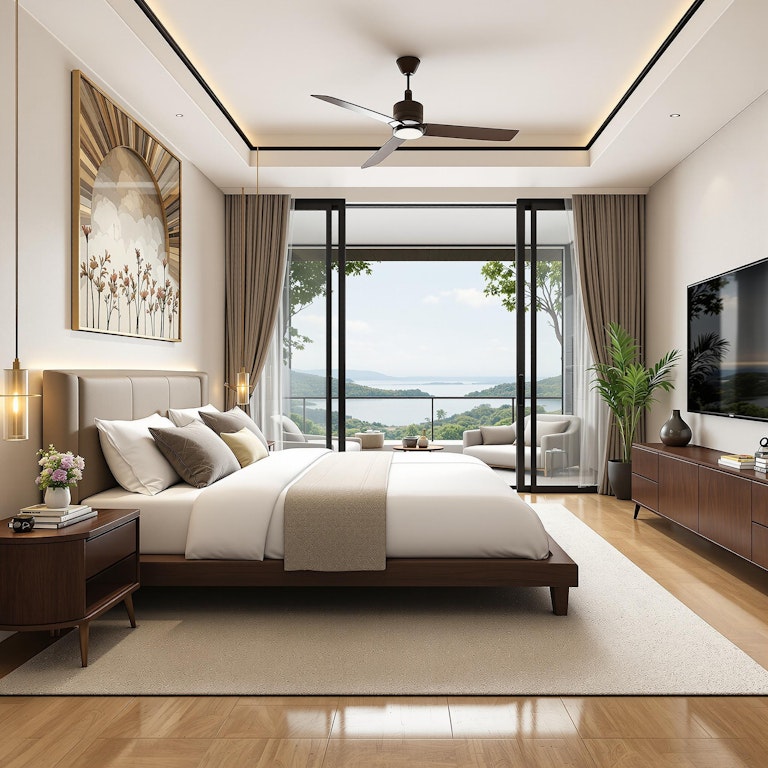
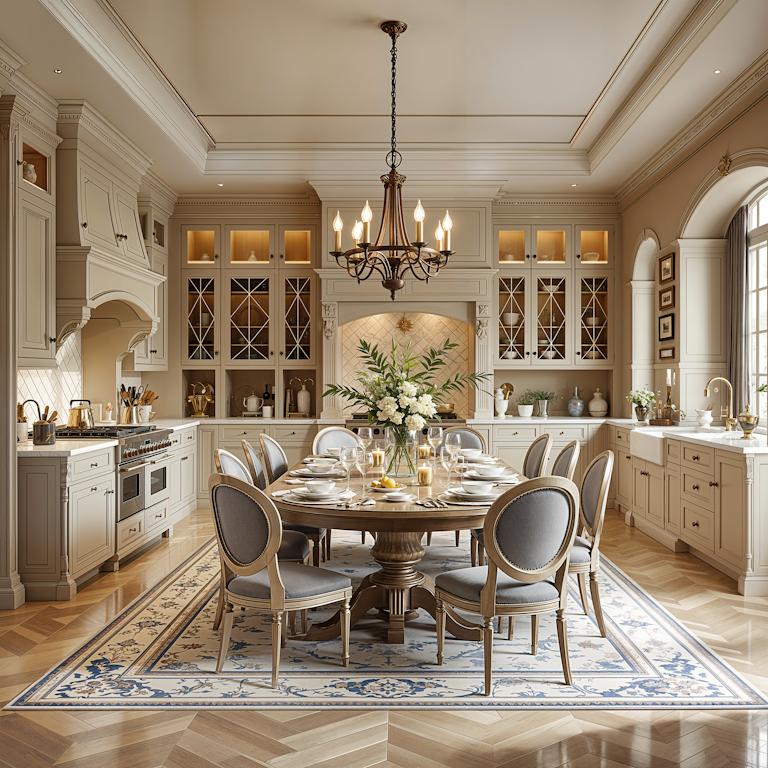
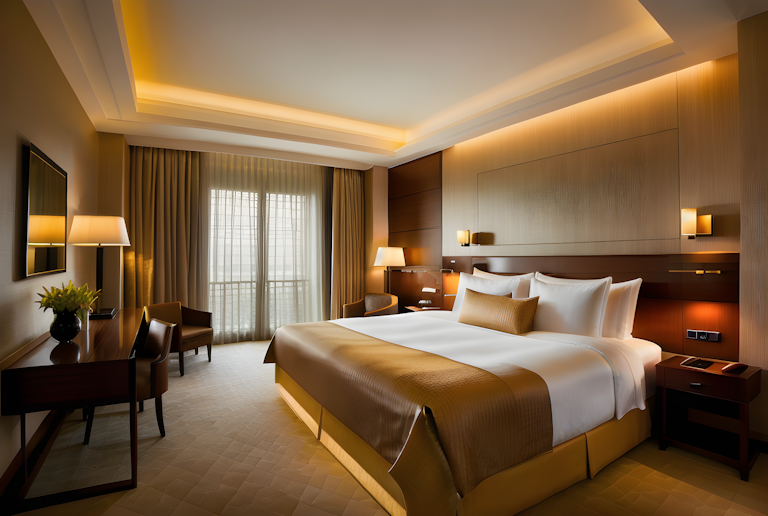
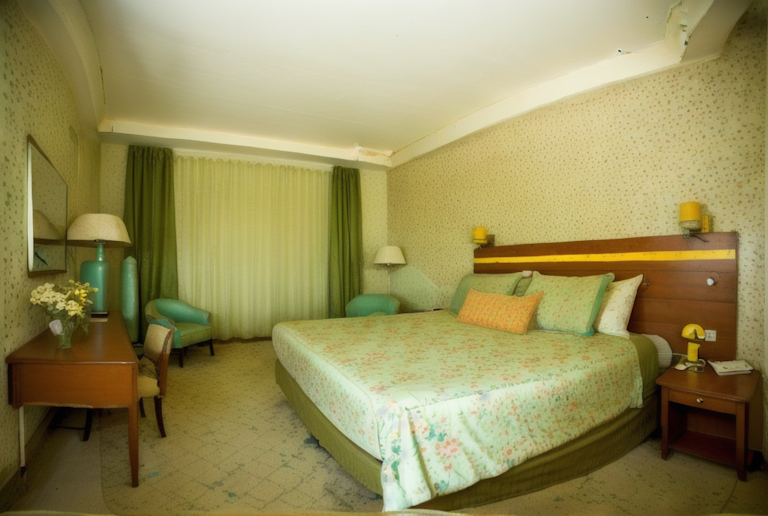
Przed / Po
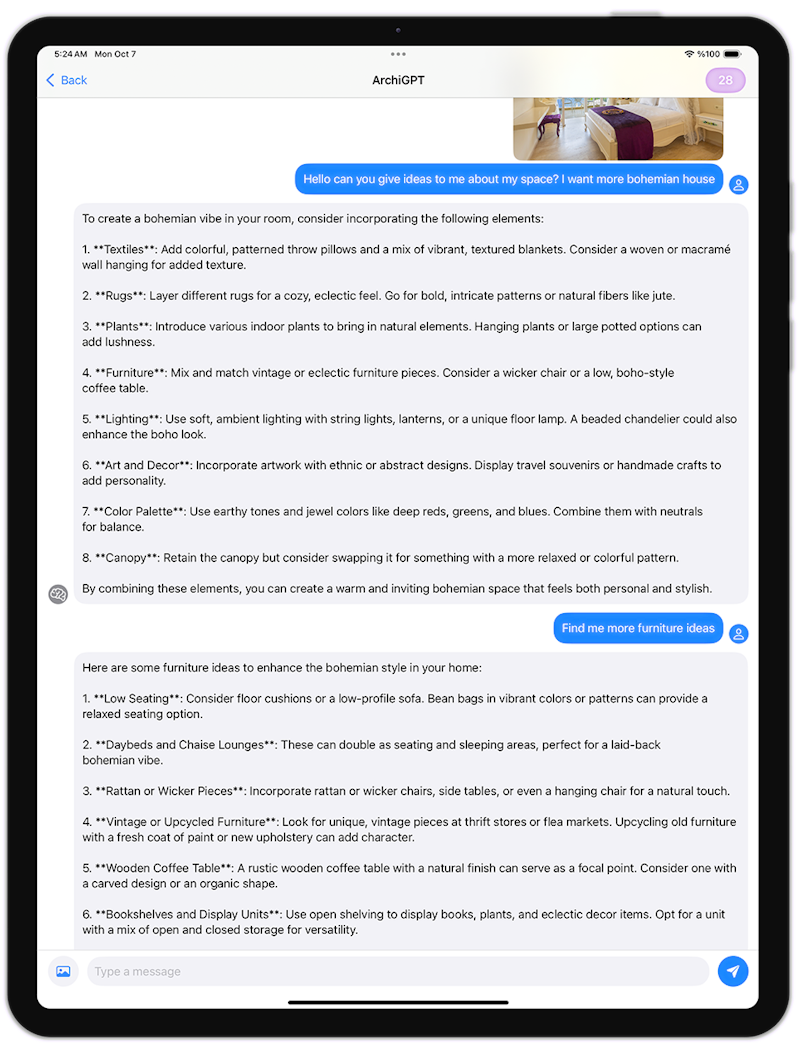
Jak widzę, Twój pokój ma około 45 metrów kwadratowych, Pomogę Ci zoptymalizować tę przestrzeń dla wrażenia większej przestrzeni, użyję jasnych kolorów...
ArchiGPT
Przed / Po
Nagradzane Projekty
Uczy się od najlepszych architektów i projektuje dla Ciebie w kilka sekund
Na podstawie układu Twojego biura, wygeneruję wizualizację to przekształcę ją w produktywną przestrzeń roboczą z optymalnym projektem oświetlenia...
ArchiGPT
3DGen AI
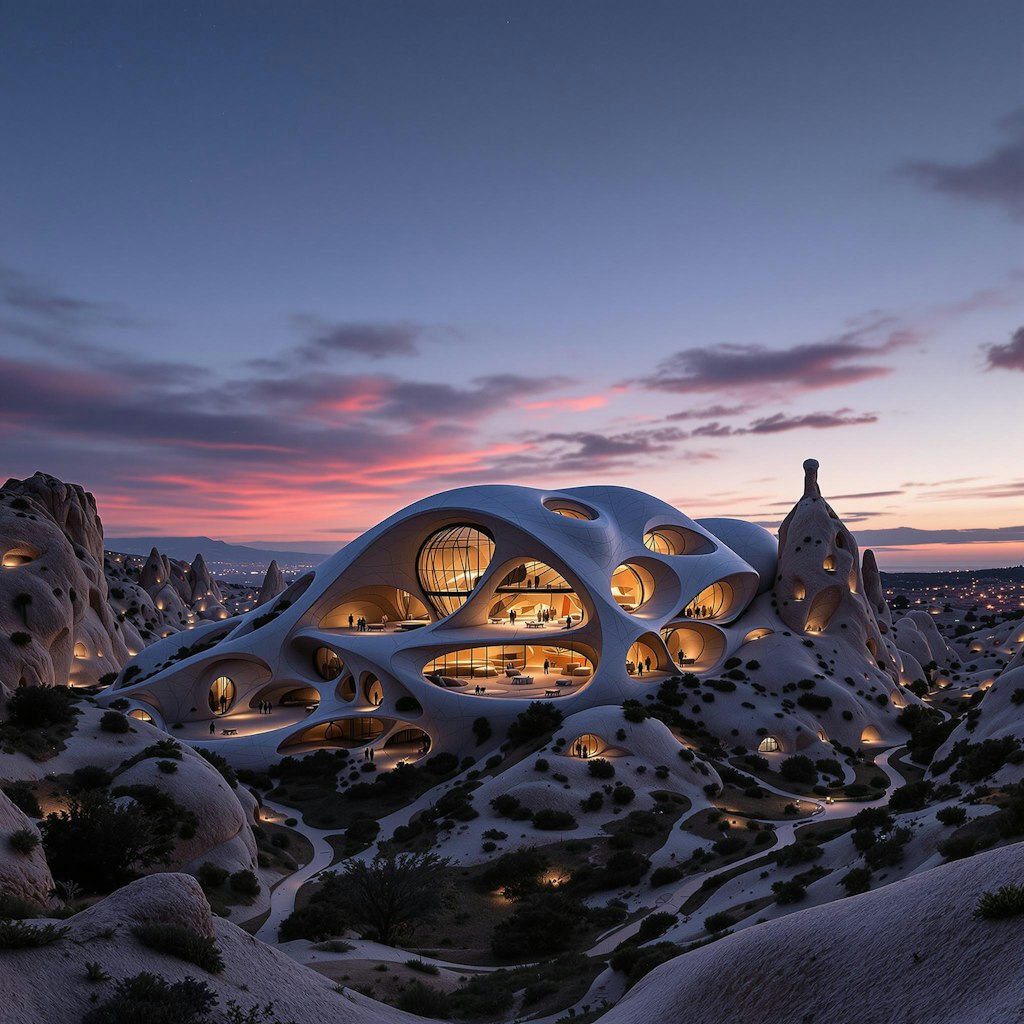

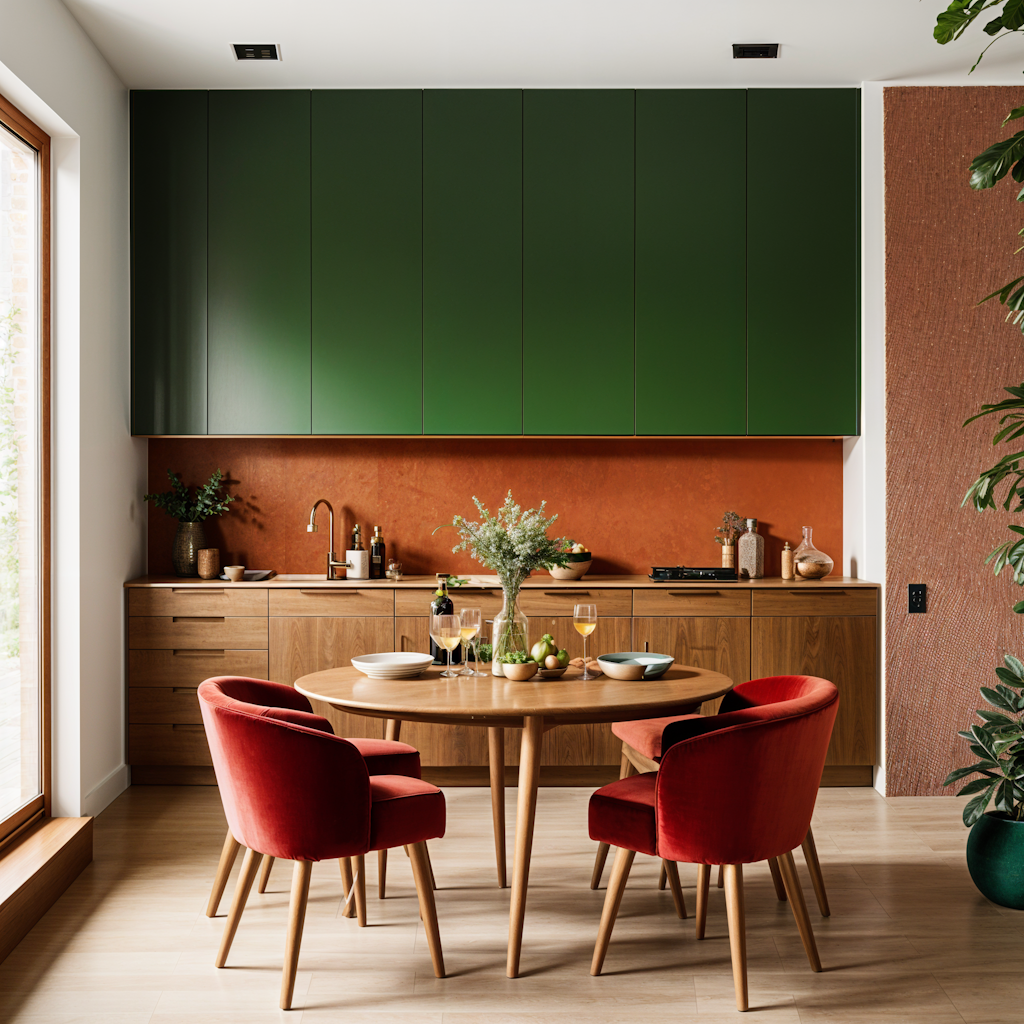
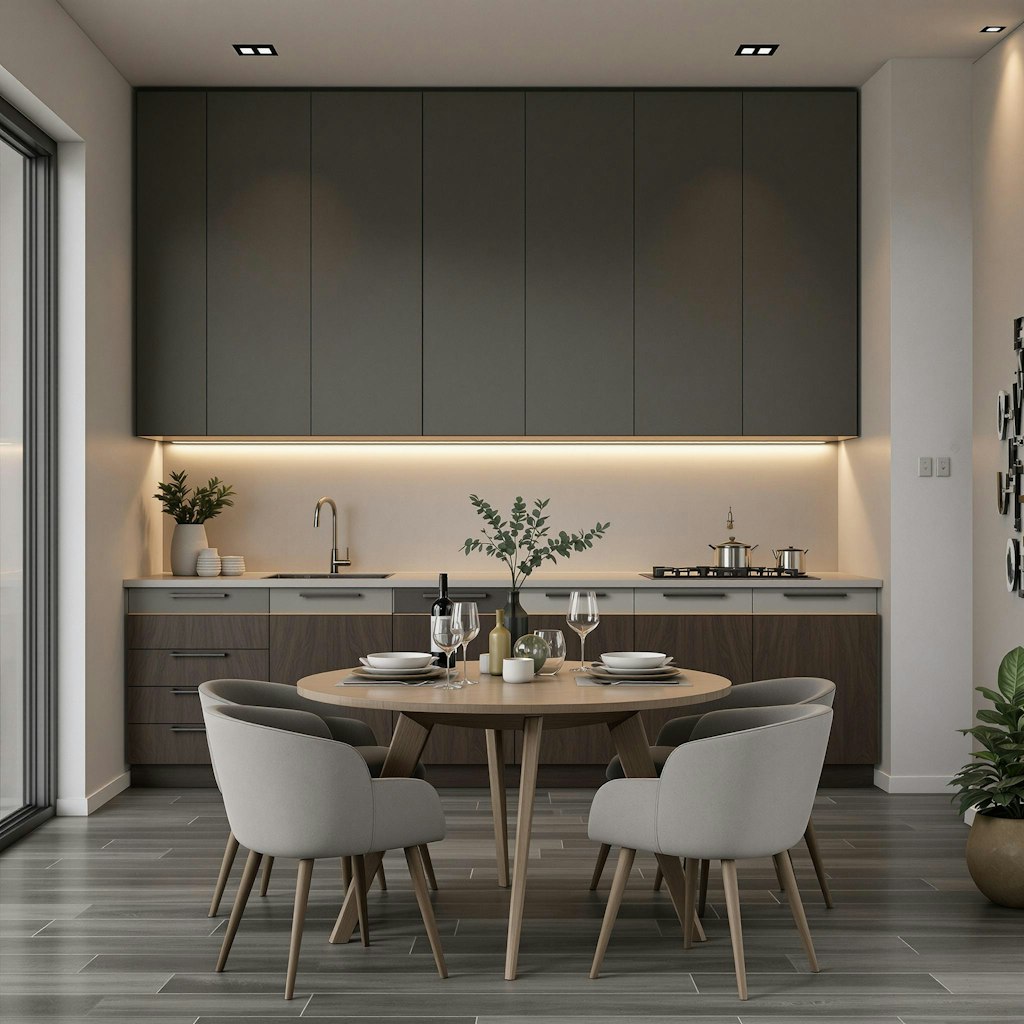
Warianty Stylu
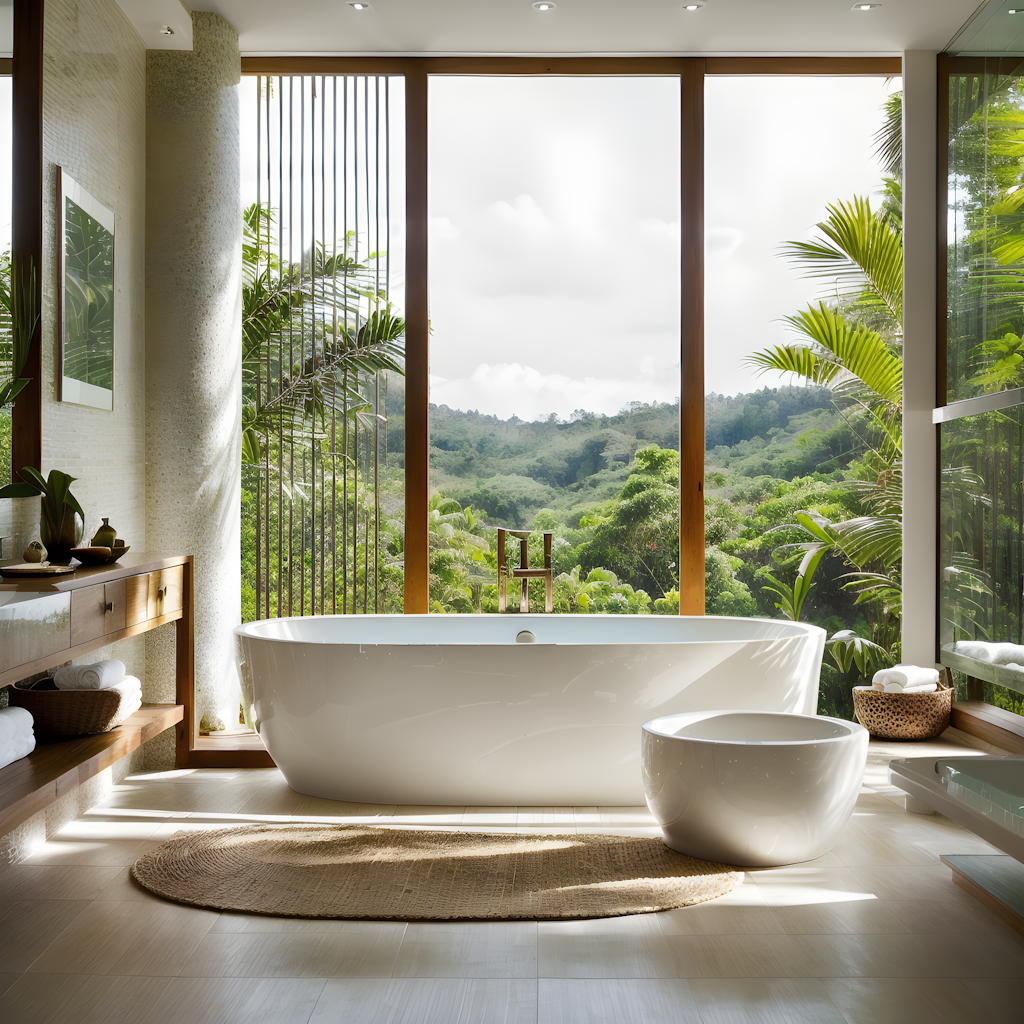
Przed / Po
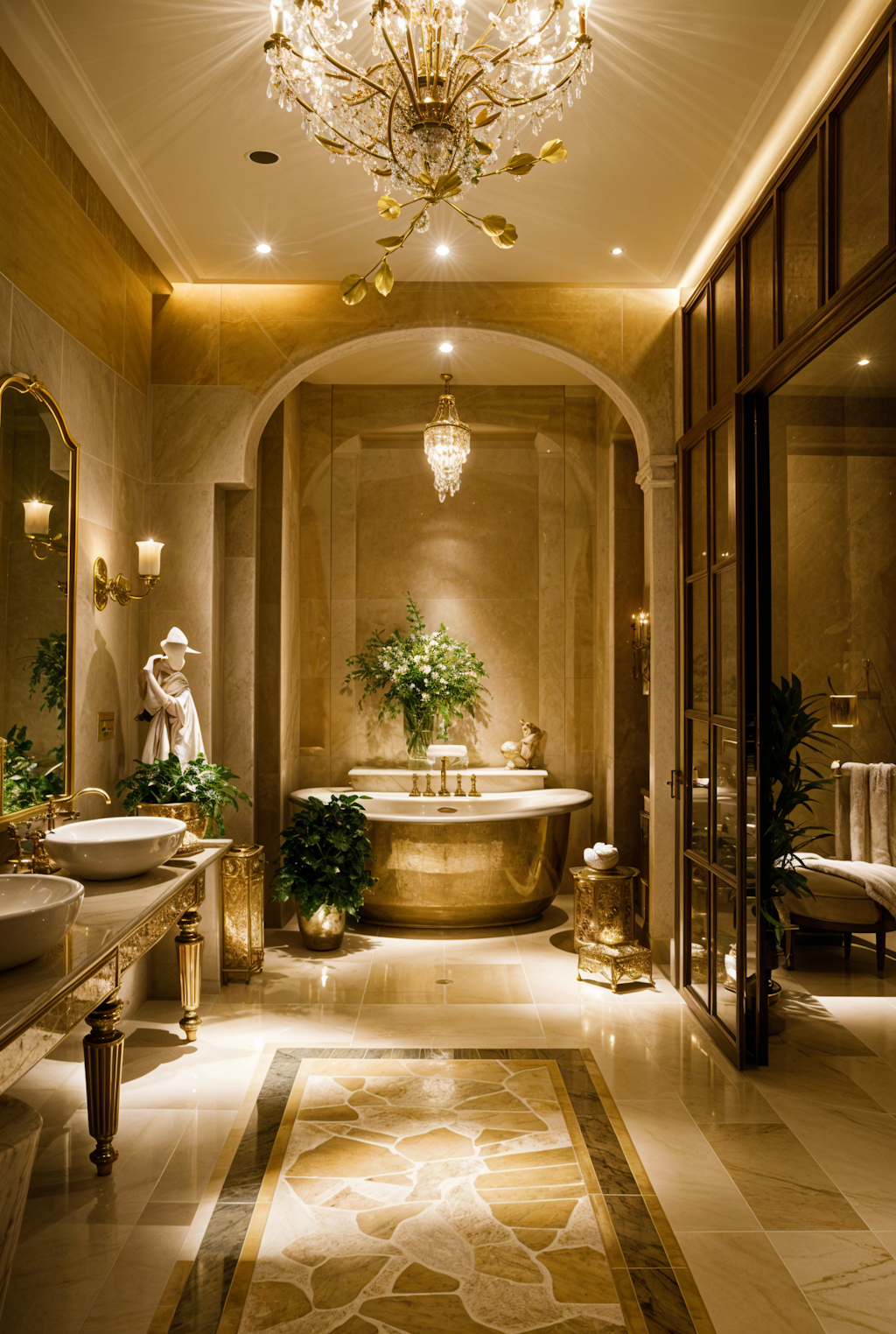
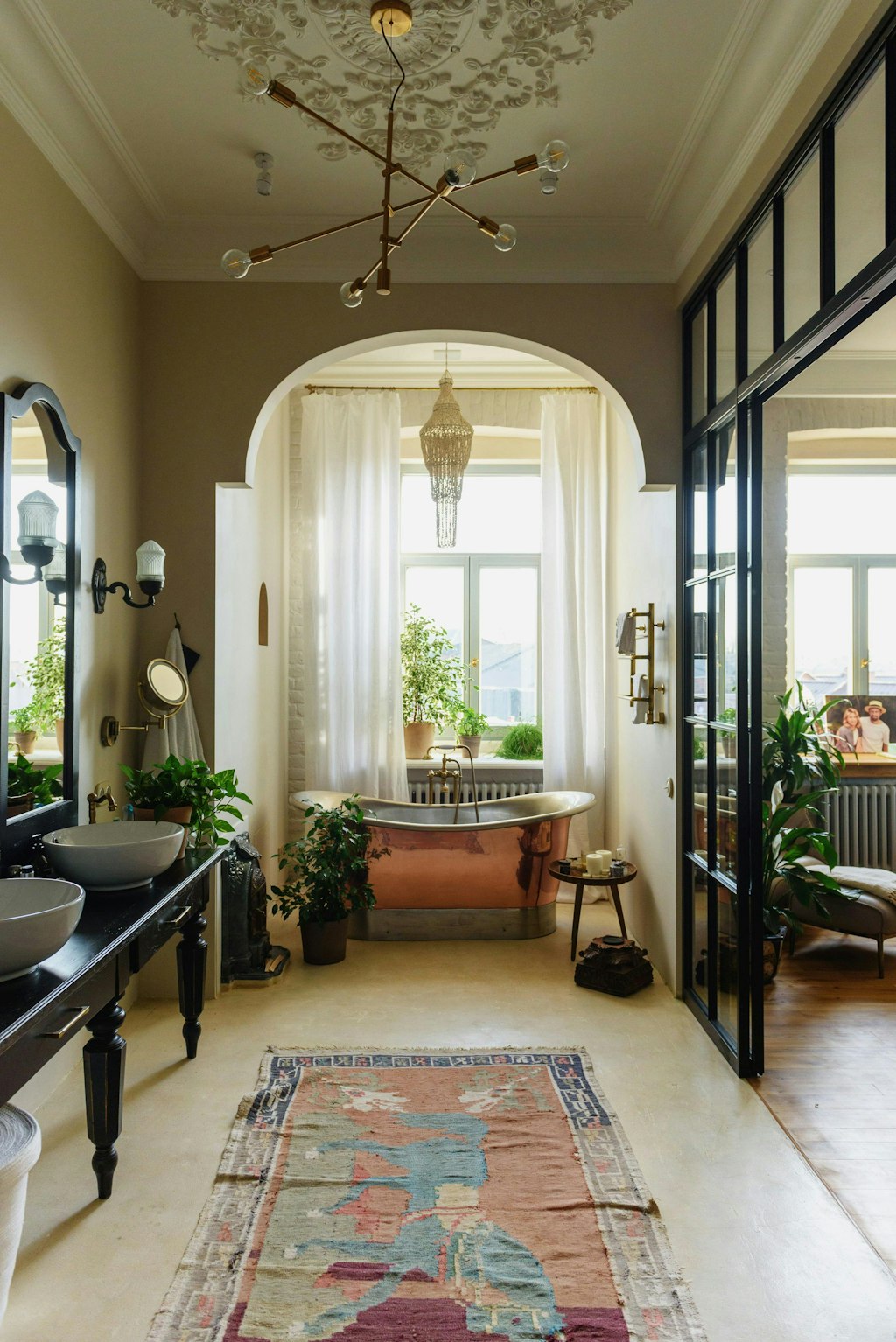
Pokażę Ci, jak może zmienić się Twoja łazienka, z wizualizacją przed/po z elementami inspirowanymi spa...
ArchiGPT
Zaufało nam Miliony

250M+
Wygenerowane Projekty

10M+
Stworzone Persony AI

3M+
Dołączonych Projektantów
Napędzane przez AI Pakiet Projektowy
Doświadcz przyszłości projektowania z naszymi zaawansowanymi modelami AI
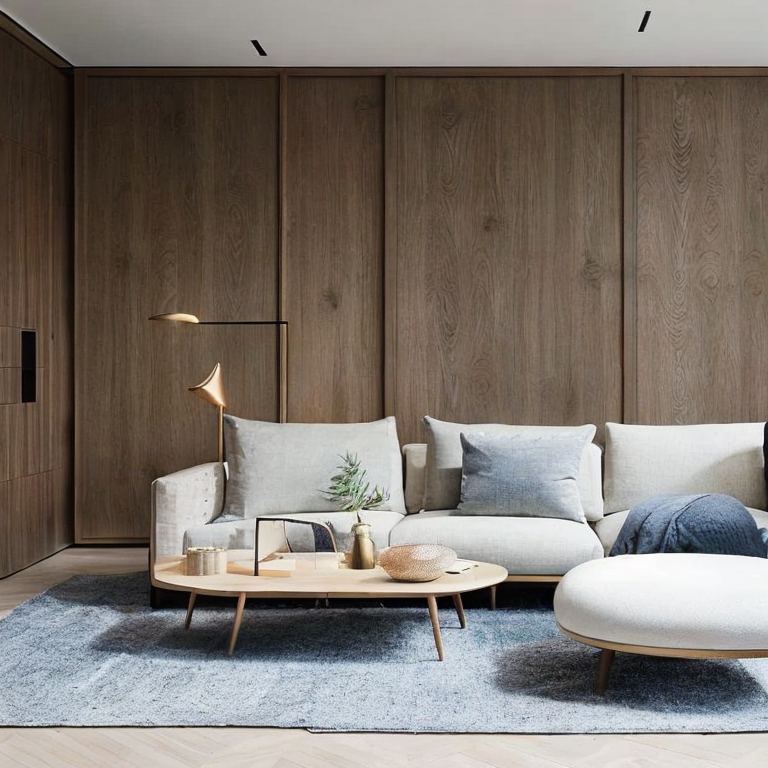
Wnętrze
AIPrzeprojektuj miejsca, robiąc zdjęcie lub przesyłając zdjęcie referencyjne do wygenerowania nowych projektów przez AI.
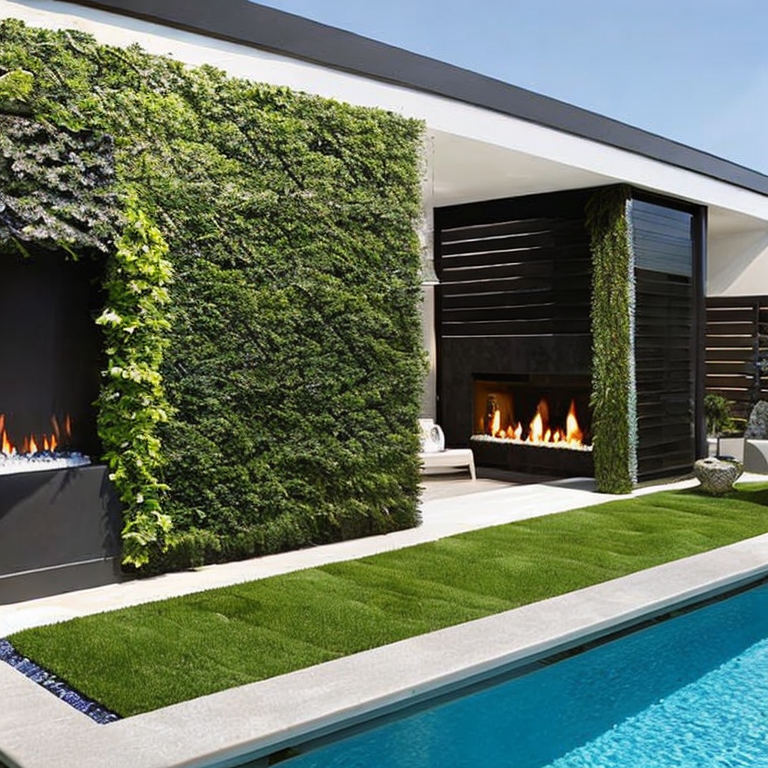
Zewnętrze
AIPrzeprojektuj miejsca, robiąc zdjęcie lub przesyłając zdjęcie referencyjne do wygenerowania nowych projektów przez AI.

Szkic
AISkorzystaj z naszej potężnej funkcji szkicu AI do renderowania. Po prostu prześlij swoje zdjęcie, a następnie wybierz style renderowania.

Magiczny Prompt
AIPrzekształć dowolny obraz za pomocą prostych opisów tekstowych — nie są potrzebne żadne umiejętności. Edytuj obrazy za pomocą promptu w kilka sekund.

Magiczna Różdżka
AIUsuwaj, dodawaj lub zastępuj obiekty i generuj nowe wypełnienie za pomocą promptu. Eksportuj obrazy HD w kilka sekund.

Video
AIPrzekształć dowolny projekt w zapierające dech w piersiach przejścia 3D z dynamicznymi ruchami, które ożywiają Twoją wizję w oszałamiających detalach.

Mood Board
AIOżyw swoją tablicę nastrojów — zobacz ją wyrenderowaną w swoim otoczeniu, wyświetl ją jako pełny render lub twórz nowe tablice nastrojów.
Zmiana Rozmiaru
AIŁatwo zmieniaj rozmiar i poprawiaj jakość zdjęć, redukując szumy i poprawiając detale. Idealne dla wszystkich Twoich potrzeb projektowych.

ArchiGPT
Rozmawiaj z architektonicznym AI. Otrzymuj porady dotyczące feng shui, użyteczności architektonicznej, spersonalizowane rekomendacje projektowe i więcej.

Fluw
AIGeneruj zachwycająco realistyczne zdjęcia i ilustracje, które przekształcają Twoją wizję w rzeczywistość, gotowe do każdego projektu.

Usuń Meble
Usuń meble i przedmioty ze zdjęć wnętrz za pomocą AI. Łatwo przekształć umeblowane przestrzenie w puste pomieszczenia.

Zmień Tło
AITwórz profesjonalne obrazy marketingowe za pomocą naszego generatora obrazów reklamowych opartego na AI.

Wzory
AIGeneruj powtarzalne obrazy za pomocą AI. Otrzymuj płynne wzory i tekstury idealne do różnych zastosowań.

3DGen
Generuj modele 3D za pomocą tekstu. Zobacz swój wygenerowany model 3D w kilka minut i eksportuj jako plik 3D.
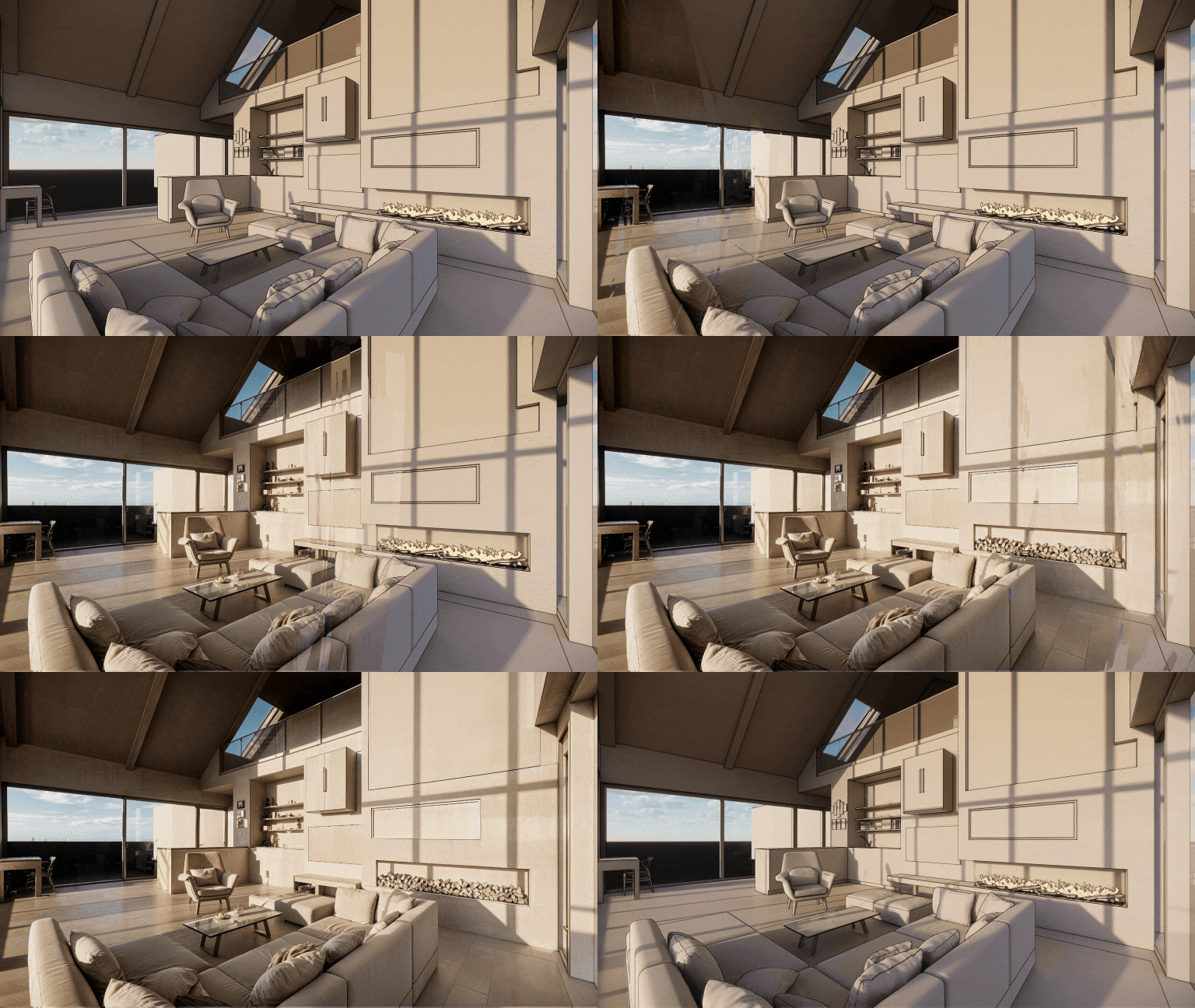
Render
AIPrzekształć dowolny zrzut ekranu 3D w fotorealistyczny render za pomocą AI. Render AI zachowuje geometrię i tekstury z precyzją.
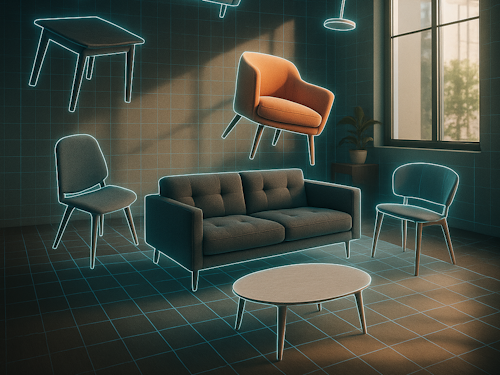
Przestrzeń 3D
AIPrześlij zdjęcie pokoju, przeciągnij obrazy mebli i zobacz wszystko w 3D, idealnie rozmieszczone i fotorealistycznie wyrenderowane.

Krajobraz
AIZrób zdjęcie, wybierz obszar i styl — otrzymaj fotorealistyczny projekt dopasowany do Twojego miasta, światła i klimatu. Wszystko umieszczone magią AI.

Rozszerz
AIZdjęcie architektoniczne za bardzo przycięte? Rozszerzamy je! AI generuje brakujące elementy strukturalne i detale projektowe. Jak szerokokątny obiektyw z AI.

Wektor
AIPrześlij zdjęcie i otrzymaj precyzyjny eksport wektorowy SVG. Idealny do rysunków technicznych mebli, fasad lub wszelkiego rodzaju produktów do CAD.

Floor Planner
AIPobierz aplikację Luw AI iOS, aby korzystać z Floorplanner AI i rozpocząć tworzenie interaktywnych planów pomieszczeń, które lepiej wykorzystują Twoją przestrzeń
Najbardziej Zaawansowany
AI Pakiet Projektowy
Przekształć swój kreatywny proces pracy z naszymi potężnymi narzędziami projektowymi opartymi na AI. Od koncepcji do realizacji, twórz oszałamiające wizualizacje na platformach iOS, macOS i Web.

O nas
Czym jest Luw.ai i do czego służy?
Jakie oprogramowanie 3D jest kompatybilne z Luw.ai?
Czy mogę modyfikować konkretne części mojego projektu?
Czy mogę używać Luw.ai do projektów komercyjnych?
Jak korzystać z funkcji eksportu HD - 4K - 8K lub Supersize?
Czy mogę używać odręcznych szkiców?
Kto może korzystać z Luw.ai?


Uczy się od najlepszych architektów,
i projektuje dla Ciebie w sekundy
Projektuj swoje wnętrza i przestrzenie zewnętrzne za pomocą zdjęcia i obserwuj, jak Luw AI natychmiast działa swoją magią.
Dołącz do 3M+ projektantów już korzystających z Luw AI.