
AI for 建築家s from sketch to render 数秒で
luw.ai is an AI platform built for architects and interior 人以上のデザイナーが参加. Upload a hand sketch, a SketchUp or Revit export, a floor plan or a reference photo, and get a photorealistic render in under 10 seconds — 4K standard, up to 8K, geometry preserved. Then design in 3D with Studio and let Archiagent draw, furnish and audit the plan. No install, no GPU, no licence. 3M+ architects, studios & students.


3M+ architects & studios
最大 8K
Photoreal 建築家ural Render
10s
スケッチ to Render
世界をリードする企業から信頼されています
最高の内装・外装AI







500以上のニュースサイトで紹介


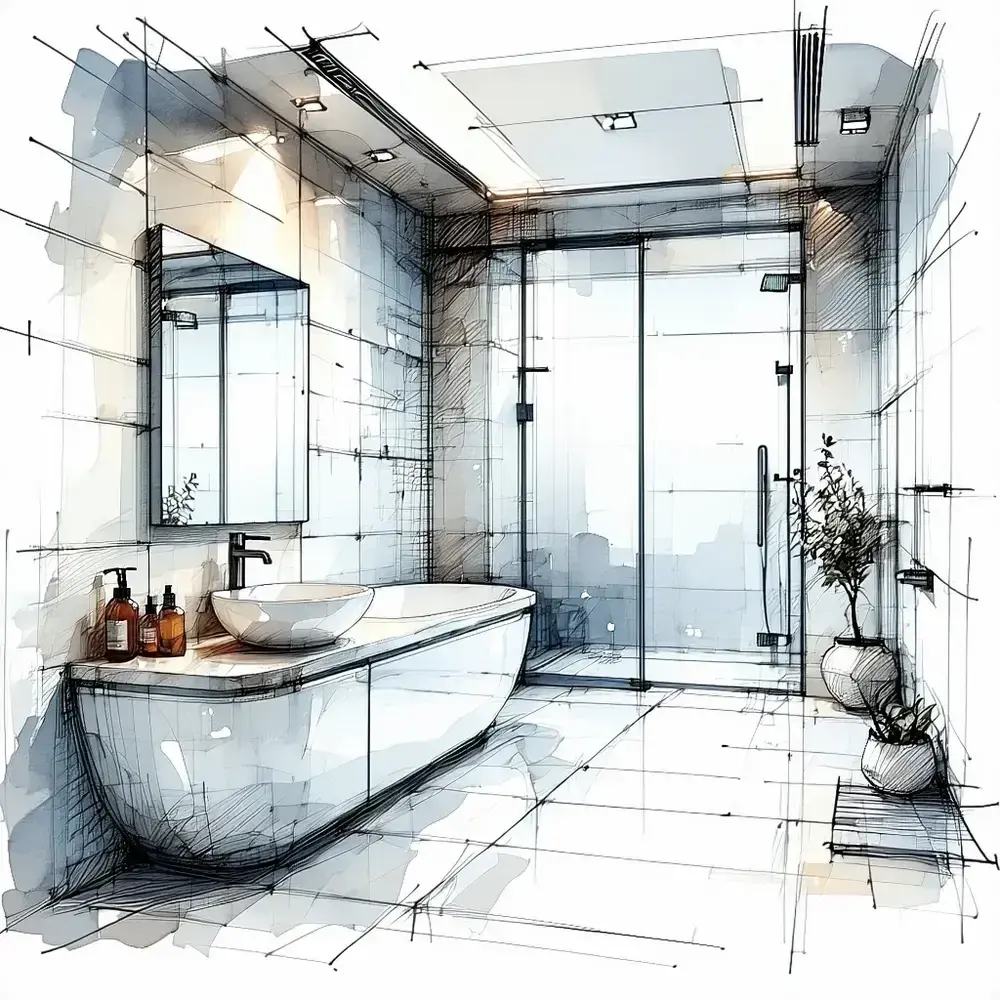
ビフォー
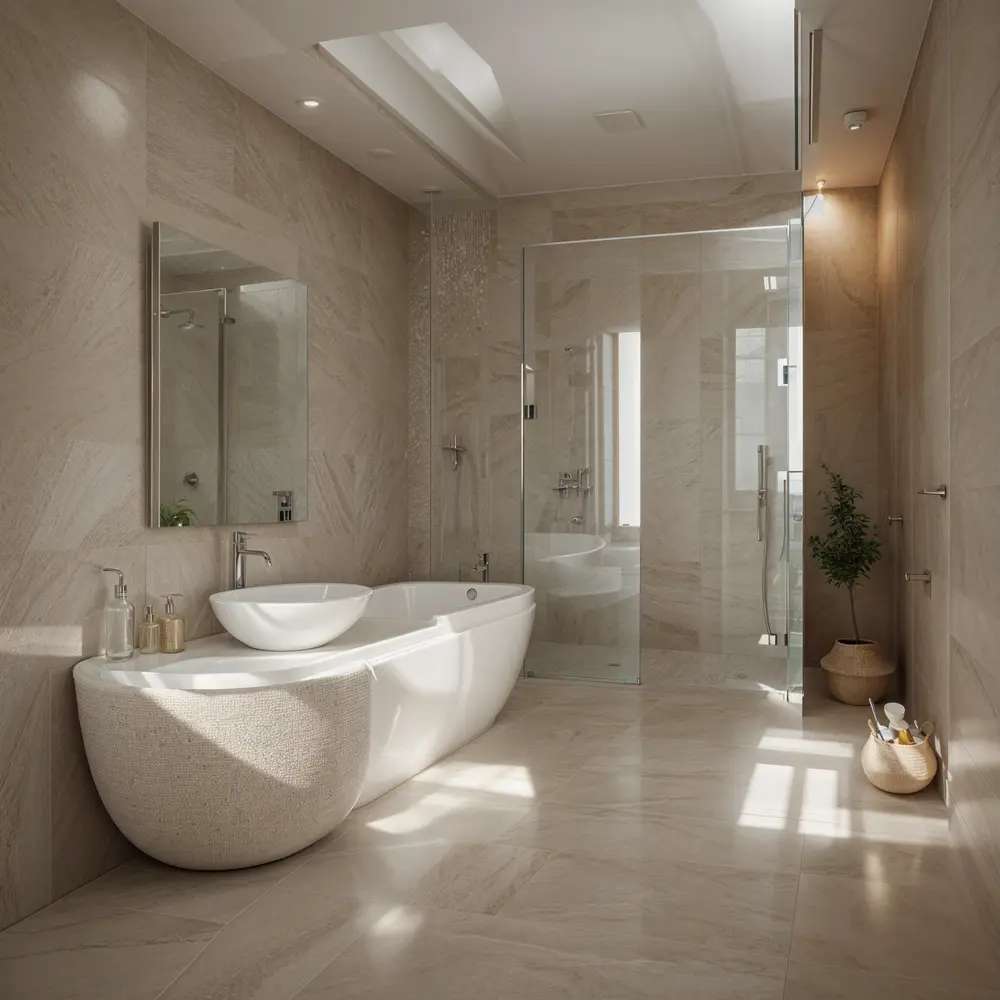
アフター
Plays nicely with everything
Compatible with your favorite architecture software
Export any viewport, axonometric, sketch or floor plan from your existing tools — Luw.ai turns it into a photoreal architectural render. No plugins, no install.
01 — スケッチ to Render AI
From hand sketch to photorealistic architectural render
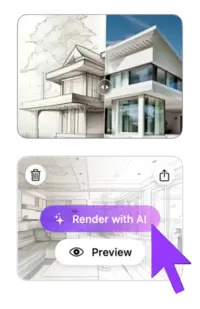
Drop in a napkin sketch, line-art elevation or SketchUp viewport. The AI infers depth, materials, lighting and context — and returns a photorealistic architectural visualization in under 10 seconds. Iterate with one-click style variations until your concept lands with the client.
- ✓ Works with hand sketches, line drawings, axonometrics & perspectives
- ✓ Geometry-locked: AI preserves your architectural intent
- ✓ 4K output (up to 8K), instant material & lighting variations
02 — AI 内装 Design from Photo & Photo-to-Render
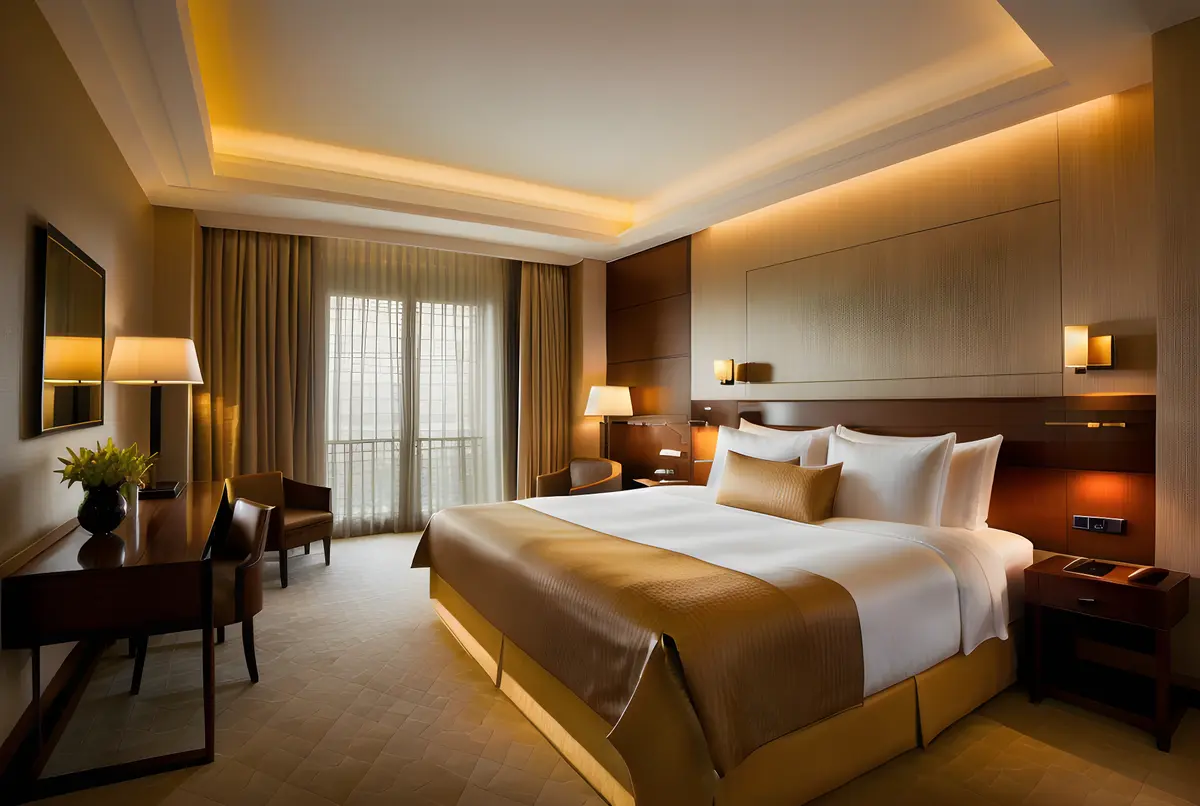
AI interior design from photo — restyle any architectural photo 数秒で
luw.ai restyles any architectural photo with AI. Upload a site photo, an existing room, or a raw SketchUp/Revit render, and the AI swaps materials, lighting, time-of-day and surroundings while preserving the original geometry. With 40+ architectural styles it suits client pitches, planning boards, competition entries and virtual staging.
- ✓ 40+ architectural styles (modern, brutalist, minimalist, biophilic, japandi…)
- ✓ Material swap: concrete, timber, brick, glass, stone, metal
- ✓ Day/night, sunny/overcast, dusk & golden hour lighting
03 — AI for Floor Plan & 3D Floor Plan
AI 間取り作成 & 3D floor plan rendering — no Lumion required
Luw.ai is the only AI for floor plan work that goes both directions: generate clean 2D floor plans from a brief or hand sketch, or convert your existing CAD floor plans into rendered 3D floor plans and photoreal interior/exterior views. 無料 floor plan AI for early-stage concept work, schematic design and selling the dream before construction starts.
- ✓ AI 間取り作成 from brief or hand sketch — free tier included
- ✓ 2D floor plan → 3D floor plan + photoreal interior in one step
- ✓ Export up to 8K renders, isometric views & client-ready boards
最大 8K
Photorealistic AI render
Designs for you
Floorplan AI Agent
04 — 外観 建築家ure Rendering
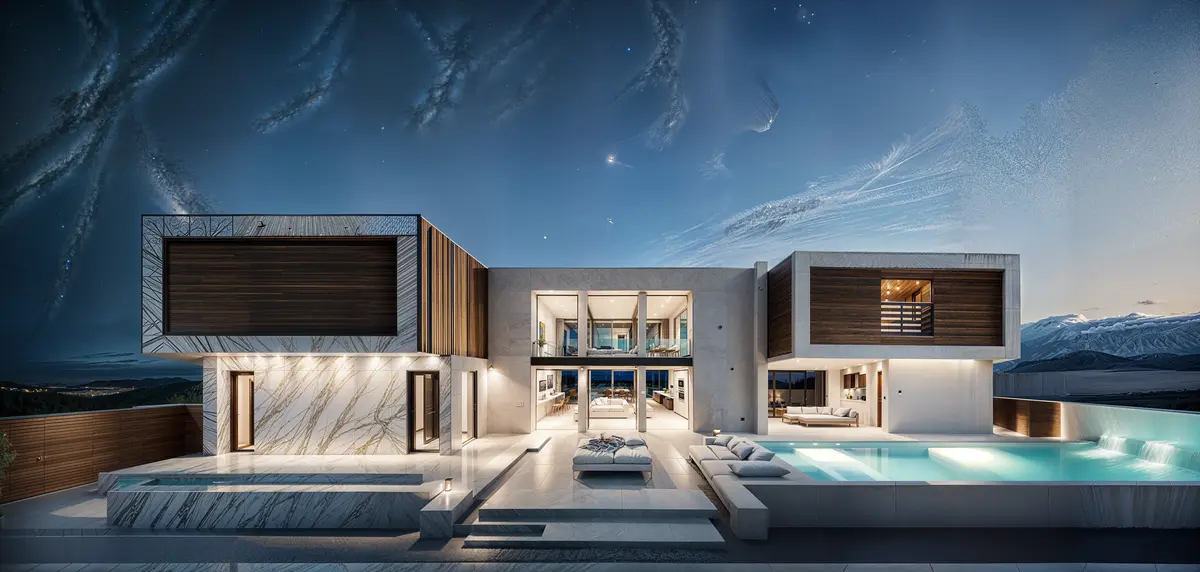
外観 renders that win the pitch
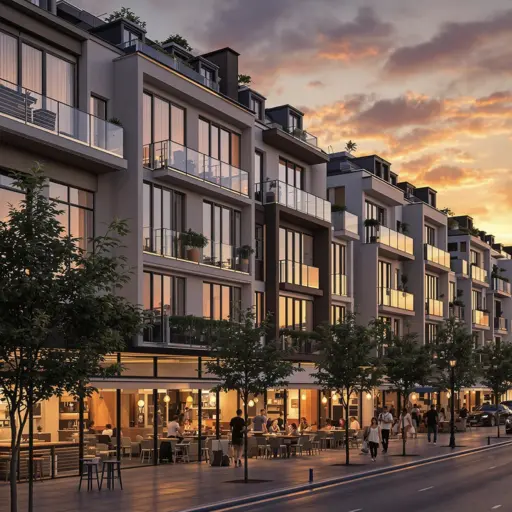
Façade studies, urban context, landscape integration, planning submissions — all from a SketchUp viewport, Revit export, hand sketch or site photo. Cinematic AI rendering for residential, commercial and urban architecture.
- ✓ Single-family, multi-family, commercial & mixed-use
- ✓ Add context: trees, cars, people, sky, neighborhood
- ✓ Façade material studies 数秒で, not days
05 — luw.ai Studio
Studio — design in 3D and render on one canvas
luw.ai Studio is a browser-based 3D building editor with AI render built in. Most AI tools take a screenshot of your model; Studio is the model. Build multi-storey buildings, curved walls, columns, stairs and roofs, then render any view photorealistically without leaving the canvas — or walk through it in first person.
- ✓ Build — walls, 9 door types, 10 window types, 7 roof types, parametric columns
- ✓ Furnish — 150+ catalog items, placed with code-level rules
- ✓ Render & Walk — first-person walk mode, 8K render from the same view
06 — Archiagent
Archiagent — the first self-auditing AI architect
Archiagent is an AI agent that designs and checks its own work. Give it a brief — "a 1-bed, 80m² apartment, kitchen on the south wall" — and it draws the rooms to scale, places every fixture by architectural rules, then audits the plan in 2D for door-swing arcs, clearances and collisions. Most AI guesses; Archiagent verifies.
- 1. Brief → natural language in
- 2. Build & furnish → rooms + items, code-level placement
- 3. Self-audit → mandatory 2D pass, red swing arcs, zero clearance violations
07 — アーキGPT & AI Concept Design 建築家ure
The best AI for architecture concept design — your AI co-architect
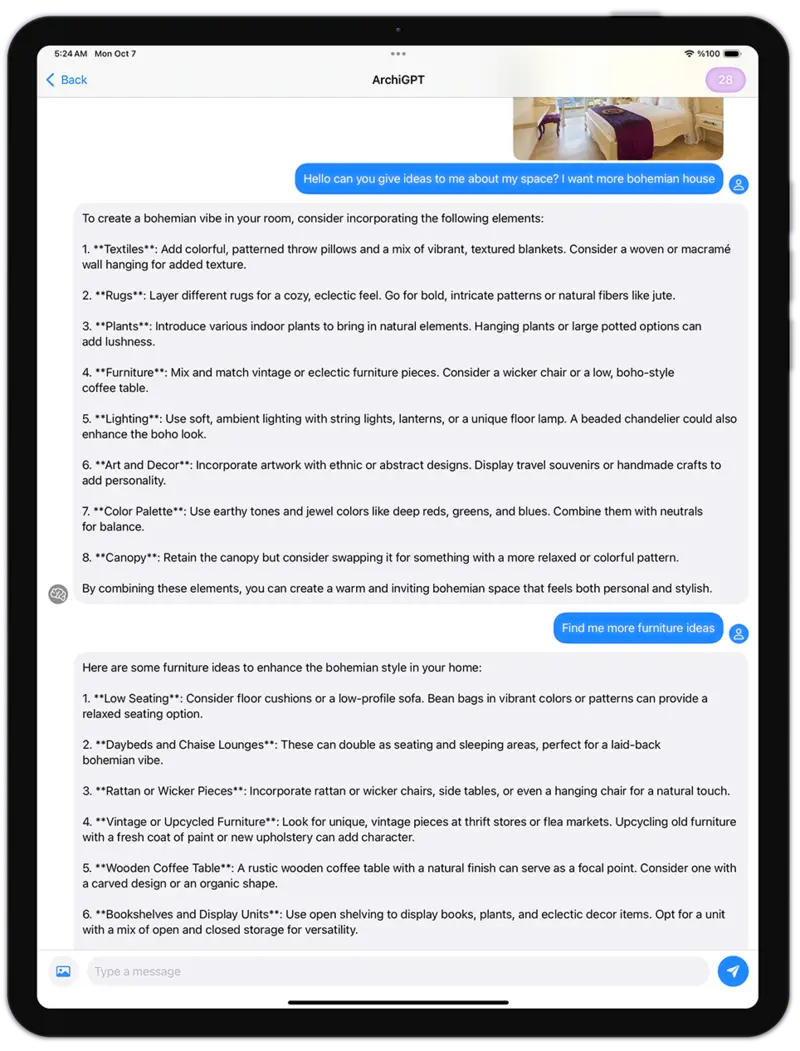
アーキGPT is purpose-built for architectural reasoning and AI concept design: brief-to-concept, programme analysis, façade composition critique, materials advice and reference image generation. Trained on architecture — not generic AI art. The best AI for architecture brief work, not just rendering.
- ✓ Brief → concept moodboard in 30 seconds
- ✓ Critique on proportions, rhythm, hierarchy
- ✓ Material & style references with one-click render
すべてを支えるスタジオ
Luw.ai Studio — チャットであなたの建物を設計
Luw.ai Studio は、上記すべてを支えるブラウザネイティブの AI 間取り作成兼 3D デザインスタジオです。要件を入力するか、写真をドロップするだけで、 Archiagent(エディター内蔵の AI 建築家)が間取りを作図し、3D でモデリングし、すべての部屋を実寸で家具配置し、2D で自らの作業を検証して、あらゆるビューを最大 8K でレンダリングします。CAD 不要、インストール不要、GPU 不要。
AI 間取り作成
一文が実寸の 2D & 3D 間取りに — 壁、9 種類のドア、10 種類の窓、パラメトリックな柱、階段、7 種類の屋根を、リアルタイムの寸法表示とともに。
写真から間取り
間取り画像、スケッチ、iOS RoomPlan スキャンをドロップすれば、Archiagent がそれを、設計を続けられる実在の編集可能な 3D シーンとして再構築します。
自己検証する AI 建築家
40 種類以上の確定的ツール、ハードバリデーター、必須の 2D セルフチェック — ドアの開閉軌跡、クリアランス、配管壁を徹底します。推測せず、検証します。
8K でレンダリング & ウォーク
一人称でウォークスルーし、任意のビューをフォトリアルまたはスタイライズで、最大 4K・8K までレンダリング — すべて同じキャンバス上で、エクスポートの往復なしに。
The best AI tools for architects in 2026
The complete AI toolkit for architects — 23 tools, one canvas
luw.ai bundles 23 AI tools for the architecture workflow under one subscription: rendering, floor plans, 3D editing, concept design, region editing and a self-auditing AI agent. Each tool is its own product, and they share one canvas, one credit balance and one login.
内装 AI
Redesign any room from a photo. 40+ interior styles for architects & clients.
Explore 内装 AI →外観 AI
Façade studies, urban context & landscape integration 数秒で.
Explore 外観 AI →3D AI
Image-to-3D model generation. Export GLB for SketchUp, Blender & Revit.
Explore 3D AI →Render AI
Photorealistic AI rendering hub — sketch, image & prompt to render.
Explore Render AI →アーキGPT
AI co-architect for concepts, briefs, critique & references.
Open アーキGPT →スケッチ AI
Hand sketch & line drawing to photoreal architectural render.
Explore スケッチ AI →Enhance / Upscale AI
Upscale low-res renders up to 8K. Sharpen textures, fix details.
Explore Enhance AI →マジックワンド AI
Precise region editing: change materials, swap furniture, fix details.
Explore マジックワンド →マジックプロンプト AI
プロンプト-only editing — describe the change, AI applies it.
Explore マジックプロンプト →家具を削除 AI
空室 any room for clean architectural shots & virtual staging.
Explore 家具を削除 →luw.ai Studio
ブラウズr 3D building editor — walls, doors, columns, roofs, walk mode.
Open Studio →Archiagent
Agentic AI that draws, furnishes & self-audits plans in 2D.
Try Archiagent →3DSpace AI
Drag real furniture images into a true 3D scene — not faked.
Open 3DSpace →Video AI
Cinematic flythrough videos from your render — same canvas.
Open Video AI →Mood Board AI
Brief → moodboard in 30s. Material, style & reference picks.
Open Mood Board →ランドスケープ AI
Site context, trees, terrain & landscape integration.
Open ランドスケープ →Floor Planner
2D floor plan editor — walls, doors, dimensions, room labels.
Open Floor Planner →拡張 AI
Outpaint & extend renders — widen the frame, add context.
Open 拡張 AI →ベクター AI
Convert renders into scalable vector line art for diagrams.
Open ベクター AI →パターン AI
Generate seamless textures, tiles & façade patterns.
Open パターン AI →Fluw
ワンクリックのレンダー高画質化r — fix details, sharpen materials.
Open Fluw →背景を変更
Swap sky, surroundings or backdrop without re-rendering.
Open Change BG →価格 & 無料 Plan
無料 tier for architects & students. Studio plans from $0/mo.
See pricing →AI for architecture at every stage of the workflow
AI for architecture — from the first sketch to the last client board
luw.ai covers the entire architectural pipeline — rendering, floor plans, 3D editing and concept design — in one cloud platform.
Residential & AI home design
Single-family homes, ADUs, multi-family, renovations. Photoreal exterior & interior renders for clients before construction starts.
Commercial architecture render AI
Offices, retail, hospitality, mixed-use. Win pitches with cinematic AI rendering — same day, no render farm, no licence fee.
Urban & landscape
Masterplans, public realm, streetscapes. Drop in context — trees, people, cars, sky, neighborhood.
Concept & competition design
Brief to moodboard to concept render in 30 minutes. Iterate 50 variations a day instead of 5 a week.
Planning & permission
Contextual visualizations for planning submissions, heritage panels and community consultation boards.
Real estate & marketing
Off-plan marketing, virtual staging, brochure renders. From SketchUp model to listing-ready 4K (up to 8K) 数秒で.
Honest AI rendering software comparison
Best AI rendering software for architects: Luw.ai vs Lumion, D5 Render, V-Ray, Enscape & PromeAI
luw.ai differs from Lumion, D5 Render, V-Ray and Enscape by running in the browser with no install and no GPU, rendering in about 10 seconds instead of minutes to hours. Unlike PromeAI it is purpose-built for architecture rather than general AI art, and unlike all of them it includes a self-auditing AI agent.
| Luw.ai | Lumion | D5 Render | V-Ray | Enscape | PromeAI | |
|---|---|---|---|---|---|---|
| Built for architects | ✓ | ✓ | ✓ | ✓ | ✓ | General AI art |
| Time per render | ~10 sec | 5–30 min | 30 sec–5 min | 20 min–6 h | Real-time* | ~30 sec |
| Install required | No (cloud) | Yes | Yes | Yes | Yes | No (cloud) |
| Powerful GPU required | No | RTX-class | RTX-class | Yes | RTX-class | No |
| 無料 tier | ✓ Generous | Trial only | 無料 plan | No | Trial only | Limited |
| Max resolution | 最大 8K | 4K+ | 4K+ | Unlimited* | 4K+ | 4K |
| スケッチ to render | ✓ | — | — | — | — | ✓ |
| Photo to photoreal restyle | ✓ | — | — | — | — | Partial |
| SketchUp / Revit / Rhino workflow | Export & drop | Plugin | Plugin | Plugin | Plugin | Export & drop |
| Real browser 3D editor | ✓ Studio | Desktop only | Desktop only | — | Plugin host | — |
| AI agent + self-audit | ✓ Archiagent | — | — | — | — | — |
| Learning curve | 数分 | Days–weeks | Hours–days | Weeks–months | Hours–days | 数分 |
*Enscape is real-time but requires the host CAD app to be open and a powerful GPU. Comparison reflects typical architect workflows as of 2026; vendors update features frequently.
ご利用の流れ
From concept to client-ready in five steps
Upload
スケッチ, photo, SketchUp/Revit/Rhino viewport or floor plan.
Choose style
40+ architectural styles, materials & lighting presets.
Render in 10s
AI generates a photorealistic render at 4K (up to 8K) — geometry locked.
Iterate
One-click variations, マジックワンド region edits, prompt tweaks.
Deliver
Export PNG/JPG up to 8K, share link, or drop into your client deck.
Loved by architects worldwide
What architects say about Luw.ai
"We were paying a render farm $400 per board and waiting 48 hours. Luw.ai gives me a better-looking render in ten seconds from a SketchUp viewport. We won three pitches this month using it."
"I was a Lumion power user for six years. I haven't opened it in four months. Luw.ai is faster, the materials look better out of the box, and there's no rendering queue eating my evenings."
"As an architecture student, I can't afford V-Ray or D5 Render. The free tier on Luw.ai lets me deliver studio reviews at the same quality as the firms my classmates intern at. Game changer."
無料 AI for architects & students
AI rendering free for architects — pay only when you scale
無料 AI rendering for architects: daily renders, full-resolution previews and every architectural style on the free plan. 無料 AI 間取り作成. Studio & enterprise tiers add unlimited 4K and 8K exports, team workspaces and priority queue.
建築家 FAQ
Questions architects actually ask
What is the best AI for architects in 2026?
For architectural visualization specifically, Luw.ai leads the field for sketch-to-render, photo-to-photoreal restyle and floor-plan-to-3D in 2026. Unlike Lumion or D5 Render it needs no install and no GPU; unlike PromeAI it is purpose-built for architecture rather than general AI art. The free tier covers full-resolution previews so most architects can ship client boards without paying.
Will AI replace architects?
No. AI replaces the slow, repetitive parts of architectural visualization — manual rendering, lighting setup, material assignment, post-production, render-farm bills — not the design judgment, regulation, structure or client relationships that define the profession. 建築家s who adopt AI rendering early ship 5–10× more concept iterations and win measurably more pitches.
How does AI rendering for architects actually work?
You upload a sketch, SketchUp/Revit/Rhino viewport, axonometric, floor plan or reference photo. Luw.ai's architecture-tuned diffusion model preserves your geometry and re-paints it with photoreal materials, contextual lighting and surroundings. Render time is typically under 10 seconds at 4K (with up to 8K available). You can lock geometry, restyle materials, swap time-of-day or apply マジックワンド region edits.
Can I use Luw.ai with SketchUp, Revit, Rhino, ArchiCAD, 3ds Max or Blender?
Yes — every major architecture tool. Export any viewport, axonometric, elevation or sketch as JPG/PNG (or use a 2D plan from AutoCAD/Vectorworks/Chief Architect) and drop it into Luw.ai. The AI preserves your geometry and applies photoreal materials, lighting and context. No plugin install required.
Is there a free AI rendering tool for architects?
Yes. Luw.ai's free tier includes daily renders, full-resolution previews and every architectural style. No credit card required. 建築家ure students get extended free access — perfect for studio reviews, thesis projects and portfolio work.
Can AI generate a photorealistic render from just a hand sketch?
Yes. スケッチ-to-render is one of the most popular workflows on Luw.ai. Upload a napkin sketch, concept drawing or line-art elevation — even a phone photo of paper. The AI infers depth, materials, lighting and surrounding context to produce a photorealistic architectural visualization. See スケッチ AI for the dedicated workflow.
Can AI generate floor plans?
Yes. Luw.ai's AI 間取り作成 turns a brief or hand sketch into a clean 2D floor plan, and converts existing CAD floor plans into rendered 3D interior or exterior views — useful for schematic design, client communication and real-estate marketing.
Luw.ai vs Lumion vs D5 Render vs V-Ray vs Enscape vs PromeAI — which should I pick?
Lumion, D5 Render, V-Ray and Enscape are traditional 3D rendering engines — they require a paid licence, a powerful GPU, plugin setup and a learning curve measured in days to months. PromeAI is general-purpose AI art with some architecture presets. Luw.ai is the only option built end-to-end for architects with cloud rendering (no install/GPU), sub-10-second turnaround, a free tier and architecture-specific tooling (sketch-to-render, floor-plan-to-3D, アーキGPT). Many studios run Luw.ai alongside Lumion/D5 for early concept work and switch to the traditional pipeline only for final hero shots.
Is Luw.ai suitable for planning permission boards and client presentations?
Yes. Renders are 4K standard with up to 8K available, photoreal and consistent across iterations — suitable for client pitches, planning permission submissions, heritage consultation, real-estate off-plan marketing and competition entries. Use Enhance AI to upscale further for billboard-size prints.
Can the AI render exteriors as well as interiors?
Yes — both with dedicated workflows. See 外観 AI for façade studies, urban context and landscape integration, and 内装 AI for room-by-room photoreal interior architecture.
Which AI tools for architects are actually worth using?
The shortlist of AI tools for architects that actually save studio time: an AI rendering engine purpose-built for architecture (Luw.ai Render AI), an AI 間取り作成 (Luw.ai's AI for floor plan workflow), sketch-to-render (スケッチ AI), an AI for architectural visualization that locks geometry (内装 AI & 外観 AI), and an AI co-architect for concept design and critique (アーキGPT). Avoid general-purpose AI image generators — they ignore your geometry. Avoid AI tools for architects that are just GPT wrappers — they don't render.
What is the best AI for interior design in 2026?
For architects and interior 人以上のデザイナーが参加 who need to deliver client work, the best AI for interior design in 2026 is one that locks your room geometry, restyles materials photorealistically, supports AI interior design from photo input, and offers a free tier — see Luw.ai's dedicated 内装 AI page. For pure inspiration moodboards, general AI 画像ツール work; for delivery, only geometry-aware AI room design and AI home design tools produce usable, consistent output.
How is this different from Midjourney, DALL·E or generic AI image generators?
General AI image generators produce pretty pictures but ignore your geometry — every iteration is a different building. Luw.ai's models are tuned for architecture and lock to your input geometry, so the building you designed is the building that renders. That's the difference between concept art and architectural visualization.
Do you offer a discount for architecture students and schools?
Yes — architecture students get extended free access and architecture schools can request classroom plans. Email us with your .edu address or student ID. Many of our most-loved features were built after listening to studio crit sessions.
AI for architects, 数秒で.
From sketch, photo or floor plan to photorealistic architectural render. No install. No GPU. 無料 for architects & students.
Start rendering - 無料です今日はAIで何を デザインしますか?
デザインワークフローを数秒で変革
ビフォー / アフター
ビフォー / アフター
見たところ、 お部屋は約45平方メートルですね。 このスペースを最適化するお手伝いをします 広々とした感じに するため、 明るい色の パレットを使用します...
アーキGPT
ビフォー / アフター
受賞歴のあるデザイン
最高の建築家から学び、数秒であなたのためにデザインします
あなたのオフィスセットアップに基づき、 最適な照明デザインで to より生産的な ワークスペースに 変換する ビジュアライゼーションを生成します...
アーキGPT
3DGen AI
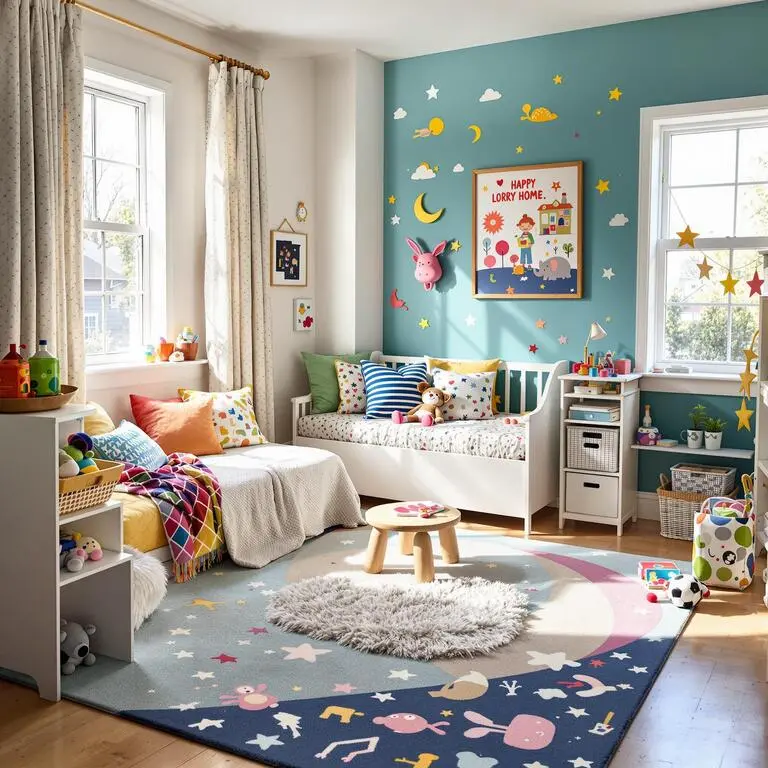
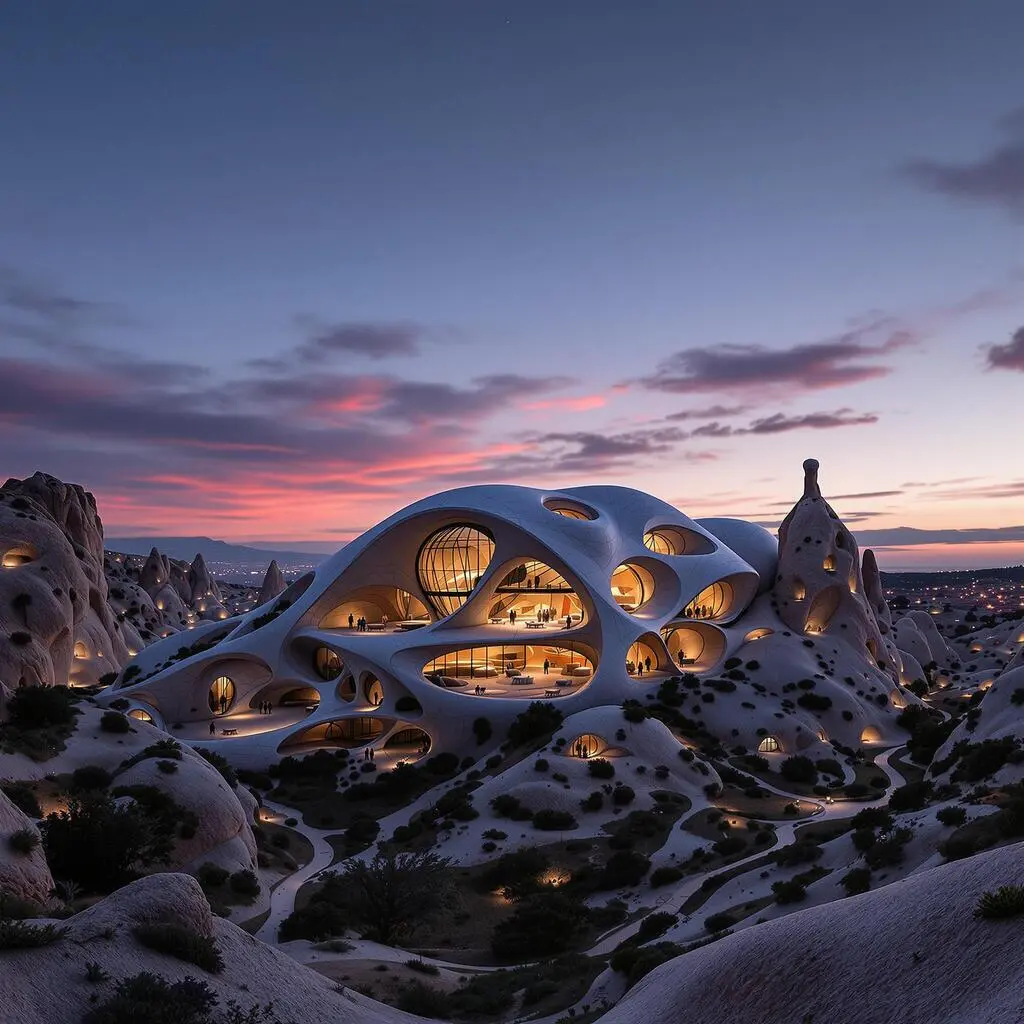
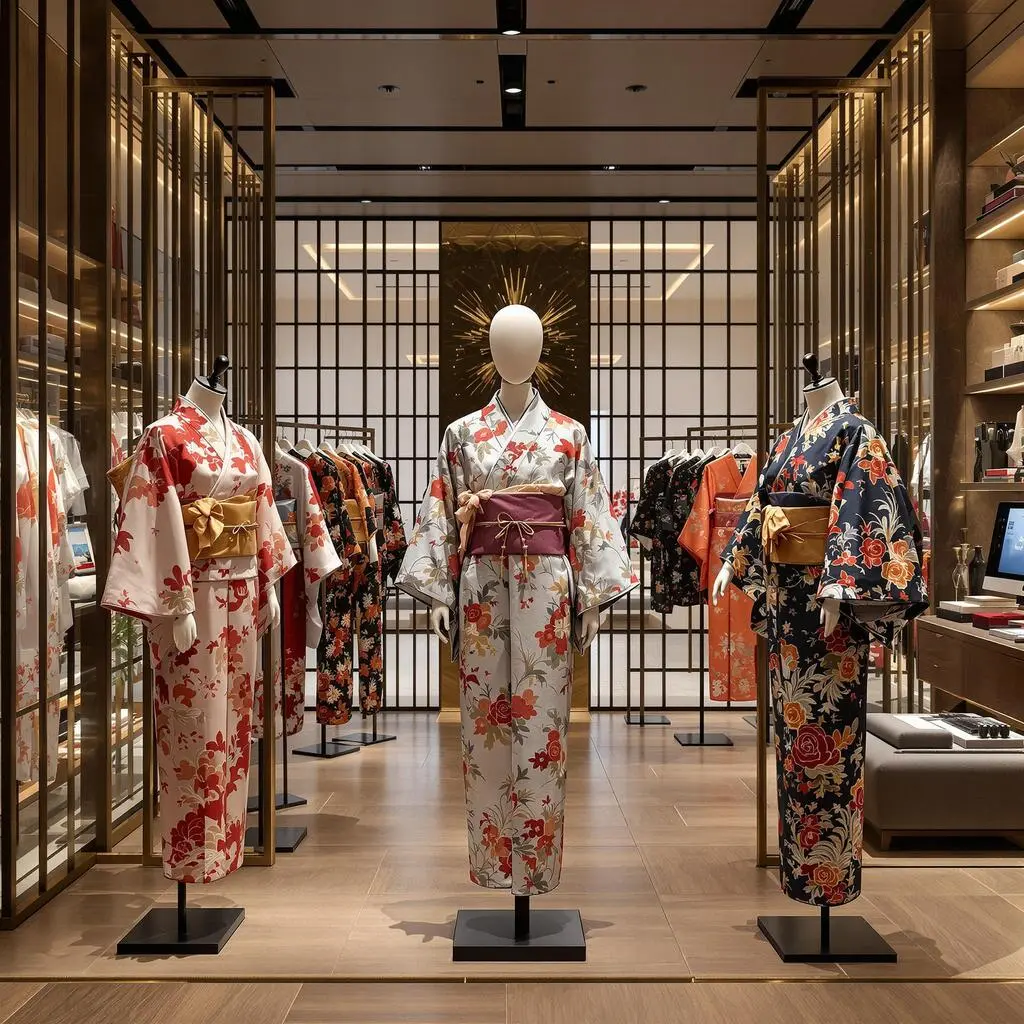
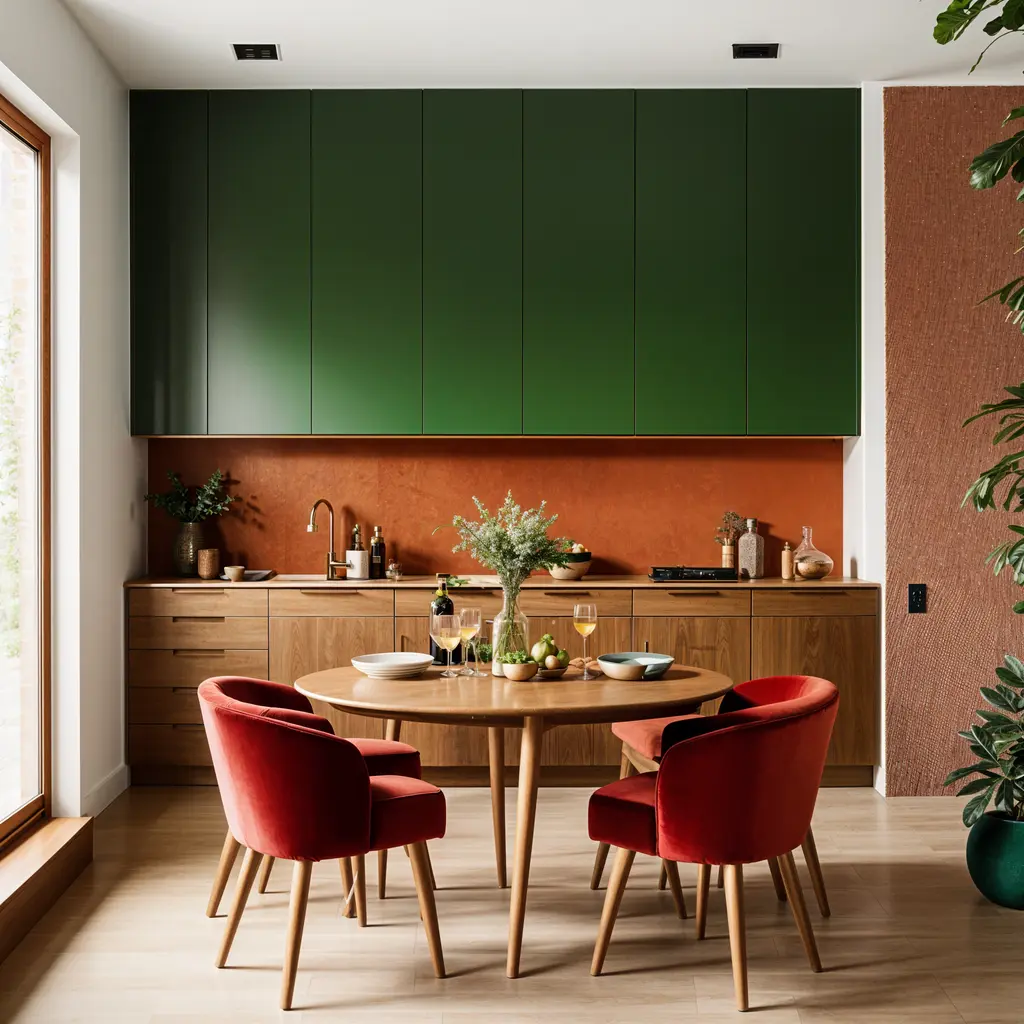
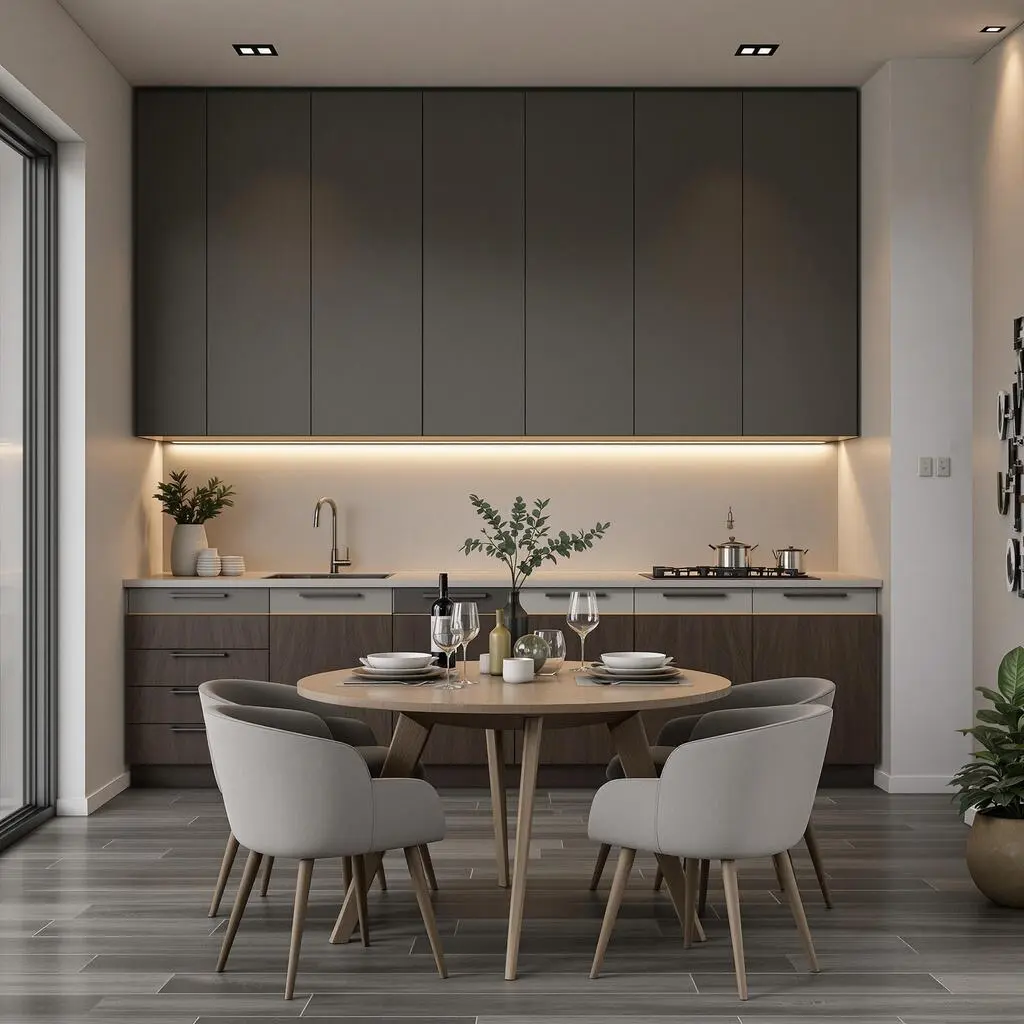
スタイルバリエーション
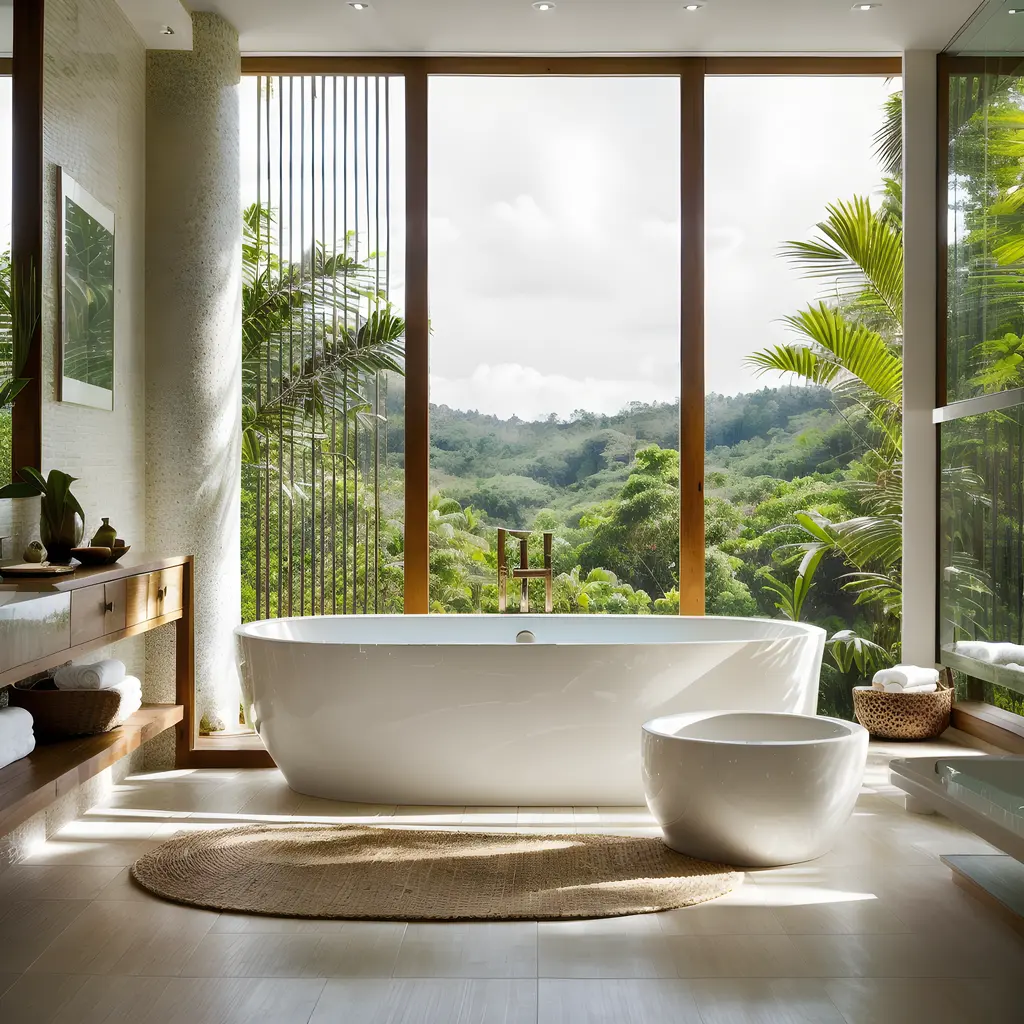
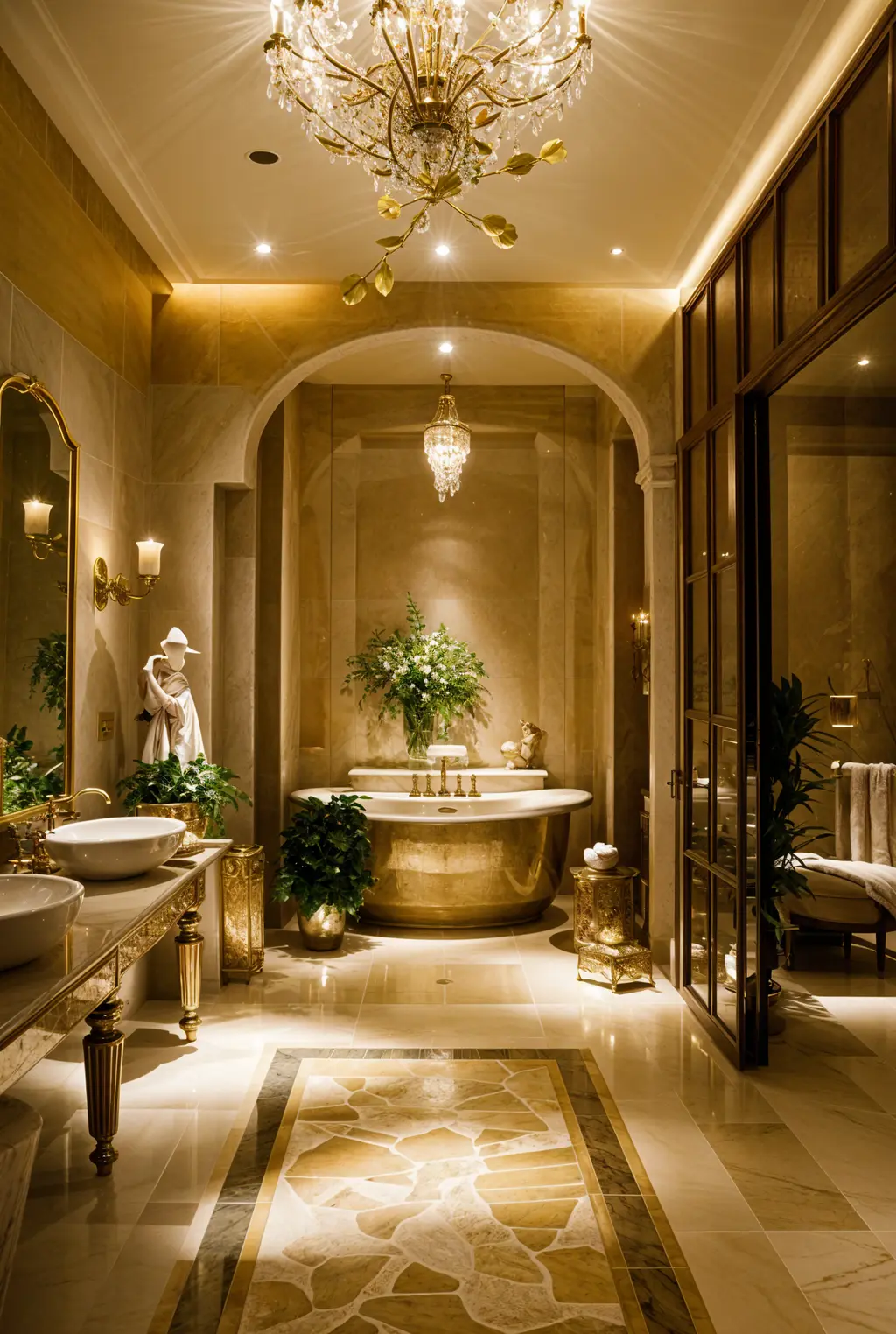
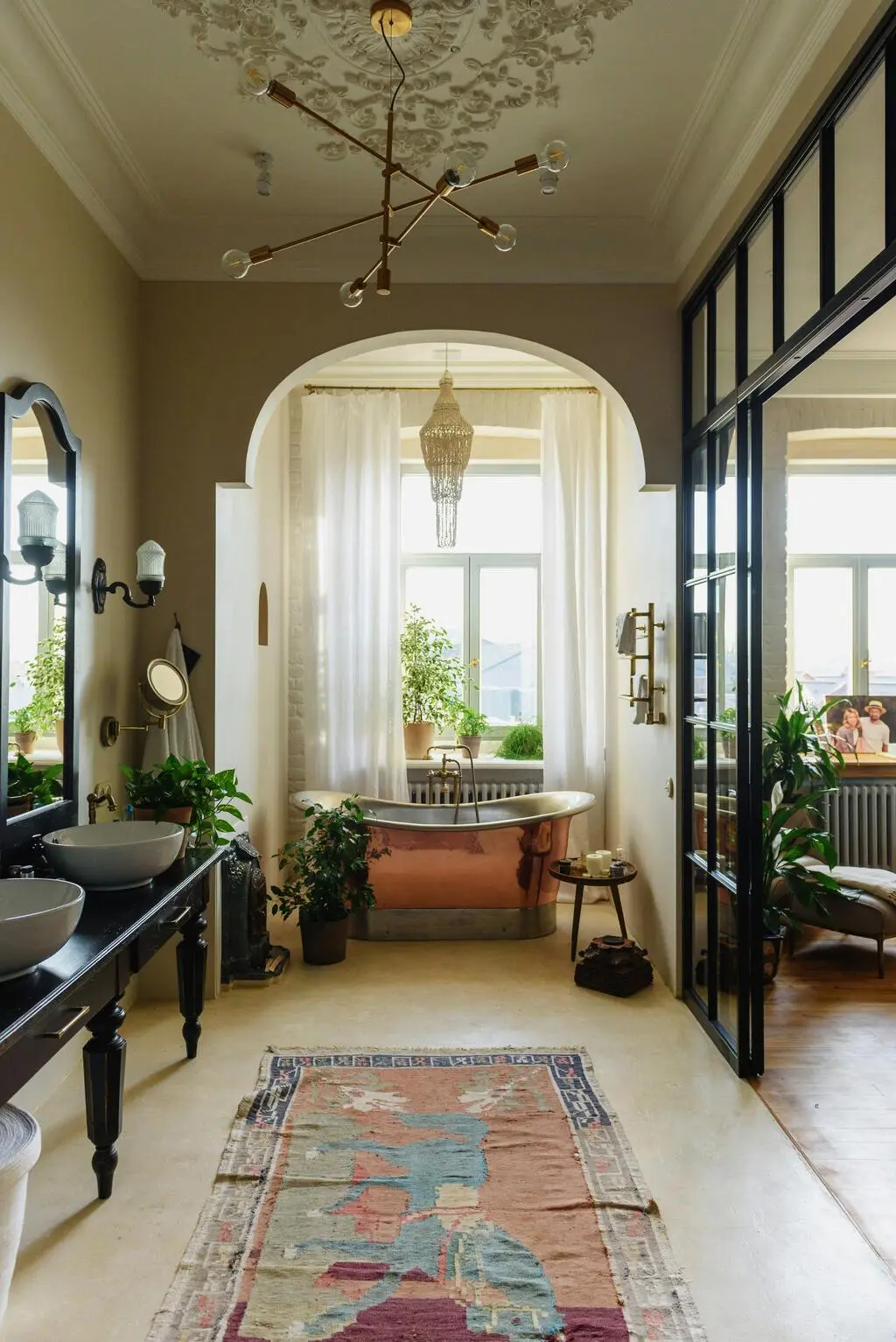
ビフォー / アフター
バスルームが どのように変身できるか お見せしましょう。 クラシックと スパをイメージした要素で...
アーキGPT
数百万人のデザイナーが信頼

250M+
デザイン生成済み

10M+
AIデザインペルソナ作成済み

3M+
参加デザイナー
AI搭載 デザインソリューション
高度なAIモデルでデザインの未来を体験
スケッチ
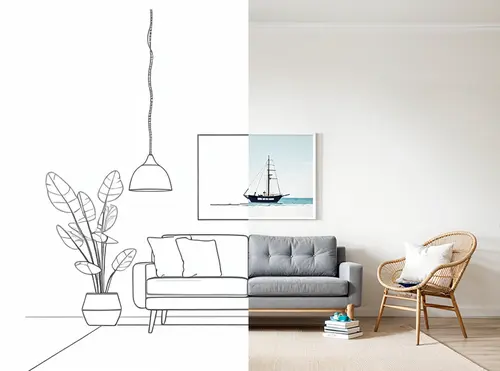
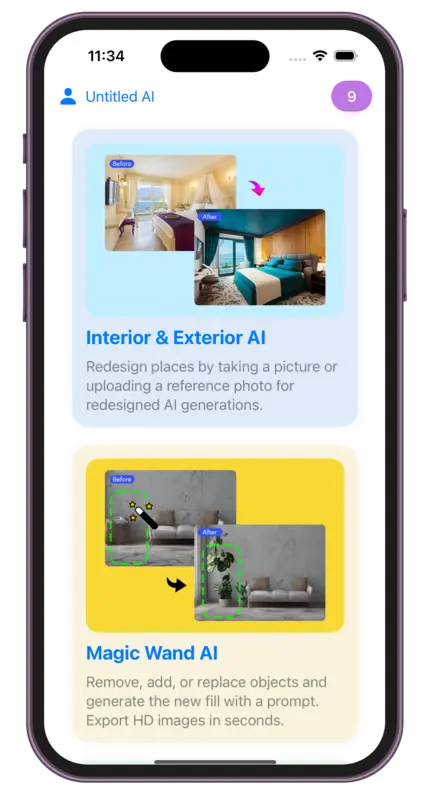
AI強力な AI 下描き→レンダー機能を活用。画像をアップロードし、レンダースタイルを選択するだけ。
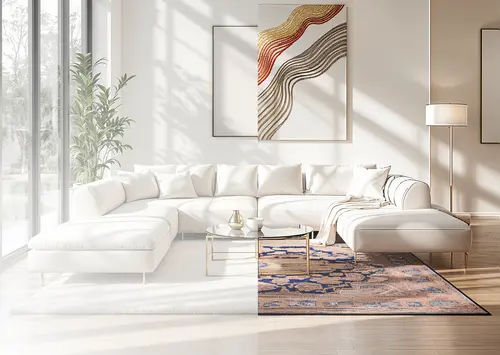
マジックプロンプト
AI簡単なテキスト説明でどんな画像も変換 — スキル不要。数秒でプロンプト編集できます。
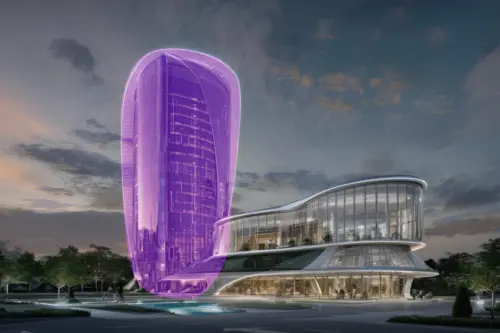
マジックワンド
AIオブジェクトの削除、追加、置き換えを行い、プロンプトで新しい要素をAIで生成します。 Export HD images 数秒で.

Video
AIあらゆるデザインを息を呑む 3D フライスルーへ変換し、ダイナミックな動きであなたのビジョンを驚くほど詳細に具現化します。
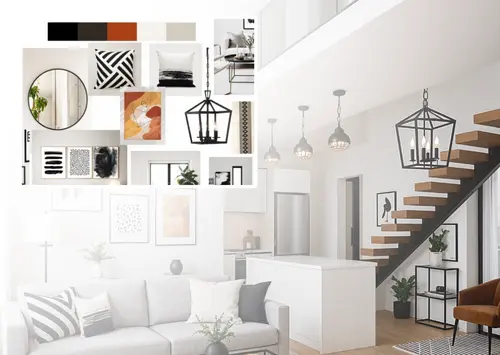
Mood Board
AIムードボードを生き生きと — あなたの空間にレンダリングされた状態を確認し、フルレンダーとして表示したり、新しいムードボードを作成したりできます。
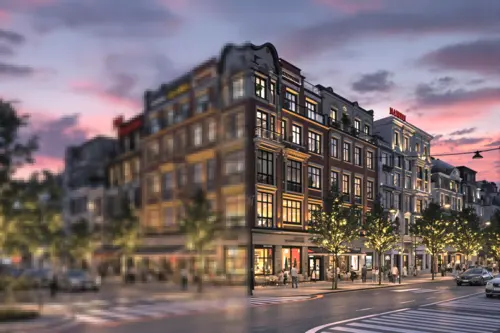
リサイザー
AI簡単にサイズ変更や画質向上、ノイズ軽減、細部の強化ができます。あらゆるデザインニーズに最適です。
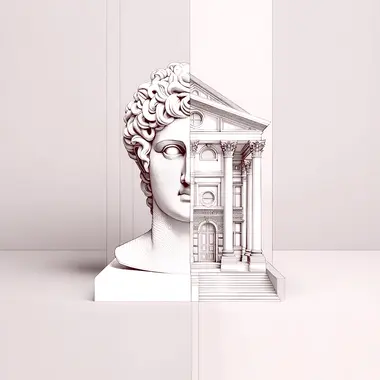
アーキGPT
建築AIとチャット。風水や建築の使いやすさ、パーソナライズされたデザイン提案などのアドバイスを得られます。
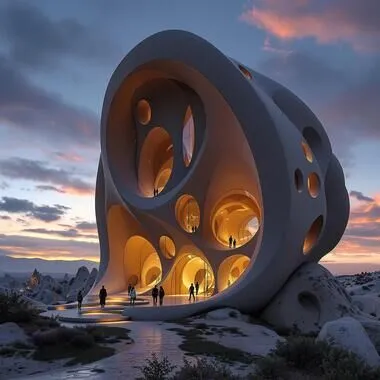
Fluw
AIあなたのビジョンを現実に変える、驚くほどリアルな写真やイラストを生成し、どんなプロジェクトにも対応できます。
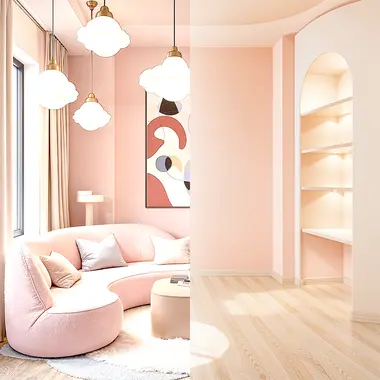
家具を削除
AIを使用して室内画像から家具やオブジェクトを削除。家具付きの空間を空の部屋に簡単に変換。
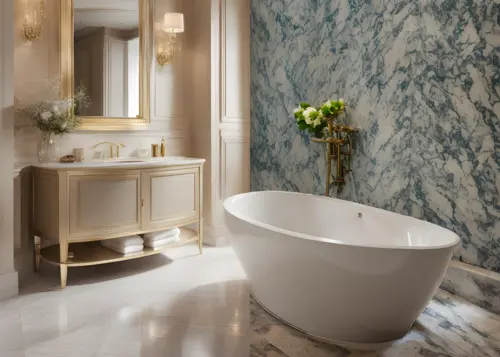
背景を変更
AIAIを活用した広告画像ジェネレーターで、ソーシャルメディアやEコマース向けのプロフェッショナルなマーケティング画像を作成します。

パターン
AIAIを使用してシームレスなパターンを生成。様々な用途に最適なパターンやテクスチャをAIでデザインできます。
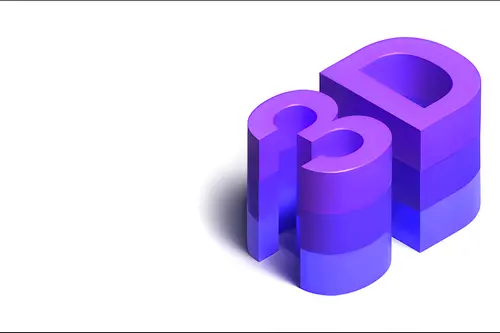
3DGen
テキストで3Dモデルを生成。数分で3Dモデルを確認し、3Dファイルとしてエクスポートできます。
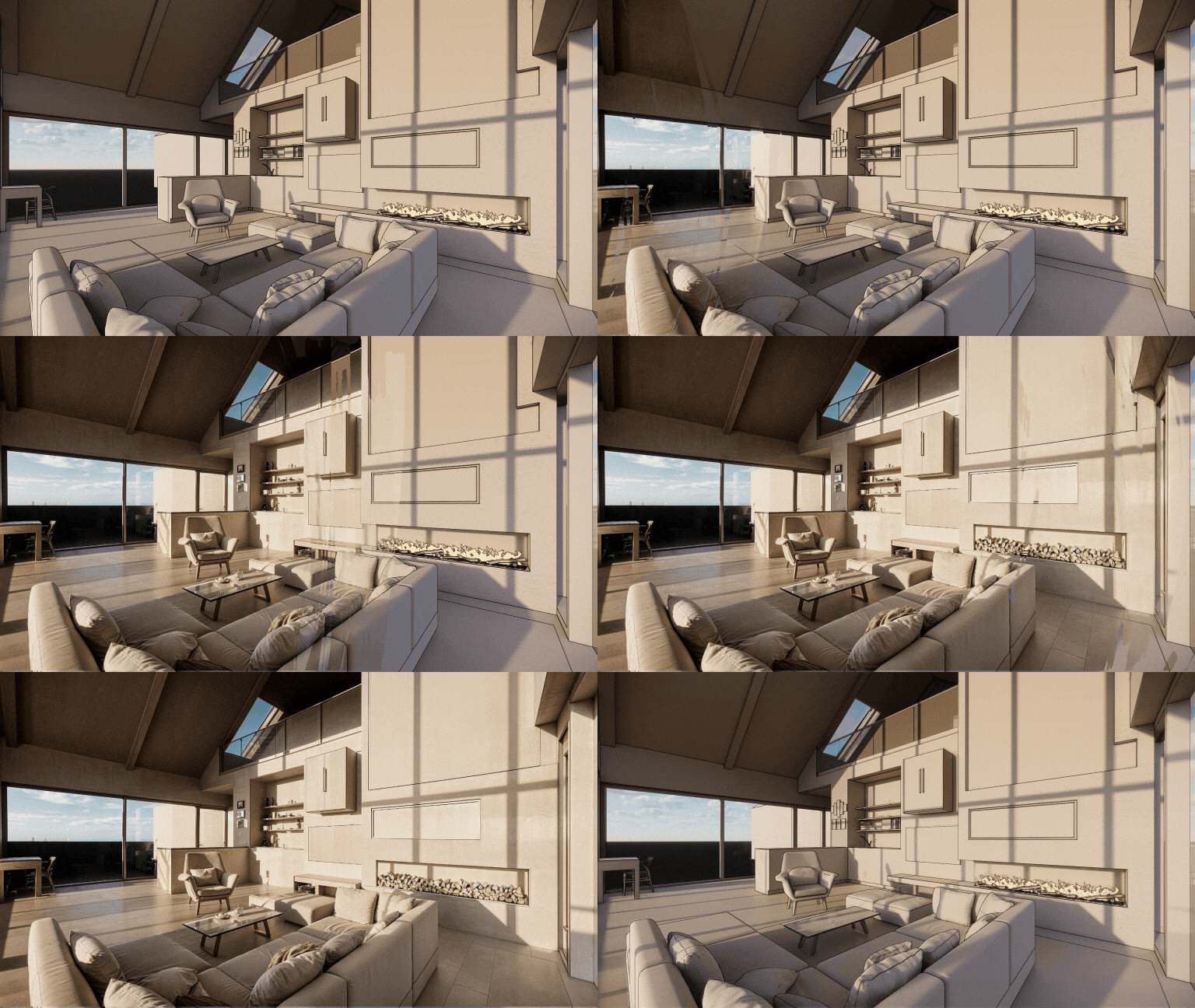
Render
AIAIで任意の3Dスクリーンショットをフォトリアリスティックなレンダリングに変換。Render AIは形状とテクスチャを精密に保持します。
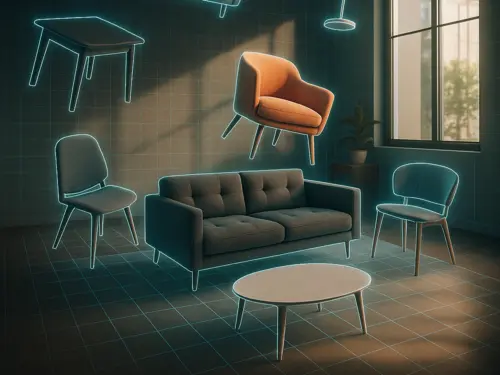
3DSpace
AI部屋の写真をアップロードし、家具の画像をドラッグして、完璧に配置されたフォトリアルなレンダリングを3Dで確認できます。
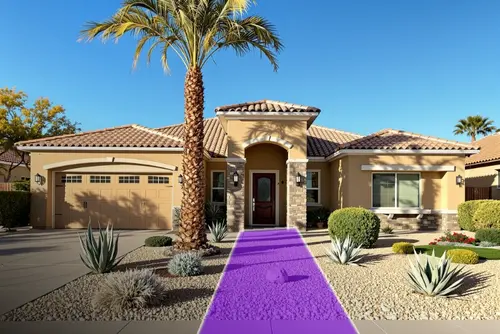
ランドスケープ
AI写真を撮り、エリアとスタイルを選択 — あなたの街、光、気候に合わせたフォトリアリスティックなデザインを取得。すべてAIマジックで配置されます。
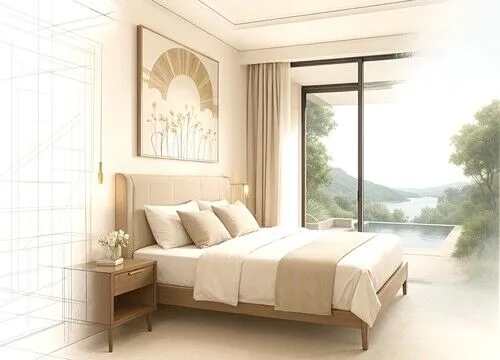
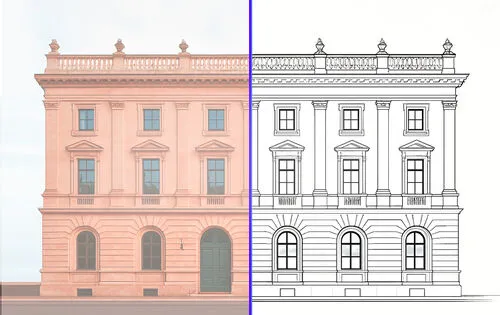
ベクター
AI写真をアップロードして、正確なベクターSVGエクスポートを取得します。家具、ファサード、またはCAD用のあらゆる種類の製品の技術図面に最適です。
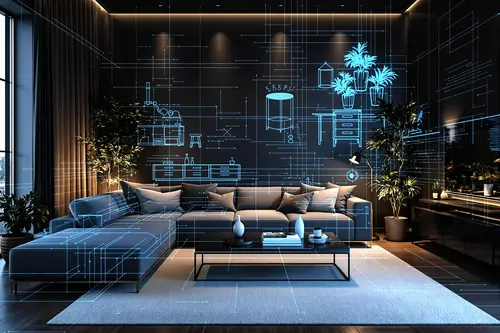
Floor Planner
AIFloorplanner AIを使用して、スペースをより活用できるインタラクティブな間取り図を作成するために、Luw AI iOSアプリをダウンロードしてください
Luw プロジェクトで
チームと共同作業
クライアント、関係者、チームメンバーを、適切なアクセスレベルで任意の Luw プロジェクトに招待しましょう — 閲覧のみ、閲覧 + ダウンロード、または完全な編集。
プロジェクトを共有
他のユーザーを招待してレンダリングの閲覧とダウンロードを許可しましょう。
メールで招待
アクセスレベル
閲覧のみ
ダウンロード・編集不可
閲覧 + ダウンロード
画像を保存可能
編集
生成、名前の変更、削除
アクセス権を持つ人
3 人emma@yourcompany.com
オーナー
liam@yourcompany.com
メンバー
olivia@yourcompany.com
管理者
チーム
E28,885
残りクレジット
115
今月の使用量
9,000
月間割り当て
請求サイクル残り 24 日
チームメンバー別の使用量
Built by 人以上のデザイナーが参加,
powered by Luw.ai
Explore real projects where professional architects and 人以上のデザイナーが参加 used Luw.ai to bring their visions to life.
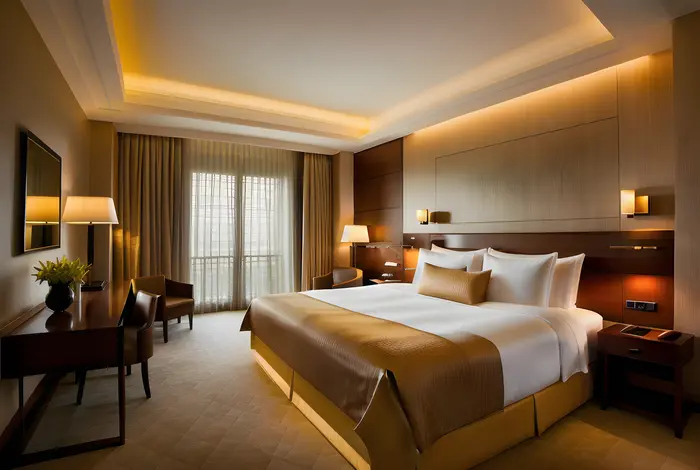 内装 Design
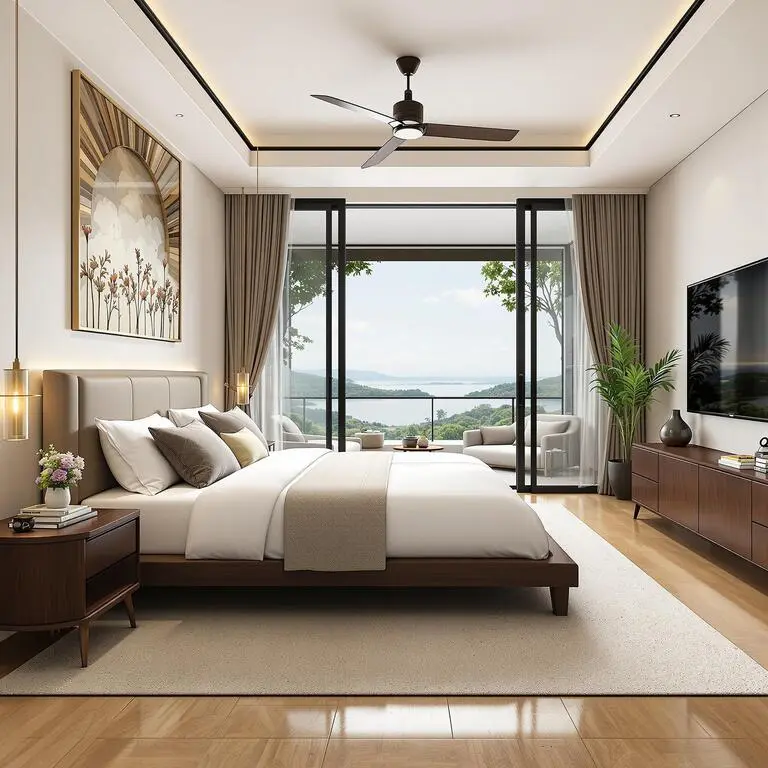
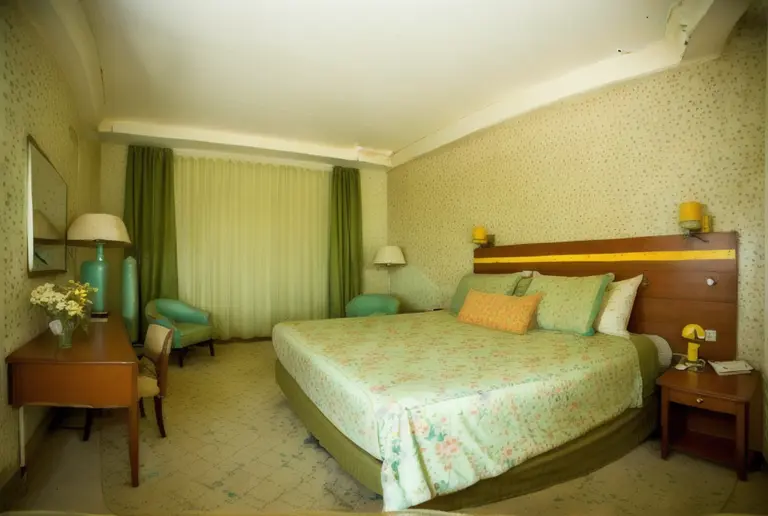
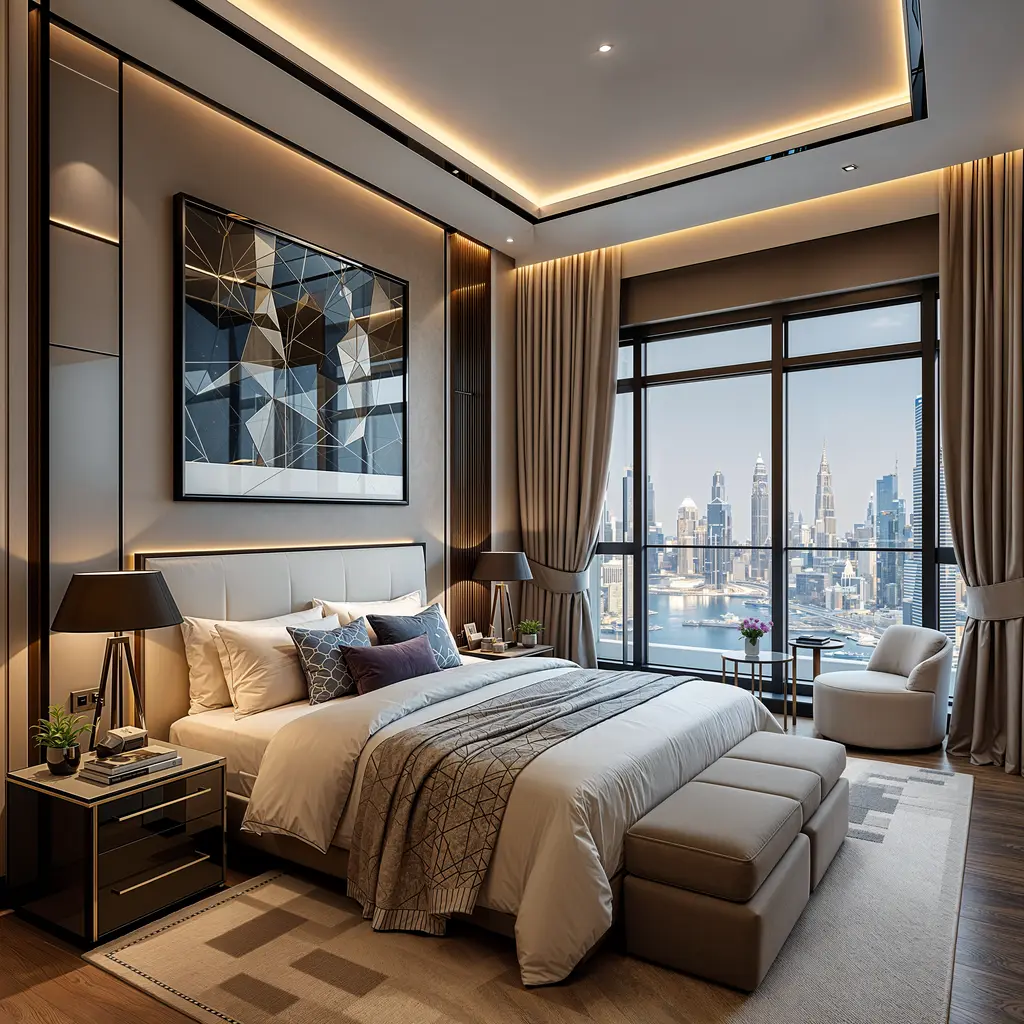
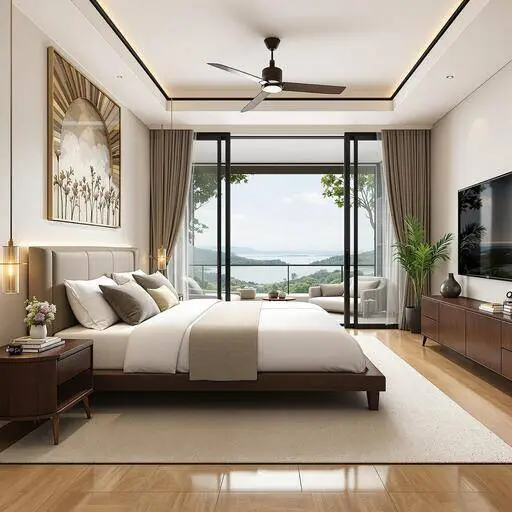
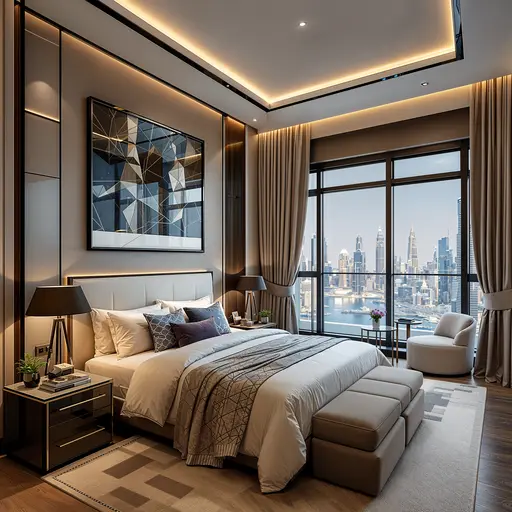
Master Bedroom — 内装 Design
ODX Studio は Luw.ai を使い、技術的に完成された建築モデルと、本当に人が暮らしているように感じられる空間との隔たりを埋めました。
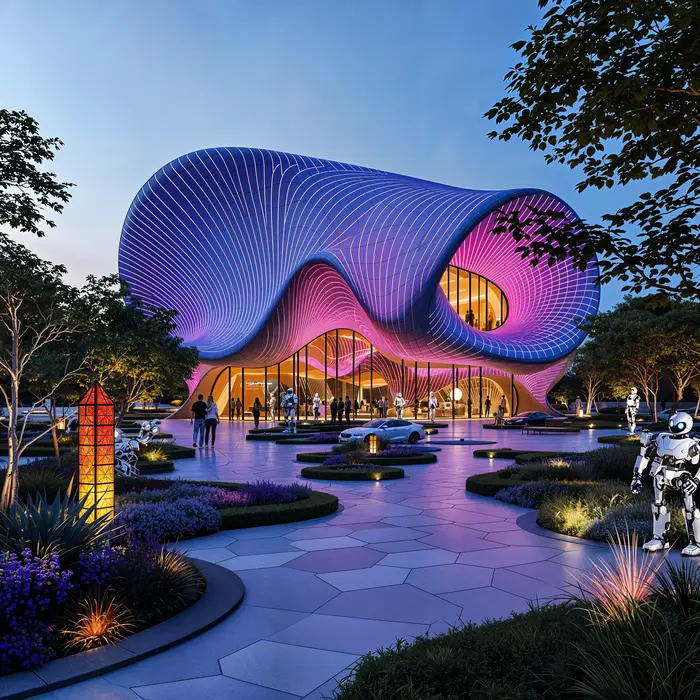 建築家ure
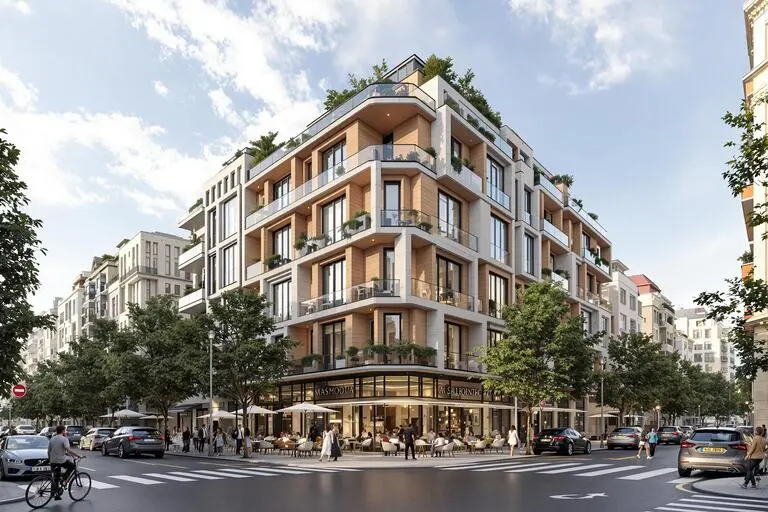
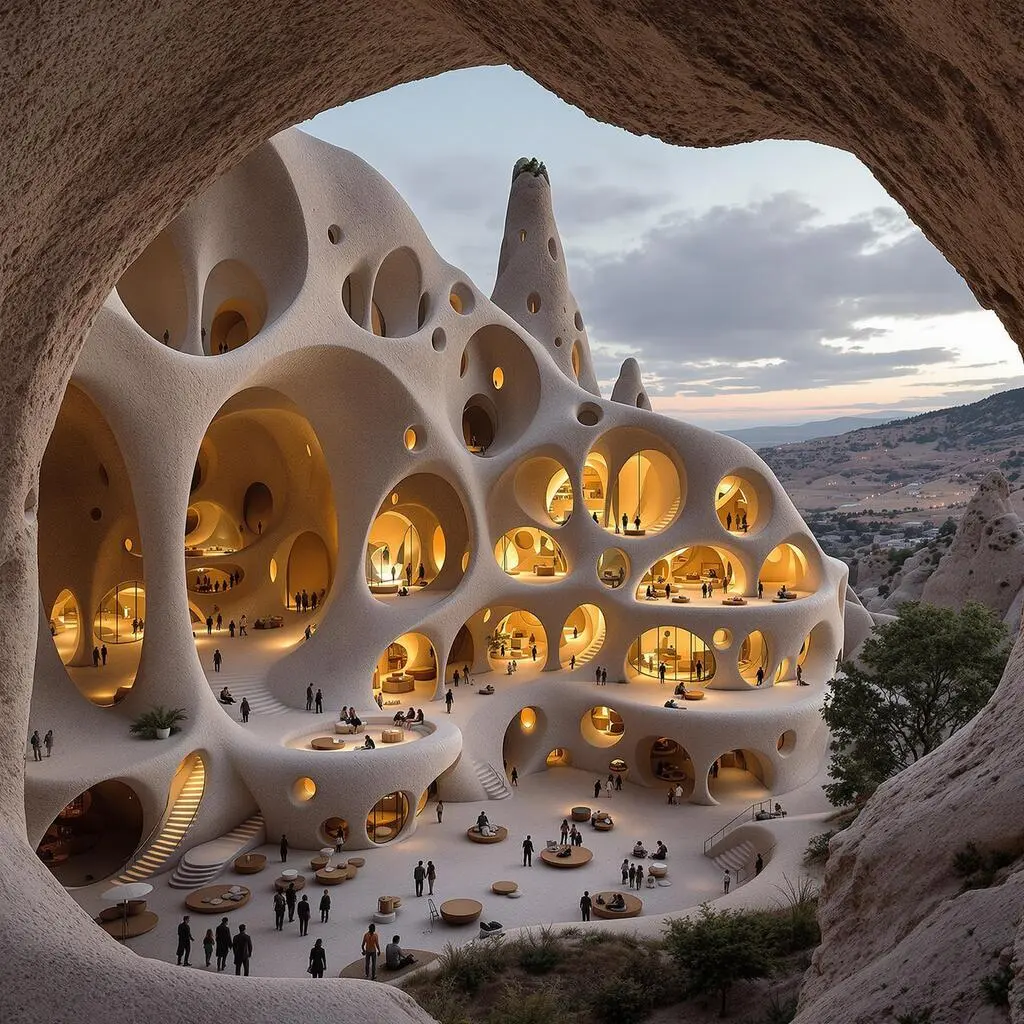
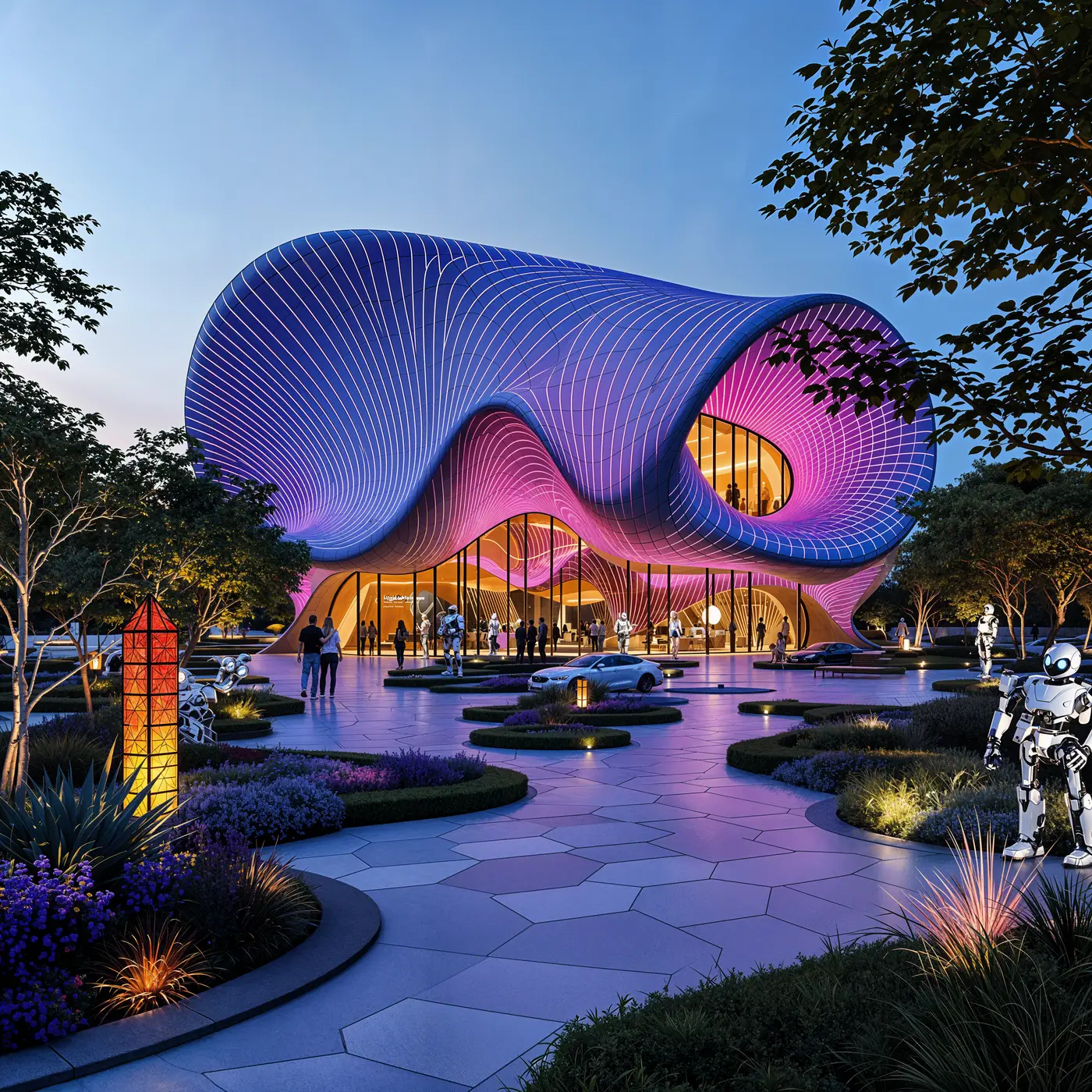
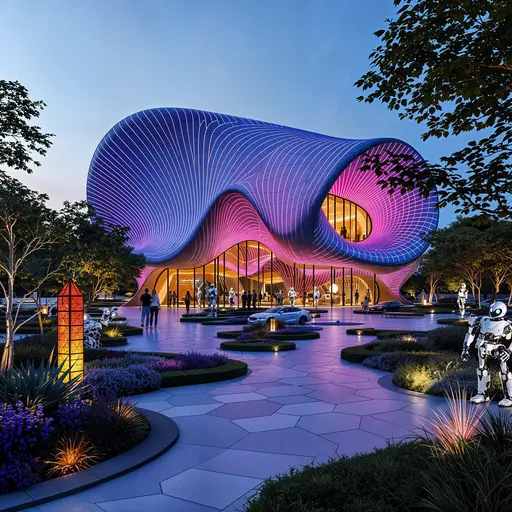
Pavilion — Mixed-Use Development, New Cairo
ODX Studio は Luw.ai を使い、Revit の建築モデルを雰囲気のあるフォトリアルなビジュアライゼーションに変換しました。
最も高度な
AI デザインソリューション
パワフルなAI駆動のデザインツールで創造的なワークフローを変革。コンセプトから完成まで、iOS、macOS、Webプラットフォームで魅力的なビジュアルを作成できます。
概要
Luw.aiとは何で、何ができますか?
Luw.aiはどの3Dソフトウェアと互換性がありますか?
デザインの特定の部分を修正できますか?
Luw.aiを商用プロジェクトで使用できますか?
HD - 4K - 8Kエクスポートまたは拡大機能はどのように使用しますか?
手書きのスケッチを使用できますか?
何もインストールせずに GLB、OBJ、STL ファイルを開くには?
DXF、IFC、SVG の間取り図をブラウザで表示できますか?
Luw.aiは誰が使用できますか?
luw.ai のツールを見る
建築家とデザイナーのための AI レンダリング・編集・3D 生成。
- 内装 AI: 一枚の写真からあらゆる部屋をデザインし直し、インテリアを演出。
- 外観 AI: ファサード・庭・建物の外観を数秒で再構想。
- 3D AI: あらゆる画像やテキストプロンプトを 3D モデルに変換。
- アーキGPT: あらゆるデザインについて、専属の AI 建築家とチャット。
- 家具を削除 AI: あらゆる写真から家具や物体を瞬時に消去。
- Virtual Staging: 物件掲載用に、空室の写真を約20秒で家具付きに仕上げます。
- 3DSpace AI: 部屋の写真を3Dで組み立て直し、家具を一点ずつ手で配置します。
- Image Upscaler: 低画質の写真を鮮明な 4K に高画質化・アップスケール。
- スケッチ AI: 手描きスケッチをフォトリアルなレンダーに変換。
- マジックプロンプト: テキストプロンプトで画像を編集 — Photoshop は不要。
- Render AI: あらゆる画像・プロンプト・3D モデルをフォトリアルなレンダーに。
- マジックワンド AI: ブラシで任意の範囲を選び、AI にその部分だけを編集させる。
- Luw.ai Studio: AI 間取り図ジェネレーター — 3D で設計・家具配置・レンダリング。
- 建築家向け AI: スケッチ・写真・CAD 書き出しを 10 秒以内にレンダリング。
- API & MCP: Claude、ChatGPT、Cursor、自社アプリの中で Luw.ai のデザインツールを活用。
最高の 建築家から学び,
あなたの部屋を 数秒で
写真で内装と外観をデザインし、Luw AIが瞬時に魔法をかける様子をご覧ください。
すでにLuw AIを使用している3M+人のデザイナーに参加しましょう。