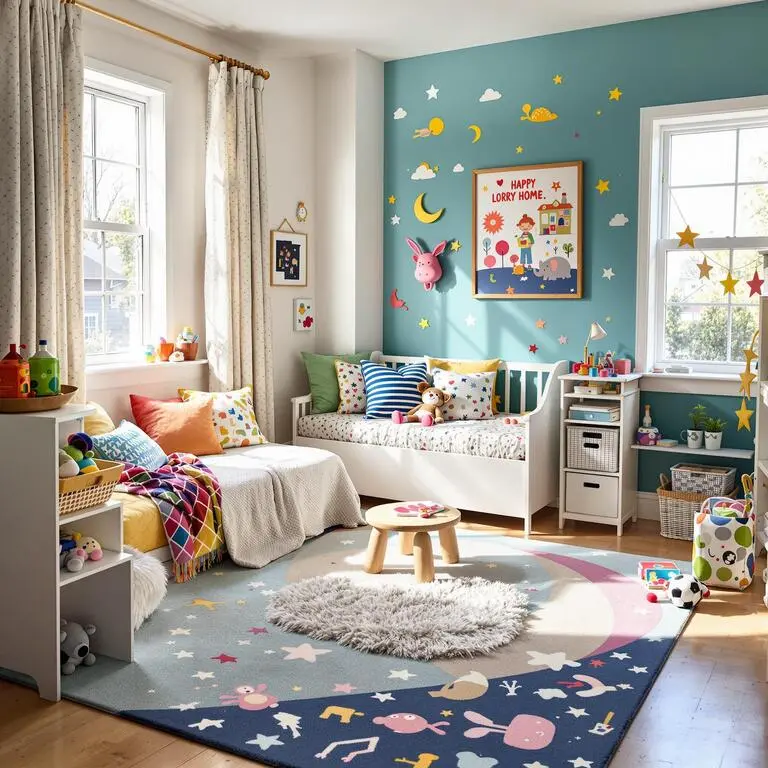
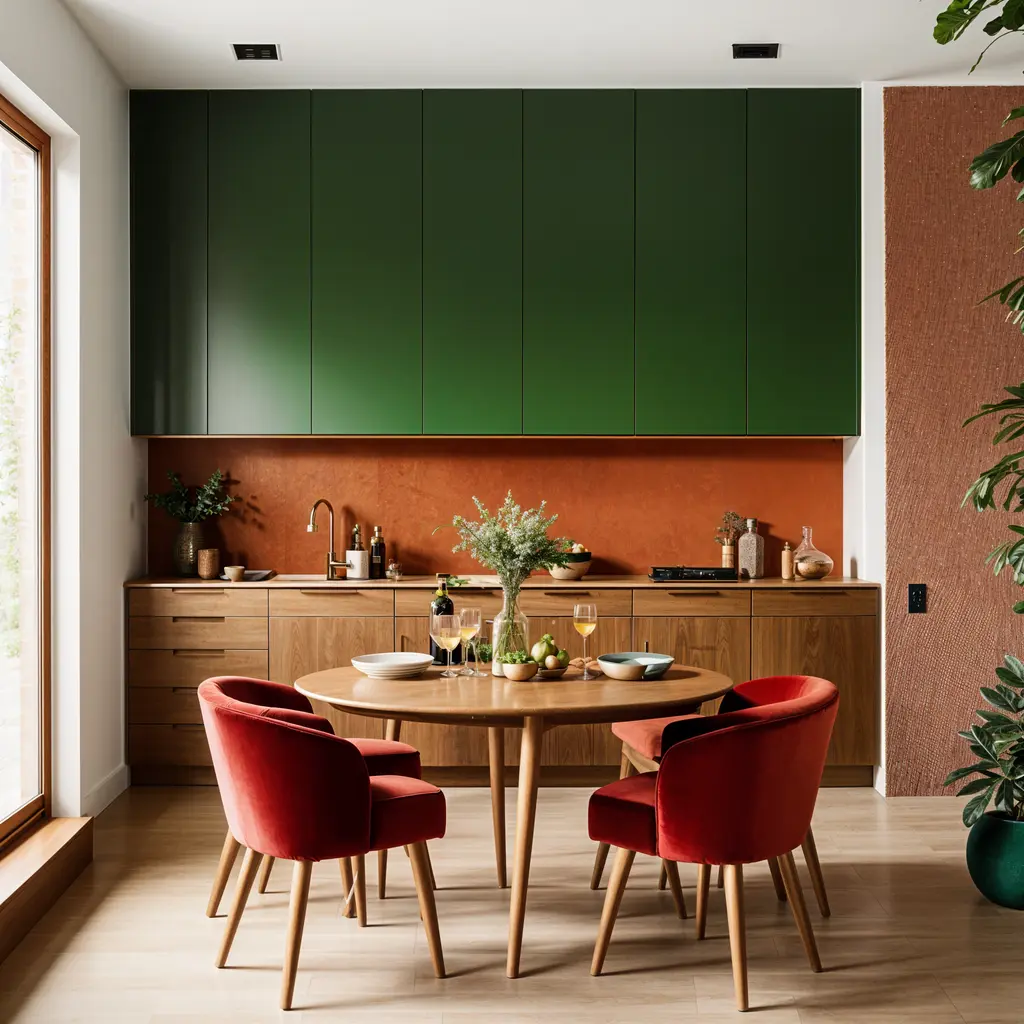
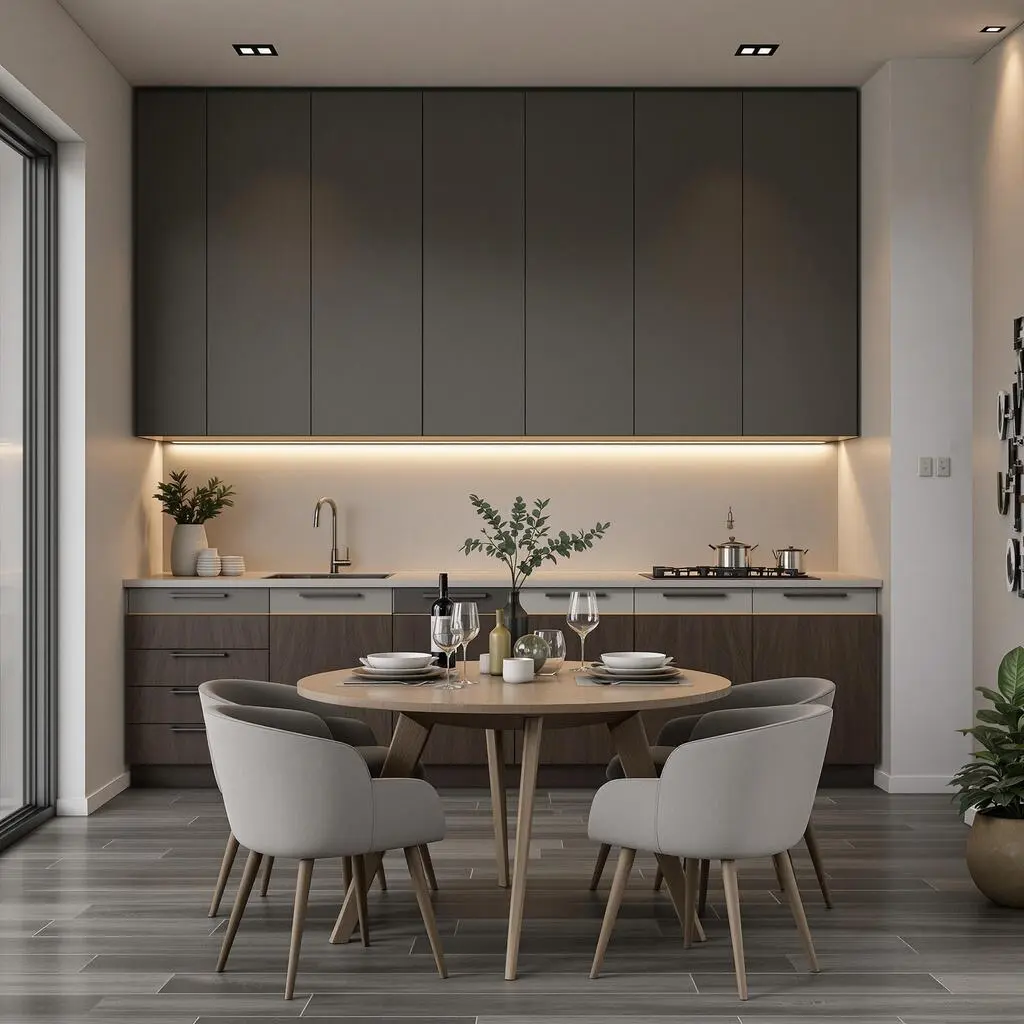
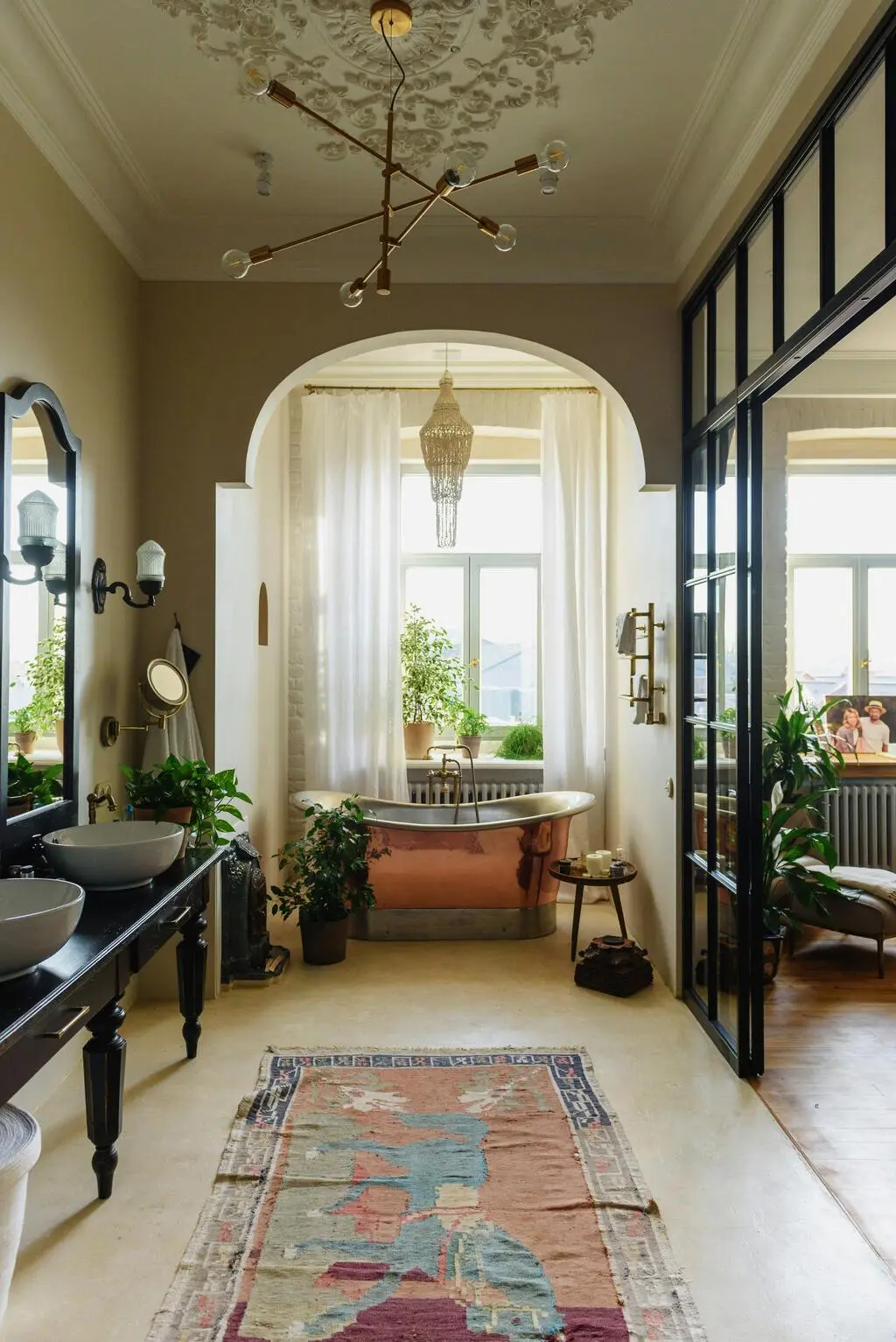
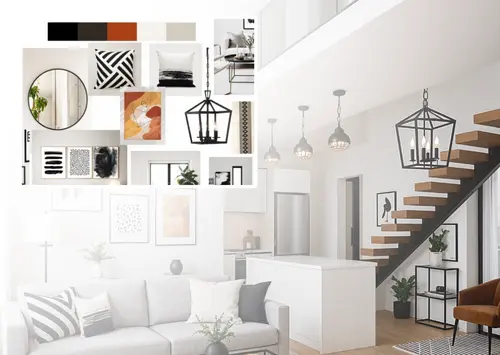
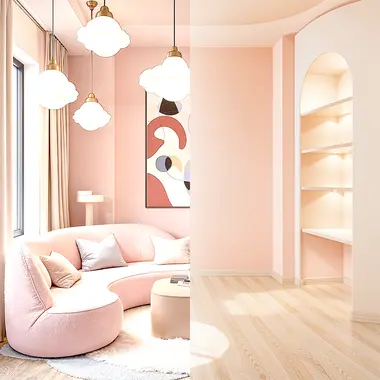
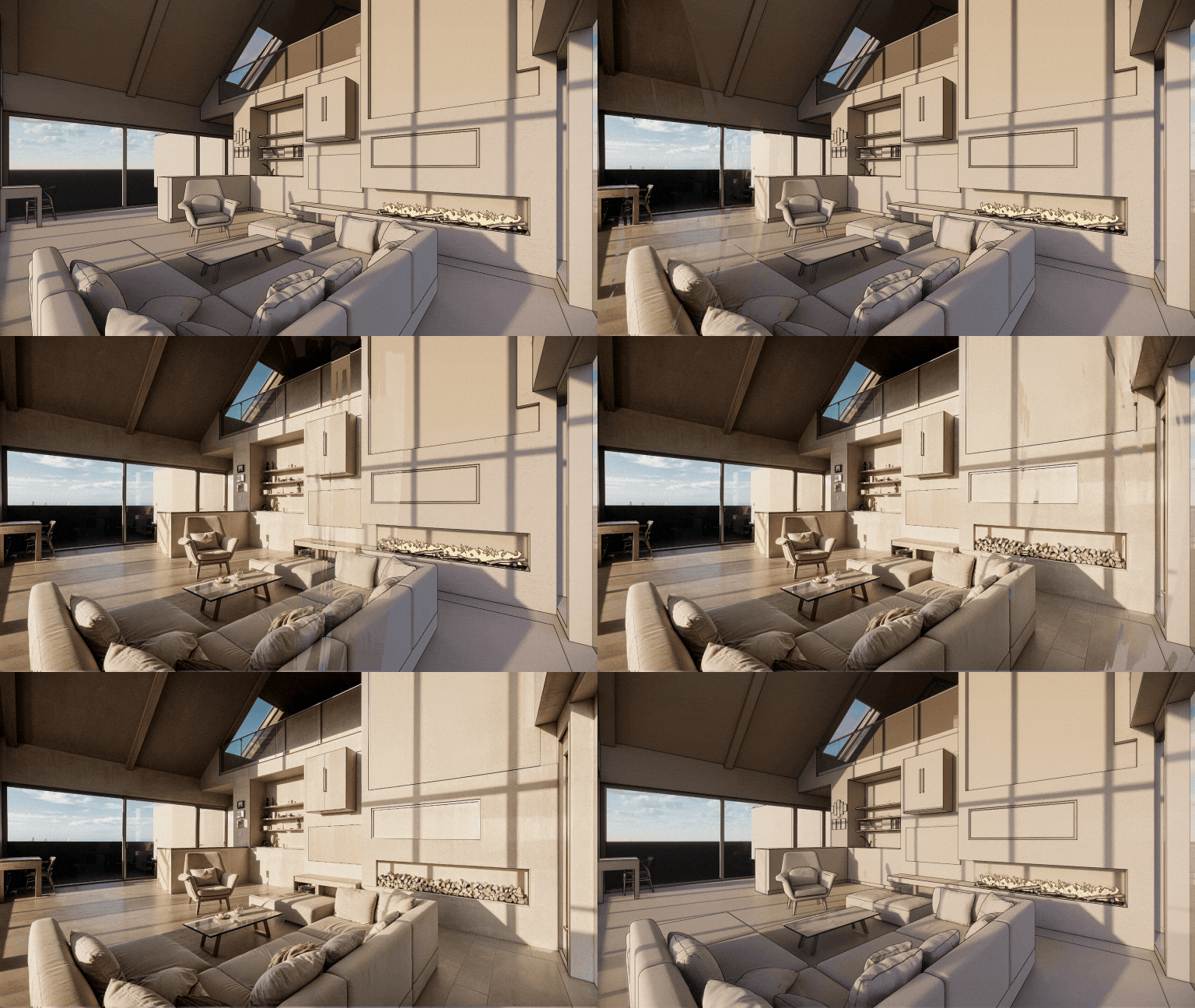
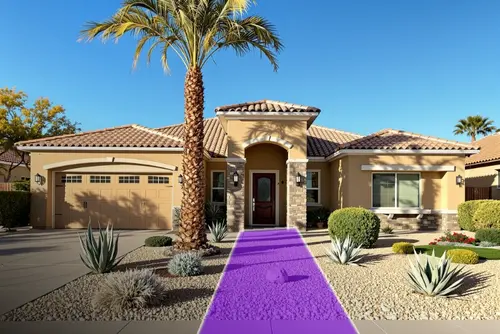
Upload an empty room. Get it furnished in 20 seconds — free plan, no credit card. Luw.ai stages living rooms, bedrooms, kitchens and balconies in 50+ interior styles, so a vacant listing photographs like a home someone already lives in — without renting a single sofa.
35 room types, 50+ interior styles — five times more styles than any competing tool
From $0.10 a photo on paid plans — priced on this page, not hidden behind a quote form
MLS disclosure guidance included — with copy-paste wording for your listing remarks
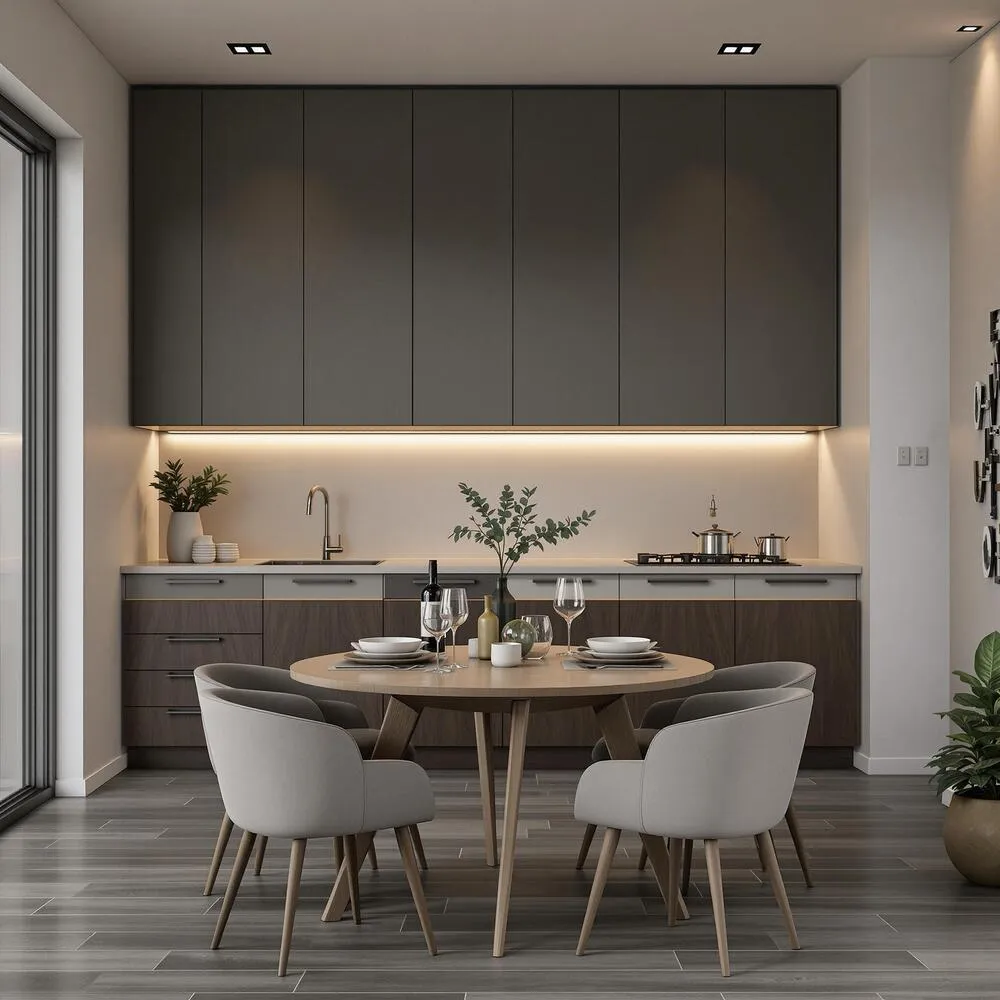
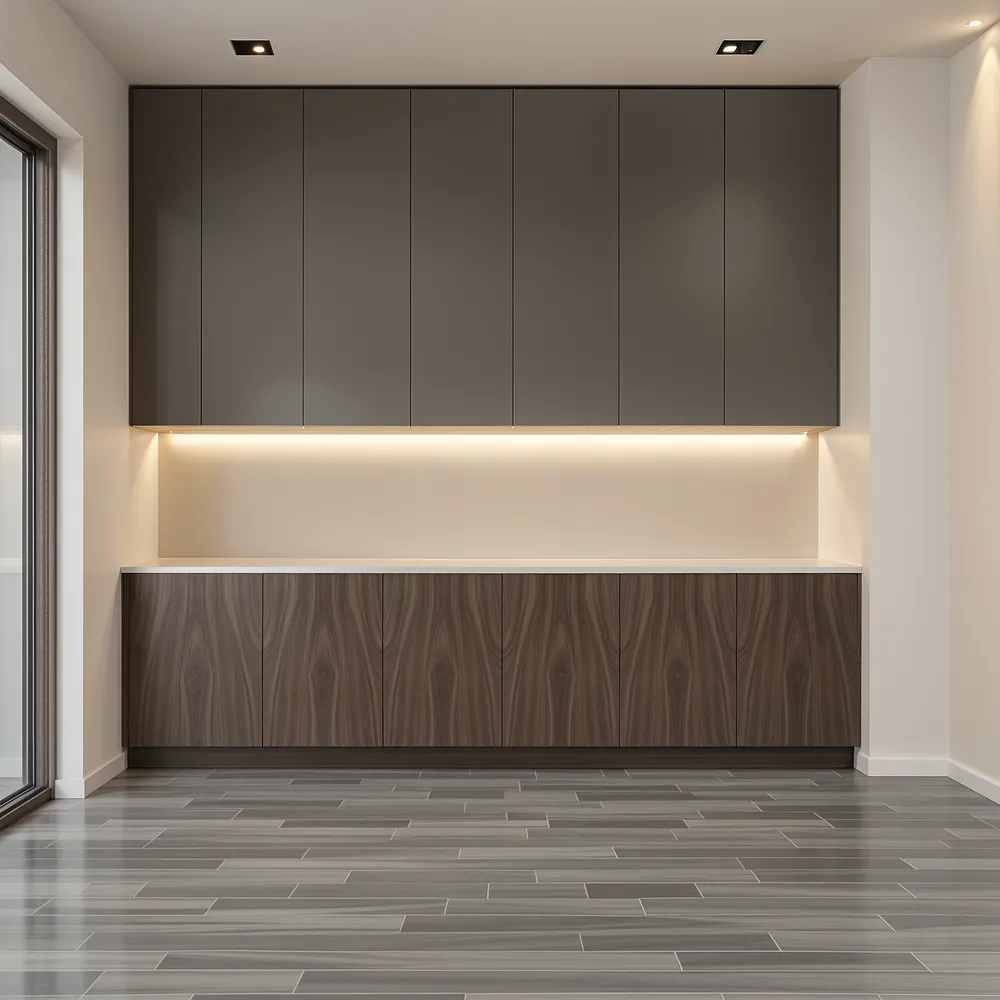
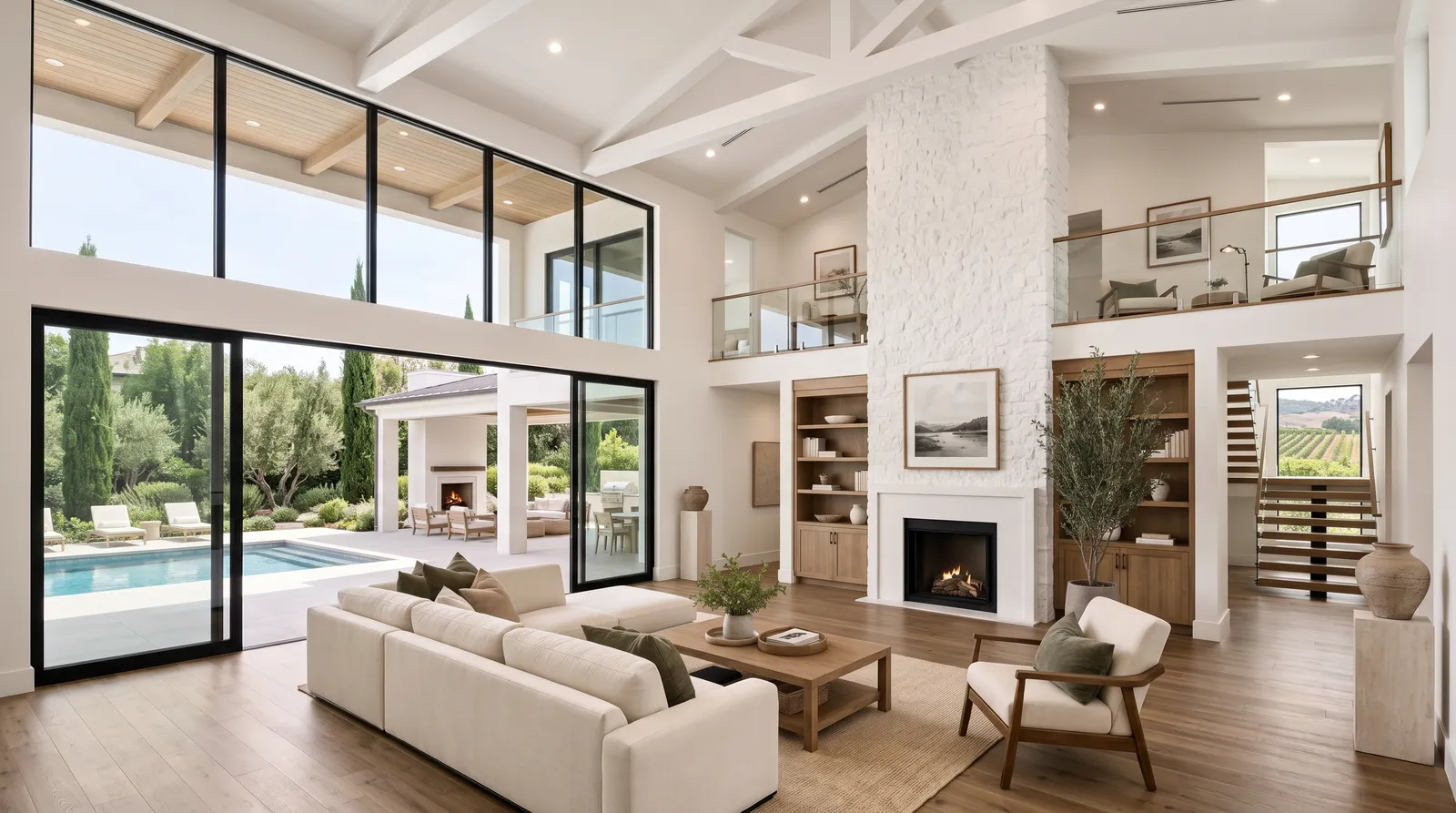
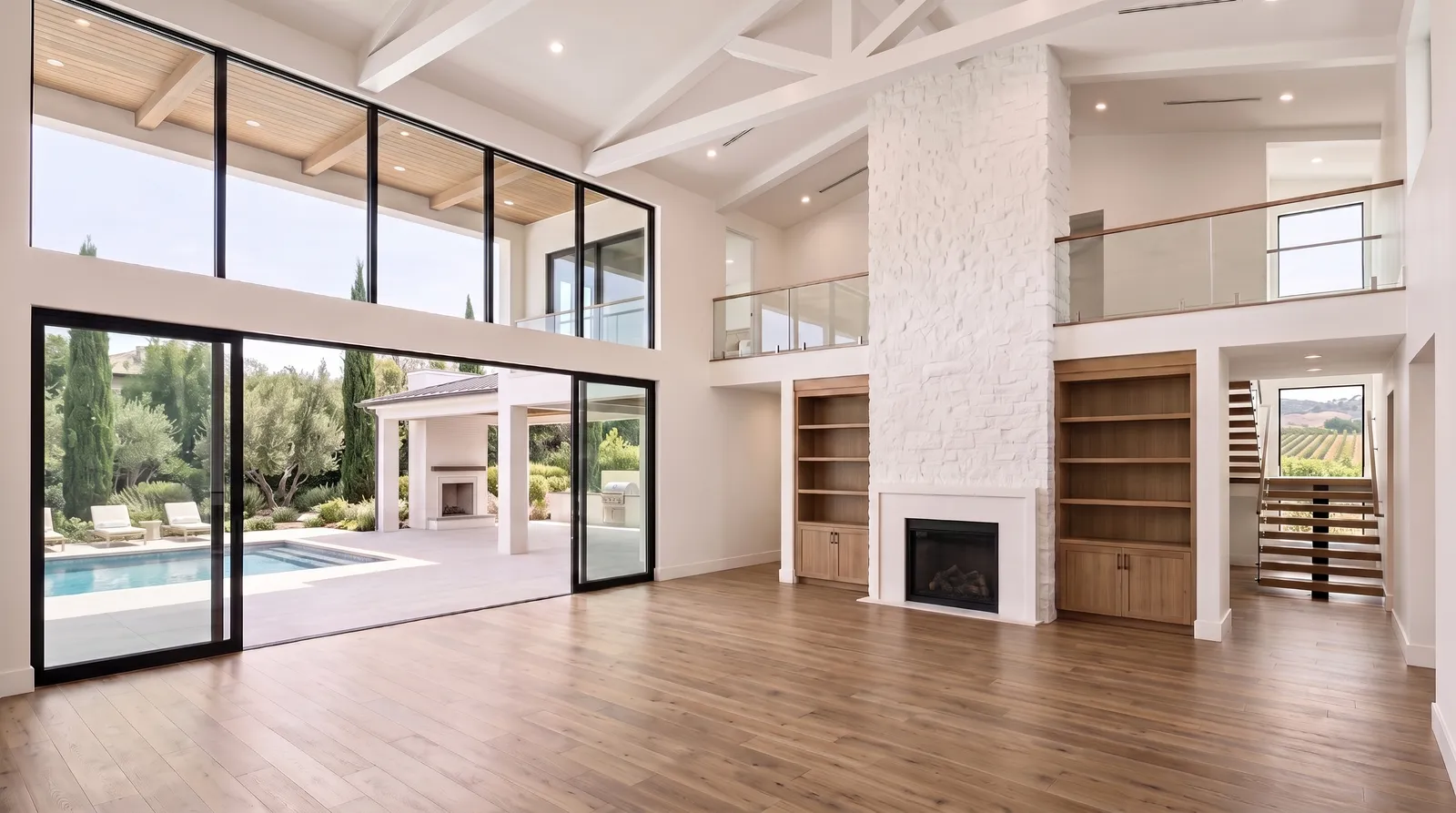
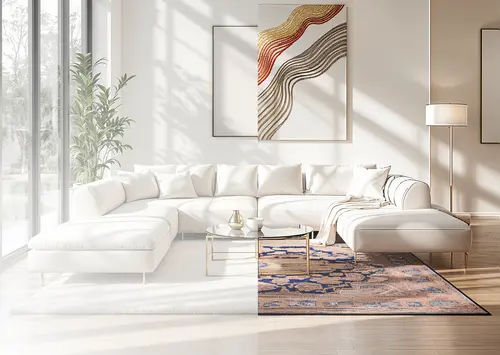
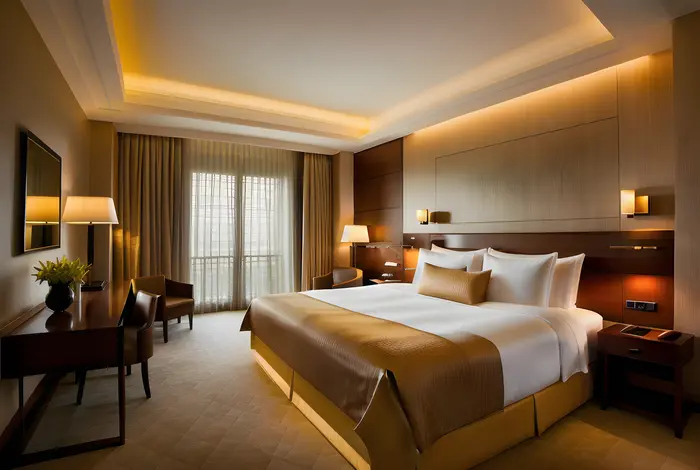
Drag the handle. Nothing was delivered, rented or moved — the only thing that changed is the photograph.
Empty
Virtually staged
Living room · real Luw.ai output, unretouched.
How it works
Three steps, about 20 seconds
No masking, no floor plan, no 3D model, no brief for a designer. One photo of an empty room is the entire input.
1
Upload the empty room
Drag in a landscape photo straight from the shoot. Phone photos work; so do wide-angle shots from a DSLR. If the room still has the seller’s furniture in it, clear it first with Remove Furniture AI.
2
Pick the room type and a style
Room type decides what gets placed — a sofa and coffee table, or a bed and nightstands. Style decides how it looks. All 50+ styles are one click apart, so comparing Scandinavian against Farmhouse for the same listing costs one extra render.
Each room type carries its own furniture logic — clearances, traffic paths, what belongs against which wall. That is why a bedroom does not come back with a dining table in it.
Living roomSofa, rug, coffee table, art
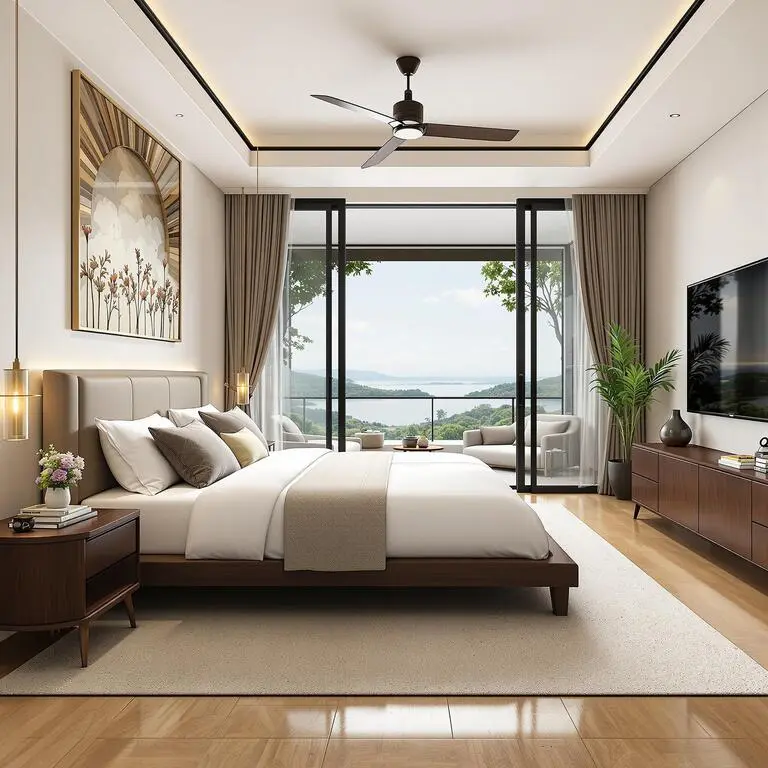
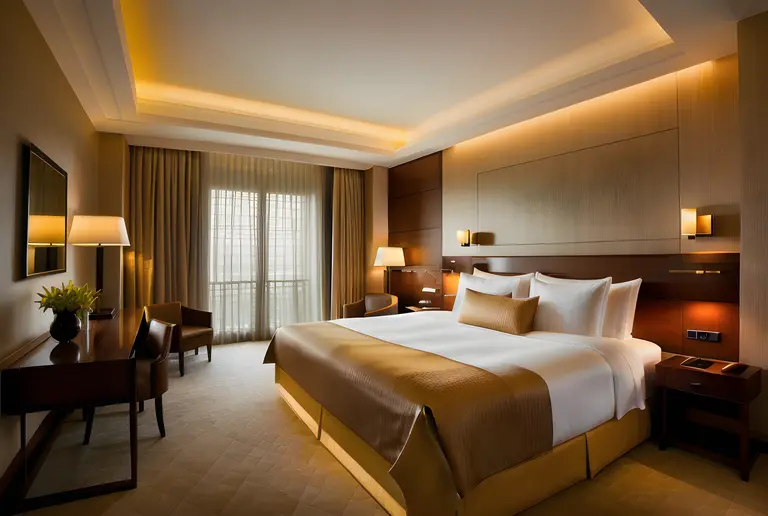
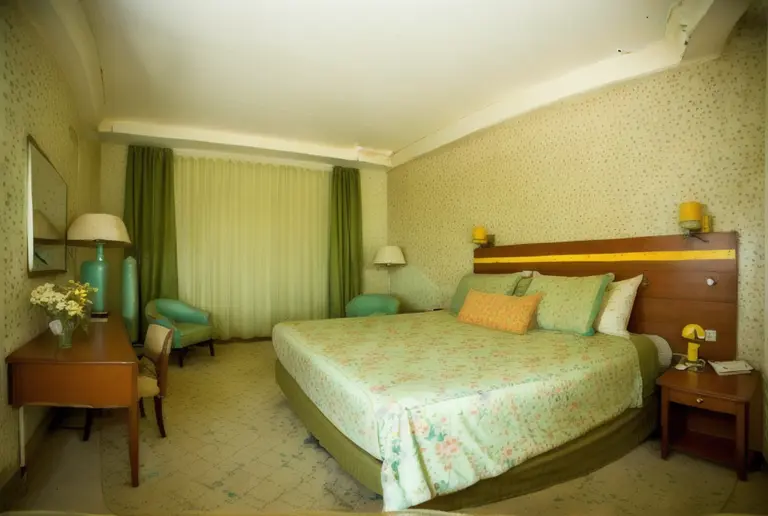
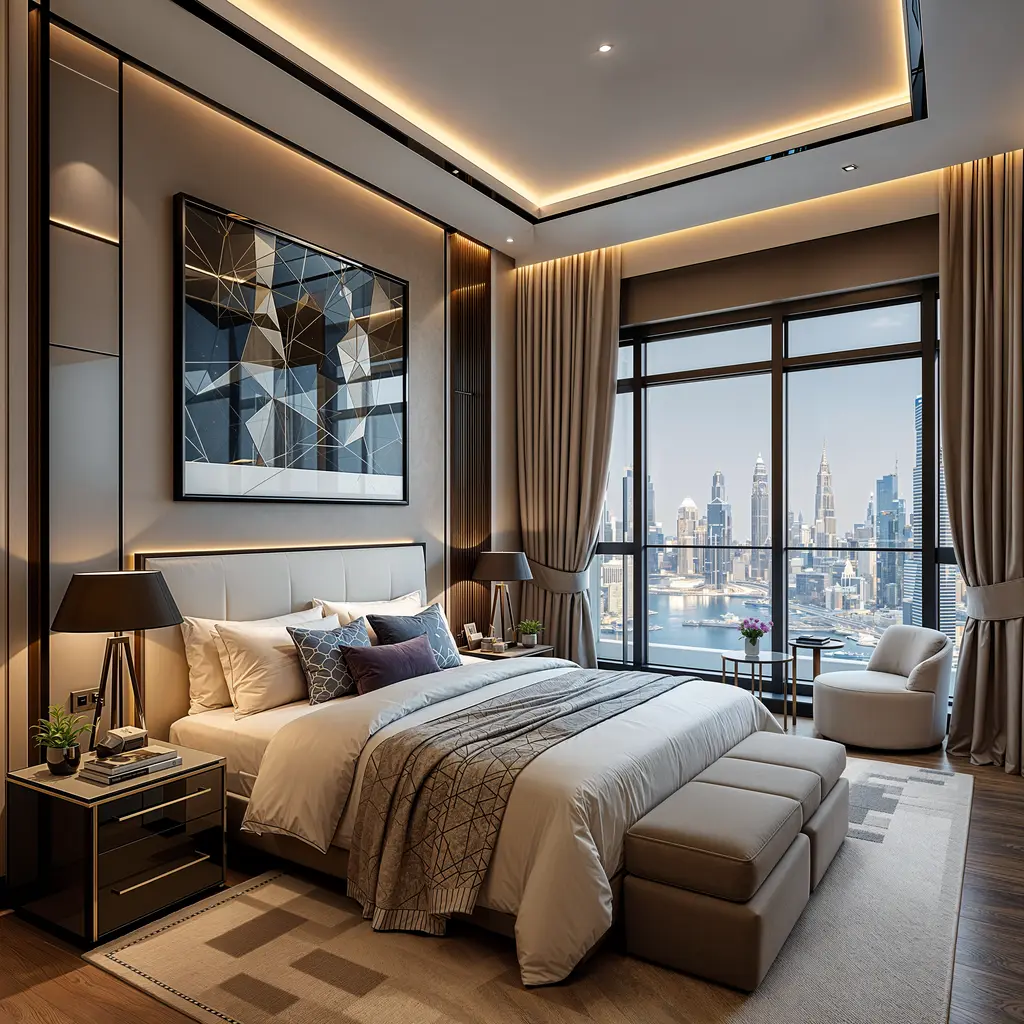
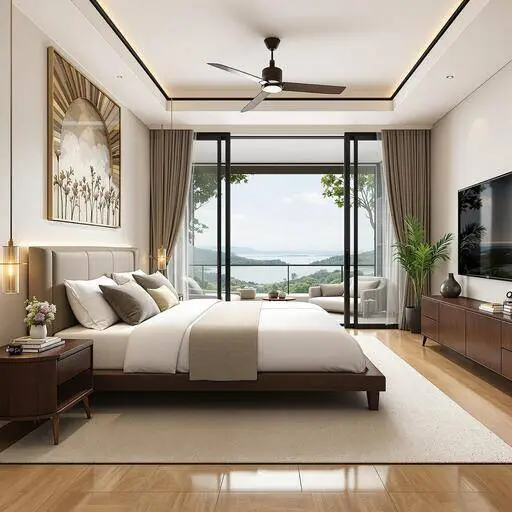
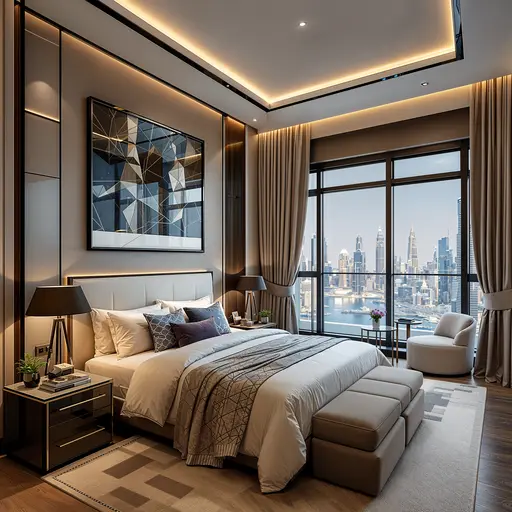
BedroomBed, nightstands, lamps
KitchenStools, styling, worktop props
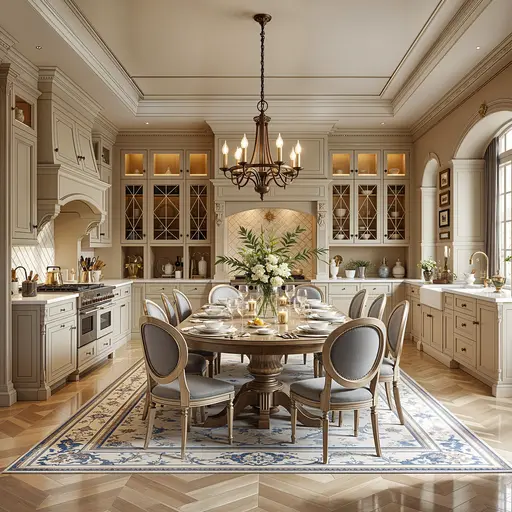
Dining roomTable, chairs, pendant light
Home officeDesk, chair, shelving
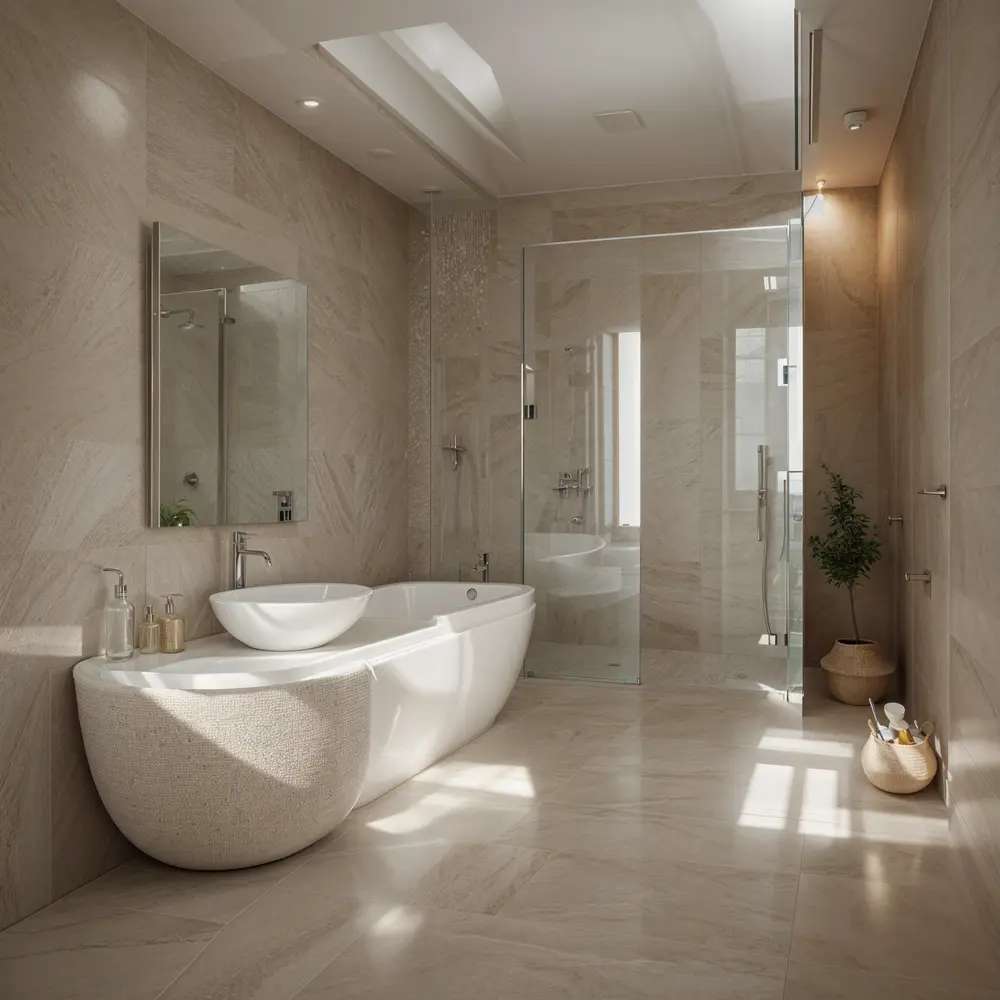
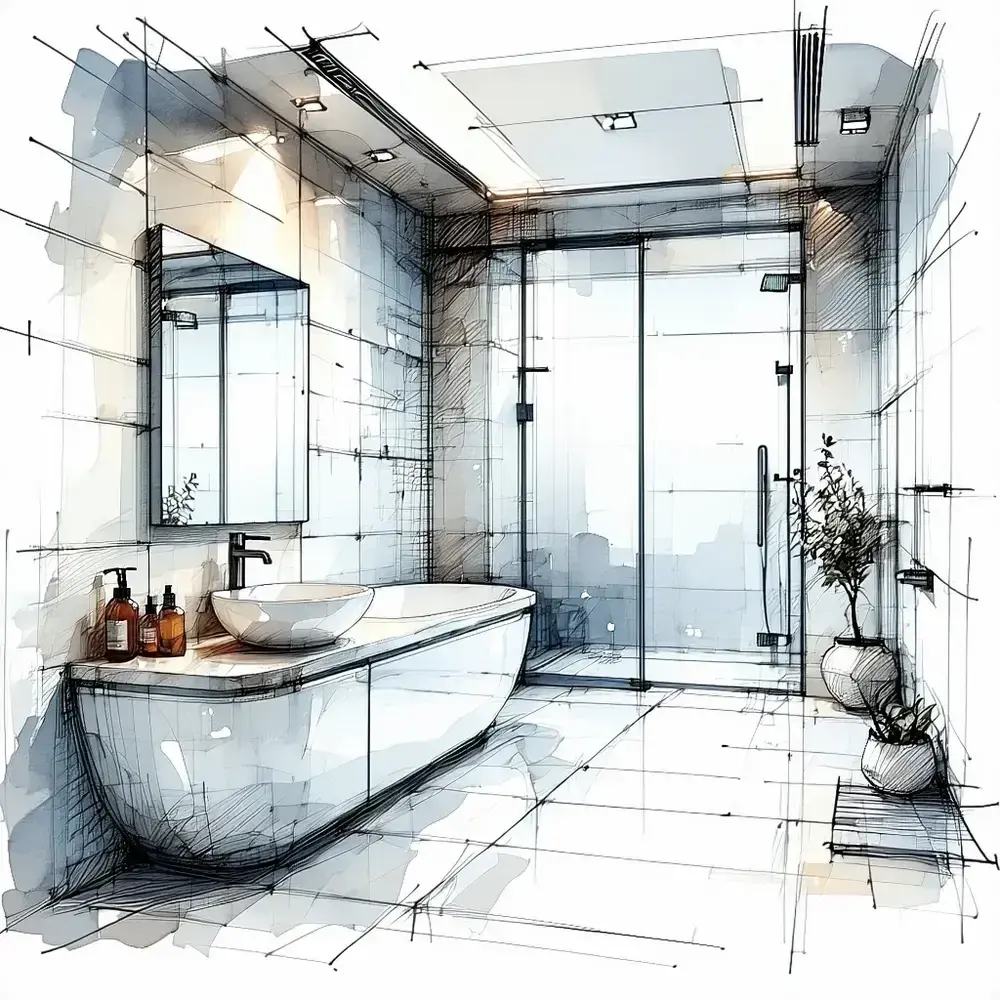
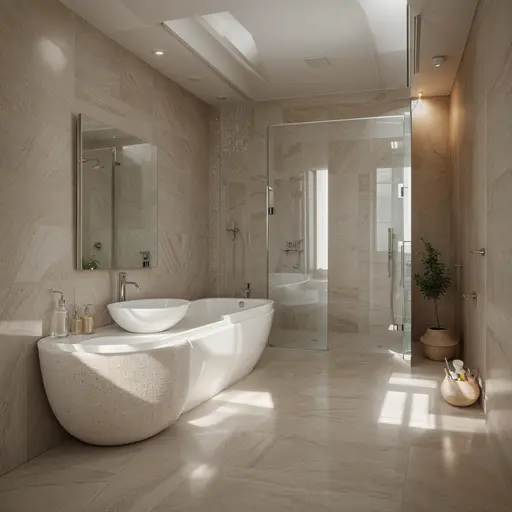
BathroomTowels, plants, soft styling
AtticLoft conversion, extra bedroom
BalconyOutdoor seating, planters
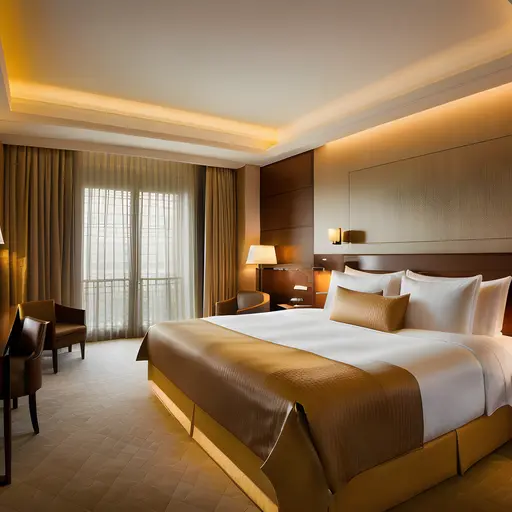
The eight above are the ones listing agents reach for most. Twenty-seven more cover the rest of the house and commercial space — hotel rooms and lobbies, restaurants, cafes, retail stores, offices and coworking.
Furniture styles
50+ interior styles — five times more than any competing tool
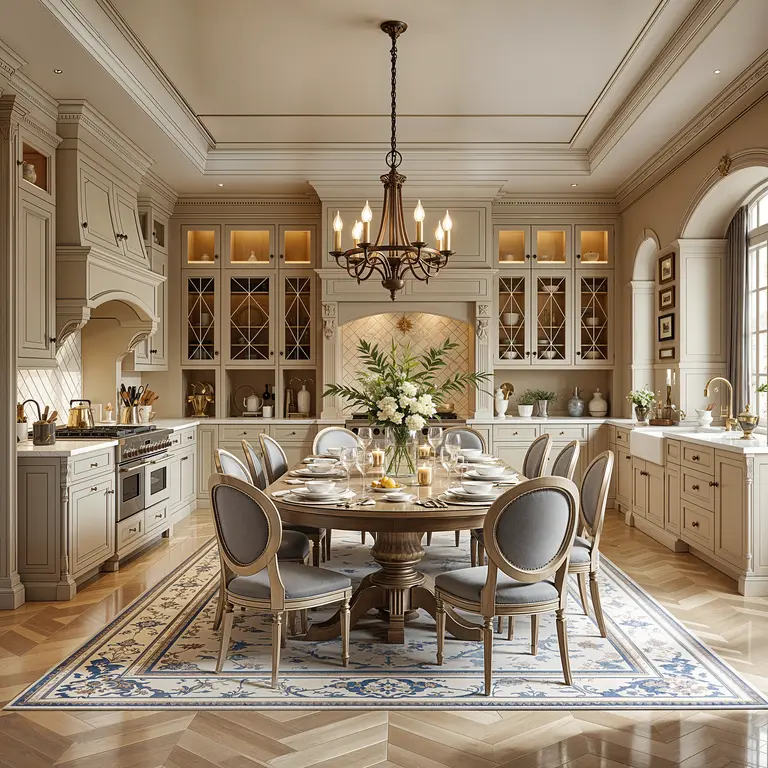
Buyers in Charleston and buyers in Denver do not respond to the same furniture. Match the style to the market, not to your own taste. Every style below runs on the same photo, so you can generate two and put them side by side before you decide.
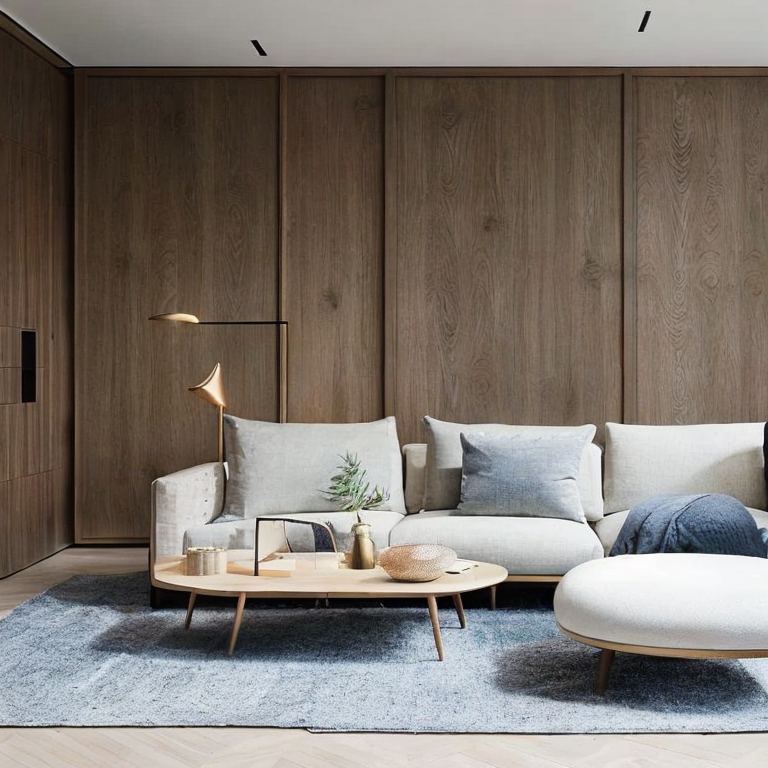
ModernClean lines, neutral palette
ScandinavianLight wood, white, airy
FarmhouseWarm, rustic, family-facing
Mid-centuryWalnut, tapered legs, 1960s
IndustrialSteel, brick, loft conversions
CoastalBlues, linen, waterfront listings
MinimalistSparse, lets the space read
LuxuryMarble, brass, high-end pricing
ClassicTimeless, symmetrical, refined
ContemporaryThe safe default for most homes
BohemianLayered textiles, plants, colour
Japanese DesignJapanese calm, natural materials
Twelve of the most-used styles are shown; there are 47 more, from Art Deco and Parisian to Cottagecore and Cyberpunk — plus Christmas, Halloween and Easter themes for seasonal listings.
Virtual Staging Pro
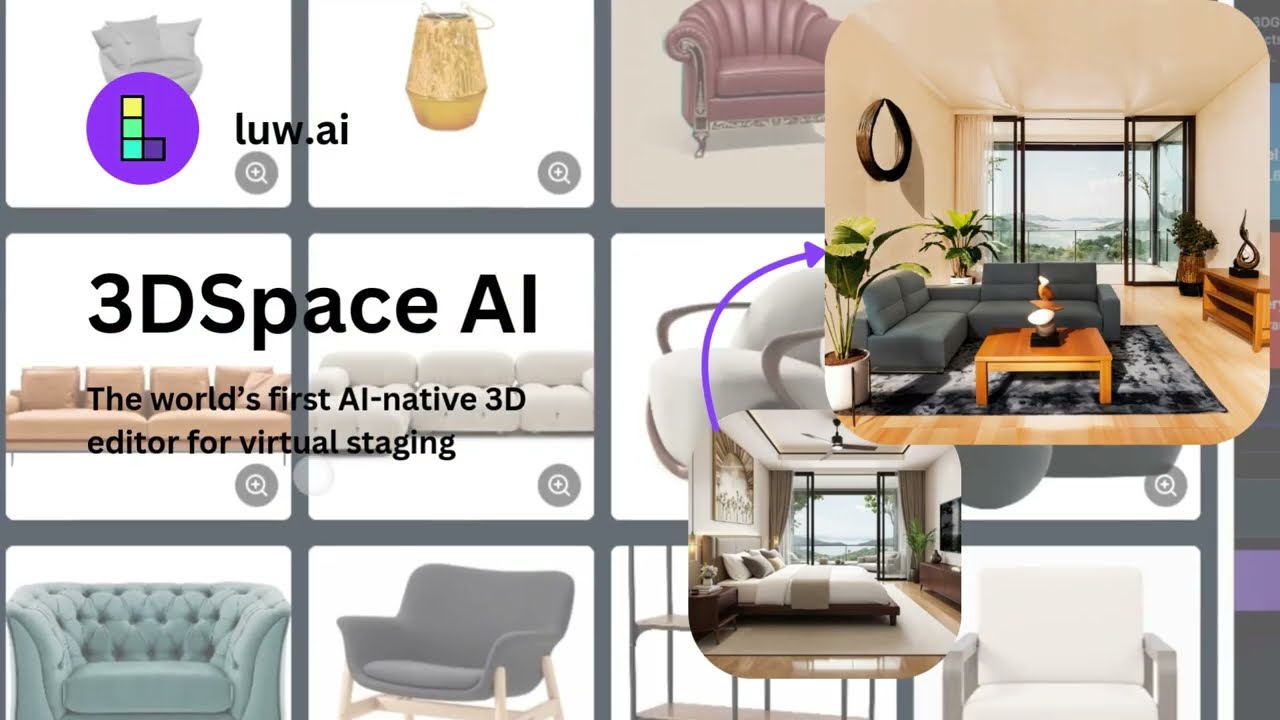
Need the placement to be exact? Switch to 3DSpace AI
Everything above is one-click staging: you pick a room and a style, and the AI hands back a furnished photo in seconds. It is the right tool for most listings. But when a client says "the sofa, two feet to the left, keep everything else", a one-click tool can only generate the whole room again. That is what 3DSpace AI is for.
Your photo becomes a real 3D scene
3DSpace AI reads the geometry of the photograph — floor, walls, depth, camera — and rebuilds the space as a 3D scene mapped onto your image. From that point you are arranging a room, not editing pixels. If the shot still has the seller's furniture in it, the space gets cleared inside the same flow.
Furniture you choose, placed where you want it
Drag in a 3D model, or drop a flat product photo and get a 3D object back. Position, rotate and scale every piece by hand, undo anything, and come back tomorrow to move a single chair. The sofa in the render can be the exact sofa the client is buying.
Every other virtual staging site sends you to a pricing page to answer this. Here is the whole picture on one screen, including the options that are cheaper than ours.
Cost per staged photo across physical staging and virtual staging providers
Option
Cost per photo
Turnaround
Physical staging
Four figures for a vacant homeDesign fee plus monthly furniture rental; varies sharply by market
Days to weeksScheduling, delivery, pick-up
BoxBrownie
~$24Human retoucher in the loop
Hours to next business day
ApplyDesign
~$10.50
Minutes
VirtualStagingAI
~$1
Minutes
VirtualStaging.ai
~$0.28
Minutes
Luw.ai
$0 free, from $0.10 paidFree output is watermarked and non-commercial; paid plans start at $19/mo for 200 renders and fall to $0.05
~20 seconds
Competitor prices collected from public pricing pages on 25 August 2026 and reviewed quarterly. Providers change pricing without notice — check theirs before you decide. See the full Luw.ai pricing.
Compliance
Disclosing virtually staged photos
Two of the big virtual staging tools advertise that they are “MLS compliant.” Neither explains what the rule actually is. Here it is, as plainly as we can put it.
There is no single national rule
In the United States, disclosure comes from three overlapping places. The NAR Code of Ethics (Article 12) requires REALTORS® to present a true picture in their advertising. Most local MLSs turn that into a concrete photo rule in their rulebook — usually that a materially altered image must be labelled as such. Several state real estate commissions add their own advertising regulations on top. The practical answer is therefore: yes, disclose — and check your own MLS rulebook for the exact wording it expects, because that is the rule that will be enforced against you.
What to do, in order
Label the image itself, so the disclosure survives being scraped, screenshotted or shared.
Repeat it in the listing remarks, naming which rooms were staged.
Keep the unstaged original. If a buyer or a broker asks, you want to be able to produce it.
Never virtually stage away a defect. Adding a sofa is staging; removing water damage, a crack or a support column is misrepresentation, and that is where agents get into real trouble.
Copy-paste disclosure wording
On the photo (caption or corner label)
Virtually staged.
In the listing remarks — for sale
Photos of the living room and primary bedroom are virtually staged. The property is currently vacant; furniture shown is for illustration only and is not included in the sale.
In the listing remarks — rental
Some images are virtually staged for illustration. The unit is delivered unfurnished.
This is general guidance, not legal advice. MLS and state rules differ and change; confirm the wording with your broker and your MLS before you publish.
Who uses it
Four people, four reasons
Listing agents
A vacant room reads as small and cold in a gallery thumbnail. Staging the hero photo of each main room gives the listing something to compete with on the portal grid — and at about $0.10 a photo it is a rounding error against the marketing budget for a single listing.
Real estate photographers
Staging is an add-on you can sell on top of the shoot without subcontracting it or waiting on a retoucher’s queue. Shoot the empty room level and well lit, stage it before you deliver the gallery, and the whole job still closes the same day.
Home stagers
Use it to sell the physical job. Show the seller three furniture directions for their living room before a single item is loaded onto a truck, and the conversation moves from “should we stage?” to “which one?”
Owners selling for themselves
You do not have a staging budget and you do not need one. Photograph the empty rooms, stage them here, disclose it properly, and your listing stops looking like the one nobody bothered with.
Stage your first room now
One empty room photo, 20 seconds, free plan. If it looks right, come back with the rest of the shoot.
Transform your creative workflow with our powerful AI-driven design tools. From concept to completion, create stunning visuals across iOS, macOS, and Web platforms.
Virtual staging questions
What is virtual staging?
Virtual staging is the digital furnishing of a photograph. You photograph an empty room, and furniture, rugs, art and lighting are added to the image instead of to the room. The listing photo looks furnished; the property stays vacant. Nothing is delivered, moved or rented, which is why virtual staging costs a fraction of physical staging and turns around in minutes rather than weeks.
Is Luw.ai virtual staging really free?
Yes. You can stage rooms on the free plan without paying and without a credit card. Free output carries a Luw.ai watermark and is licensed for non-commercial use, so it is meant for trying the tool and comparing styles. To publish staged photos on a live listing you need a paid plan, which starts at $19 per month for 200 renders, about $0.10 per staged image, with no watermark and a commercial licence. See pricing.
How long does one staged image take?
About 20 seconds per image on a normal connection. A full four-photo set for one listing therefore takes roughly a minute and a half, including the time you spend choosing a style. There is no queue, no human retoucher and no next-day turnaround.
Do I have to disclose virtually staged photos on the MLS?
In practice yes, and there is no single national rule, which is exactly what makes this confusing. The NAR Code of Ethics (Article 12) requires REALTORS® to present a true picture in their advertising, and most MLSs and several state real estate commissions turn that into a concrete requirement that materially altered photos be labelled. Check your own MLS rulebook for the wording it expects, then label the photo and repeat it in the listing remarks. There is a copy-paste disclosure block on this page. This is guidance, not legal advice.
Will the furniture stay consistent across different angles of the same room?
Not automatically. Each photo is staged independently, so two angles of the same living room can come back with a different sofa. The reliable workaround is to stage one hero angle first, keep the room type and style identical for the remaining angles, and regenerate any shot that drifts. Most listings publish only one or two angles per room, so this rarely bites, but do not assume a matched furniture set across a full walkthrough.
What resolution do I get, and is it enough for Zillow and the MLS?
Paid plans export up to 4K, far above what any portal requires. Zillow asks for photos at least 1024 pixels wide and displays them best at 1536 by 1152 or larger, and most MLSs cap uploads somewhere between 2 and 10 MB per image. A 4K export downscaled to your MLS limit is the safest path. Free-plan exports are smaller and watermarked.
What are the image requirements for Zillow, Redfin and the MLS?
Portals want landscape JPEGs in a 4:3 or 3:2 ratio, at least 1024 pixels on the long edge, under the file-size cap your MLS sets, commonly 2 to 10 MB. Redfin and Zillow both pull most listing photos from the MLS feed, so the MLS limits are the ones that actually bind you. Shoot and stage in landscape: portrait photos get letterboxed in gallery views and lose impact in search results.
What if I do not like the result?
Run it again. Each attempt is one render, styles are a click apart, and there is no per-revision fee or support ticket in between. Most people generate three or four versions of a room to compare styles rather than to fix a mistake. That is the structural difference from a per-photo service, where every revision is a new order and a new wait.
Can I use staged images commercially?
Yes, on an active paid plan, which covers MLS listings, portal uploads, brochures, social ads and client deliverables. Free-plan output is watermarked and limited to non-commercial use, so it cannot be published on a live listing.
Can I remove the existing furniture first?
Yes, and for occupied properties that is the right order of operations. Run the photo through Remove Furniture AI to clear the room, then stage the emptied photo. Staging on top of existing furniture without clearing it first produces cluttered, unconvincing results.
How should I photograph an empty room for the best result?
Shoot in landscape from a corner at roughly chest height, about 1.4 metres, with the camera level so vertical lines stay vertical. Get two full walls and the floor in frame, because the floor is what the AI uses to work out scale and placement. Open the blinds, switch the room lights on, and avoid going wider than about a 16 mm full-frame equivalent, which bends the walls and makes furniture placement look wrong. A clean, level, well-lit photo is worth more than any prompt.
Which room types and furniture styles are supported?
Thirty-five room types and more than fifty interior styles. The residential ones cover living room, bedroom, primary bedroom, kids room, kitchen, open kitchen, dining room, home office, study, bathroom, attic, balcony, laundry and home theatre; the rest are commercial, including hotel rooms and lobbies, restaurants, cafes, retail stores and offices. Styles run from Modern, Scandinavian, Farmhouse and Mid-Century Modern to Art Deco, Parisian, Coastal and Japanese Design, plus seasonal themes for holiday listings. Room type controls what furniture is placed, style controls how it looks.
How much does virtual staging cost compared with physical staging?
Physical staging in the US runs into four figures for a whole home once the design fee and monthly furniture rental are counted, and it takes days to schedule. Per-photo virtual staging services charge roughly $0.28 to $24 per image depending on the provider and on whether a human retoucher is involved. On Luw.ai a staged image costs nothing on the free plan and from about $0.10 on a paid plan. There is a dated comparison table on this page.
Do I need to install anything or create an account?
No install, it runs in the browser on desktop and mobile, and there are iOS and Android apps if you prefer one. You do need a free Luw.ai account to stage a room, but never a credit card: the free plan costs nothing and is not a trial. A paid plan is only needed to export without a watermark and to use the images commercially.
How can I open GLB, OBJ or STL files without installing anything?
Can I view DXF, IFC or SVG floor plans in my browser?
Yes. The same free tools open 2D, CAD and scanned formats too: DXF viewer, IFC viewer, SVG viewer, 360 panorama viewer, Gaussian splat viewer, floor plan area calculator. The DXF viewer keeps your layers and measures distances, the IFC viewer opens BIM models without Revit, and the floor plan area calculator measures rooms straight from a plan image. Everything runs in your browser — no upload, no queue, no account.
Explore luw.ai tools
AI rendering, editing, and 3D generation for architects and designers.
Interior AI: Redesign any room and stage interiors from a single photo.
Exterior AI: Reimagine facades, gardens and curb appeal in seconds.
3D AI: Turn any image or text prompt into a 3D model.
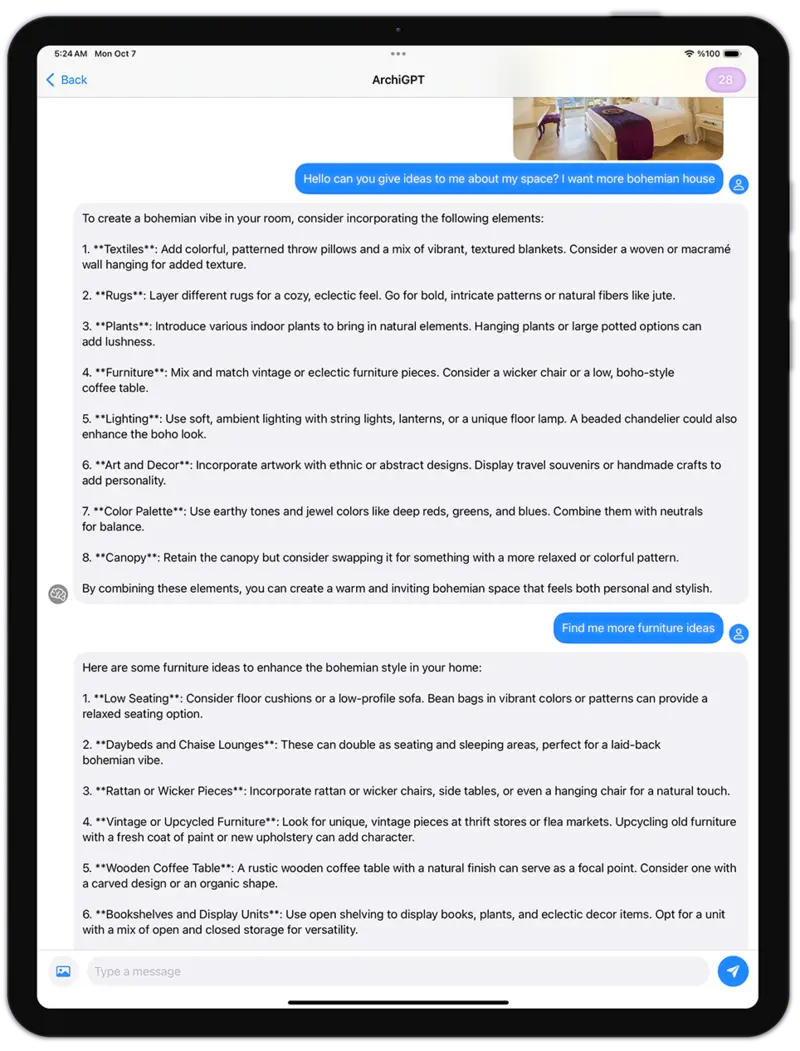
ArchiGPT: Chat with your AI design assistant about any design.