Luw.ai API & MCP
Luw.ai API & MCP server
AI interior design & rendering MCP server and API
Give Claude, ChatGPT, Cursor, VS Code or any MCP client 21 professional design tools with one URL — or build them into your own product with the REST API. Interior and exterior design, virtual staging, sketch and CAD to photoreal render, image editing, video and image to 3D.
https://mcp.luw.ai/mcp
No install for the hosted server: add the URL and sign in. New accounts get free credits — no credit card.
Trusted by the World's Leading Companies
As Seen On







And 500+ News Sites


One account, one set of keys
Two ways to put Luw.ai to work
The MCP server lets an AI assistant use Luw.ai for you, in plain language. The REST API lets your own software call the same models directly. Both use the same API keys and the same credits.
For people who work in an AI assistant
Ask Claude, ChatGPT, Cursor or Copilot for a design and it calls the right Luw.ai tool, waits for the result and shows it in the chat. Chain steps in one conversation: redesign, edit, upscale, animate.
- Hosted: add
https://mcp.luw.ai/mcpand sign in - Local:
npx -y @luw-ai/mcpreads files on your computer - Architects, designers, agents and real-estate teams
For products, platforms and pipelines
Send an image and a model name to one endpoint and poll for the result. Build virtual staging into a listing portal, room visualization into a furniture store, or a render step into your CAD pipeline.
POST https://api.luw.ai/v2/generate, then/results- Bearer-token auth, idempotent retries, batch workflows
- White-label output on E3 and Custom plans
The official Luw.ai MCP server
An interior design and architecture MCP server for Claude, ChatGPT and Cursor
MCP (Model Context Protocol) is the open standard AI assistants use to call outside tools. Connect the Luw.ai MCP server once and your assistant can redesign rooms, stage empty listings, render sketches and CAD views, edit images, make videos and build 3D models — the same models that power the Luw.ai app.
Hosted: nothing to install
Add https://mcp.luw.ai/mcp to your client and sign in to Luw.ai. Signing in creates a key for you, so there is no key to copy. To disconnect, delete that key on the API page.
Local: works with your files
Run npx -y @luw-ai/mcp with your API key and the assistant can use paths like ~/Desktop/room.jpg. Local files are uploaded as temporary files, deleted after 12 hours.
Results in the chat
Finished images are embedded in the tool result, so your assistant shows them inline. Set LUW_OUTPUT_DIR to also save every image, video, GLB and SVG to disk.
Long jobs never time out
A call waits up to 50 seconds and streams progress. If a job such as a video takes longer, the tool returns a processing_url and the assistant collects it with luw_get_result — without generating or paying twice.
Never billed twice
Every generation request carries an Idempotency-Key. If a network error forces a retry, Luw.ai returns the original job instead of charging again.
Masks handled for you
Say “change the floor to herringbone oak” and the assistant segments the floor with luw_segment, then swaps the material with luw_magic_wand. No manual masking.
Setup in under a minute
Add Luw.ai to your AI assistant
Pick your client. Hosted setups only need the URL and a sign-in; local setups need Node.js 18+ and an API key from the API page, which also builds these snippets with your key filled in.
CClaude (claude.ai, Claude Desktop, mobile)
Hosted · sign in
- Open Settings → Connectors → Add custom connector.
- Paste the URL below, then click Connect and sign in to Luw.ai.
https://mcp.luw.ai/mcp
>_Claude Code
Hosted or local
Add the hosted server, then type /mcp, pick luw and sign in.
claude mcp add --transport http luw https://mcp.luw.ai/mcp --scope user
To read local files, run it locally instead — or install the plugin, which keeps your key in secure storage:
claude mcp add luw --scope user --env LUW_API_KEY=YOUR_LUW_API_KEY -- npx -y @luw-ai/mcp

# or as a plugin
claude plugin marketplace add Luvi-io/luw-mcp
claude plugin install luw@luw-aiGChatGPT
Hosted · sign in
- Open Settings → Apps & Connectors → Advanced settings and turn on Developer mode.
- Click Create, paste the URL, choose OAuth authentication and sign in to Luw.ai.
https://mcp.luw.ai/mcp
CuCursor
One click, hosted or local
Use Add to Cursor, or add this to ~/.cursor/mcp.json. Cursor shows Needs login next to luw; click it to sign in.
{
  "mcpServers": {
    "luw": { "url": "https://mcp.luw.ai/mcp" }
  }
}VSVS Code (GitHub Copilot)
One click, hosted or local
Use Install in VS Code, or add this to .vscode/mcp.json. VS Code asks you to sign in the first time a tool runs.
{
  "servers": {
    "luw": { "type": "http", "url": "https://mcp.luw.ai/mcp" }
  }
}WWindsurf
Local
Add to ~/.config/devin/mcp_config.json (Windows: %APPDATA%\devin\mcp_config.json). Older Windsurf versions use ~/.codeium/windsurf/mcp_config.json.
{
  "mcpServers": {
    "luw": {
      "command": "npx",
      "args": ["-y", "@luw-ai/mcp"],
      "env": { "LUW_API_KEY": "YOUR_LUW_API_KEY" }
    }
  }
}CxOpenAI Codex CLI
Local
codex mcp add luw --env LUW_API_KEY=YOUR_LUW_API_KEY -- npx -y @luw-ai/mcp
Or in ~/.codex/config.toml:
[mcp_servers.luw]
command = "npx"
args = ["-y", "@luw-ai/mcp"]
env = { LUW_API_KEY = "YOUR_LUW_API_KEY" }GeGemini CLI
Extension, local
Install the extension. Gemini CLI asks for your key and keeps it in the system keychain.
gemini extensions install https://github.com/Luvi-io/luw-mcp
CDClaude Desktop, local
One-click extension
Download luw.mcpb, double-click it and paste your API key — no Node.js needed. Or add this to claude_desktop_config.json (Settings → Developer → Edit Config):
{
  "mcpServers": {
    "luw": {
      "command": "npx",
      "args": ["-y", "@luw-ai/mcp"],
      "env": { "LUW_API_KEY": "YOUR_LUW_API_KEY" }
    }
  }
}KKiro
One click, local
Open Add to Kiro, confirm, then replace YOUR_LUW_API_KEY in Kiro's MCP config.
+Any other MCP client
Streamable HTTP · OAuth or header
URL https://mcp.luw.ai/mcp, transport Streamable HTTP, auth by sign-in (MCP OAuth) or the header Authorization: Bearer YOUR_LUW_API_KEY for clients that can't sign in:
{
  "mcpServers": {
    "luw": {
      "url": "https://mcp.luw.ai/mcp",
      "headers": { "Authorization": "Bearer YOUR_LUW_API_KEY" }
    }
  }
}
If a client can neither sign in nor send headers, use https://mcp.luw.ai/mcp?api_key=YOUR_LUW_API_KEY. Anyone who has that URL can spend your credits, so keep it private.
Windows: if npx isn't found, use "command": "cmd", "args": ["/c", "npx", "-y", "@luw-ai/mcp"]. The full guide, including environment variables such as LUW_TOOLSETS and LUW_WAIT_TIMEOUT_SECONDS, is in the GitHub README.
What your assistant can do
21 MCP tools, one for every design job
Each tool is a Luw.ai model your assistant can call by itself. Ask for the result you want; it picks the tool, fills in the options and chains steps when a job needs more than one.
| Tool | What it does | Credits |
|---|---|---|
luw_interior_design | Redesign a room in any style, or furnish an empty one for virtual staging — Interior AI | 1 |
luw_exterior_design | Redesign a facade or building exterior — Exterior AI | 1 |
luw_sketch_to_render | Turn a sketch or drawing into a photoreal render — Sketch AI | 1 |
luw_render | Turn a 3D, CAD or clay view into a photoreal render — Render AI | 1 |
luw_edit_image | Edit any image with a sentence, in 2K or 4K — Magic Prompt AI | 1 |
luw_magic_wand | Masked edit: replace, remove, or apply a material — Magic Wand AI | 1 |
luw_landscape_design | Gardens and outdoor areas, matched to climate and sun | 1 |
luw_image_tools | Upscale 2×/4×/8× (Enhance AI), expand, empty a room (Remove Furniture AI), vectorize to SVG | 1 |
luw_background | Remove a background, or replace it with a generated scene | 1 |
luw_segment | Object masks — all objects, or by prompt | 1 |
luw_generate_image | Text to image with Fluw AI, or SVG vectors | 2 |
luw_generate_pattern | Seamless, tileable textures and patterns | 1 |
luw_generate_video | Image to cinematic video with 12 camera motions | 10 (20 with Symphony) |
luw_image_to_3d | Photos to a textured 3D model (GLB) — 3D AI | 3 (8 with Symphony) |
luw_archigpt | Chat with ArchiGPT, an AI design assistant that reads images — ArchiGPT | 1 per ~3,000 words |
luw_get_result | Collect a long-running job | Free |
luw_list_options | Valid styles, room and building types, camera motions, materials | Free |
luw_upload_file | Upload a file to Luw.ai storage and get a URL | Free |
luw_run_model | Call any Luw.ai model with raw API parameters | Varies |
luw_personas | Personas: a reusable style identity, training images and slots | Free |
luw_projects | Projects (boards), folders and media | Free |
Enterprise teams can also turn on luw_team (credits, usage, members and invitations) with LUW_TOOLSETS. Built-in prompts show up as slash commands in clients that support them: redesign_room, stage_empty_room, sketch_to_render, product_shot.
Things to ask once it's connected
“Redesign this bedroom (~/Downloads/bedroom.jpg) as Mid-Century Modern, 3 variations.”
“This listing photo is an empty room. Stage it as a cozy Scandinavian living room.”
“Render my sketch plan-sketch.png as a photoreal modern villa at golden hour.”
“Change the floor in this kitchen to herringbone oak.”
“Remove all the furniture from this room.”
“Put this chair photo on a terrazzo floor in a sunlit gallery for an ad.”
“Turn this render into a drone fly-through video.”
“Make a 3D model of this armchair from these 3 photos.”
“Seamless blue zellige tile texture, 1024px.”
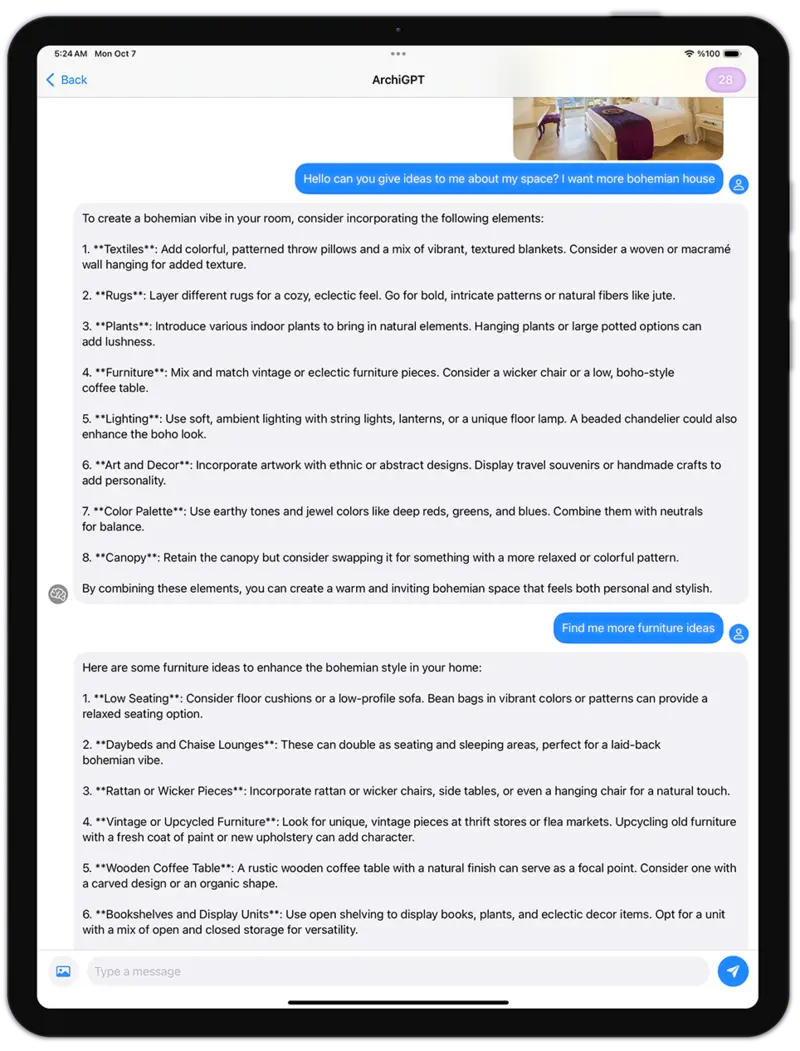
“Ask ArchiGPT how to improve the feng shui of this floor plan.”
Your MCP stack, plus design AI
Works alongside AutoCAD, Revit, SketchUp, Rhino, Blender and the rest of your tools
An AI assistant can hold several MCP servers at once. Connect the MCP server of the software you already model in next to Luw.ai: one drives your model, Luw.ai turns what it exports into photoreal renders, edits, videos and 3D assets — in the same conversation.
AutoCAD MCP + Luw.ai
Have the assistant plot a plan, section or elevation from AutoCAD, then render it photoreal in the style you name with luw_sketch_to_render — or ask ArchiGPT to review the layout. The fastest route from AutoCAD to an AI rendering.
Revit MCP + Luw.ai
Export a 3D view or a sheet through a Revit MCP server and luw_render turns it into a client-ready image. Try another finish afterwards with luw_magic_wand instead of re-rendering the model.
SketchUp MCP + Luw.ai
Render any SketchUp viewport with AI in seconds: luw_render keeps your geometry and adds light, materials and context, then luw_image_tools upscales the result up to 8×.
Rhino & Grasshopper MCP + Luw.ai
Massing studies straight from Rhino become facade options with luw_exterior_design and photoreal context renders with luw_render — several directions before lunch.
Archicad MCP + Luw.ai
Turn Archicad 3D views into presentation renders, then into a slow fly-through with luw_generate_video for the client meeting.
3ds Max MCP + Luw.ai
Clay renders to photoreal in one call, plus seamless, tileable textures for your material library with luw_generate_pattern.
Blender MCP + Luw.ai
With a Blender MCP server the assistant builds or edits the scene; Luw.ai renders the viewport photoreal, generates seamless textures, and turns product photos into GLB models you import back into Blender — interior design in Blender, end to end.
Unreal Engine & Unity MCP + Luw.ai
Photos become GLB props with luw_image_to_3d, surfaces become tileable materials with luw_generate_pattern, and briefs become concept frames with luw_generate_image — ready for real-time scenes.
Photoshop MCP + Luw.ai
Cut-outs, object masks and 8× upscales from Luw.ai, finished in Photoshop: luw_background, luw_segment and luw_image_tools do the slow parts.
Figma MCP + Luw.ai
Generate SVG illustrations and icons with luw_generate_image in SVG format, or vectorize a hand sketch, then place them in your Figma frames.
Canva MCP + Luw.ai
Staged rooms, product shots on generated backgrounds and listing visuals from Luw.ai, laid out as social posts and flyers in Canva.
No MCP server for your tool?
Anything that saves an image works: Vectorworks, Chief Architect, Lumion, D5 Render, Enscape, Twinmotion or a phone photo of a hand sketch. Hand the file to your assistant, or use the Render AI web app directly.
A two-server prompt you can try
Using Blender, frame the living room from the doorway and save a viewport screenshot.
Then use Luw.ai to render it photoreal in Japandi style, give me 2 options,
and make a slow orbit video of the one I pick.
About the names on this page. Luw.ai is an independent product and is not affiliated with, endorsed or sponsored by Autodesk (AutoCAD, Revit, 3ds Max), Trimble (SketchUp), Robert McNeel & Associates (Rhino, Grasshopper), Graphisoft (Archicad), the Blender Foundation, Epic Games (Unreal Engine), Unity Technologies, Adobe (Photoshop), Figma, Canva, Anthropic (Claude), OpenAI (ChatGPT, Codex), Anysphere (Cursor), Microsoft (VS Code, GitHub Copilot), Google (Gemini) or any other company named here. Product names are used only to describe compatibility, and all trademarks belong to their owners. MCP servers for third-party applications are published by those vendors or by their communities; Luw.ai does not control those applications — it works with the images and 3D files they export.
Luw.ai REST API v2
Interior design API, rendering API and image-to-3D API in one endpoint
Every Luw.ai model sits behind the same two calls. Post a job to /v2/generate with a model name and an image URL, get a processing_url back, and poll /v2/results until the output is ready.
curl -X POST https://api.luw.ai/v2/generate \
  -H "Authorization: Bearer YOUR_LUW_API_KEY" -H "Content-Type: application/json" \
  -d '{"model":"interior","image":"https://example.com/room.jpg","styles":"Japandi"}'
# → {"processing_url": "…"}; fetch the result:
curl -X POST https://api.luw.ai/v2/results \
  -H "Authorization: Bearer YOUR_LUW_API_KEY" -H "Content-Type: application/json" \
-d '{"processing_url":"…"}'const headers = { Authorization: "Bearer YOUR_LUW_API_KEY", "Content-Type": "application/json" };
const post = (path, body) =>
fetch(`https://api.luw.ai/v2${path}`, { method: "POST", headers, body: JSON.stringify(body) }).then((r) => r.json());
const job = await post("/generate", { model: "interior", image: "https://example.com/room.jpg", styles: "Japandi" });
let res;
do {
await new Promise((r) => setTimeout(r, 2000));
res = await post("/results", { processing_url: job.processing_url });
} while (res.status !== false && !res.output);
console.log(res.output);import time, requests
H = {"Authorization": "Bearer YOUR_LUW_API_KEY"}
job = requests.post("https://api.luw.ai/v2/generate", headers=H,
json={"model": "interior", "image": "https://example.com/room.jpg", "styles": "Japandi"}).json()
while True:
time.sleep(2)
res = requests.post("https://api.luw.ai/v2/results", headers=H,
json={"processing_url": job["processing_url"]}).json()
if res.get("output") or res.get("status") is False:
break
print(res.get("output"))Send an Idempotency-Key header when you retry the same request and you won't be charged twice. Every parameter of every model is in the API documentation.
Models you can call
| model | Product | Build it into… |
|---|---|---|
interior | Interior AI | An interior design API for room redesign, and a virtual staging API for empty rooms — listing portals, furniture stores, renovation apps |
exterior | Exterior AI | Facade makeovers, curb-appeal previews, builder configurators |
sketch | Sketch AI | A sketch-to-render API for drawing apps and design tools |
render | Render AI | An AI rendering API for CAD, BIM and 3D software exports |
magicprompt | Magic Prompt AI | Edit-by-sentence features, in 2K or 4K |
magicwand | Magic Wand AI | Material swaps and object removal inside a mask |
landscape | Landscape AI | Garden and yard design matched to city and sun exposure |
enhance · expand | Photo Enhance AI · Expand AI | An image upscale API (2×, 4×, 8×) and outpainting |
removefurniture | Remove Furniture AI | Empty a furnished room before staging it again |
removebg · changebg | Change Background AI | A background removal API and generated product scenes |
segment · segmentprompt | Segment AI | Object masks for your own editing tools |
fluw · fluwvector | Fluw AI | A text-to-image API, with SVG output |
vector | Vector AI | Photo or drawing to clean SVG |
pattern | Pattern AI | Seamless textures for configurators and 3D engines |
video | Video AI | An image-to-video API with cinematic camera motions |
3dgen | 3DGen AI | An image-to-3D API that returns a textured GLB model |
archigpt | ArchiGPT | Architecture and design answers inside your product |
puw | Fluw workflows | Your own multi-step pipeline as a single endpoint — see below |
Workflow API
Turn a no-code AI workflow into your own API endpoint
Chain models on the Fluw canvas — say, empty the room, stage it in three styles, upscale each to 4K — and mark the inputs you want to change as variables. Use as API gives you one endpoint for the whole pipeline.
- Call it with
"model": "puw"and your workflow'spid; only the variables are exposed, everything else uses the values saved on the canvas. - Progress reports which step is running, and the finished job returns every step's output, not just the last one.
- Pass an array to run a batch: up to 40 items per request on paid plans (5 on Free), with a single item retryable on its own.
curl -X POST https://api.luw.ai/v2/generate \
  -H "Authorization: Bearer YOUR_LUW_API_KEY" \
  -H "Content-Type: application/json" \
  -d '{
  "model": "puw",
  "pid": "YOUR_WORKFLOW_ID",
  "inputs": {
    "dynamicInputs": [
      {
        "id": "room",
        "label": "Room photo",
        "value": ["https://example.com/a.jpg", "https://example.com/b.jpg"]
      }
    ]
  }
}'
White-label & partners
White-label AI interior design, rendering and virtual staging under your brand
Proptech platforms, furniture retailers, CAD vendors and agencies ship Luw.ai inside their own product. Your customers see your name; Luw.ai does the generation.
Your brand on every output
On the E3 and Custom plans the Luw.ai branding is removed from render outputs and you can add your own logo. Team plans include an extended license with branding and resale rights.
Build your own app on our engine
A kitchen planner, a listing tool, a room visualizer for a furniture store, a niche design app: build the interface, call the API, and keep the customer relationship. White-label interface or API only — your choice.
Partner and reseller programme
Regional distributors and resellers earn recurring revenue on the accounts they open, with territory, pricing and support agreed in writing. Builders get sandbox accounts, roadmap visibility and a direct line to the team.
Who builds on the Luw.ai API
Real-estate portals
A virtual staging API on every empty listing photo, plus furniture removal for occupied ones.
Furniture & décor retail
Show a product in the shopper's own room, on generated lifestyle backgrounds, or as a 3D model.
CAD & BIM software
Add an AI render button that sends the current view to the rendering API and returns a photoreal image.
Agencies & studios
Run client work through your own branded tool, with a team pool of renders and one invoice.
Pricing
Pay per design, not per seat
The MCP server and the API spend the same Luw.ai credits as the web app, under the same plan rules for resolution, watermark and models. Connecting costs nothing, and new accounts get free credits to try it.
| Call | Credits |
|---|---|
| Interior, exterior, landscape, sketch, render, edit, mask, upscale, background, pattern | 1 |
| Text to image or SVG | 2 |
| Image to 3D (GLB) | 3 · 8 with Symphony |
| Image to video | 10 · 20 with Symphony |
| ArchiGPT | 1 per ~3,000 words |
| Results, options, uploads, projects | Free |
Variations are billed one generation each.
| Plan | Renders / month | Per render |
|---|---|---|
| Free | 2 credits every day | $0 · 512px, watermark |
| Pro | 200 | $0.10 |
| Ultra · API access | 1,200 | $0.07 |
| E1 · Studio | 5,000 | $0.06 |
| E3 · White-label | 20,000 | $0.05 |
| Custom | Unlimited | Volume pricing, SLA |
Paid plans include a commercial license and 4K output without a watermark. See every plan and token pack on the pricing page.
MCP server vs API
Which one do you need?
Most teams use both: designers work through the MCP server, the product calls the API.
| Compare | MCP server | REST API |
|---|---|---|
| Who calls it | An AI assistant, on your behalf | Your code |
| How you ask | Plain language in a chat | JSON: a model name and parameters |
| Setup | Paste a URL and sign in, or one npx command | An API key and two HTTP calls |
| Chaining steps | The assistant decides and chains tools | You orchestrate, or run a Fluw workflow |
| Local files | Yes, with the local server | Send an image URL |
| White-label | — | Yes, on E3 and Custom |
| Billing | The same credits and the same keys for both | |
Built to be trusted with a key
Stateless hosting
The hosted server stores nothing. Your key goes straight to the Luw.ai API on each request.
Sign-in, not copy-paste
MCP OAuth with PKCE hands the client an ordinary API key you can delete at any time.
Open source
The server is MIT-licensed on GitHub, published to npm and listed in the MCP Registry as ai.luw/mcp.
Self-host it
Run npx -y @luw-ai/mcp --http, or the included Dockerfile, on your own infrastructure.
Luw.ai API & MCP — frequently asked
What is an MCP server, and what does the Luw.ai MCP server do?
MCP (Model Context Protocol) is an open standard that lets AI assistants such as Claude, ChatGPT and Cursor call outside tools. The Luw.ai MCP server gives them 21 design tools — interior, exterior and landscape design, virtual staging, sketch and CAD to render, image editing, video and image to 3D — so you can ask for a design in plain language and get the result in the chat.
Is the Luw.ai MCP server free?
Connecting is free and the server is open source. Each generation spends Luw.ai credits — 1 credit for most designs — and new accounts get free credits to try it. The Free plan adds 2 credits every day at 512px with a watermark; paid plans give 4K without a watermark.
How do I add Luw.ai to Claude?
In claude.ai or Claude Desktop, open Settings, then Connectors, choose Add custom connector, paste https://mcp.luw.ai/mcp, click Connect and sign in to Luw.ai. In Claude Code, run claude mcp add --transport http luw https://mcp.luw.ai/mcp --scope user, then type /mcp and sign in.
How do I connect Luw.ai to ChatGPT?
In ChatGPT, open Settings, then Apps & Connectors, then Advanced settings, and turn on Developer mode. Click Create, enter https://mcp.luw.ai/mcp as the URL, choose OAuth and sign in to Luw.ai.
Which AI assistants and code editors are supported?
Claude (claude.ai, Claude Desktop, mobile and Claude Code), ChatGPT, Cursor, VS Code with GitHub Copilot, Windsurf, OpenAI Codex CLI, Gemini CLI and Kiro have step-by-step setups. Any other client that supports remote MCP over Streamable HTTP, or local stdio servers, works too.
Can Claude Code or Cursor generate images with an MCP server?
Yes. With Luw.ai connected, luw_generate_image creates images from text with Fluw AI, or SVG vectors, and the other tools edit, upscale, render and animate images. Run the local server and the assistant can work on image files in your project folder directly.
Do I need an API key to use the MCP server?
Not for the hosted server: clients that support MCP sign-in let you log in to Luw.ai, and the sign-in creates a key for you. The local server, and clients that can't sign in, use a key you create on the API page at app.luw.ai/dashboard/api.
Can the MCP server use images on my computer?
The local server can: give it a path such as ~/Desktop/room.jpg and it uploads the file as a temporary file that is deleted after 12 hours. The hosted server cannot read your disk, so give it an image URL or attach the image in a client that passes it through.
Does Luw.ai work with AutoCAD, Revit, SketchUp or Blender?
Yes, through what they export. Connect the AutoCAD, Revit, SketchUp, Rhino, Archicad, 3ds Max or Blender MCP server you use next to Luw.ai, and your assistant can pass a viewport, plan or screenshot to Luw.ai for a photoreal render, an edit, a video or a 3D model. Luw.ai does not control those applications and is not affiliated with their makers.
Is there an interior design API or a virtual staging API?
Yes. The interior model of the Luw.ai REST API redesigns a room photo in the style you choose and can furnish an empty room for virtual staging. The same API covers exterior and landscape design, sketch and CAD to render, upscaling, background removal, image to video and image to 3D.
Should I use the MCP server or the API?
Use the MCP server when a person works through an AI assistant and wants to ask in plain language. Use the REST API when your own software calls Luw.ai — a website, an app or a batch pipeline. Both use the same API keys and credits, so many teams use both.
Can I white-label Luw.ai?
Yes. On the E3 and Custom plans the Luw.ai branding is removed from outputs and you can add your own logo, and team plans include an extended license with branding and resale rights. To build your own product or resell Luw.ai in your market, apply at app.luw.ai/partners.
Will I be charged twice if a request fails and I retry it?
No. The MCP server sends an Idempotency-Key with every generation, so a retry returns the original job instead of a new charge. Do the same in your own API calls by sending an Idempotency-Key header when you retry a request.
Is the Luw.ai MCP server open source, and can I host it myself?
Yes. The server is MIT-licensed on GitHub at Luvi-io/luw-mcp and published to npm as @luw-ai/mcp. Run npx -y @luw-ai/mcp --http, or the included Dockerfile, to host the Streamable HTTP endpoint yourself; it is stateless and each request brings its own key.
Can I use the images commercially?
On paid plans, yes: Pro and above include a commercial license, and team plans add an extended license. Output made on the Free plan carries a watermark and is for personal use only.
Give your AI assistant an architecture toolkit
Add one URL to Claude, ChatGPT or Cursor, or one API key to your product. Your first designs are on us.
Prefer the web app? Start with AI for architects, virtual staging or Luw.ai Studio.
What will you create today?
Transform your design workflow in seconds
Before / After
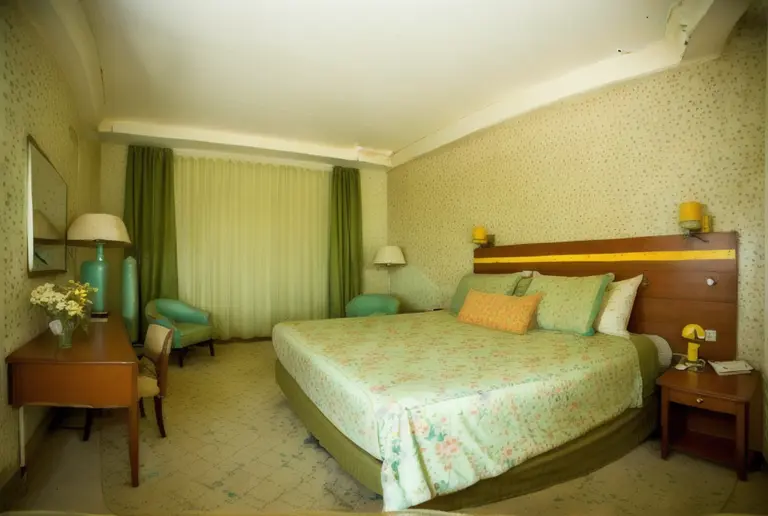
Before / After
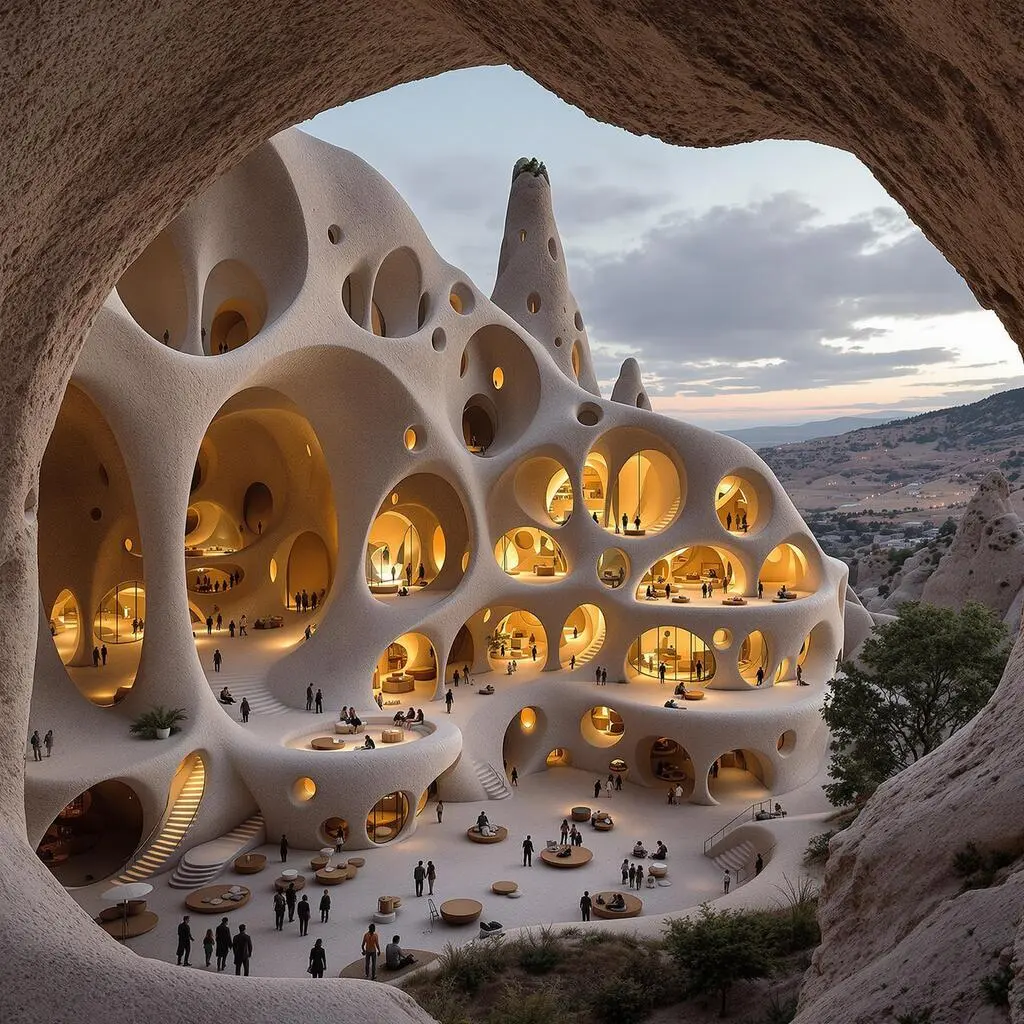
As I can see, your room is around 45 square meters, I will help you optimize this space for a bigger feeling, use bright color palette on...
ArchiGPT
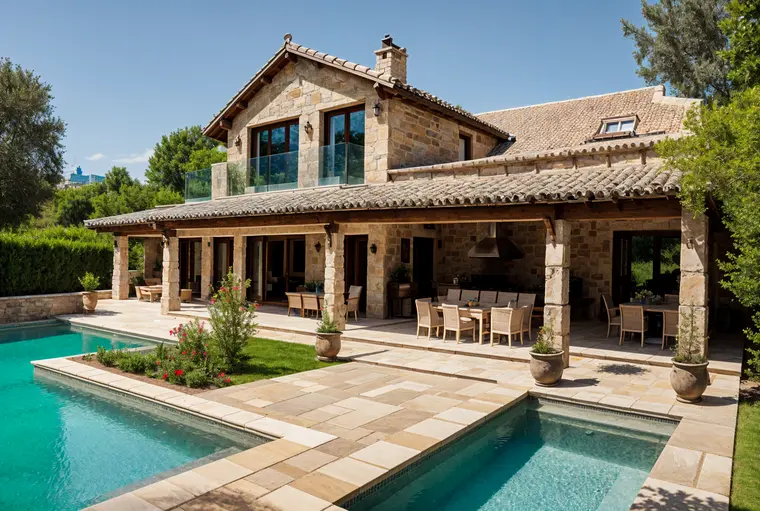
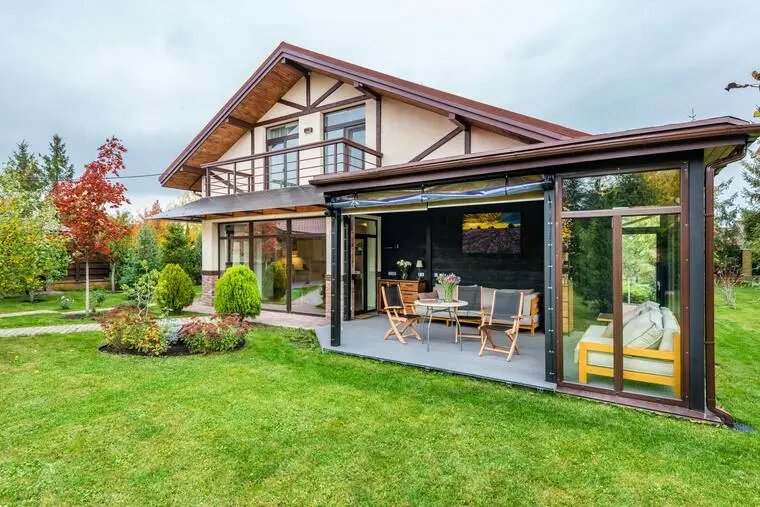
Before / After
Award-Winner Designs
Design concepts generated for you in seconds
Based on your office setup, I'll generate a visualization to convert it into a productive workspace with optimal lighting design...
ArchiGPT
3DGen AI
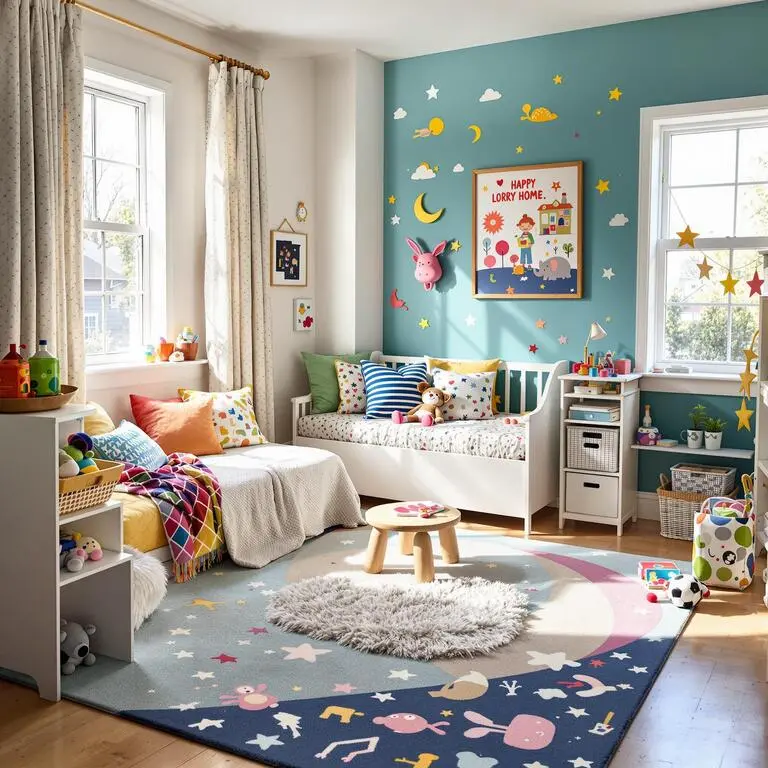
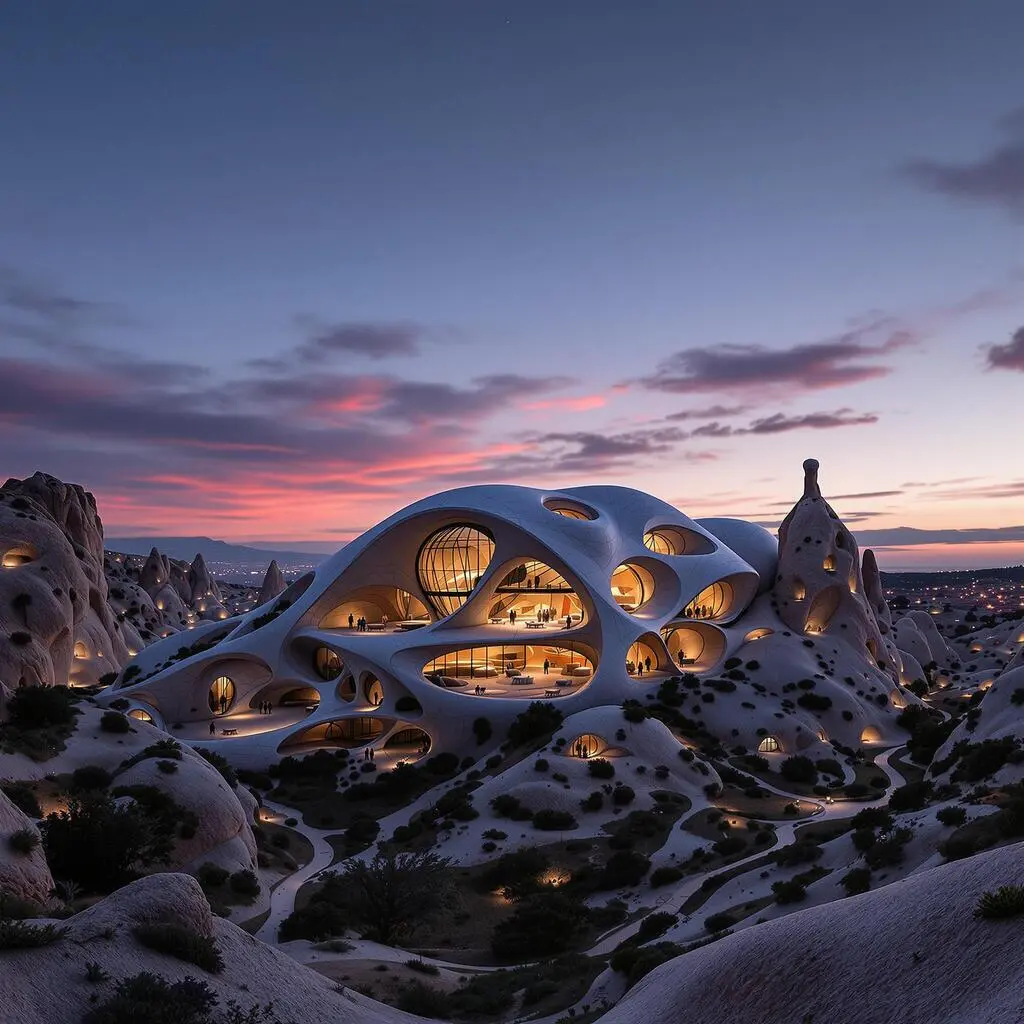
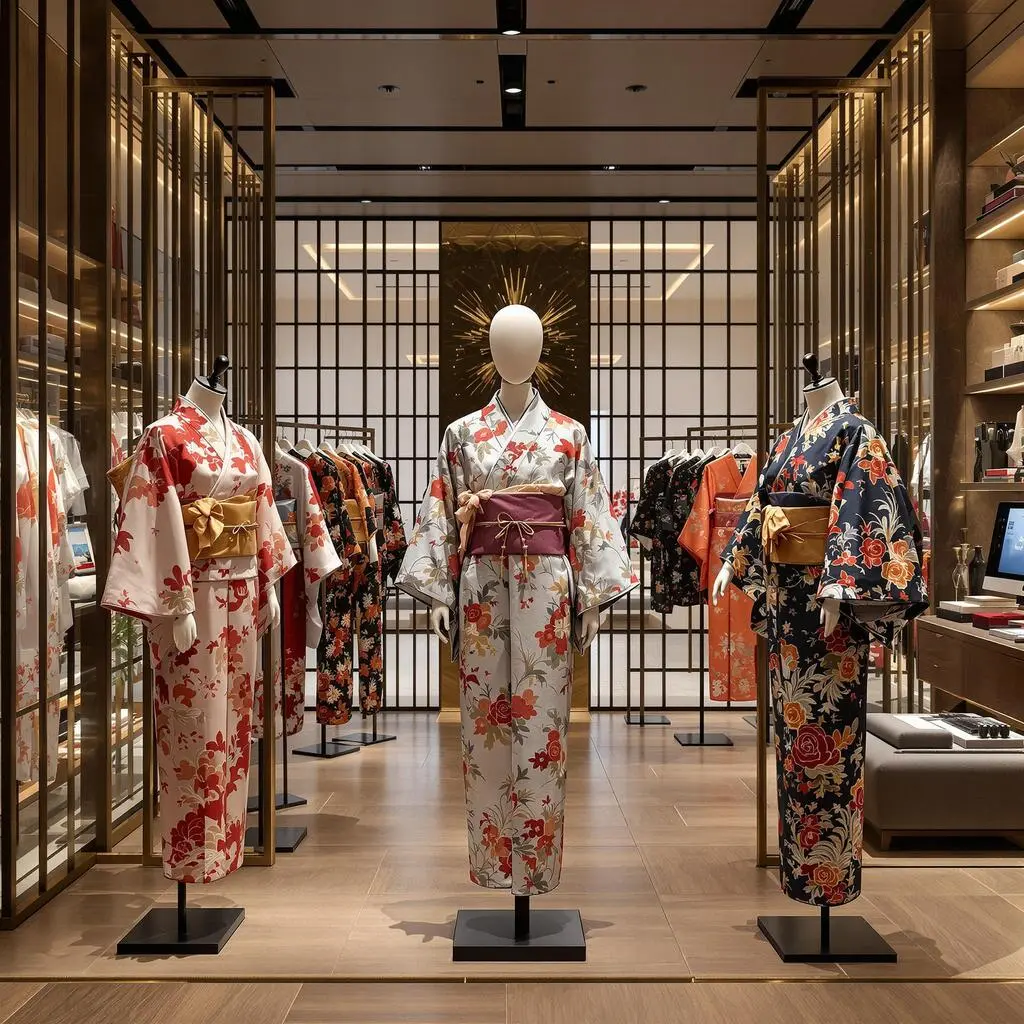
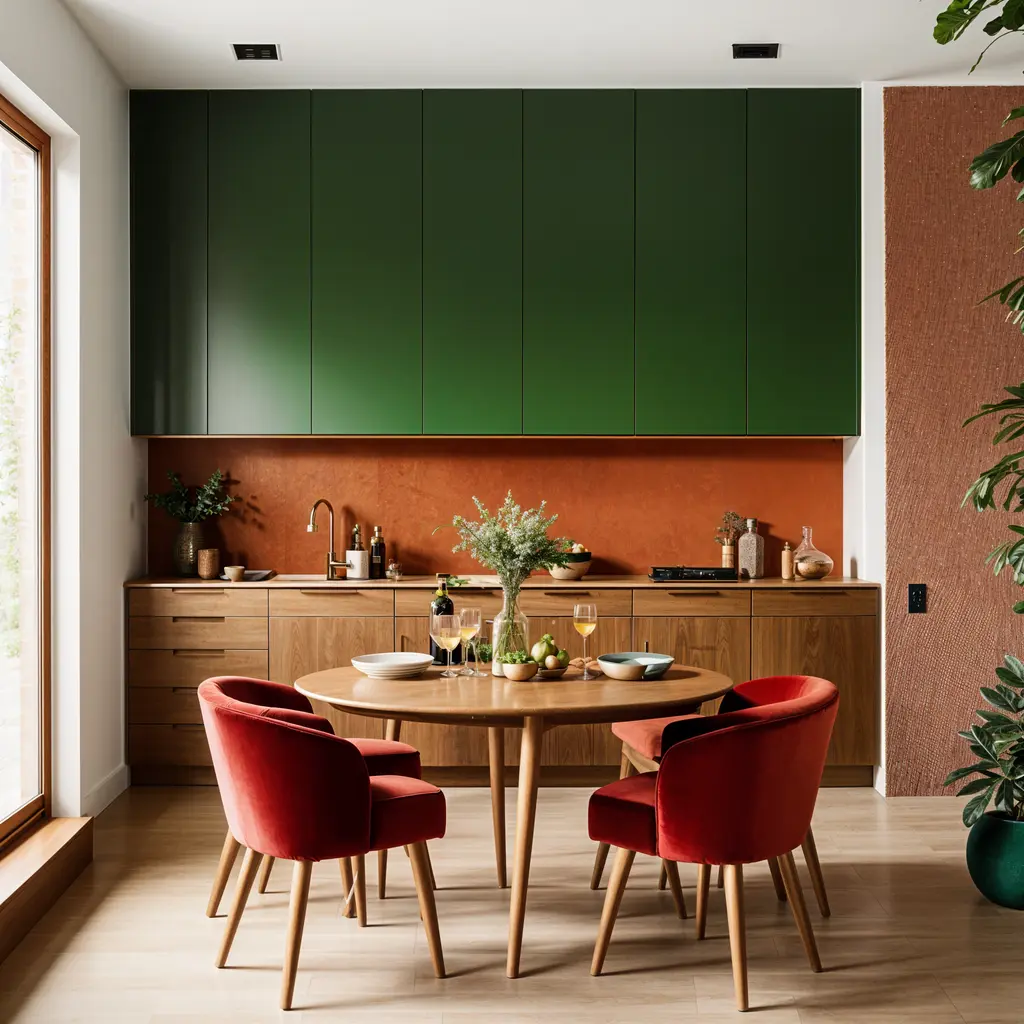
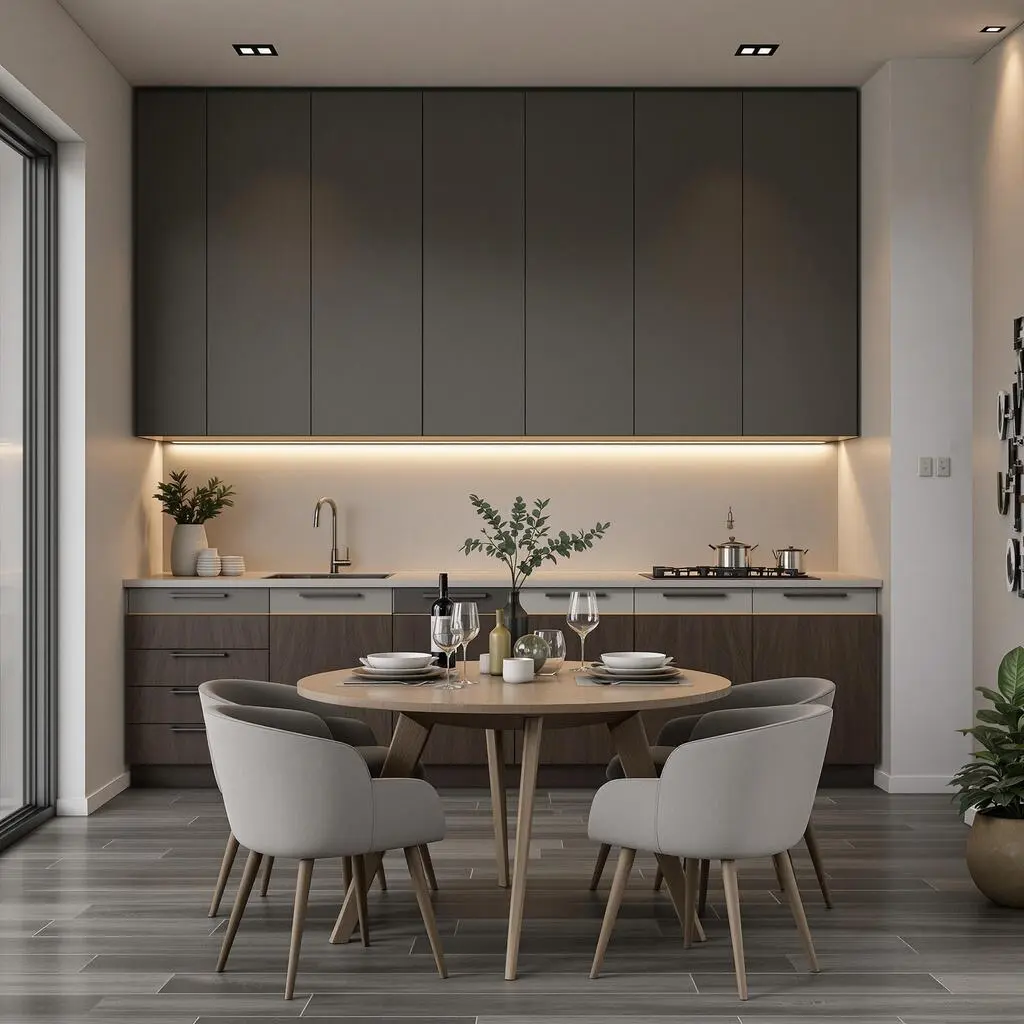
Style Variations
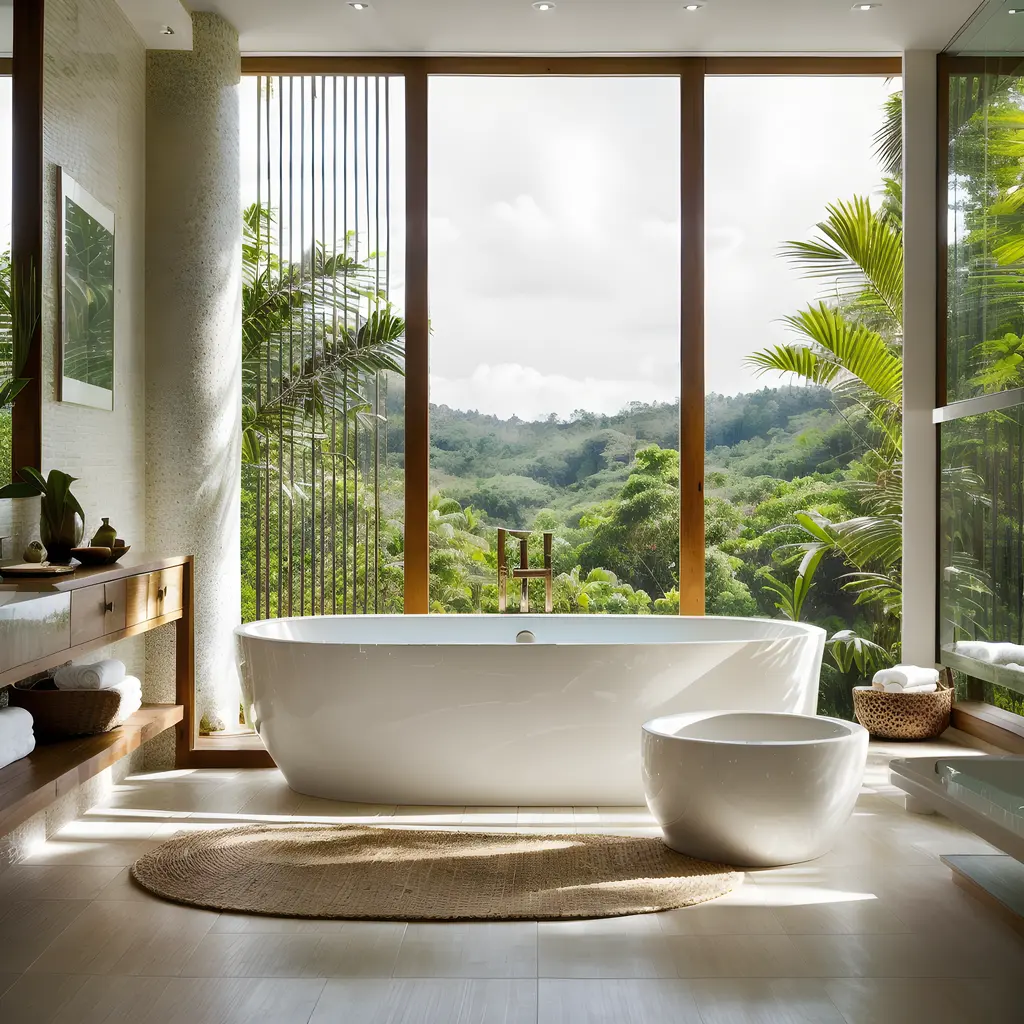
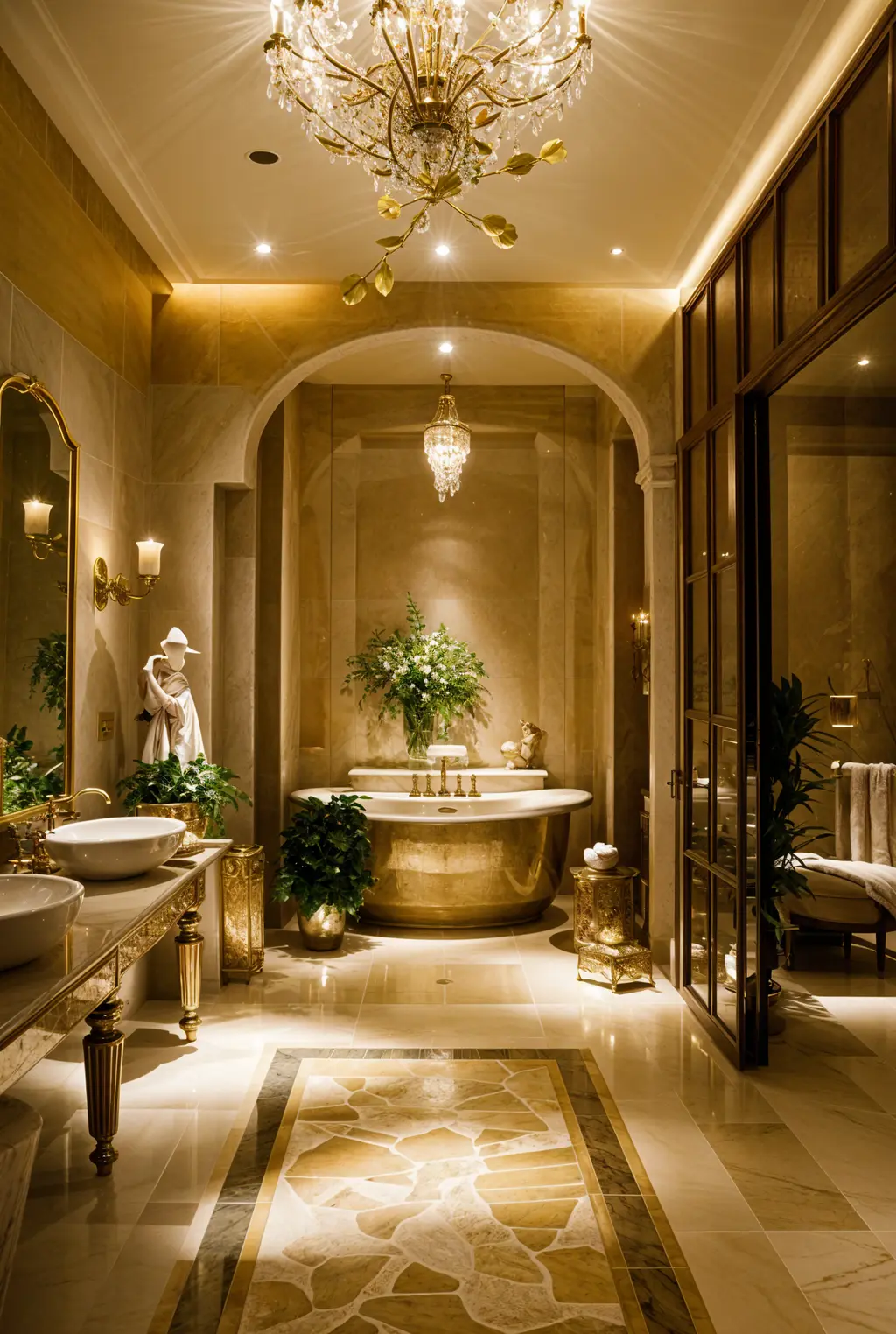
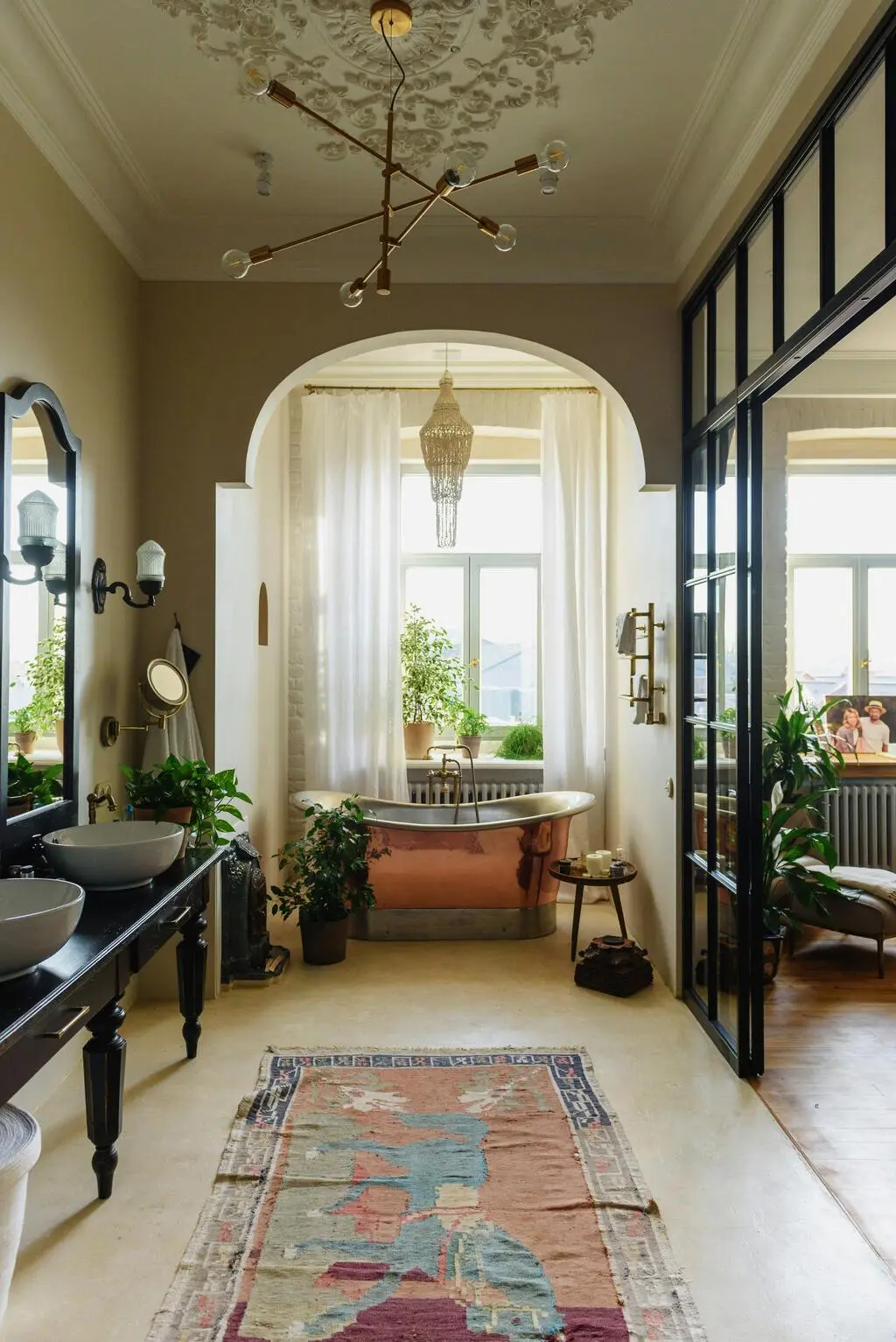
Before / After
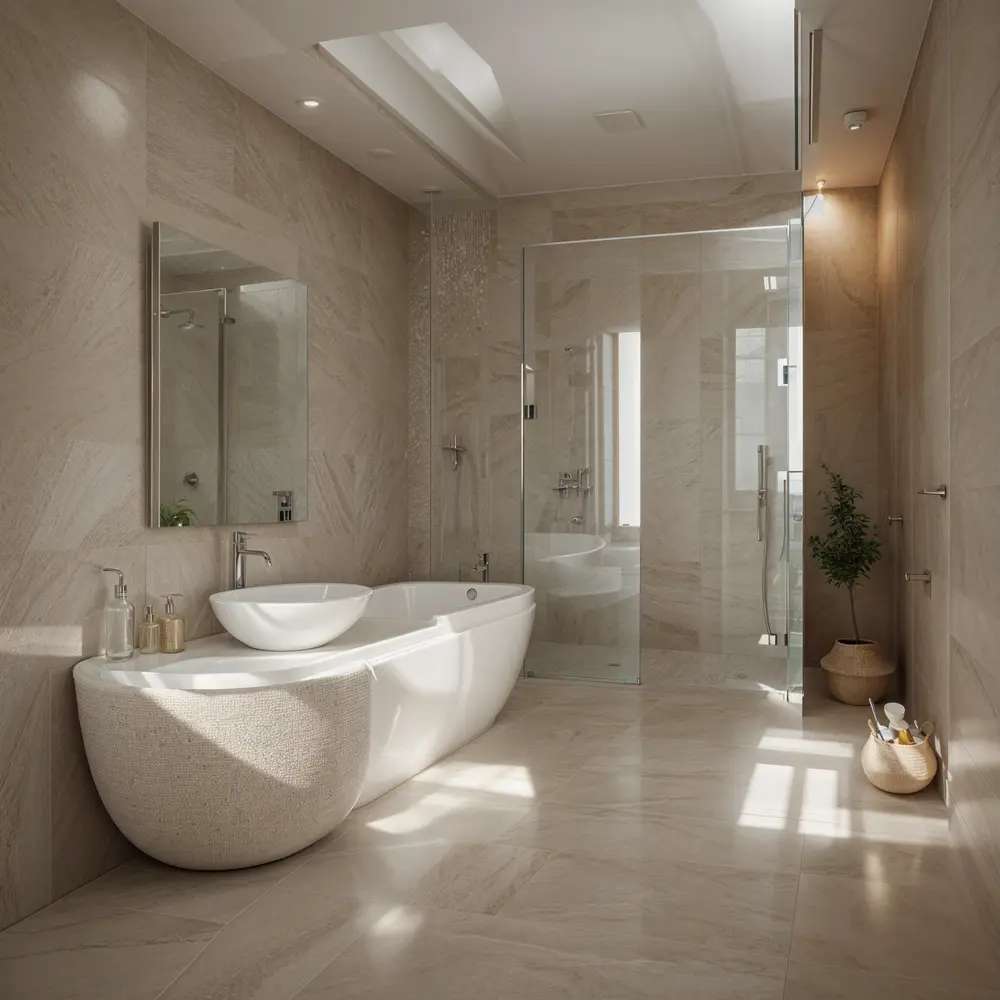
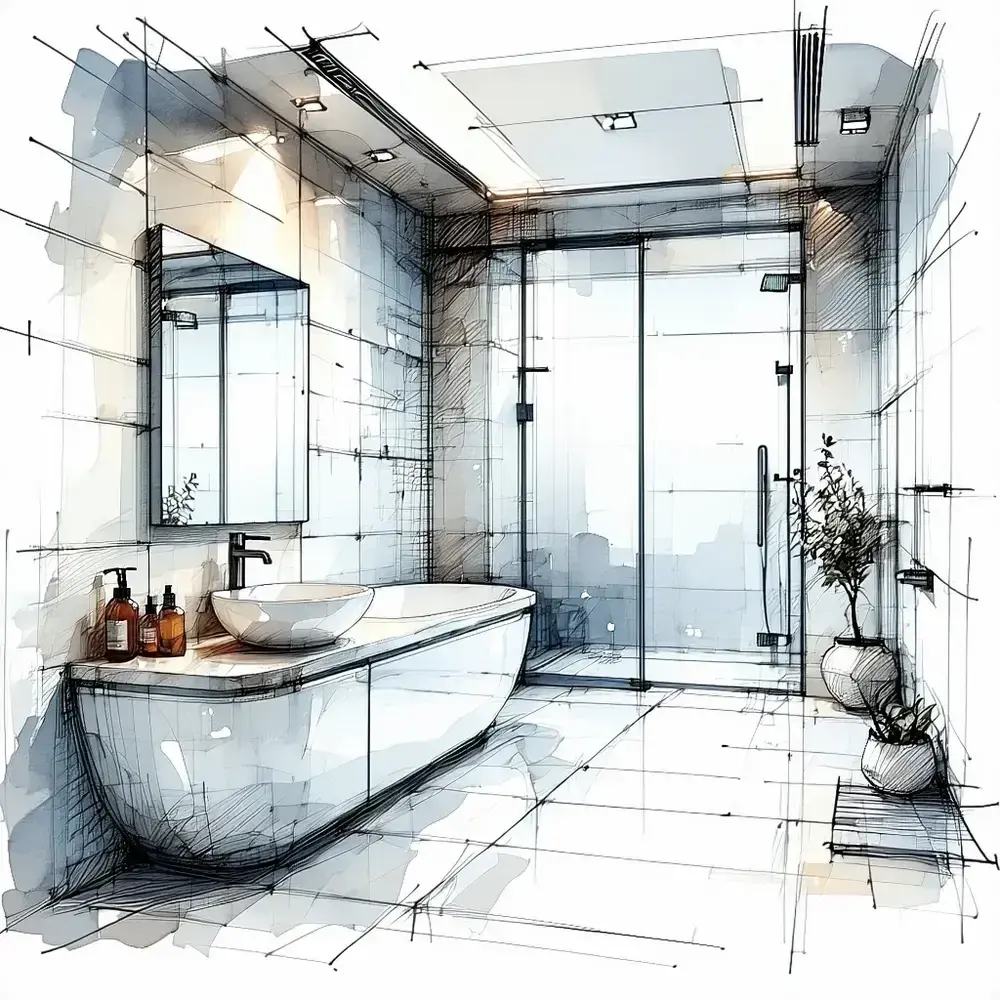
Let me show you how your bathroom can transform, I will create a before/after visualization with spa-inspired elements...
ArchiGPT
Trusted by Millions

250M+
Designs Generated

10M+
AI Design Personas Created

3M+
Joined Designers
AI-Powered Design Suite
Experience the future of design with our advanced AI models
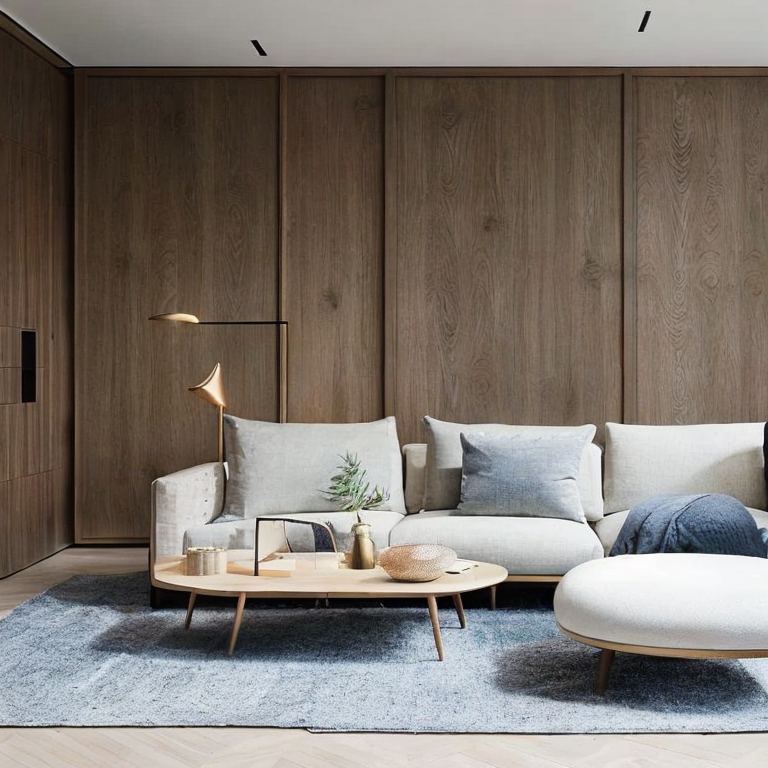
Interior
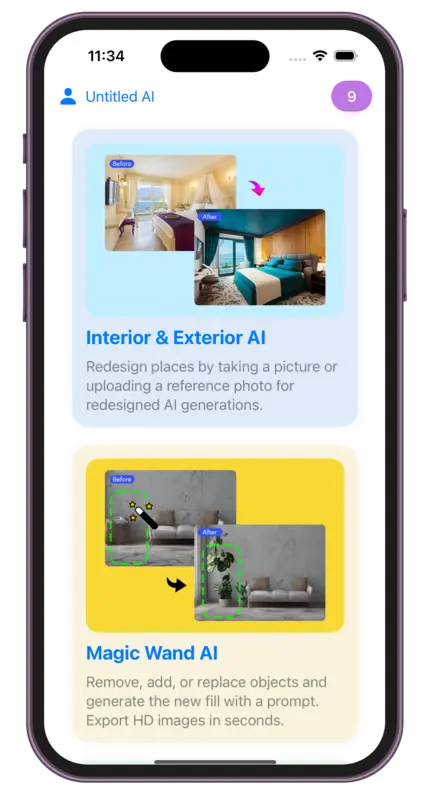
AIRedesign places by taking a picture or uploading a reference photo for redesigned AI generations.
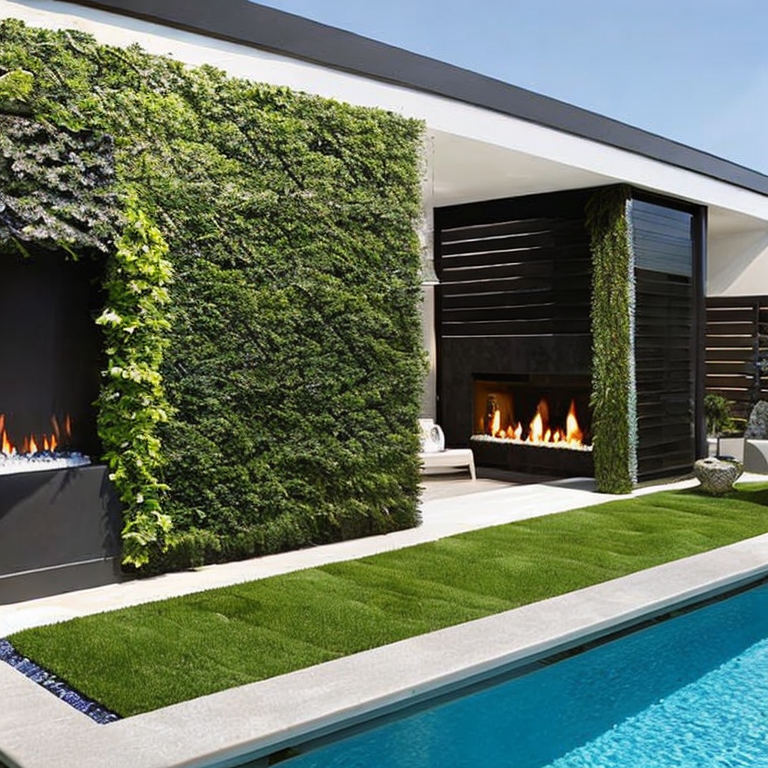
Exterior
AIRedesign places by taking a picture or uploading a reference photo for redesigned AI generations.
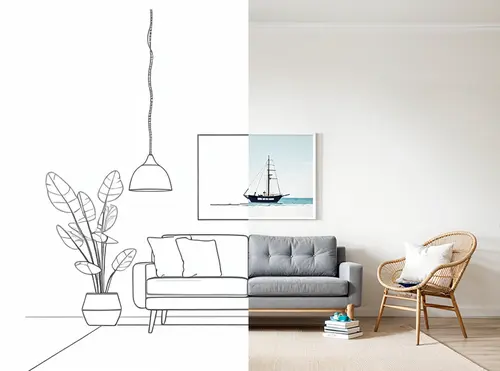
Sketch
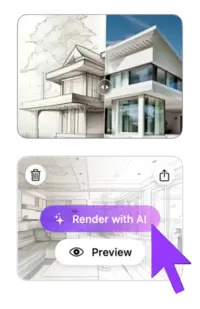
AITake advantage of our powerful AI draft or sketch to render feature. Simply upload your image, then select render styles.
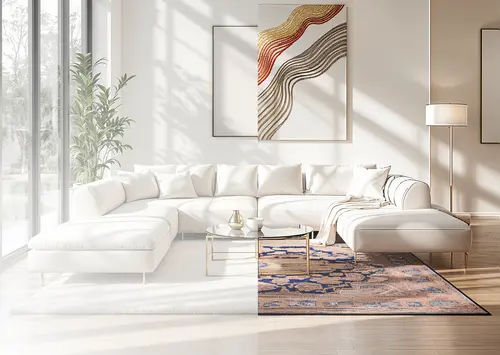
Magic Prompt
AITransform any image using simple text descriptions - no skills needed. Edit images with prompt in seconds.
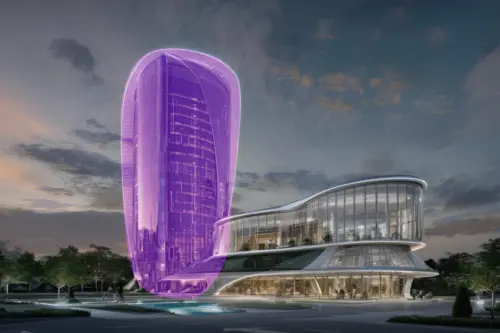
Magic Wand
AIRemove, add, or replace objects and generate the new fill with a prompt. Export HD images in seconds.

Video
AITransform any design into breathtaking 3D flythroughs with dynamic motions that bring your vision to life in stunning detail.
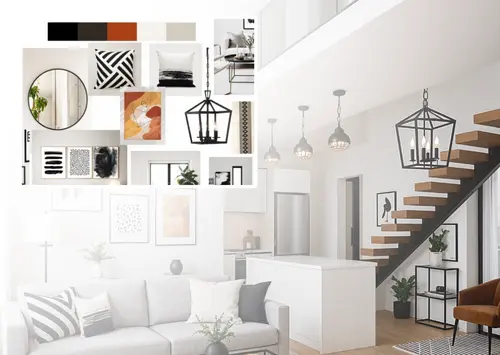
Mood Board
AIBring your moodboard to life — see it rendered in your space, view it as a full render, or create new moodboards.
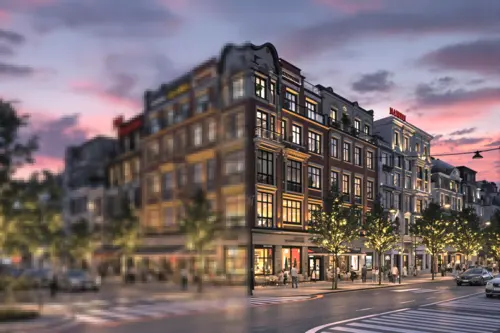
Resizer
AIEasily resize and improve picture quality, reducing noise and enhancing details. Perfect for all your design needs.
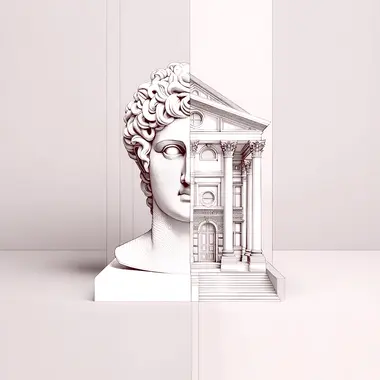
ArchiGPT
Chat with architecture AI. Get advice on feng shui, architectural usability, personalized design recommendations, and more.
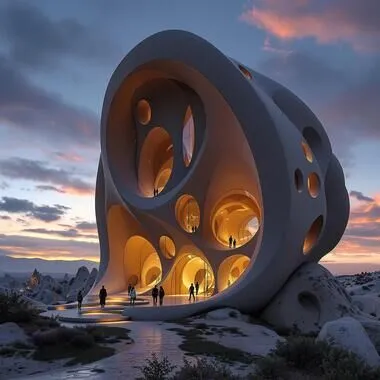
Fluw
AIGenerate stunningly lifelike photos and illustrations that transform your vision into reality, ready for any project.
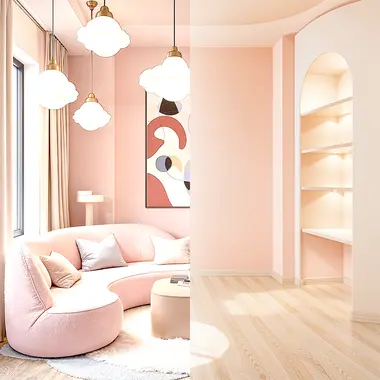
Remove Furniture
Remove furniture and objects from interior images using AI. Easily transform furnished spaces into empty rooms.

Change Background
AICreate professional marketing images with our AI-powered product advertising image generator.
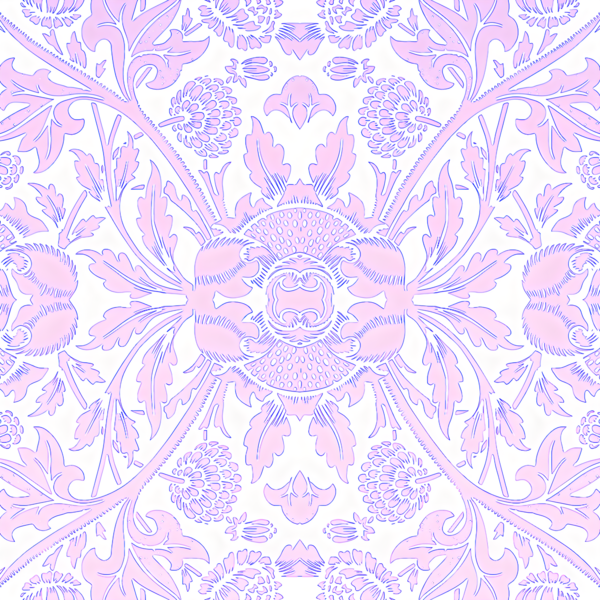
Pattern
AIGenerate tileable images using AI. Receive seamless patterns and textures perfect for various applications.
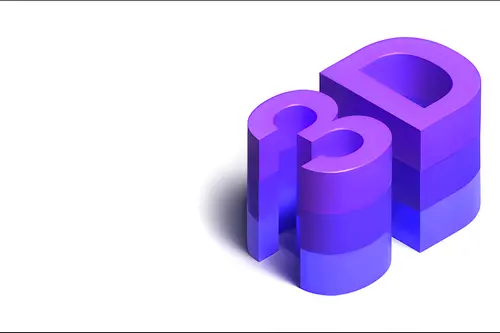
3DGen
Generate 3d models with text. See your generated 3D model in minutes, and export as 3d file.
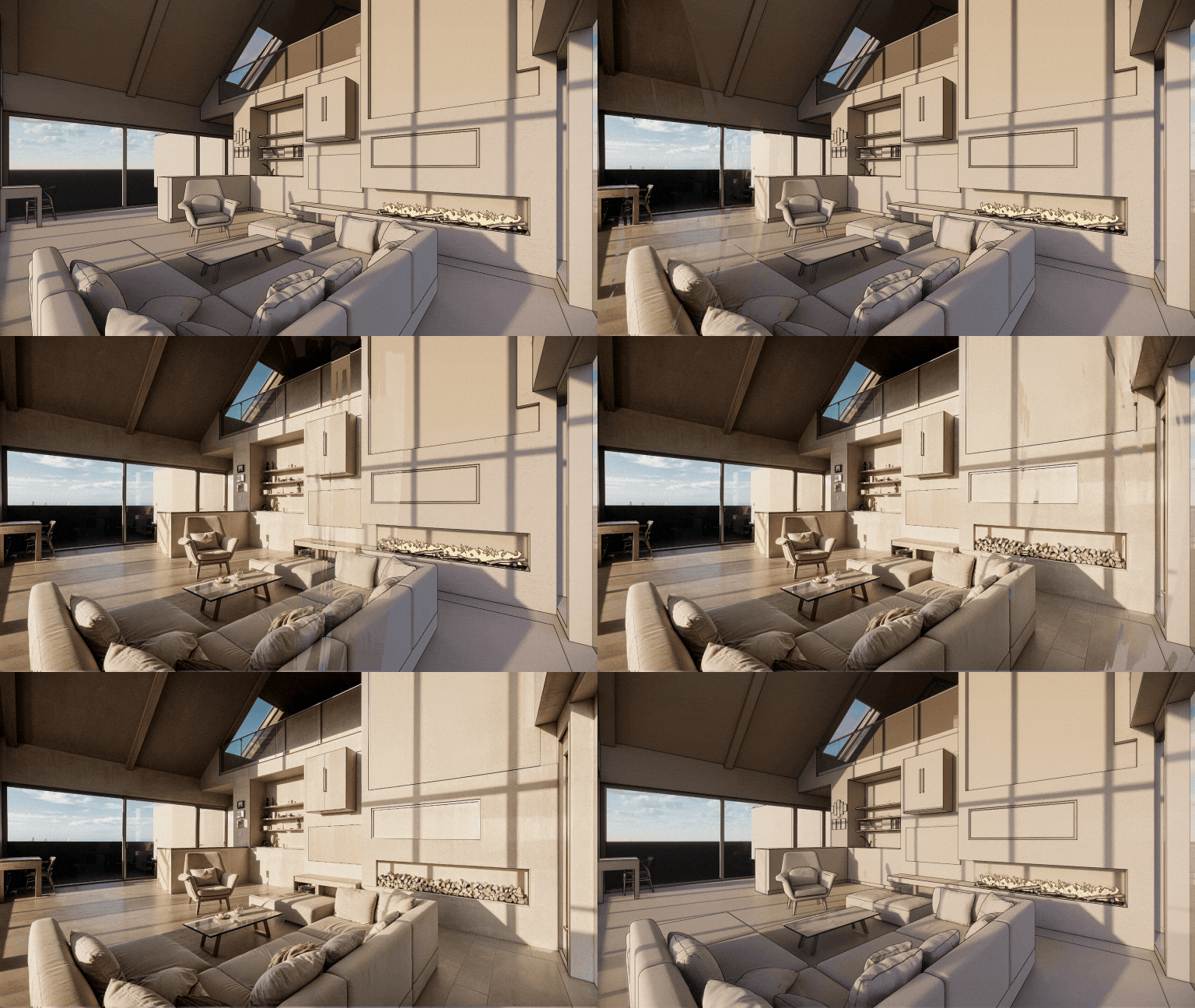
Render
AITransform any 3D screenshot into a photorealistic render with AI. Render AI keeps your geometry and textures.
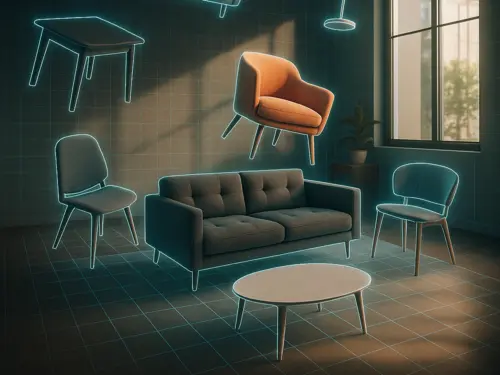
3DSpace
AIUpload a room photo, drag in furniture images, and see it all in 3D and perfectly placed, photorealistically rendered.
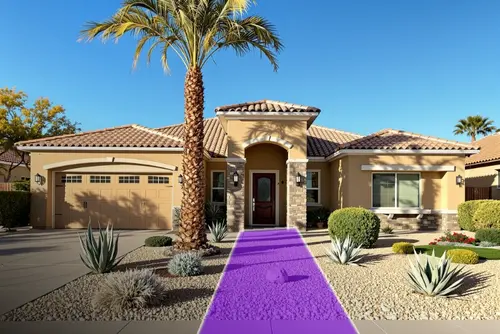
Landscape
AITake a photo, choose area and style — get a photo-realistic design matched to your city, light, and climate. All placed with AI magic.
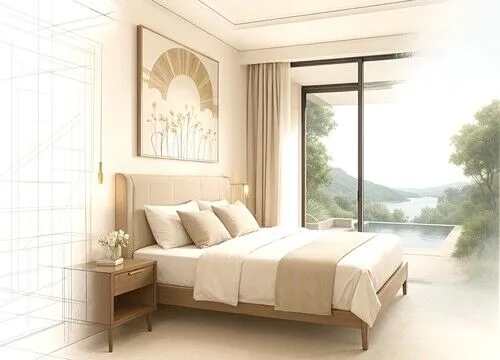
Expand
AIArchitectural photo too cropped? We extend it! AI fills in the missing scene and design details. Like a wide-angle lens with AI.
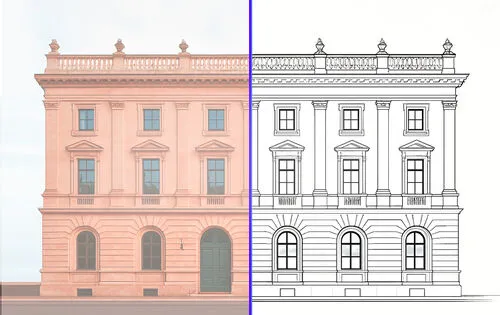
Vector
AIUpload a photo and get a clean vector SVG export of furniture, facades or products, ready to edit in CAD and design tools.
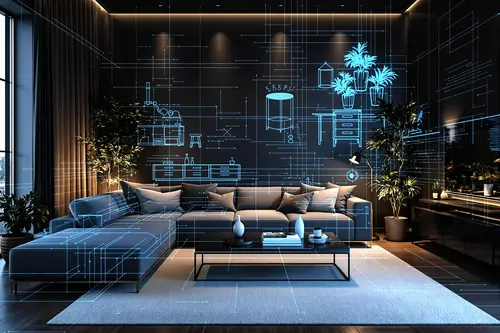
Floor Planner
AIDownload Luw AI iOS App to use Floorplanner AI and start creating interactive floor plans that do more with your spaces
Collaborate on Luw
projects with your team
Invite clients, stakeholders, or teammates to any Luw project with the right level of access — view only, view + download, or full edit.
Share Project
Invite others to view and download renders.
Invite by Email
ACCESS LEVEL
View only
No download or edit
View + download
Can save images
Edit
Generate, rename, delete
People with Access
3 peopleemma@yourcompany.com
Owner
liam@yourcompany.com
Member
olivia@yourcompany.com
Admin
Team
E28,885
Credits Remaining
115
Used This Month
9,000
Monthly Allocation
24 days left in billing cycle
Usage by Team Member
Built by designers,
powered by Luw.ai
Explore real projects where professional architects and designers used Luw.ai to bring their visions to life.
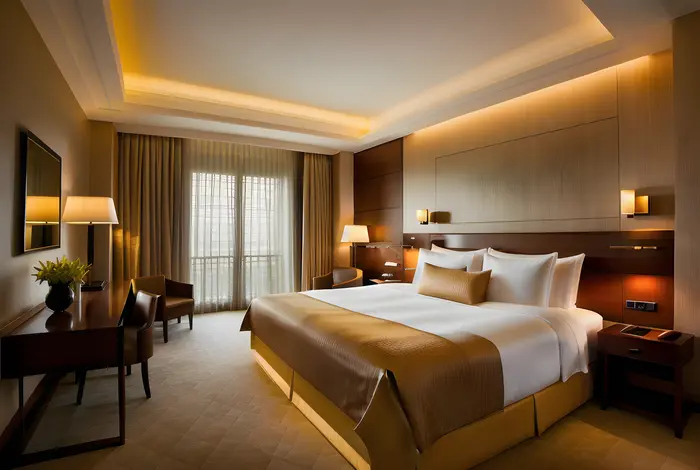 Interior Design
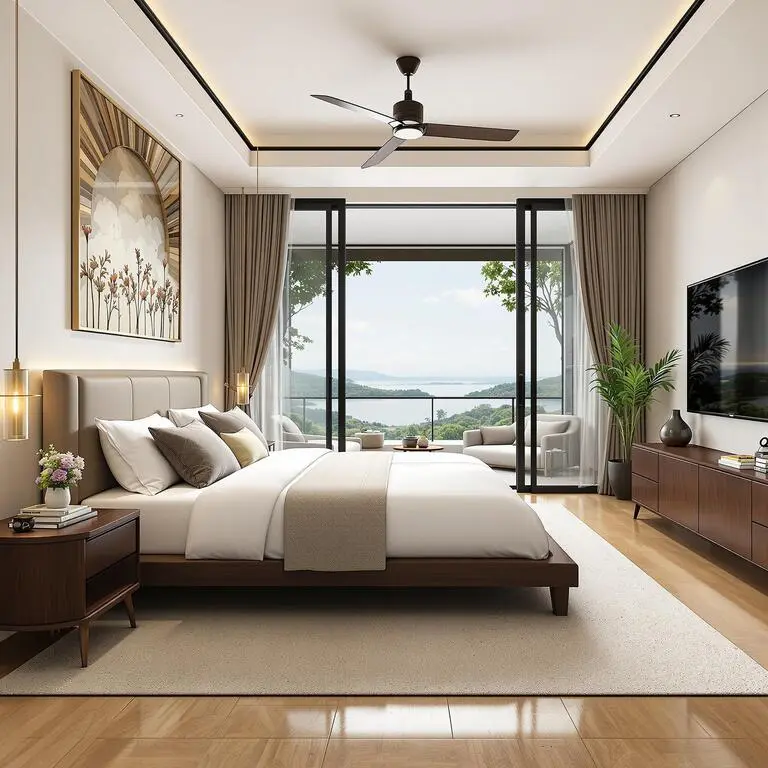
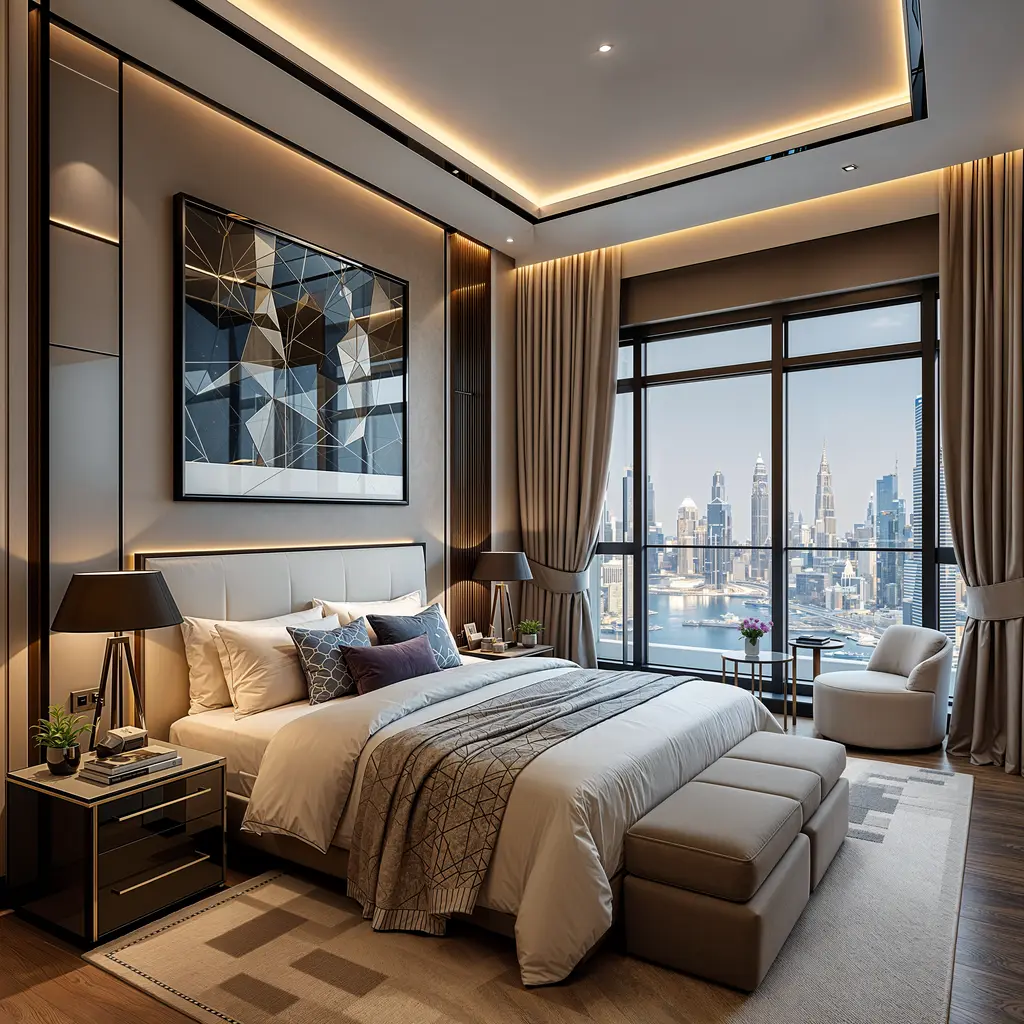
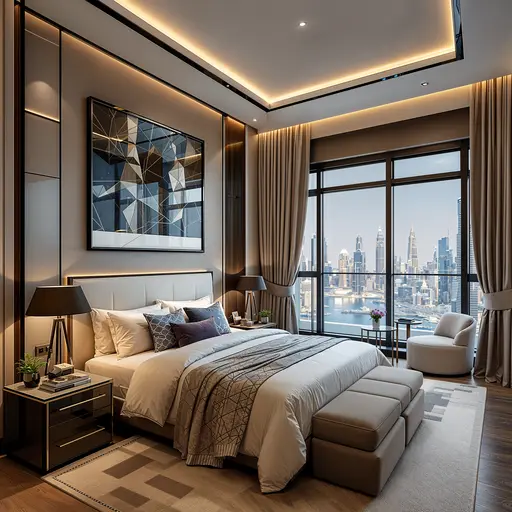
Master Bedroom — Interior Design
ODX Studio used Luw.ai to close the gap between a technically complete architectural model and a space that feels genuinely lived-in.
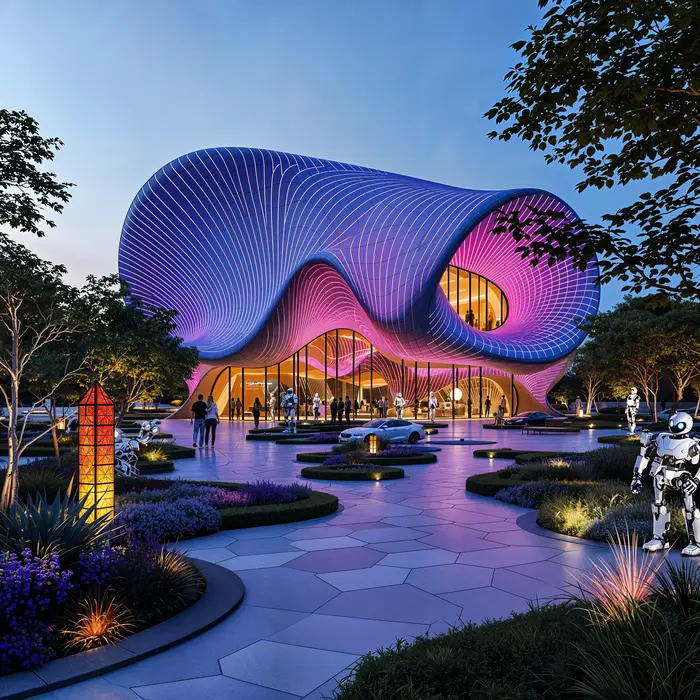 Architecture
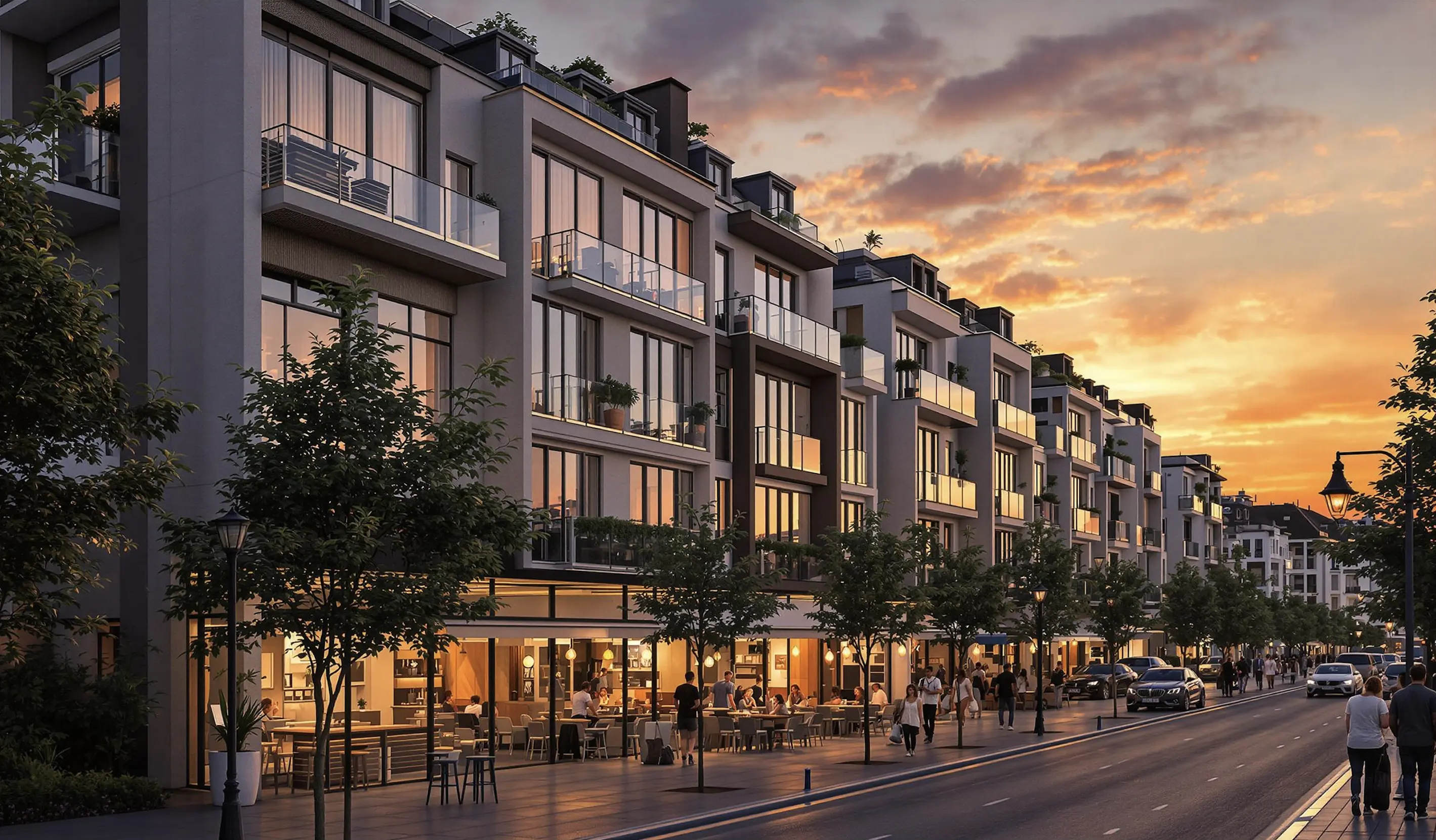
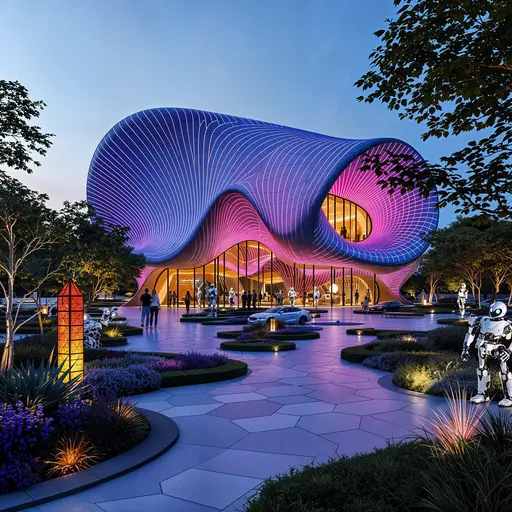
Pavilion — Mixed-Use Development, New Cairo
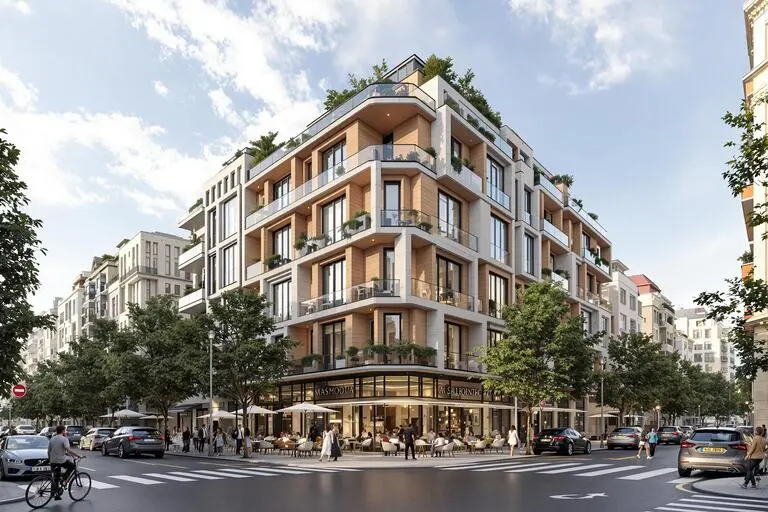
ODX Studio used Luw.ai to translate their Revit architectural model into atmospheric, photoreal visualizations.
The Most Advanced
AI Design Suite
Transform your creative workflow with our powerful AI-driven design tools. From concept to completion, create stunning visuals across iOS, macOS, and Web platforms.
About
What is Luw.ai and what does it do?
What 3D software is compatible with Luw.ai?
Can I modify specific parts of my design?
Can I use Luw.ai for commercial projects?
How do I use the HD - 4K - 8K Export or Supersize feature?
Can I use hand-drawn sketches?
How can I open GLB, OBJ or STL files without installing anything?
Can I view DXF, IFC or SVG floor plans in my browser?
Who can use Luw.ai?
Explore luw.ai tools
AI rendering, editing, and 3D generation for architects and designers.
- Interior AI: Redesign any room and stage interiors from a single photo.
- Exterior AI: Reimagine facades, gardens and curb appeal in seconds.
- 3D AI: Turn any image or text prompt into a 3D model.
- ArchiGPT: Chat with your AI design assistant about any design.
- Remove Furniture AI: Erase furniture and objects from any photo instantly.
- Virtual Staging: Furnish an empty room photo for a listing in about 20 seconds.
- 3DSpace AI: Rebuild a room photo in 3D and place every piece of furniture by hand.
- Image Upscaler: Enhance and upscale low-quality photos to crystal-clear 4K.
- Sketch AI: Turn hand sketches into photorealistic renders.
- Magic Prompt: Edit images with text prompts — no Photoshop needed.
- Render AI: Any image, prompt or 3D model to a photorealistic render.
- Magic Wand AI: Brush-select any region and let AI edit only that area.
- Luw.ai Studio: AI floor plan generator — build, furnish and render in 3D.
- AI for Architects: Sketch, photo or CAD export to render in under 10 seconds.
- API & MCP: Use Luw.ai design tools inside Claude, ChatGPT, Cursor or your own app.
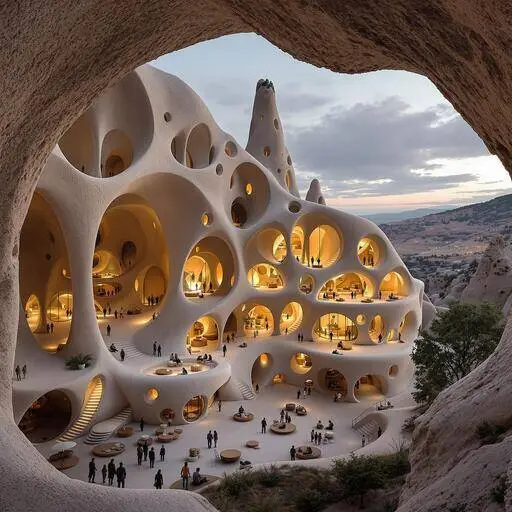
Meet your AI design assistant,
design ideas in seconds
Design your interiors and exteriors with a photo, and watch as Luw AI instantly works its magic.
Join 3M+ designers already using Luw AI.