
The AI floor plan generator that builds in 3D — design, furnish & render in your browser
Luw.ai Studio is a browser-native floor plan app and 3D design studio. Describe a brief — or drop a photo — and Archiagent, the in-editor AI architect, draws the floor plan, models it in 3D, furnishes every room to scale, audits its own work, and renders any view in up to 8K. No CAD, no install, no GPU.
Up to 8K
Photoreal AI render
Talks back
AI architect agent
Built on the Luw.ai platform — trusted by 500,000+ designers & the world's leading real-estate, engineering and design teams
500K+
Designers on the platform
50M+
Designs generated
250+
Architectural object types
8K
Max AI render resolution
Trusted by the World's Leading Companies
As Seen On







And 500+ News Sites


From the first wall to the final render
One studio. Floor plan, 3D, furnishing, render.
Most AI tools generate a picture. Luw.ai Studio generates a real, editable, measurable building — a 3D floor plan you can walk through, furnish, export to CAD, and render. The AI floor plan generator and the render pipeline live on the same canvas.
01 — AI floor plan generator
From a sentence to a scaled floor plan
Type "design a 1-bed, 80 m² apartment, kitchen on the south wall" and the AI floor plan generator draws walls, doors, windows and zones to scale — on the metric system, with live dimensions and red door-swing arcs you can audit in 2D. It's a floor plan creator, floor plan maker and floor plan app in one, with architectural defaults that make the output buildable.
- ✓ Natural-language brief → scaled 2D & 3D floor plan
- ✓ Walls, 9 door types, 10 window types, columns, stairs, roofs
- ✓ Neufert-baseline room sizes & clearances built in
02 — 3D floor plan & room planner
A real 3D floor plan — and a room planner you can walk through
Model up from a 2D floor plan to a fully detailed 3D building: multi-storey levels, curved walls, parametric columns, 7 roof types and stairs that cut their own floor opening. Switch to first-person walk mode at 1.6 m eye height, open doors with a keypress, and render exactly where you're standing. It's the most capable browser-based 3D floor plan and room planner available.
- ✓ 2D blueprint, 3D perspective & side-by-side split view
- ✓ Multi-storey levels with drag-to-reorder & exploded view
- ✓ WebGPU-accelerated walk-through with real collision
03 — Photo to floor plan
Photo to floor plan — drop an image, get an editable 3D model
Have an old drawing or a phone photo of a floor plan? Drop it into the chat and Archiagent reads the walls, rooms and approximate dimensions, then rebuilds the whole layout as a real, editable 3D scene. Photo to floor plan is the feature your competitors don't have — turn any picture into a measurable model in seconds.
- ✓ Floor-plan image → walls, rooms, openings (with confidence)
- ✓ Room photo → dimensions, fixtures & windows
- ✓ iOS RoomPlan scan → positioned 3D mesh you build on
04 — AI interior design & auto-furnishing
Home design AI that furnishes every room
Ask for "Scandinavian living room" and the home design AI places furniture from a 150+ item catalog with code-level rules: beds against headboard walls, sinks on the plumbing wall, sofas clear of door swings. It's interior design AI and AI room design in one — and the same canvas does the rest of the building, so your AI home design stays consistent end to end.
- ✓ 150+ catalog items + your own AI-generated 3D objects
- ✓ AI pattern library for wallpaper, parquet, marble & finishes
- ✓ Every placement validated against door swings & clearances
05 — Self-audit
It checks its own work, in 2D, every time
This is the part nobody else has. After every furnishing pass, Archiagent runs a mandatory 2D blueprint check — bright-red door-swing arcs make forbidden zones impossible to miss. Overlapping items, beds without a headboard wall, a sink off the plumbing wall, a sofa blocking circulation — it catches and fixes them before it ever says "done." Most AI guesses; Archiagent verifies.
- ✓ Hard validator rejects any placement inside a door swing arc
- ✓ Mandatory 2D self-check after every batch
- ✓ Never guesses coordinates — candidates are generated & ranked
06 — Render & walk
Walk through it. Render it in 8K. Same canvas.
Frame any view — or press Enter in walk mode — and the AI render pipeline turns your 3D floor plan into a photo-real, painterly or stylized image, up to 4K and 8K, with your prompt, reference image and day/night control. Renders save to your Luw.ai dashboard with a shareable link.
- ✓ 4K & 8K output, photo-real or stylized
- ✓ Prompt + reference image + day / night
- ✓ One keypress from walk mode to render
Meet Archiagent
The first AI architect that audits its own work
Archiagent is the in-editor AI co-designer at the heart of Luw.ai Studio. It isn't an image generator — it has deterministic control over a real scene graph through 40+ browser-side tools, so every wall it draws and every item it places is editable, measurable and undoable. It works the way a real architect does: program → walls → openings → fixtures → furniture → 2D audit.
40+ deterministic tools
Create rooms, cut openings, place items, set materials, measure, capture 2D — every editor action is a typed, validated tool call, atomic and undoable.
Pick the best model
Gemini 3.1 Pro is recommended for floor plans and building; Claude (Haiku/Sonnet/Opus), GPT-5.5 and Kimi are available for complex reasoning. You're never locked to one model.
Validation, not vibes
A hard validator and a mandatory 2D self-check enforce real architectural rules — clearances, door swings, plumbing walls — so what you get is buildable, not just pretty.
Multimodal in
Drop a floor-plan photo, a PDF, a GLB or a sketch into chat — Archiagent reads it and turns it into a real layout via photo to floor plan.
Design variants on demand
"Give me 5 plans for this apartment" yields deterministic, comparable variants — different wall layouts, door positions and proportions — so clients pick the one they love.
Programmable via MCP
The same scene engine is exposed over the Model Context Protocol, so you can drive Luw.ai Studio headlessly from Claude Desktop, Cursor or your own agent.
Open, not walled-in
Import from CAD & BIM. Export everywhere.
Bring drawings in from Revit, ArchiCAD or AutoCAD, hand a measured plan to the contractor, send the model to Blender or Unreal, and give the client an 8K render — Luw.ai Studio plugs into your existing workflow instead of replacing it.
Import
- ↓ DXF — CAD drawings become live, editable wall nodes
- ↓ IFC — BIM from Revit / ArchiCAD / Tekla (early alpha)
- ↓ Floor-plan images — PNG / JPG / sketch via AI wall tracing
- ↓ GLB & LiDAR scans — drop a 3D capture and build on top
Export
- ↗ PNG & SVG floor plans — print-ready, fully dimensioned
- ↗ GLB / OBJ / STL — Blender, SketchUp, Unreal, 3D print
- ↗ .luw project file — portable & shareable
- ↗ 4K / 8K AI render — auto-saved to your dashboard
Who designs with Luw.ai Studio
One floor plan app for the whole property workflow — from a napkin idea to a client-ready render.
Real-estate developers
Concept speed: a sentence to a furnished 3D floor plan to a render, in one sitting — perfect for early pitches.
Architects & interior designers
Fast schematic design with an IFC / DXF bridge and 8K render — without leaving the browser.
Real-estate marketing
Listing visuals, virtual tours and photo-real renders from a simple floor plan.
Homeowners & renovators
"Here's my room photo — redesign it." Home design AI plans the remodel and furnishes it.
Students
A free 3D floor plan and room planner to learn on — no CAD license, no install.
Developers & AI builders
Drive the studio over MCP and embed Luw.ai's scene engine in your own product.
From idea to render in three steps
The fastest path from "I want a 1-bedroom apartment" to a 4K render.
Describe
"80 m² 2-bedroom apartment, living room facing south." Or drop a floor-plan photo.
Watch it build
Archiagent draws the walls, furnishes the rooms, audits the plan in 2D and fixes what's wrong.
Render & share
Walk through it, render in 8K, export a GLB or a dimensioned plan.
Why Luw.ai Studio is different
Luw.ai Studio differs from image generators and traditional CAD: it produces a real, editable 3D floor plan you design by chatting — then renders it, all in the browser, with an AI that audits its own work.
| Capability | Luw.ai Studio | AI image tools | SketchUp / Revit |
|---|---|---|---|
| Design by chatting | ✓ | partial | ✗ |
| Real, editable 3D floor plan | ✓ | ✗ (image only) | ✓ |
| AI floor plan generator from a brief | ✓ | ✗ | ✗ |
| Photo to floor plan | ✓ | ✗ | ✗ |
| Auto-furnishing with rule validation | ✓ | ✗ | manual |
| AI self-audit (door swings, clearances) | ✓ | ✗ | ✗ |
| 4K / 8K AI render on the same canvas | ✓ | separate | plugin |
| Runs in the browser, no install | ✓ | ✓ | ✗ |
| IFC / DXF in · GLB / SVG out | ✓ | ✗ | ✓ |
The agent for architecture
★★★★★
"It drew a 3-bedroom plan to code in under a minute. The door swings, the dimensions, the audit. Everything an intern would miss, it caught. This is the first time AI has actually helped me design."
Sarah Gabriel
Interior Designer
★★★★★
"I used to spend two days on a concept. Archiagent gives me ten variations in twenty minutes. Floor plan, furnishing, render. My clients pick the one they love. The agent does the rest."
John Douglas
Architect
★★★★★
"The self-audit is the part nobody else has. It checks its own plan in 2D after every step. Nothing collides with a door swing, every clearance is honored. It thinks like a real architect."
L'Exclusive
Hotels & Accommodation
Floor plan AI — frequently asked
What is Luw.ai Studio?
Luw.ai Studio is a browser-based AI floor plan generator and 3D design studio. You describe a space in plain language — or drop a photo — and the built-in AI architect, Archiagent, draws the floor plan, models it in 3D, furnishes it, audits its own work, and renders it in up to 8K. No CAD skills, no install.
Is it a real floor plan app or just AI images?
It's a real floor plan app. Unlike AI image tools, every wall, door and item is genuine, editable, measurable geometry on the metric system. You get a true 3D floor plan you can walk through and export to GLB, OBJ, STL or a dimensioned SVG/PNG.
Can it turn a photo into a floor plan?
Yes. Photo to floor plan is one of Studio's signature features: drop a floor-plan image, a sketch or a room photo into the chat and Archiagent reconstructs the walls, rooms and approximate dimensions as an editable 3D scene. You can also scan a real space with the iOS app.
How is the AI floor plan generator different from a template floor plan creator?
A typical floor plan creator or floor plan maker gives you a blank grid to draw on. Luw.ai's AI floor plan generator drafts the whole layout from a sentence — rooms sized to Neufert baselines, doors placed with clearance, plumbing grouped — then lets you refine it by chatting or by hand.
Does it do interior design and home design AI too?
Yes — it's a home design AI and AI interior design tool as well as a floor plan app. Ask for an AI room design in any style and it furnishes the space from a 150+ item catalog (or your own AI-generated 3D objects), applying materials and validating every placement.
Can I import from Revit or AutoCAD, and export to Blender?
Yes. Import DXF (CAD) and IFC (BIM from Revit / ArchiCAD / Tekla — early alpha) and floor-plan images or GLB scans. Export GLB, OBJ and STL for Blender, SketchUp, Unreal or 3D printing, plus dimensioned PNG/SVG plans and 4K/8K renders.
Is it free? Is it a good house design app for beginners?
There's a free tier to start, with credits for AI renders and agent runs. Because you design by chatting, it's the most beginner-friendly house design app around — no CAD to learn — while still being powerful enough for professional architects.
Build something real.
Open Luw.ai Studio. Type a brief, or drop a photo. Watch the AI floor plan generator draw, furnish, audit and render — a real 3D floor plan, in your browser.
What will you create today?
Transform your design workflow in seconds
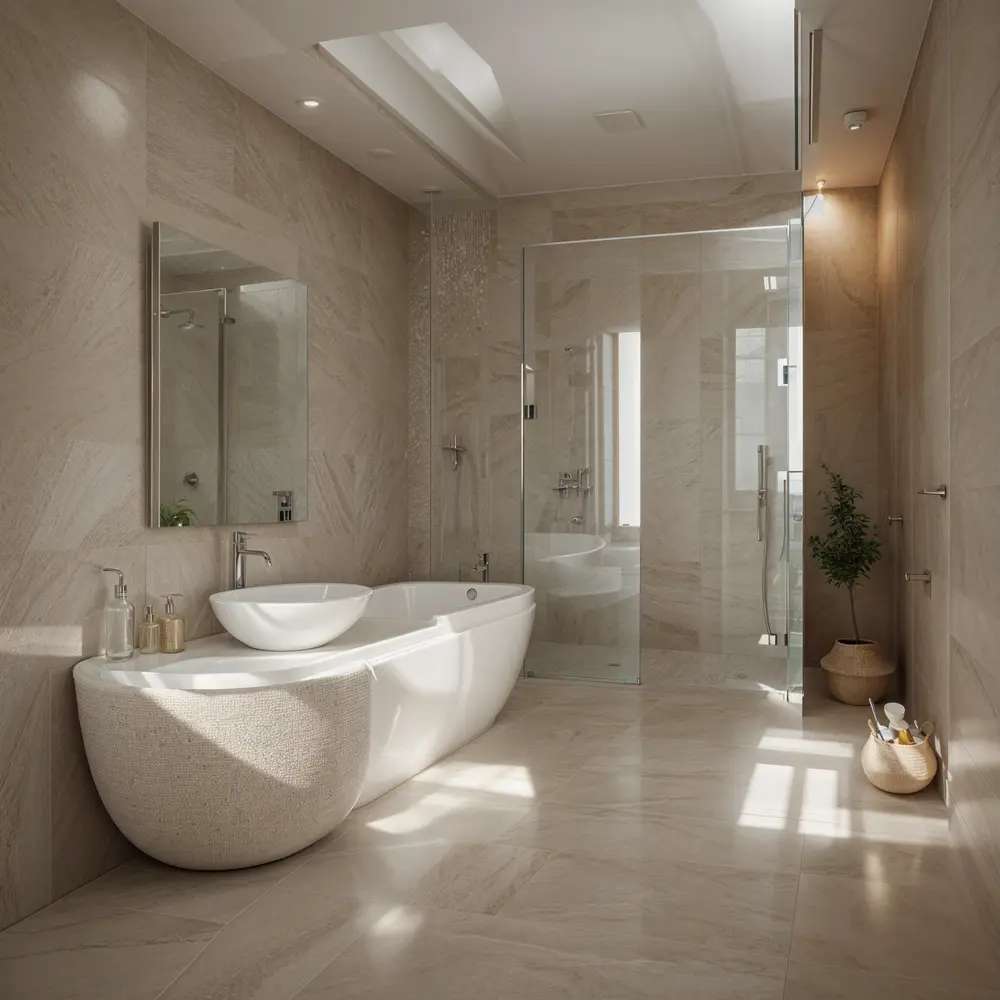
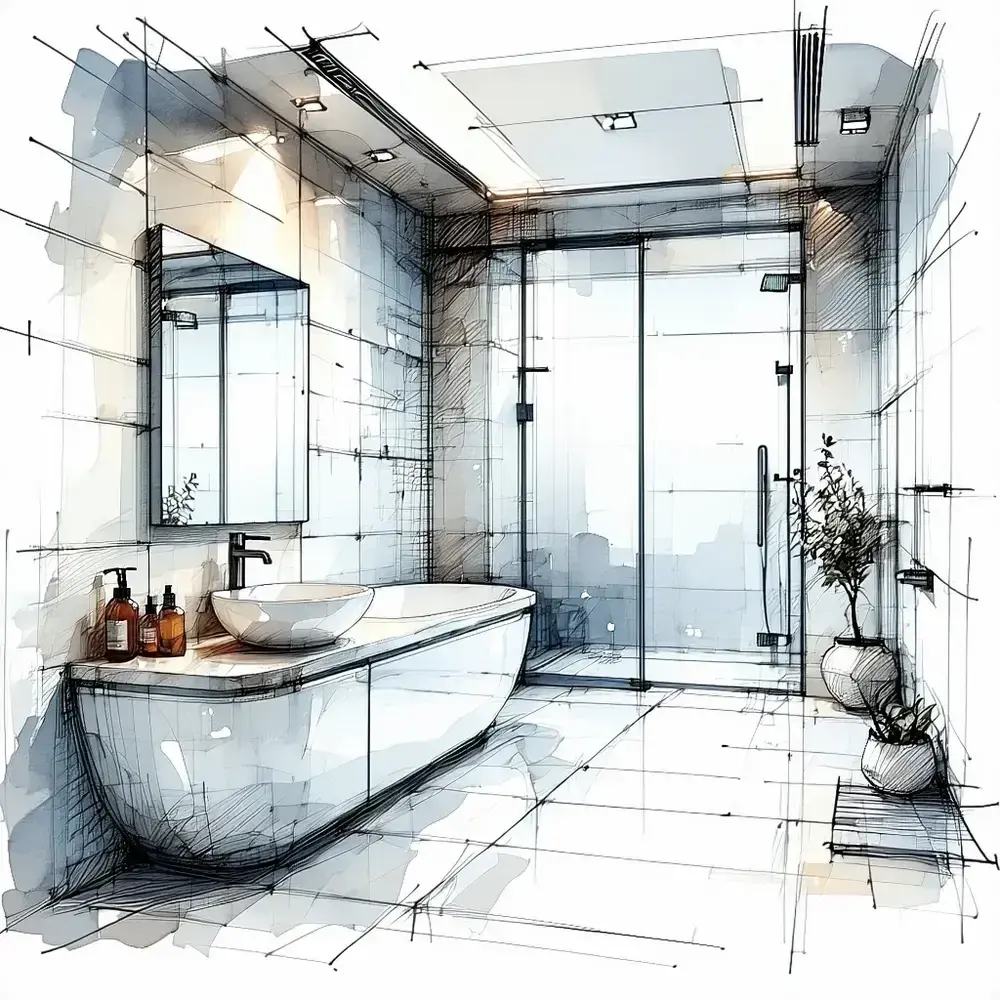
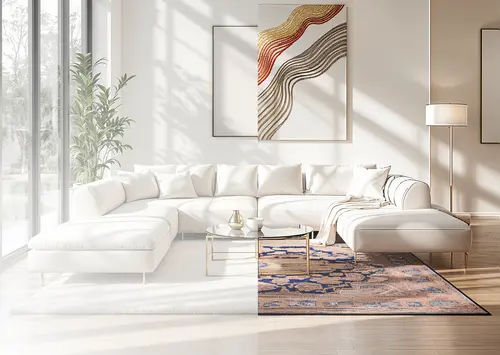
Before / After

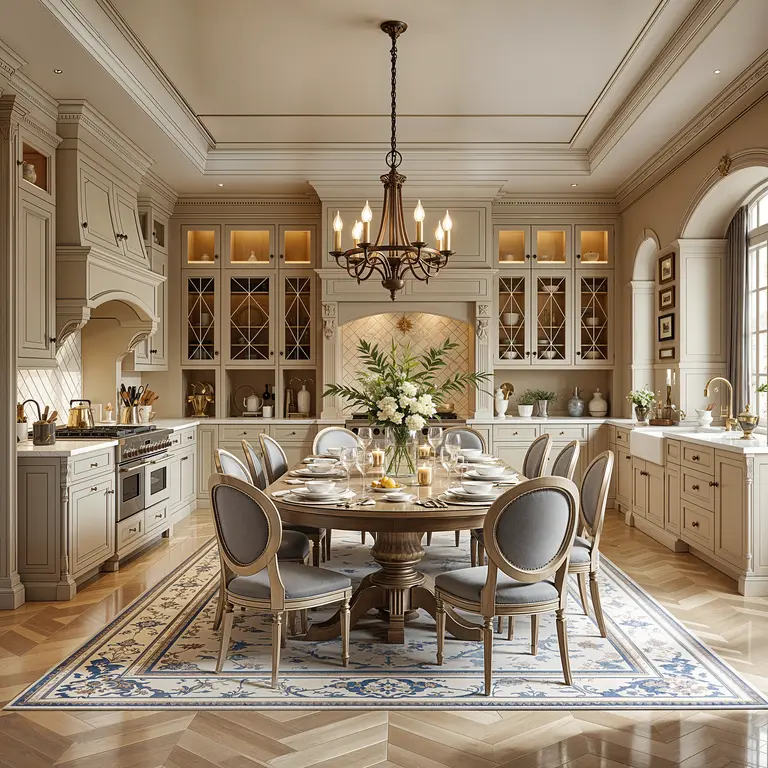
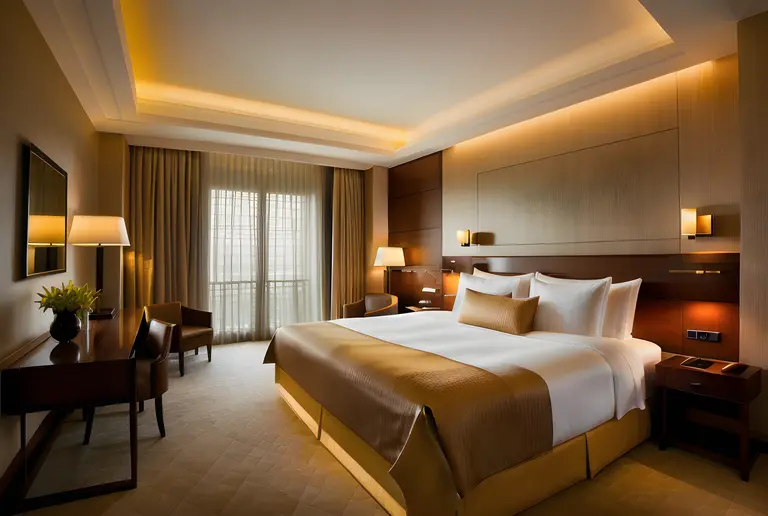
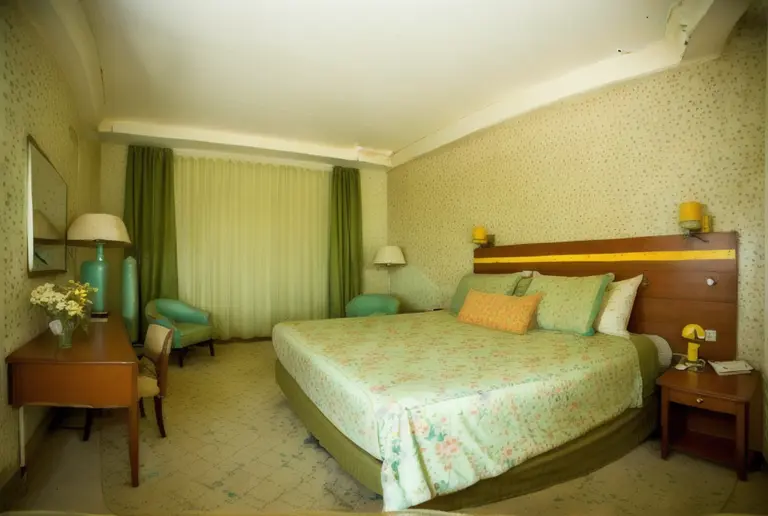
Before / After

As I can see, your room is around 45 square meters, I will help you optimize this space for a bigger feeling, use bright color palette on...
ArchiGPT
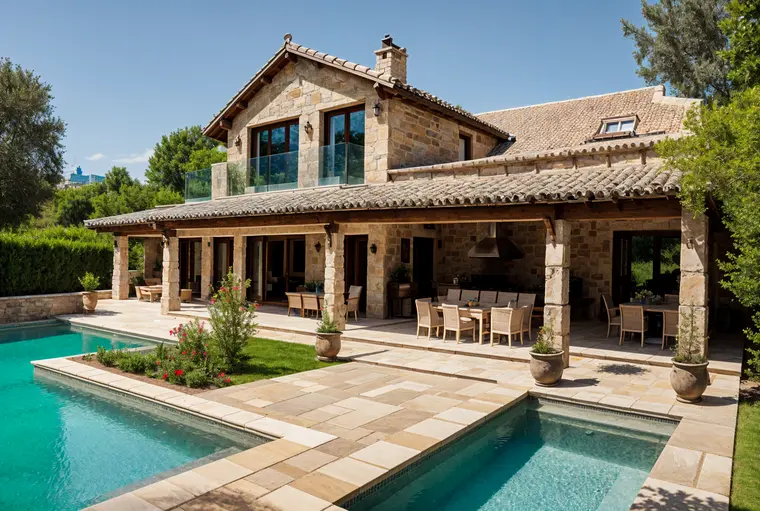
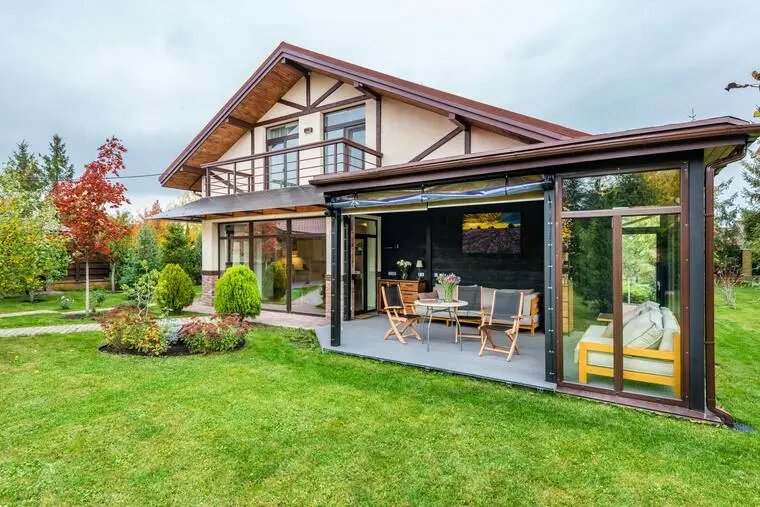
Before / After
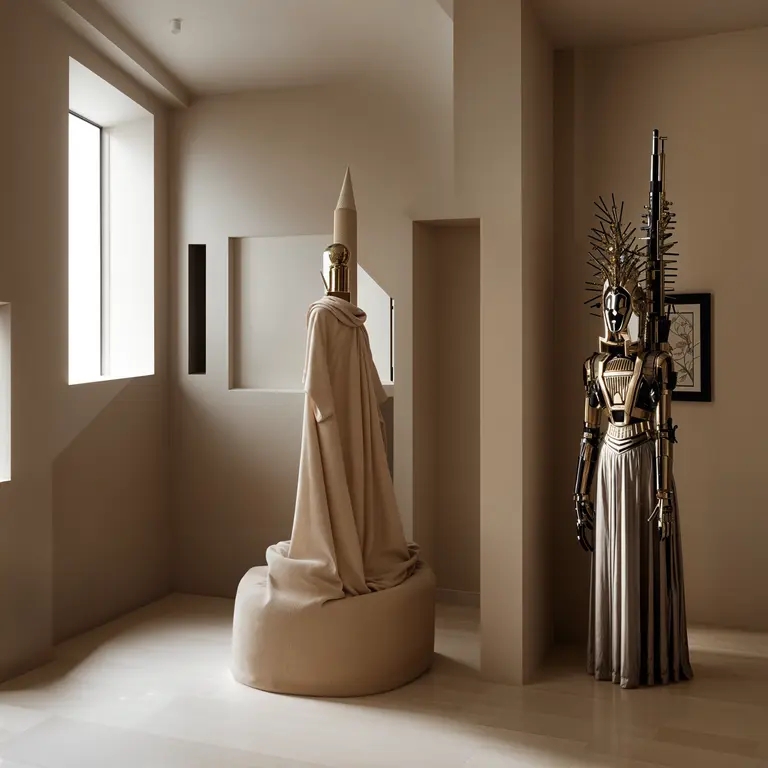
Award-Winner Designs
Learns from the best architects and designs for you in seconds

Based on your office setup, I'll generate a visualization to convert it into a productive workspace with optimal lighting design...
ArchiGPT
3DGen AI
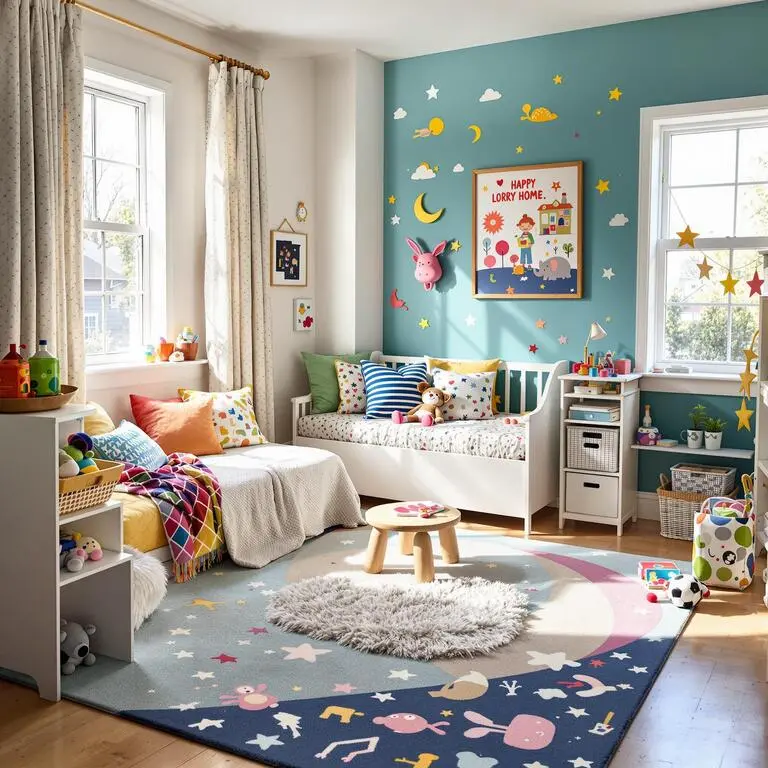


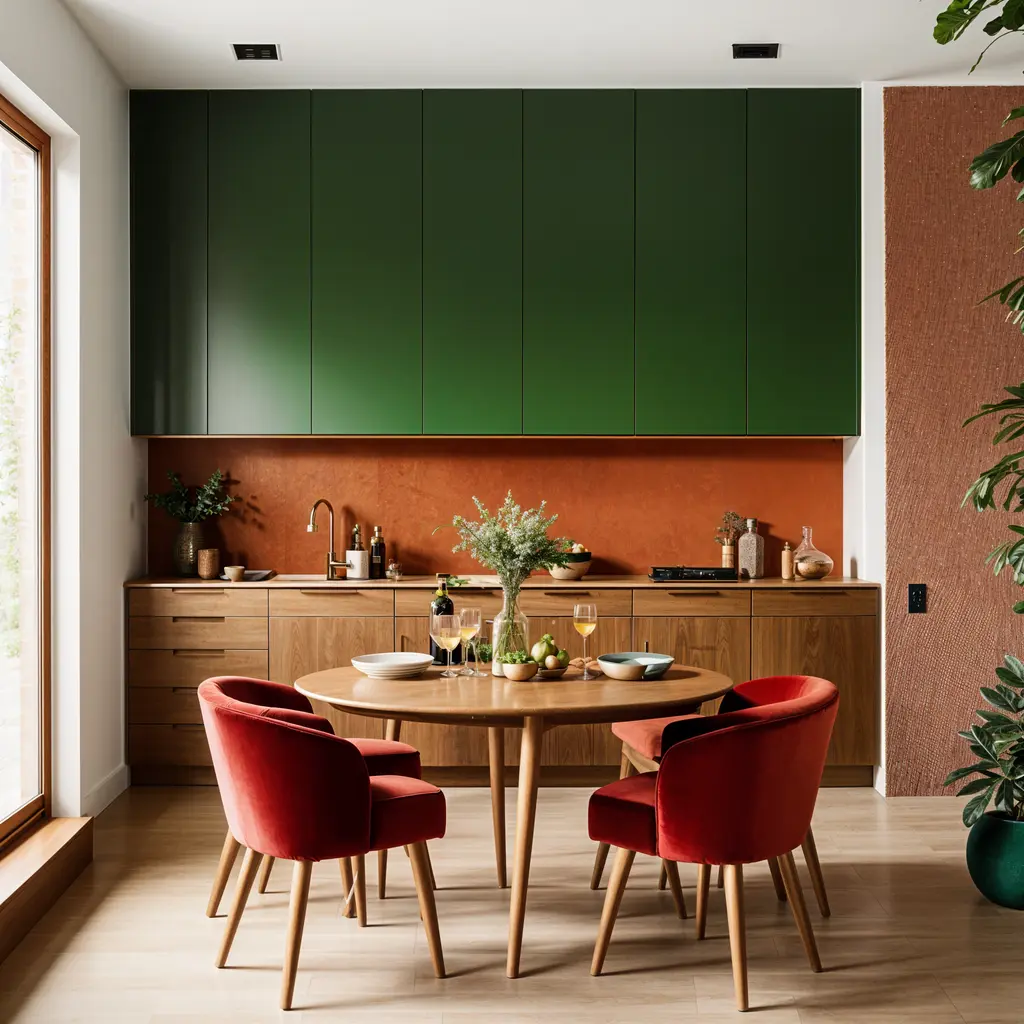
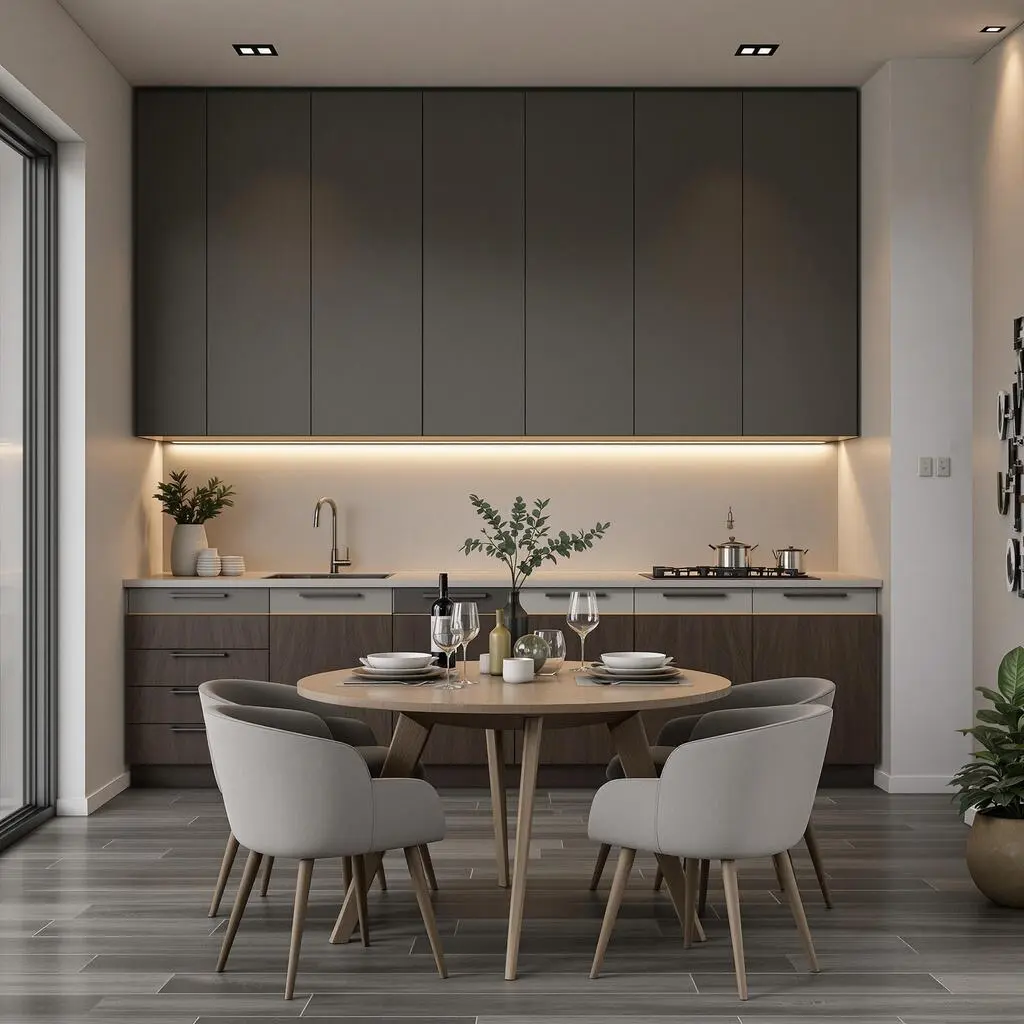
Style Variations


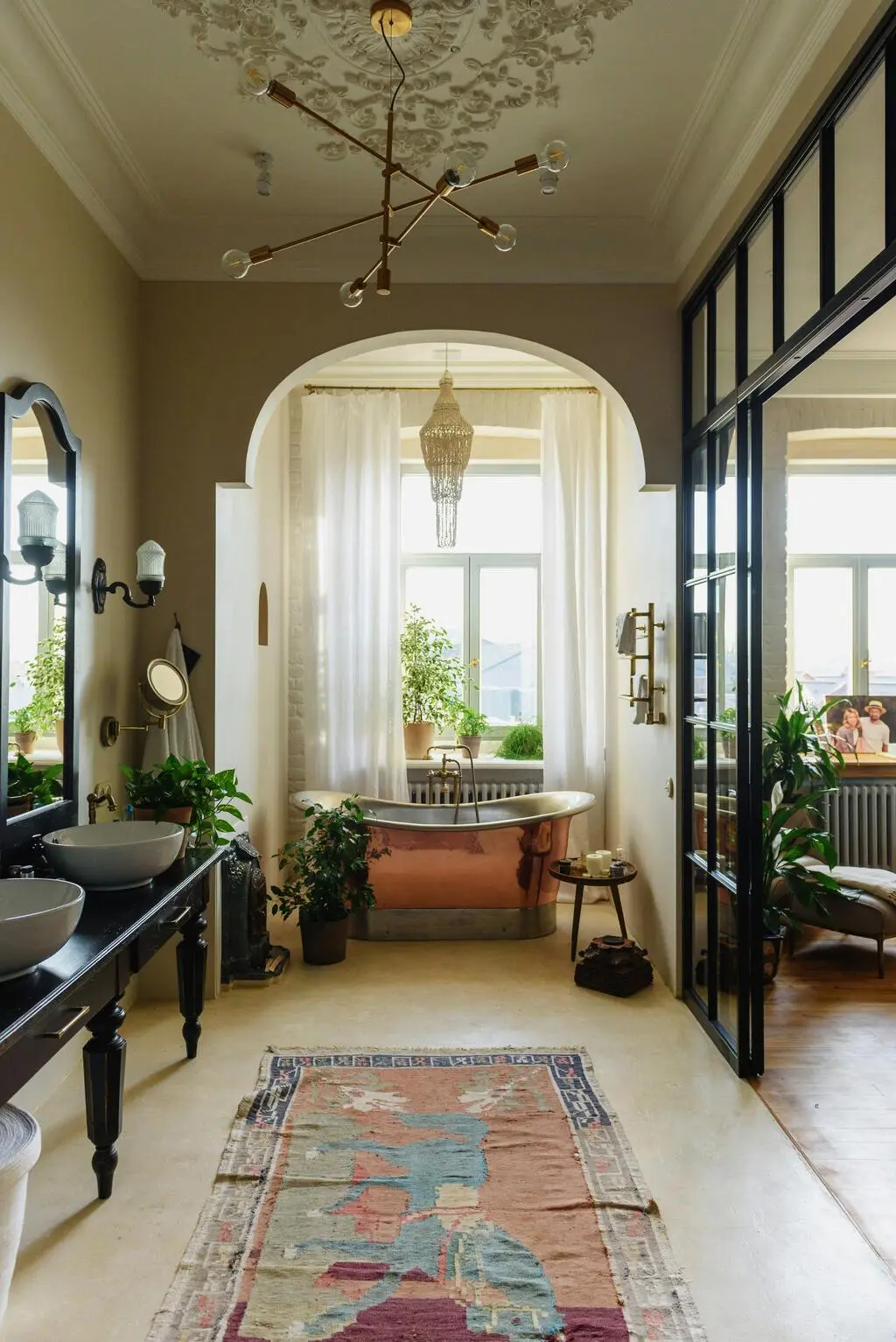
Before / After
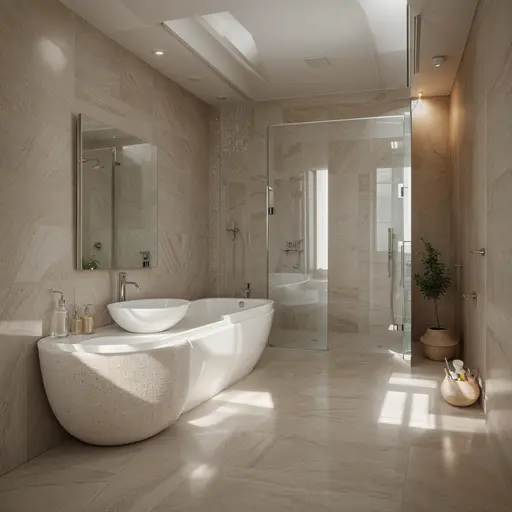
Let me show you how your bathroom can transform, I will create a before/after visualization with spa-inspired elements...
ArchiGPT
Trusted by Millions

250M+
Designs Generated

10M+
AI Design Personas Created

3M+
Joined Designers
AI-Powered Design Suite
Experience the future of design with our advanced AI models
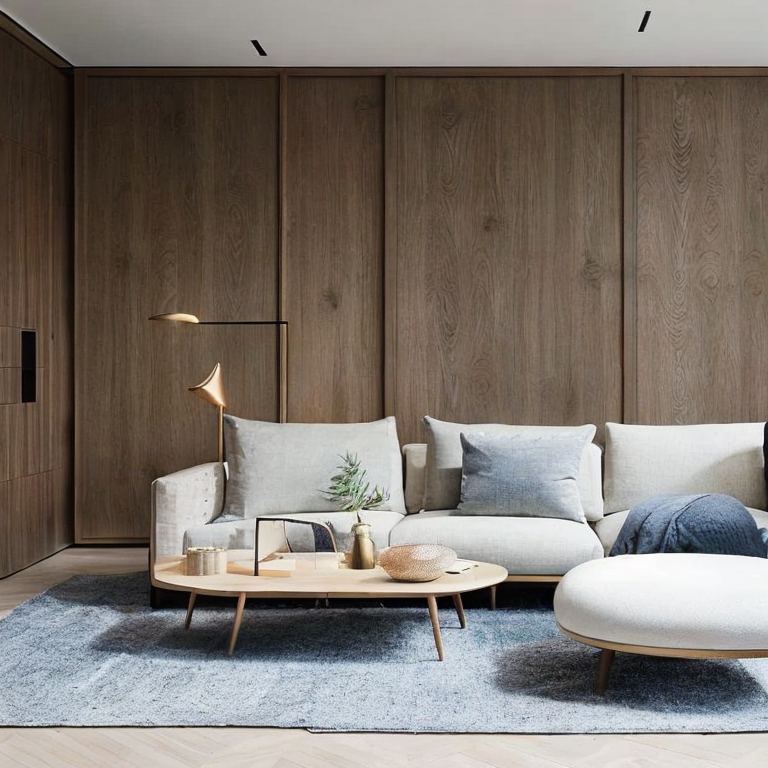
Interior
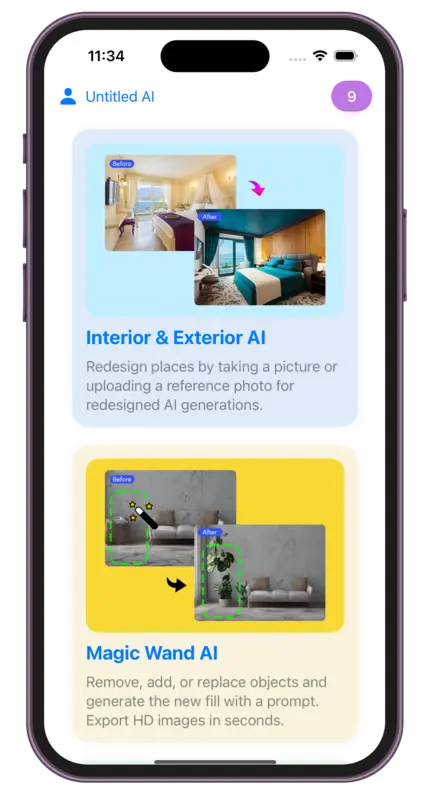
AIRedesign places by taking a picture or uploading a reference photo for redesigned AI generations.
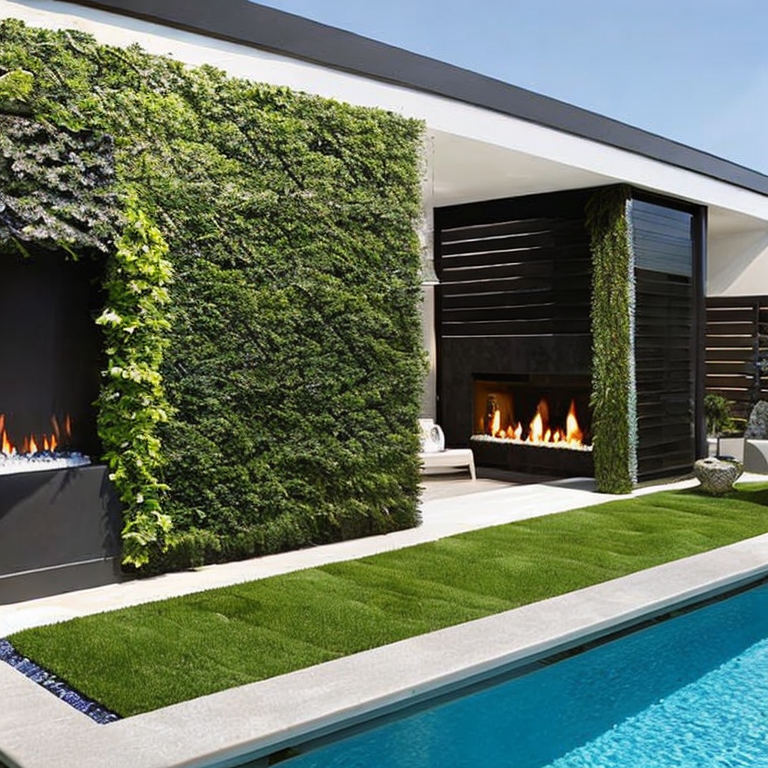
Exterior
AIRedesign places by taking a picture or uploading a reference photo for redesigned AI generations.
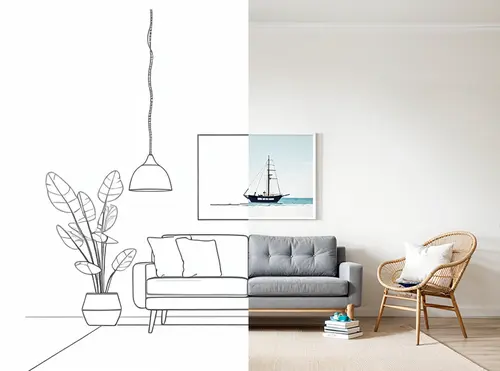
Sketch
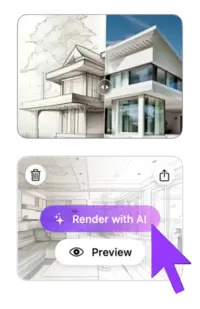
AITake advantage of our powerful AI draft or sketch to render feature. Simply upload your image, then select render styles.
Magic Prompt
AITransform any image using simple text descriptions - no skills needed. Edit images with prompt in seconds.

Magic Wand
AIRemove, add, or replace objects and generate the new fill with a prompt. Export HD images in seconds.

Video
AITransform any design into breathtaking 3D flythroughs with dynamic motions that bring your vision to life in stunning detail.
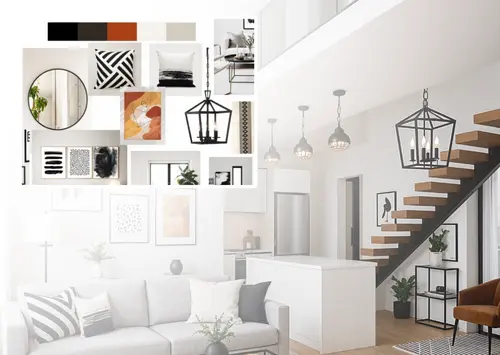
Mood Board
AIBring your moodboard to life — see it rendered in your space, view it as a full render, or create new moodboards.

Resizer
AIEasily resize and improve picture quality, reducing noise and enhancing details. Perfect for all your design needs.
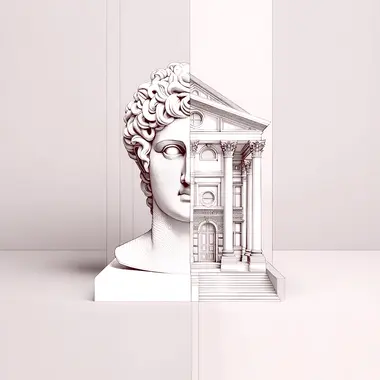
ArchiGPT
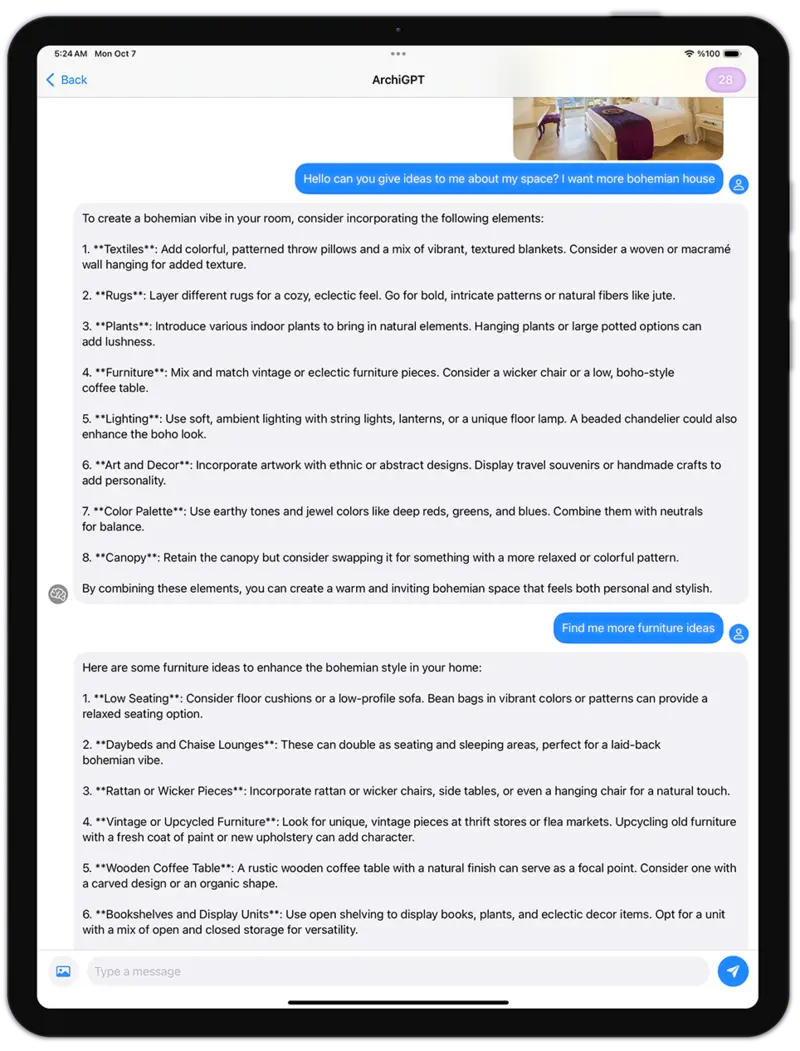
Chat with architecture AI. Get advice on feng shui, architectural usability, personalized design recommendations, and more.

Fluw
AIGenerate stunningly lifelike photos and illustrations that transform your vision into reality, ready for any project.

Remove Furniture
Remove furniture and objects from interior images using AI. Easily transform furnished spaces into empty rooms.

Change Background
AICreate professional marketing images with our AI-powered product advertising image generator.

Pattern
AIGenerate tileable images using AI. Receive seamless patterns and textures perfect for various applications.

3DGen
Generate 3d models with text. See your generated 3D model in minutes, and export as 3d file.
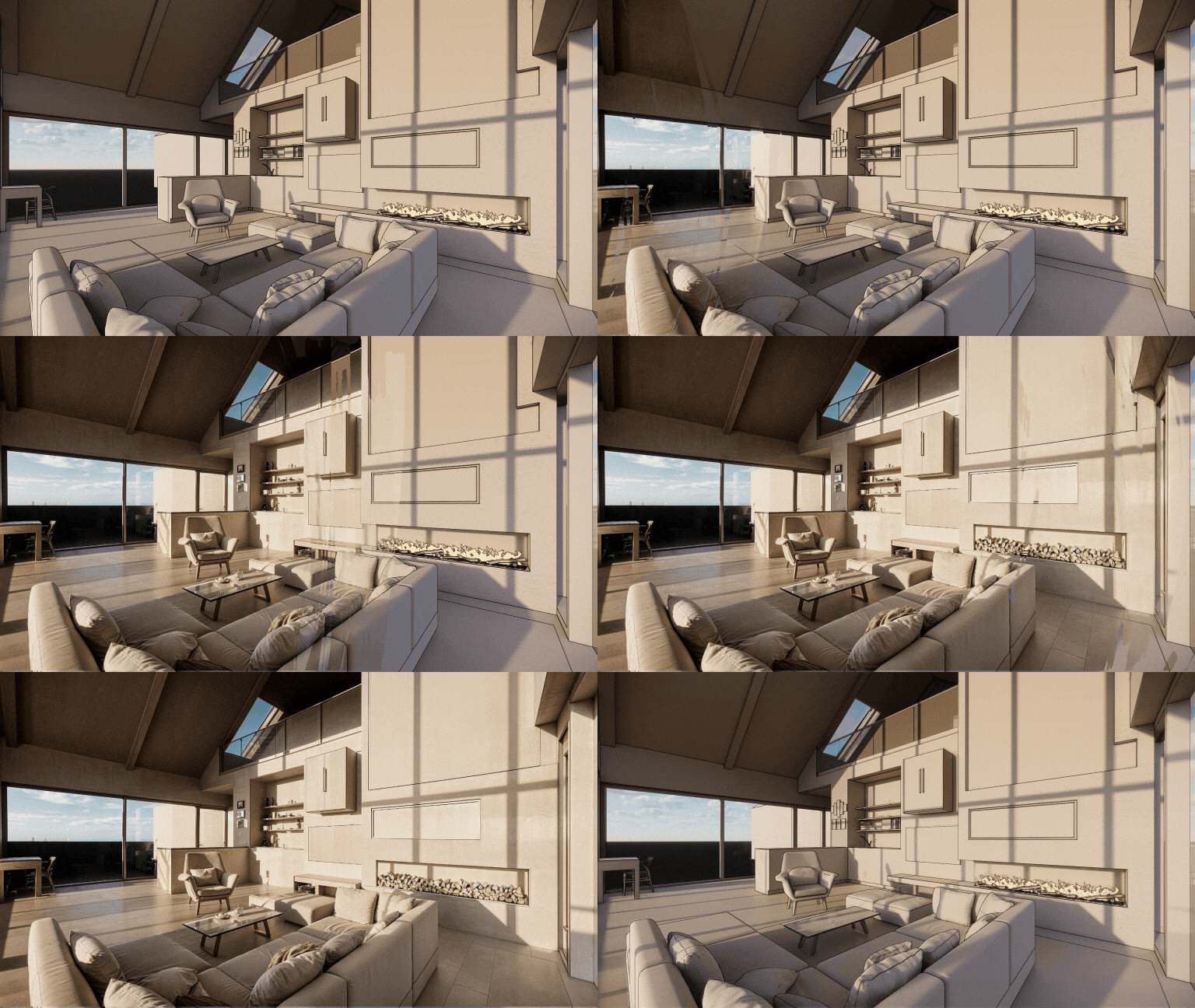
Render
AITransform any 3D screenshot into a photorealistic render with AI. Render AI preserves geometry and textures with precision.
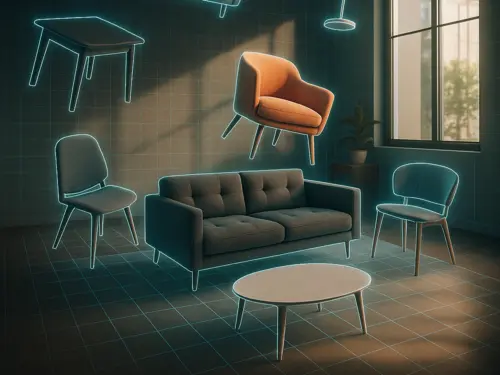
3DSpace
AIUpload a room photo, drag in furniture images, and see it all in 3D and perfectly placed, photorealistically rendered.
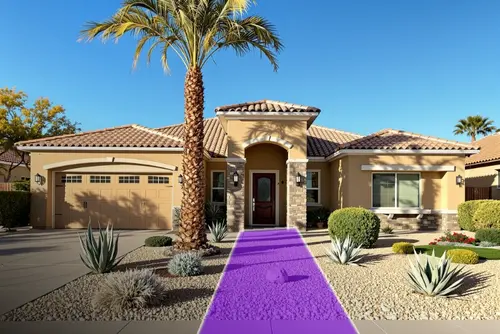
Landscape
AITake a photo, choose area and style — get a photo-realistic design matched to your city, light, and climate. All placed with AI magic.

Expand
AIArchitectural photo too cropped? We extend it! AI generates missing structural elements and design details. Like a wide-angle lens with AI.
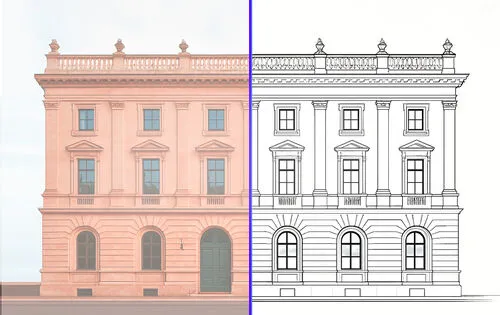
Vector
AIUpload a photo and get a precise vector SVG export. Perfect for technical drawings from furniture, facades, or any kind of products for CAD.
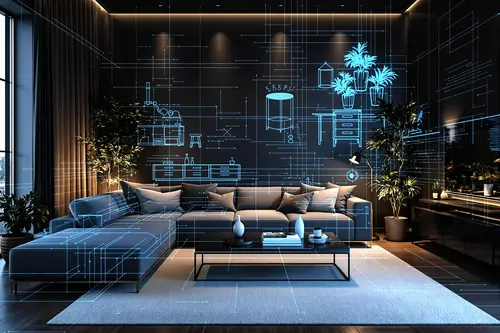
Floor Planner
AIDownload Luw AI iOS App to use Floorplanner AI and start creating interactive floor plans that do more with your spaces
Collaborate on Luw
projects with your team
Invite clients, stakeholders, or teammates to any Luw project with the right level of access — view only, view + download, or full edit.
Share Project
Invite others to view and download renders.
Invite by Email
ACCESS LEVEL
View only
No download or edit
View + download
Can save images
Edit
Generate, rename, delete
People with Access
3 peopleemma@yourcompany.com
Owner
liam@yourcompany.com
Member
olivia@yourcompany.com
Admin
Team
E28,885
Credits Remaining
115
Used This Month
9,000
Monthly Allocation
24 days left in billing cycle
Usage by Team Member
Built by designers,
powered by Luw.ai
Explore real projects where professional architects and designers used Luw.ai to bring their visions to life.
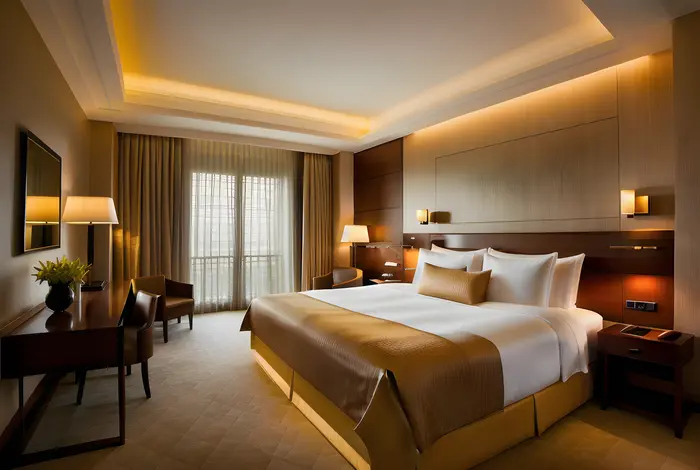 Interior Design
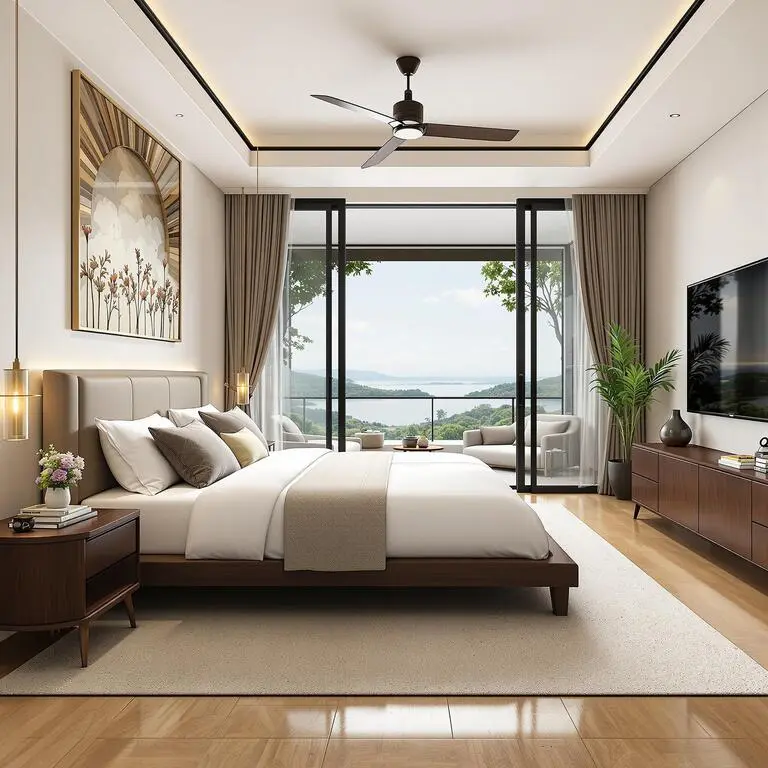
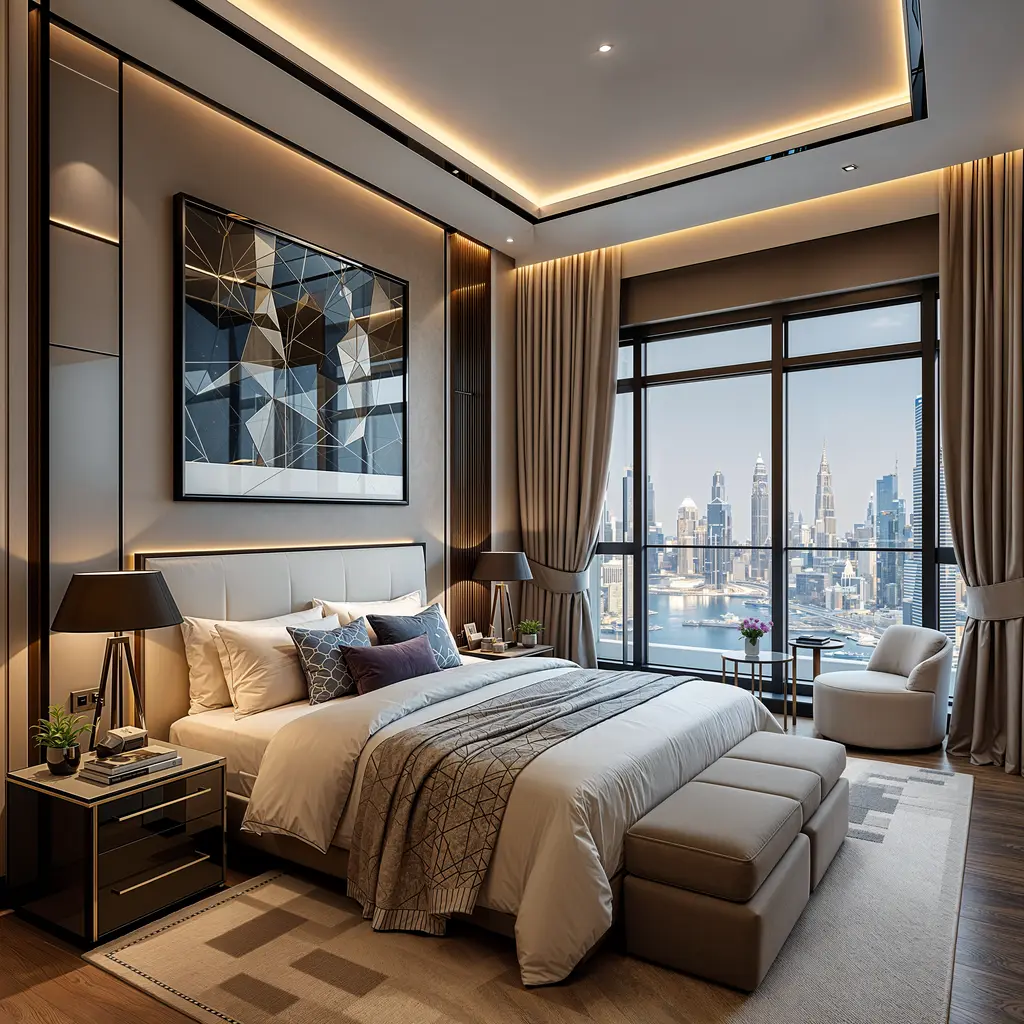
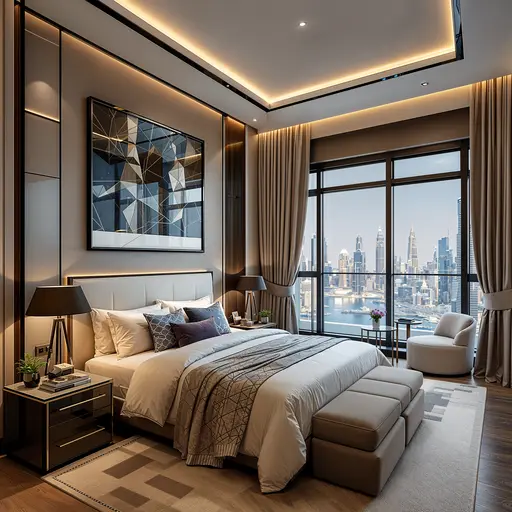
Master Bedroom — Interior Design
ODX Studio used Luw.ai to close the gap between a technically complete architectural model and a space that feels genuinely lived-in.
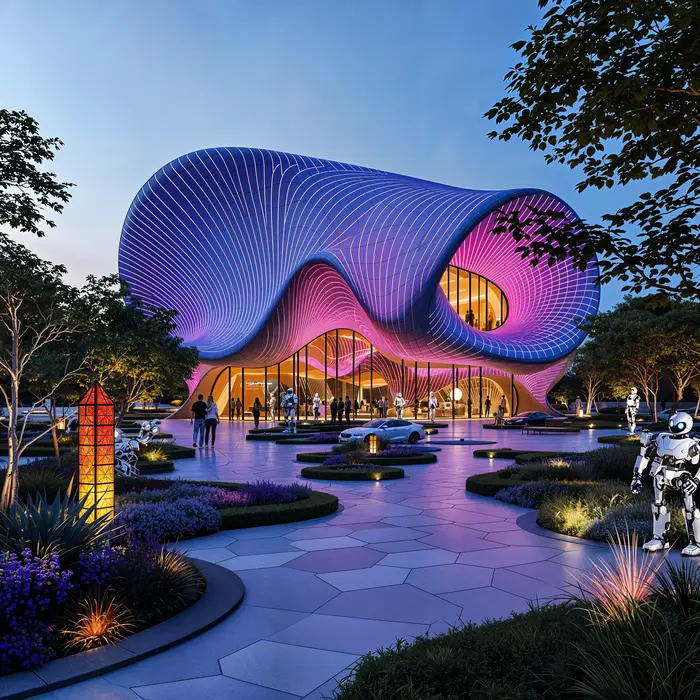 Architecture
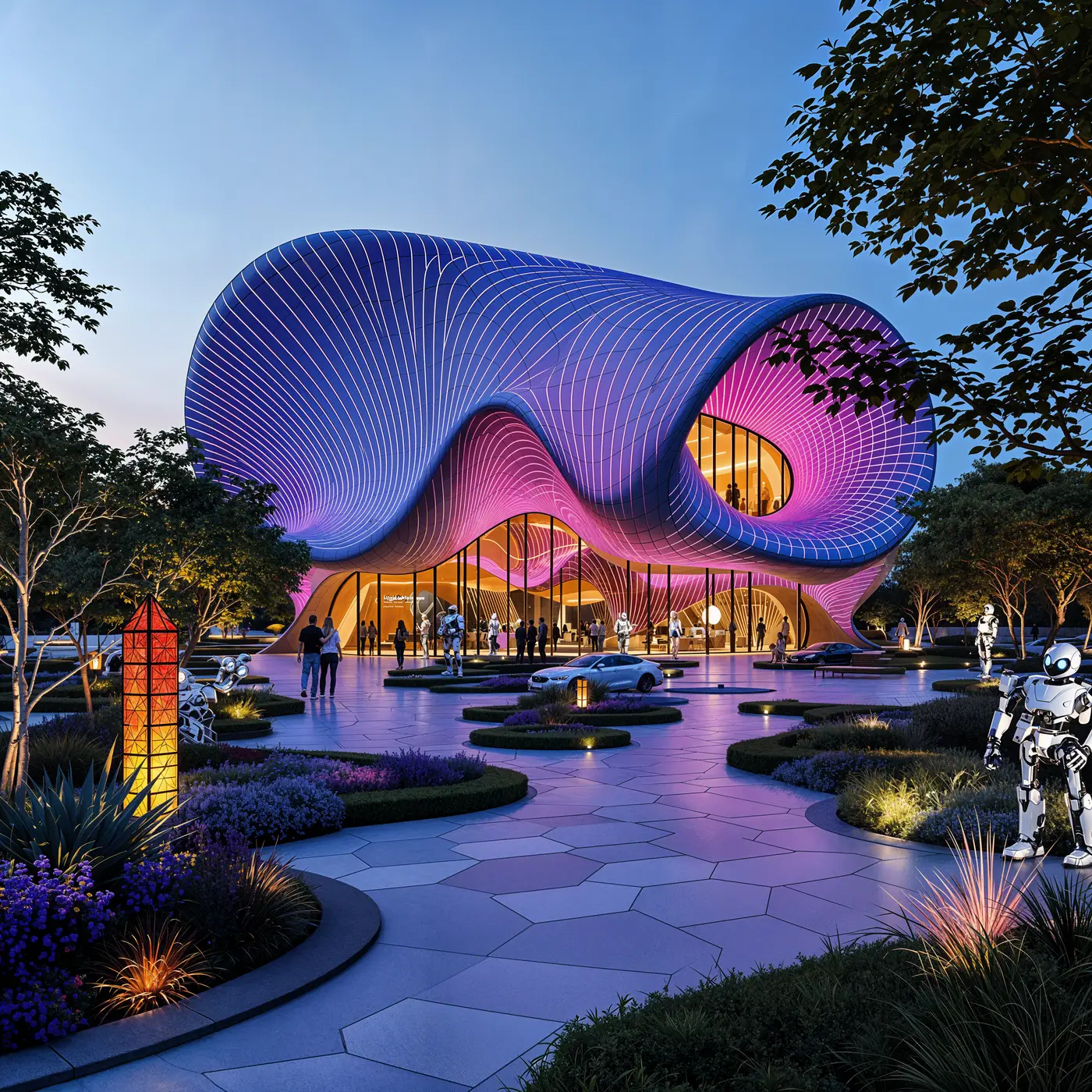
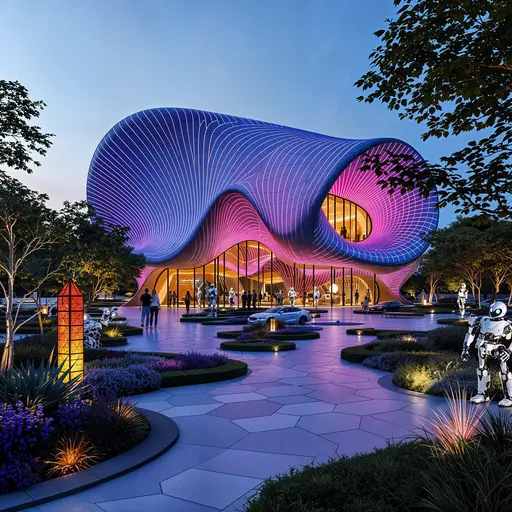
Pavilion — Mixed-Use Development, New Cairo
ODX Studio used Luw.ai to translate their Revit architectural model into atmospheric, photoreal visualizations.
The Most Advanced
AI Design Suite
Transform your creative workflow with our powerful AI-driven design tools. From concept to completion, create stunning visuals across iOS, macOS, and Web platforms.
About
What is Luw.ai and what does it do?
What 3D software is compatible with Luw.ai?
Can I modify specific parts of my design?
Can I use Luw.ai for commercial projects?
How do I use the HD - 4K - 8K Export or Supersize feature?
Can I use hand-drawn sketches?
How can I open GLB, OBJ or STL files without installing anything?
Can I view DXF, IFC or SVG floor plans in my browser?
Who can use Luw.ai?
Explore luw.ai tools
AI rendering, editing, and 3D generation for architects and designers.
- Interior AI: Redesign any room and stage interiors from a single photo.
- Exterior AI: Reimagine facades, gardens and curb appeal in seconds.
- 3D AI: Turn any image or text prompt into a 3D model.
- ArchiGPT: Chat with your personal AI architect about any design.
- Remove Furniture AI: Erase furniture and objects from any photo instantly.
- Virtual Staging: Furnish an empty room photo for a listing in about 20 seconds.
- 3DSpace AI: Rebuild a room photo in 3D and place every piece of furniture by hand.
- Image Upscaler: Enhance and upscale low-quality photos to crystal-clear 4K.
- Sketch AI: Turn hand sketches into photorealistic renders.
- Magic Prompt: Edit images with text prompts — no Photoshop needed.
- Render AI: Any image, prompt or 3D model to a photorealistic render.
- Magic Wand AI: Brush-select any region and let AI edit only that area.
- Luw.ai Studio: AI floor plan generator — build, furnish and render in 3D.
- AI for Architects: Sketch, photo or CAD export to render in under 10 seconds.

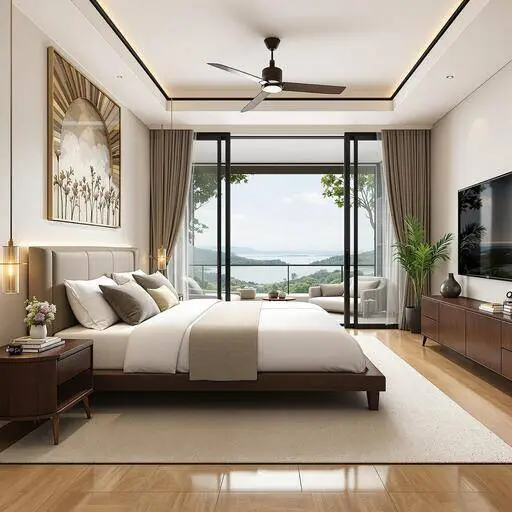
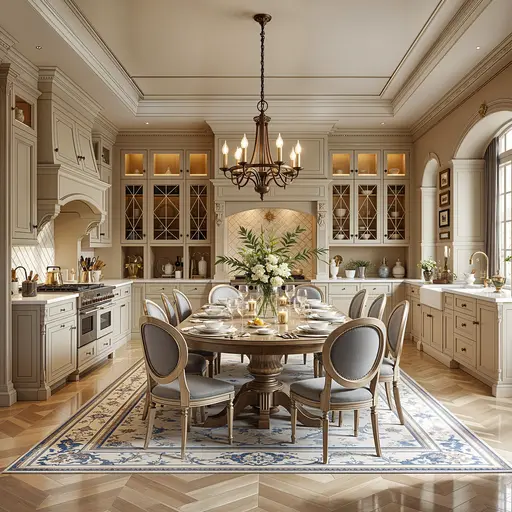
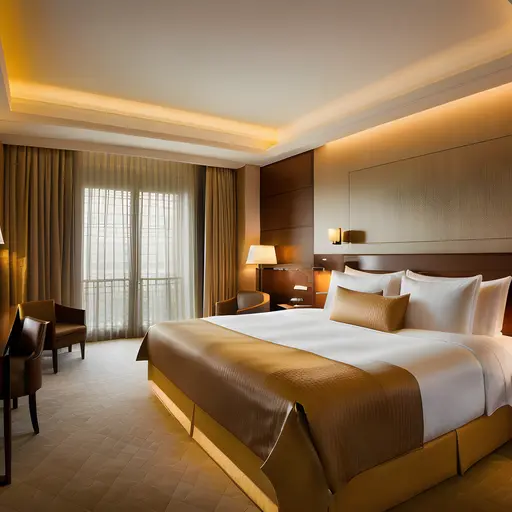
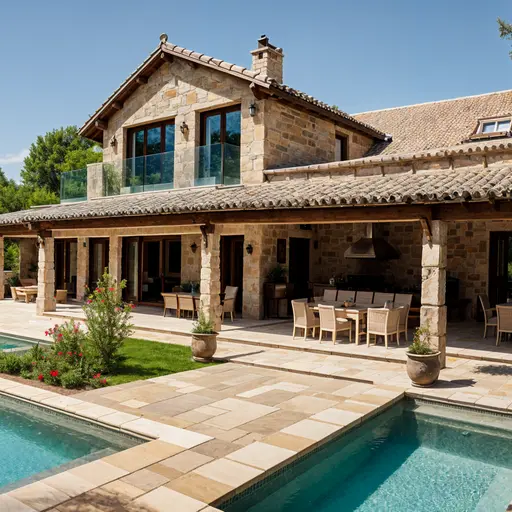
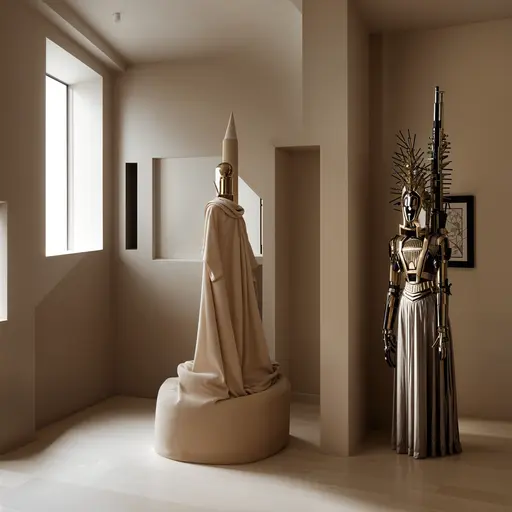


Learns from the best architects,
designs for you in seconds
Design your interiors and exteriors with a photo, and watch as Luw AI instantly works its magic.
Join 3M+ designers already using Luw AI.