Luw.ai Virtual staging 3DSpace AI
AI-native 3D editor
Add furniture to a room photo in real 3D
3DSpace AI is the world's first AI-native 3D editor for virtual staging. Upload one photo of a room and Luw.ai rebuilds the space as a 3D scene mapped onto your image — then you drag furniture in, move it by hand and render the result photoreal.
Works in the browser — nothing to install. Free plan available, no credit card needed.
Built on the Luw.ai platform — trusted by 500,000+ designers & the world's leading real-estate, engineering and design teams
500K+
Designers on the platform
50M+
Designs generated
GLB · GLTF · OBJ
3D model formats you can import
8K
Max AI render resolution
Trusted by the World's Leading Companies
As Seen On







And 500+ News Sites


One-click staging vs a real 3D scene
Most AI staging paints furniture on. This one places it.
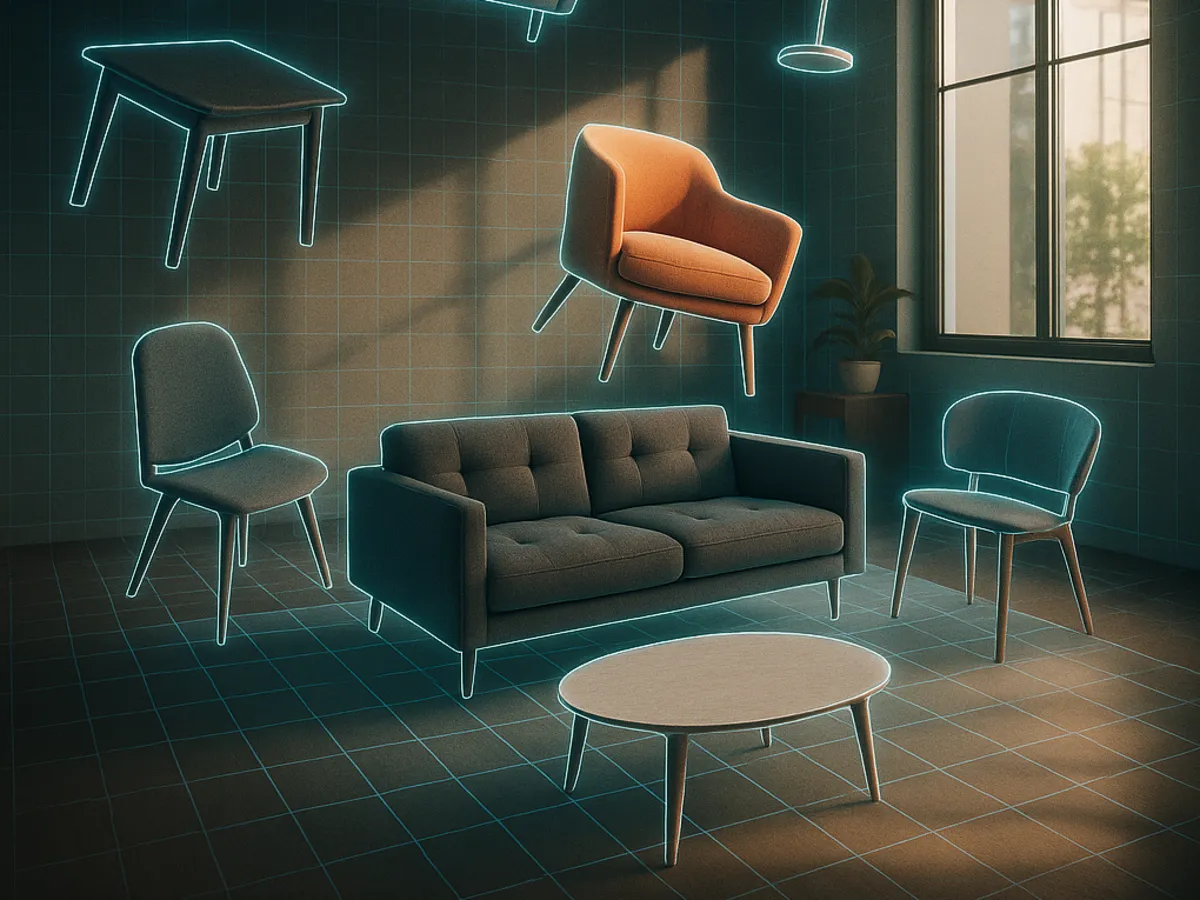
A one-click tool repaints your photo and hands back a picture. If the sofa sits two feet too far left, your only move is to generate again and hope. 3DSpace AI rebuilds the room as a 3D scene first, so every object is a real object you can pick up and put down exactly where you want it.
One-click AI staging
You describe a style, the model redraws the whole photo. Fast and often beautiful — but the layout is the model's decision, furniture cannot be nudged, and a client note like "move the rug, keep everything else" means starting over. Perfect when you want a look, not a plan.
3DSpace AI
Your photo becomes a navigable 3D scene with real depth, real floor and real walls. Furniture is dropped into that scene as 3D geometry, so it sits on the floor, respects perspective and casts the right shadow. Move one chair a few centimetres and nothing else changes.
Full walkthrough
Watch a room get staged in 3D, start to finish
One photo in, a furnished photoreal render out — with every object placed by hand along the way. The clip runs a minute and forty seconds and covers the whole flow, from emptying the room to the final render.
The video loads from YouTube only after you press play, so it costs you nothing until you want it.
What happens in the clip
-
01
A room photo goes inAny photograph of a real space — a listing shot, a site photo, a phone picture. Interiors and exteriors both work.
-
02
The room is emptiedIf there is furniture in the shot, 3DSpace offers to clear it out before you start. Same flow, same window — you never leave the editor to do it.
-
03
The space is rebuilt in 3DLuw.ai reads the geometry of the photograph and maps it to a 3D scene: floor plane, walls, depth and camera. From this point on you are working in space, not on pixels.
-
04
Furniture is dragged inPull in a 3D model, or drop a flat product photo and watch it come back as a 3D object that lands in the scene. Position, rotate and scale each piece by hand.
-
05
The scene is rendered photorealWhen the layout is right, the finished scene goes through rendering and comes back as an image you can put in front of a client.
How it works
Photo to furnished 3D scene, in one window
Three stages, and the editor walks you through them in order: upload the image, choose the area you want to work in, then customise and generate.
Upload your photo
Drop in a picture of the room or the building. If it already has furniture in it, clear the space first — the option is right there in the flow, so an occupied room and an empty one both start the same way.
Pick the area to edit
Mark the part of the image you are furnishing. Luw.ai models that space in 3D and maps the model onto your photograph, so the scene keeps the real perspective of the original shot.
Furnish it and generate
Drag objects into the scene, place each one exactly, then render. Undo and redo are there the whole time, and the project saves so you can come back and move a single chair tomorrow.
Getting furniture into the scene
Four ways to fill a room
Generate what does not exist yet, bring in what you already own, or pull from the shared library. Anything that ends up in the scene is real 3D geometry you can move.
Generate 3D with AI
Drop in a flat photo of a sofa, a lamp, a table — anything — and get back a 3D model of it, ready to place. This is how a product shot from a catalogue becomes a piece of furniture in your room.
Upload your own model
Already have 3D models? Bring them in as GLB, GLTF or OBJ — the formats every 3D tool exports. Useful for a brand whose catalogue already ships as 3D assets.
Import from your projects
Reach back into your own projects and favourites. A model you made for one listing can be reused in the next one without generating or uploading it again.
Import from the gallery
Browse the shared library of example 3D models and drop one straight into the scene. The fastest way to block out a room before you refine it.
Photo to 3D model
Turn a product photo into a 3D model
You do not need a 3D file to put one specific piece of furniture in a room. Drop in a flat photograph — a catalogue shot, a picture from a retailer's page, a photo of the chair your client already owns — and Luw.ai gives you back a 3D model of it, ready to place in the scene.
One flat photo is enough
No turntable, no scanning rig, no measurements and no 3D software. A single ordinary product image is the whole input.
You get real geometry
What comes back is a 3D object with actual depth, not a cut-out pasted on the picture. It stands on the floor, turns as you turn it and takes the light of the room.
It lands in your scene
The model drops straight into the room you are working on and behaves like any other object: position it, rotate it, scale it, undo it.
This is what makes a specific product possible instead of a lookalike. The sofa in the render can be the sofa the client is actually buying — and once you have generated it, it is saved to your projects and can be dropped into the next room without generating it again.
Millimetre control
Every object stays yours to move
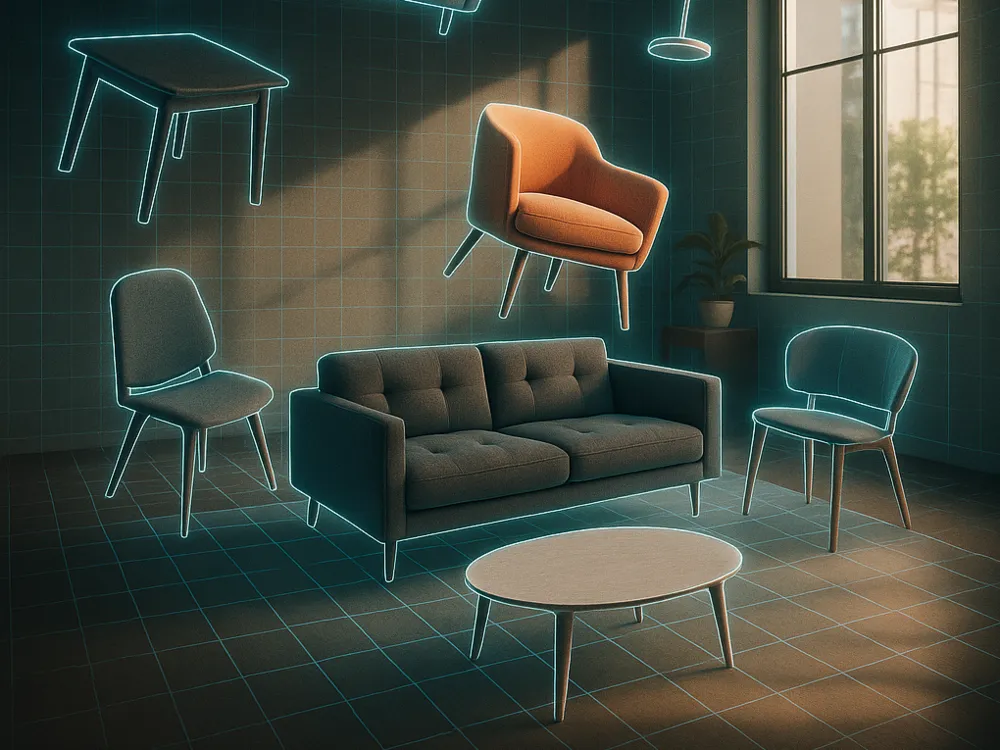
This is the part a prompt cannot do. Once a piece is in the scene it behaves like it would in any 3D editor — grab it, turn it, scale it, push it a few millimetres to the left because the client asked. Nothing else in the room shifts when you do.
- Position, rotate and scale each object independently
- Undo and redo any step, as many times as you need
- Objects respect the floor, the perspective and the light of the original photo
- Projects save, so a revision is a small edit rather than a fresh start
Who uses it
Built for the people who get asked to change one thing
Listing agents
Stage an empty property for the MLS, then answer "can we try it without the big sofa?" in a minute instead of a re-shoot. Disclose the staging in the listing remarks and you are fine.
Interior designers
Show a client their actual room with your actual proposed pieces in it, positioned the way you intend to position them — not an AI's guess at a mood board.
Furniture brands and retailers
Turn catalogue photography into 3D models once, then drop those exact products into any customer's room photo. The sofa in the picture is the sofa you sell.
Which Luw.ai tool should you use?
3DSpace AI or one-click staging?
Both live in the same account and both work from a photo. The difference is whether you want a result or a scene.
| One-click staging | 3DSpace AI | |
|---|---|---|
| What you get back | A finished image | An editable 3D scene, then an image |
| Choosing the layout | The model decides | You decide, piece by piece |
| Moving one item | Re-edit the area with Magic Wand AI | Drag it |
| Using a specific product | Describe it and hope | Upload that exact model, or make one from a photo and drop it in |
| Speed | Seconds | Minutes, because you are designing |
| Best for | A fast look for a listing | A layout you have to defend to a client |
3D virtual staging — frequently asked
What is 3D virtual staging?
Ordinary virtual staging edits a photograph: software paints furniture over an empty room and returns a new picture. 3D virtual staging rebuilds the photographed space as a three-dimensional scene first, then places actual 3D furniture models inside it. Because the room has depth, objects sit on the floor, obey the camera's perspective and can be moved after the fact.
How is this different from one-click AI virtual staging?
One-click staging gives you the model's idea of a furnished room in a few seconds, and you take it or generate another. 3DSpace AI hands you the room as a scene and lets you furnish it yourself, so the layout is a decision rather than a lottery. Use one-click when you want a look fast; use 3DSpace when the placement has to be exactly right.
Can I add furniture to a photo of a room I already have?
Yes — that is the whole idea. Upload any photograph of a real space, including one you took on your phone, and 3DSpace AI turns it into the scene you furnish. You do not need a floor plan, a measurement or a 3D file of the property.
Can I turn a picture of a piece of furniture into a 3D model?
Yes. Drop a flat image of an object into the editor and it comes back as a 3D model you can place, rotate and scale in the scene. This is how a product photograph from a catalogue ends up as a real object in a customer's living room.
Which 3D file formats can I upload?
GLB, GLTF and OBJ — what most 3D software exports. You only need them if you already have 3D models to bring in. If you do not, you never touch a file format: drop in a photograph of the piece and the editor builds the 3D model for you.
Do I have to empty the room first?
Not in a separate tool. If the photo you upload already has furniture in it, 3DSpace asks whether to clear the space and does it inside the same flow, so an occupied room and a vacant one both start the same way.
Does it work on exterior photos?
Yes. A facade, a terrace or a garden can be uploaded the same way as an interior, mapped to 3D and furnished with outdoor pieces.
Is virtual staging worth it?
Physical staging means renting furniture, moving it in and paying for the weeks it sits there. Virtual staging replaces that with an image, at a fraction of the cost, and lets you show the same room in several styles instead of committing to one. What it cannot do is change how the property feels during an in-person viewing — it works on the photographs, which is where most buyers form their first impression.
Does virtual staging help sell a house?
Empty rooms photograph badly: they read as smaller than they are and give a buyer nothing to judge scale against. Furniture in the photograph gives the room a purpose and a sense of size, which is why staged listing photos generally attract more attention than bare ones. Treat it as a way to make the listing photos do their job, not as a guarantee about price.
Is virtual staging legal?
Yes, as long as you disclose it. Say plainly in the listing that the photographs are virtually staged, and never use staging to hide or invent a permanent feature of the property — a wall, a window, a fireplace, damage. Most MLSs have a specific rule about this; check yours and put the disclosure in the remarks.
Do I need to install anything?
No. 3DSpace AI runs in the browser on a normal laptop or desktop — there is no download, no plugin and no CAD software to learn.
Do I need an account?
Yes, you sign in to use the editor, but you do not need a credit card to start. Free output carries a Luw.ai watermark and is licensed for non-commercial use; a paid plan removes the watermark and covers commercial use.
What will you create today?
Transform your design workflow in seconds
Before / After

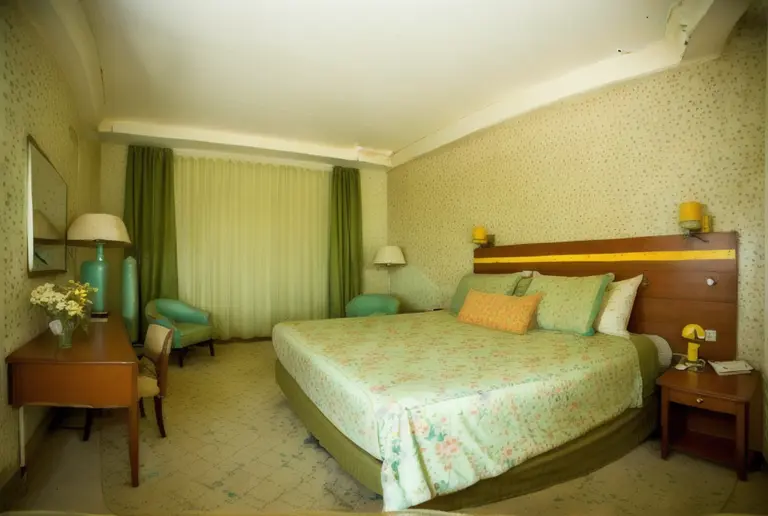
Before / After
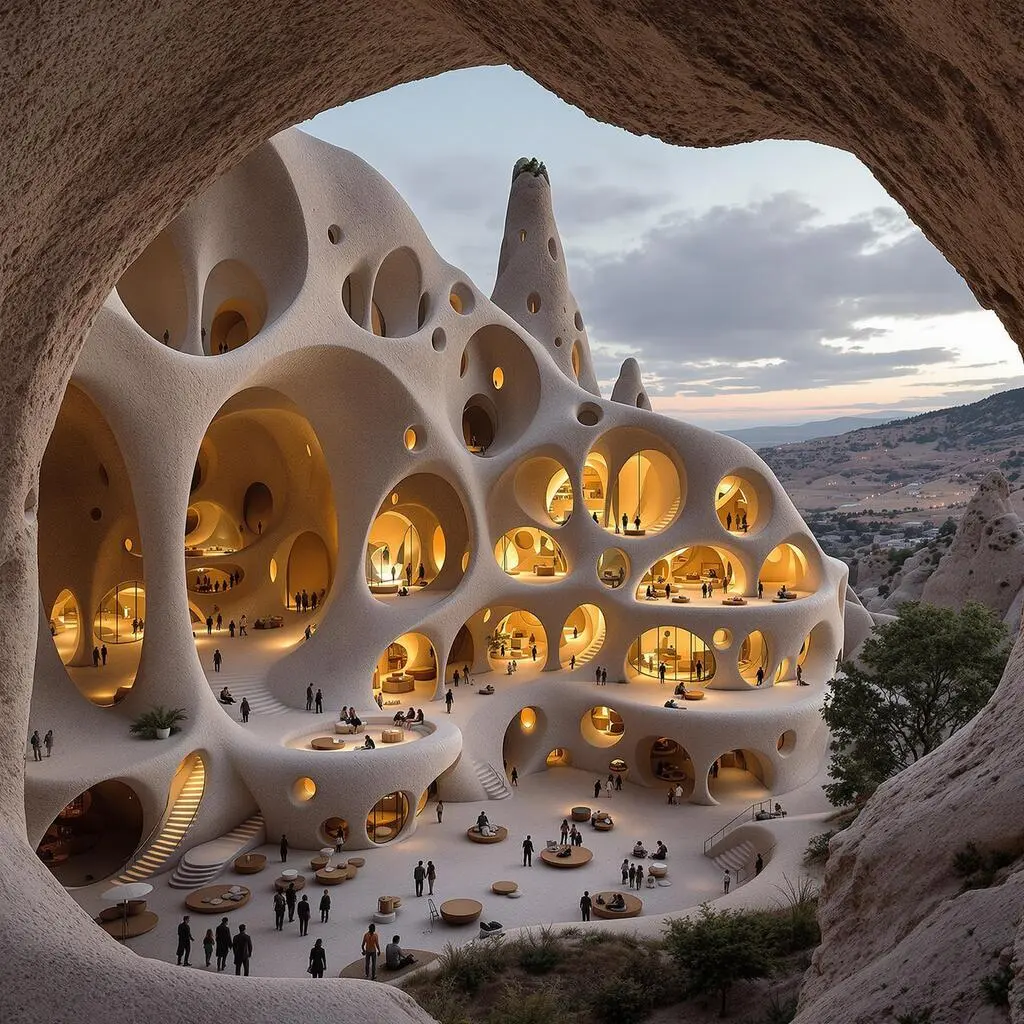
As I can see, your room is around 45 square meters, I will help you optimize this space for a bigger feeling, use bright color palette on...
ArchiGPT

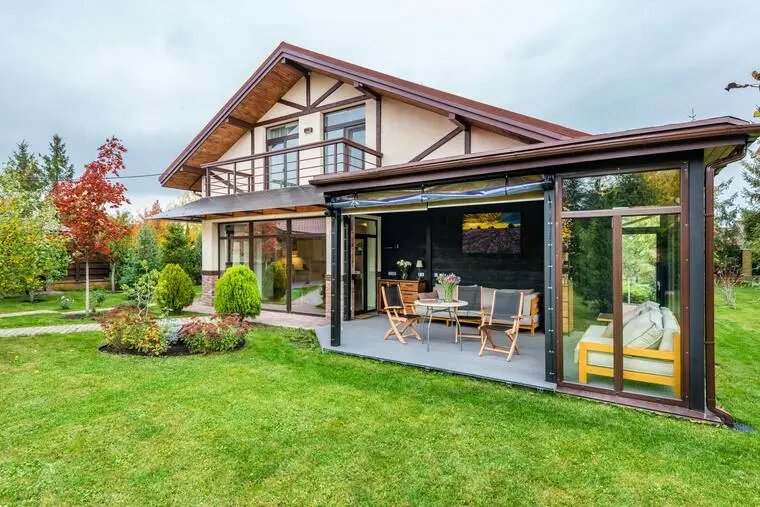
Before / After
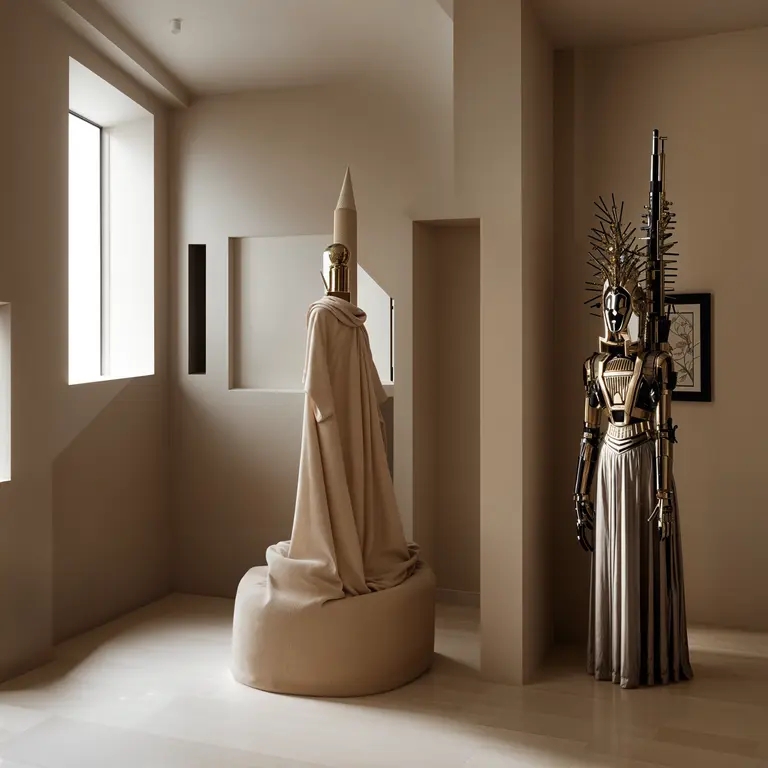
Award-Winner Designs
Design concepts generated for you in seconds

Based on your office setup, I'll generate a visualization to convert it into a productive workspace with optimal lighting design...
ArchiGPT
3DGen AI


Style Variations

Before / After
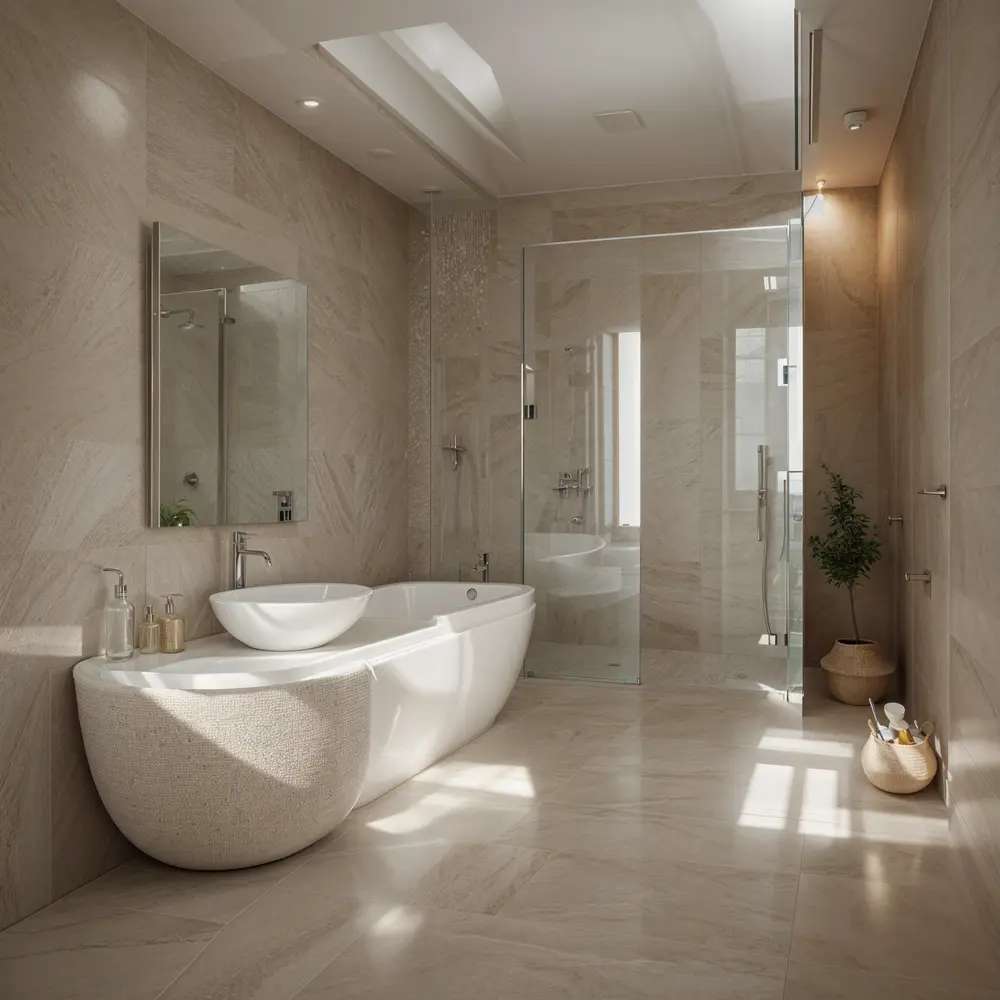
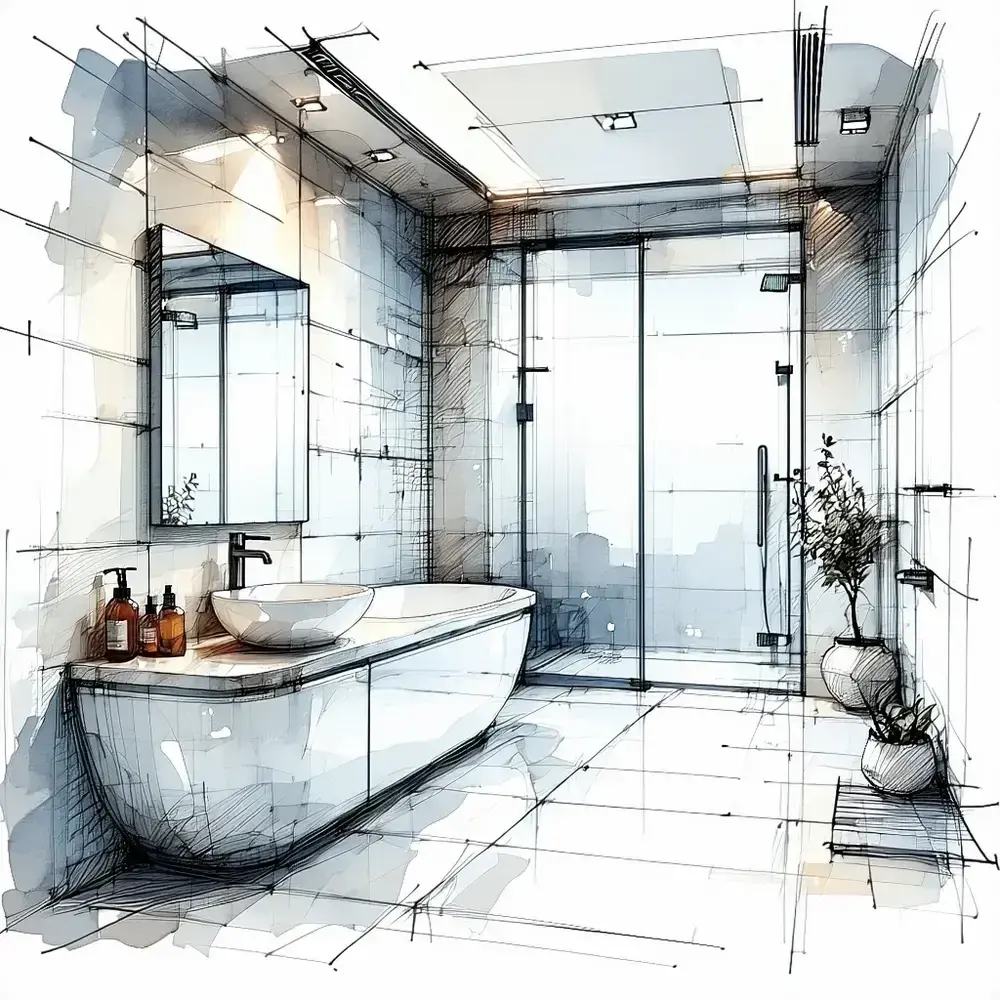
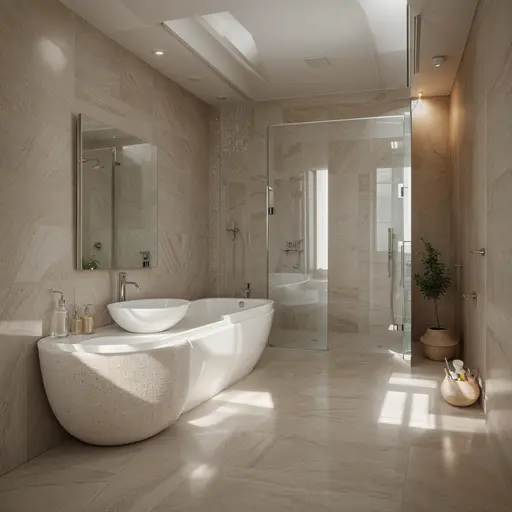
Let me show you how your bathroom can transform, I will create a before/after visualization with spa-inspired elements...
ArchiGPT
Trusted by Millions

250M+
Designs Generated

10M+
AI Design Personas Created

3M+
Joined Designers
AI-Powered Design Suite
Experience the future of design with our advanced AI models
Interior
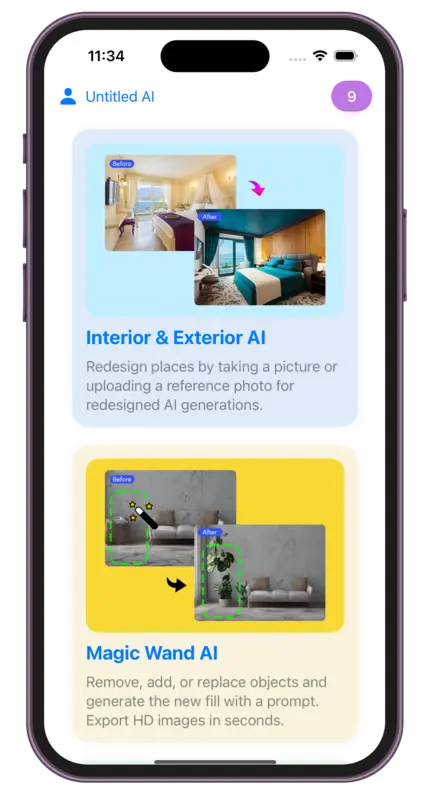
AIRedesign places by taking a picture or uploading a reference photo for redesigned AI generations.
Exterior
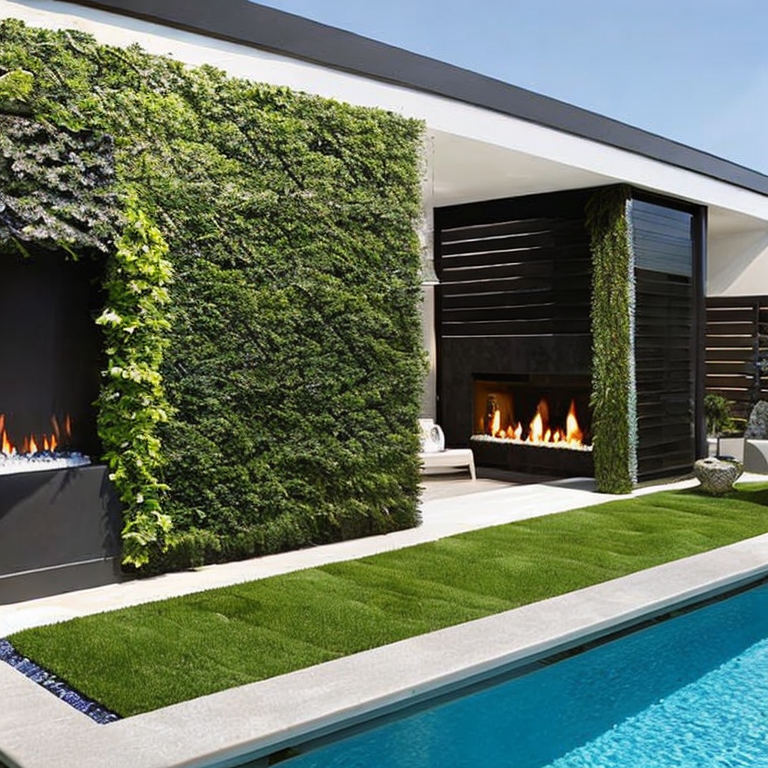
AIRedesign places by taking a picture or uploading a reference photo for redesigned AI generations.
Sketch
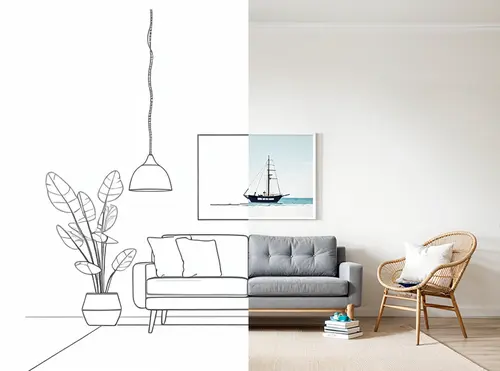
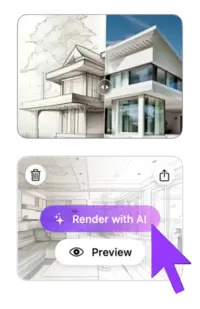
AITake advantage of our powerful AI draft or sketch to render feature. Simply upload your image, then select render styles.
Magic Prompt
AITransform any image using simple text descriptions - no skills needed. Edit images with prompt in seconds.

Magic Wand
AIRemove, add, or replace objects and generate the new fill with a prompt. Export HD images in seconds.

Video
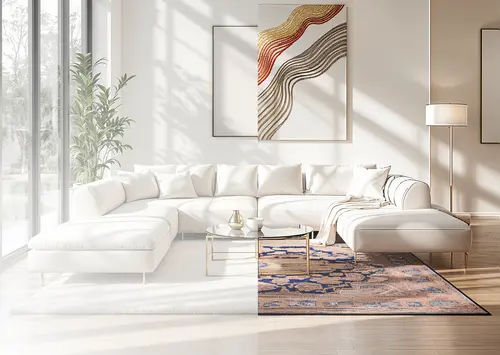
AITransform any design into breathtaking 3D flythroughs with dynamic motions that bring your vision to life in stunning detail.
Mood Board
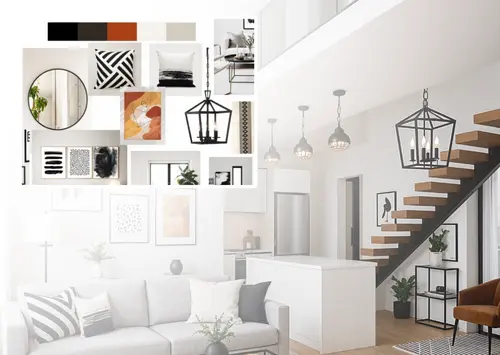
AIBring your moodboard to life — see it rendered in your space, view it as a full render, or create new moodboards.

Resizer
AIEasily resize and improve picture quality, reducing noise and enhancing details. Perfect for all your design needs.
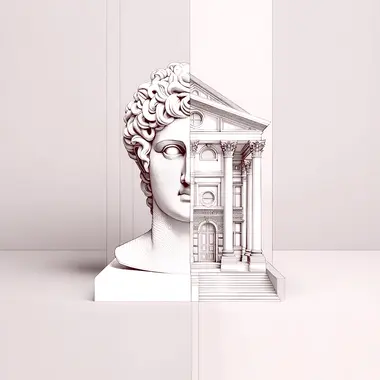
ArchiGPT
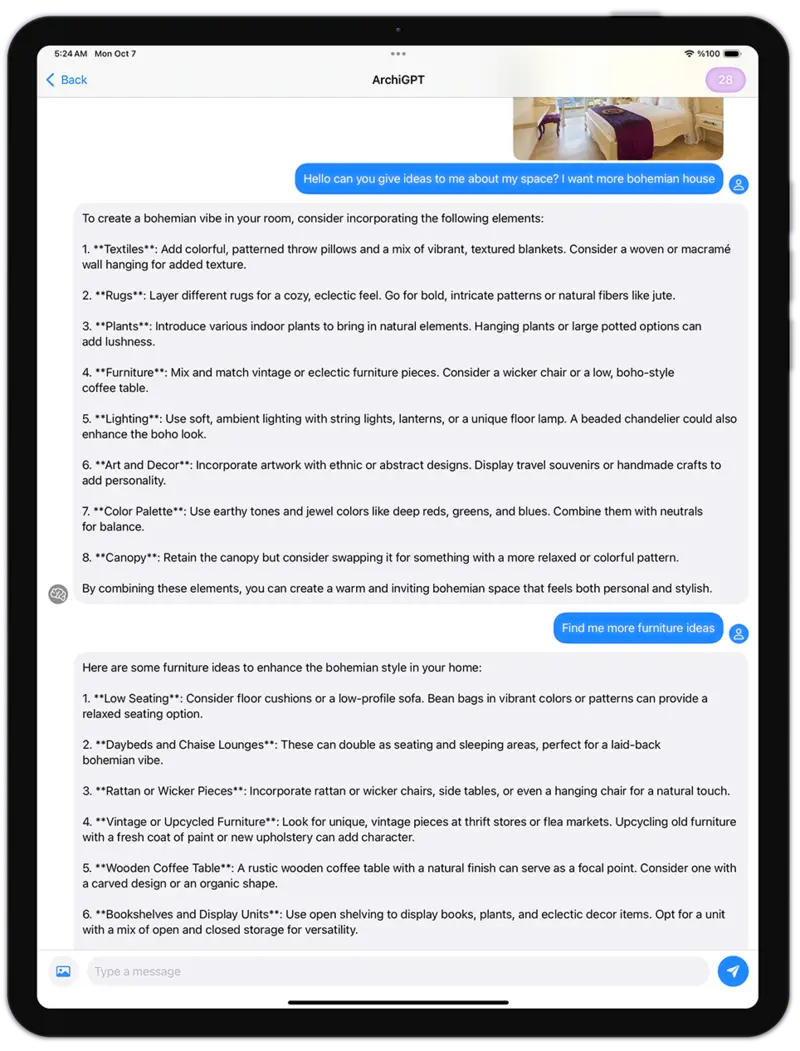
Chat with architecture AI. Get advice on feng shui, architectural usability, personalized design recommendations, and more.
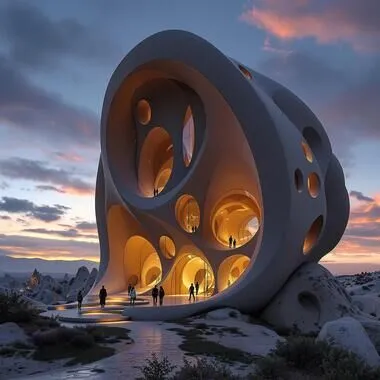
Fluw
AIGenerate stunningly lifelike photos and illustrations that transform your vision into reality, ready for any project.

Remove Furniture
Remove furniture and objects from interior images using AI. Easily transform furnished spaces into empty rooms.

Change Background
AICreate professional marketing images with our AI-powered product advertising image generator.

Pattern
AIGenerate tileable images using AI. Receive seamless patterns and textures perfect for various applications.
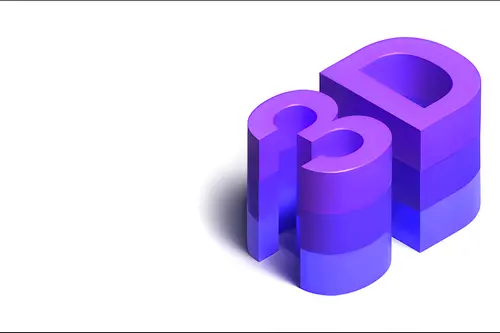
3DGen
Generate 3d models with text. See your generated 3D model in minutes, and export as 3d file.
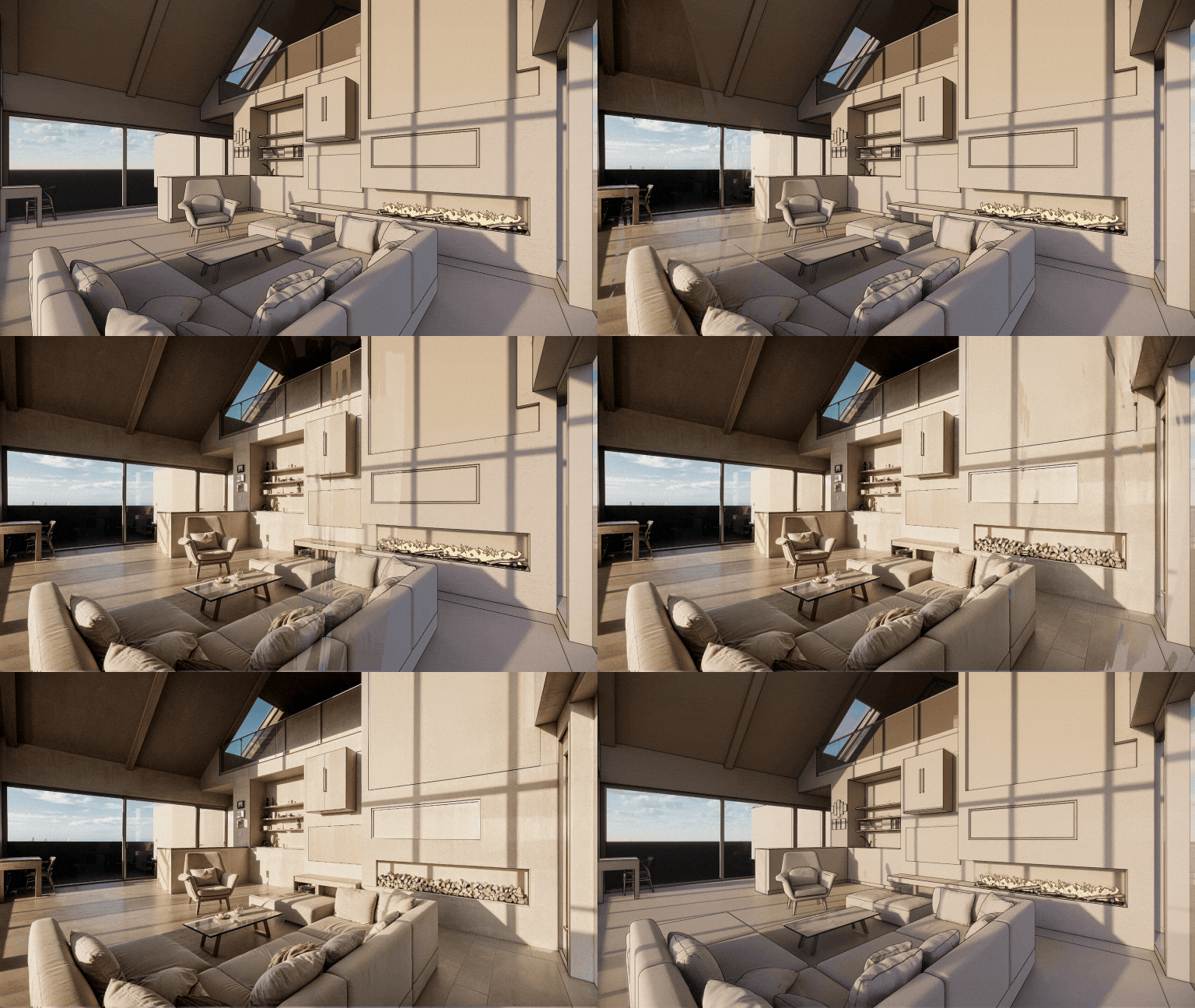
Render
AITransform any 3D screenshot into a photorealistic render with AI. Render AI keeps your geometry and textures.
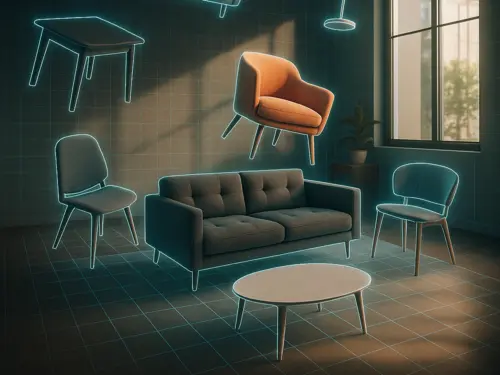
3DSpace
AIUpload a room photo, drag in furniture images, and see it all in 3D and perfectly placed, photorealistically rendered.
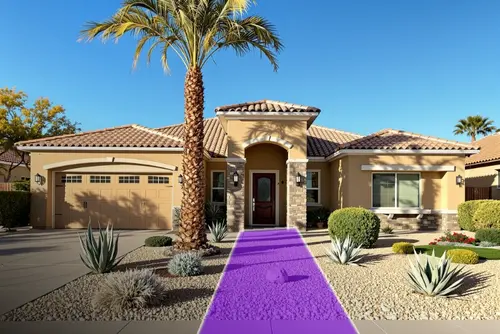
Landscape
AITake a photo, choose area and style — get a photo-realistic design matched to your city, light, and climate. All placed with AI magic.
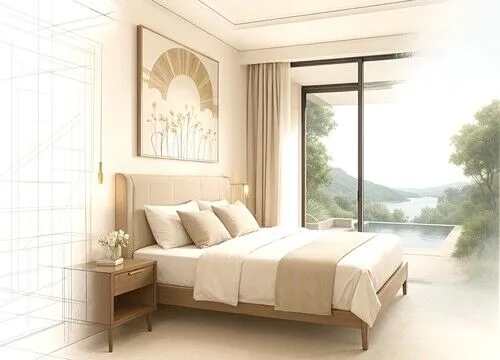
Expand
AIArchitectural photo too cropped? We extend it! AI fills in the missing scene and design details. Like a wide-angle lens with AI.
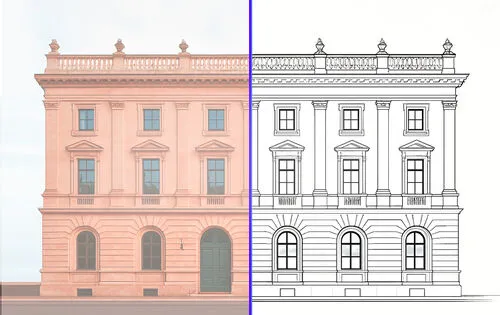
Vector
AIUpload a photo and get a clean vector SVG export of furniture, facades or products, ready to edit in CAD and design tools.
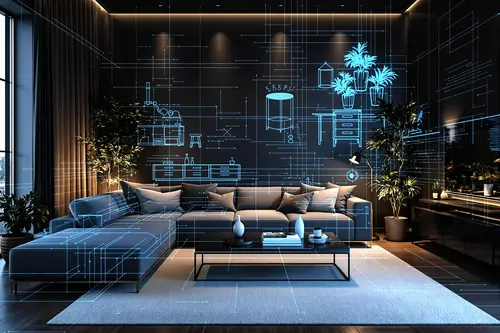
Floor Planner
AIDownload Luw AI iOS App to use Floorplanner AI and start creating interactive floor plans that do more with your spaces
Collaborate on Luw
projects with your team
Invite clients, stakeholders, or teammates to any Luw project with the right level of access — view only, view + download, or full edit.
Share Project
Invite others to view and download renders.
Invite by Email
ACCESS LEVEL
View only
No download or edit
View + download
Can save images
Edit
Generate, rename, delete
People with Access
3 peopleemma@yourcompany.com
Owner
liam@yourcompany.com
Member
olivia@yourcompany.com
Admin
Team
E28,885
Credits Remaining
115
Used This Month
9,000
Monthly Allocation
24 days left in billing cycle
Usage by Team Member
Built by designers,
powered by Luw.ai
Explore real projects where professional architects and designers used Luw.ai to bring their visions to life.
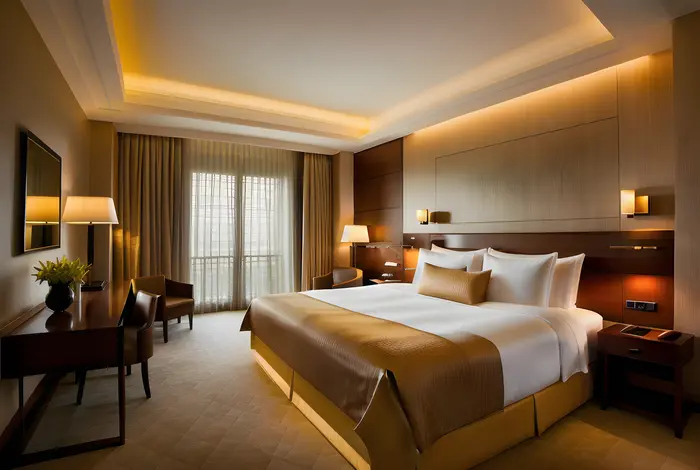 Interior Design
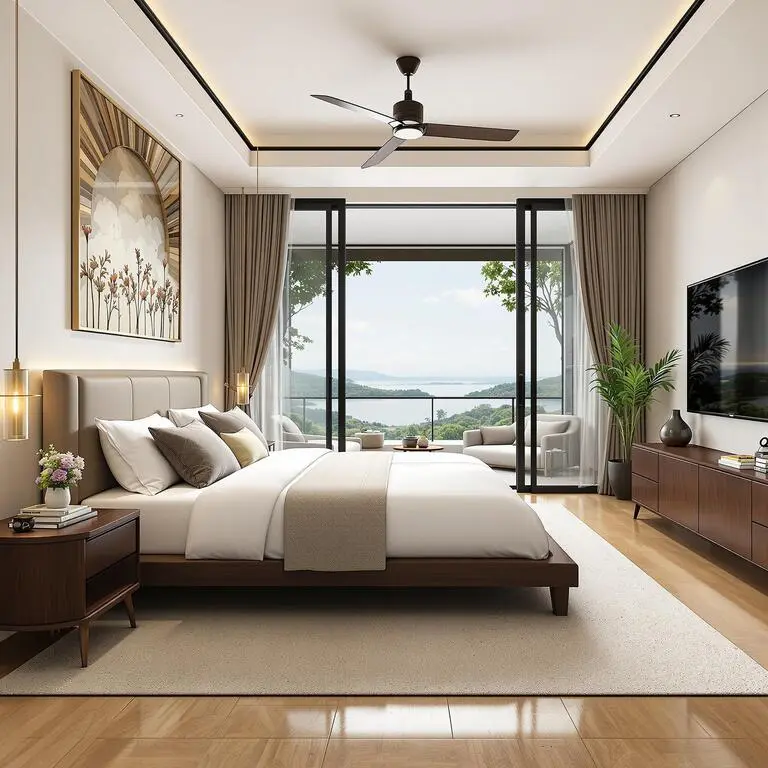
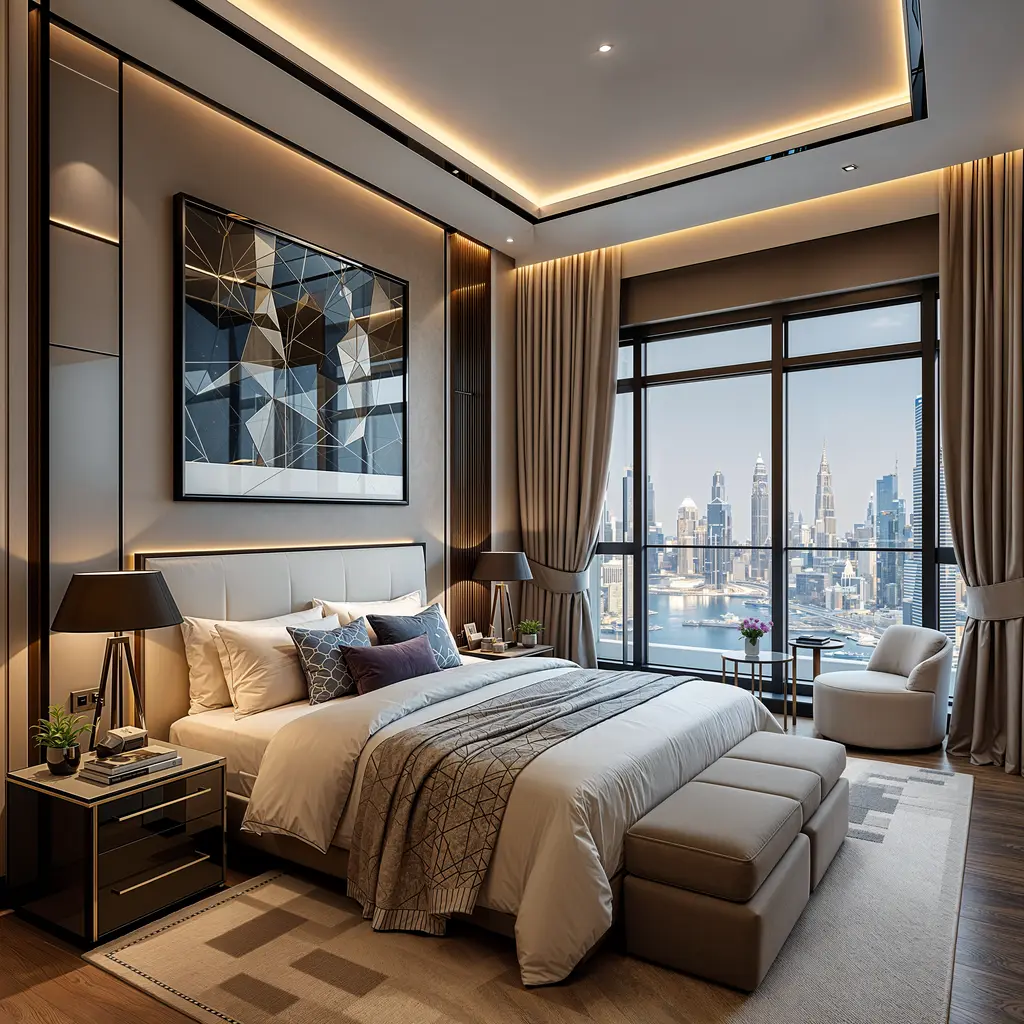
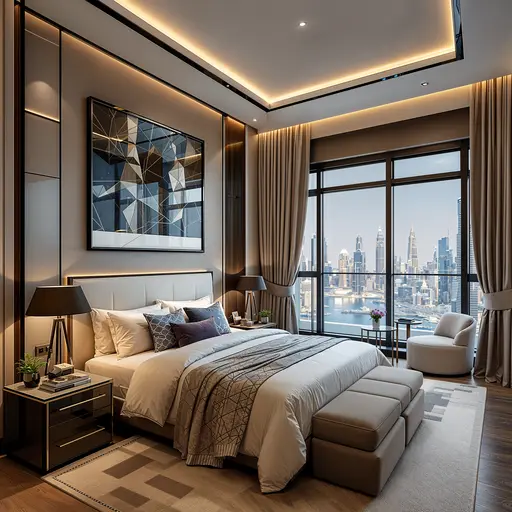
Master Bedroom — Interior Design
ODX Studio used Luw.ai to close the gap between a technically complete architectural model and a space that feels genuinely lived-in.
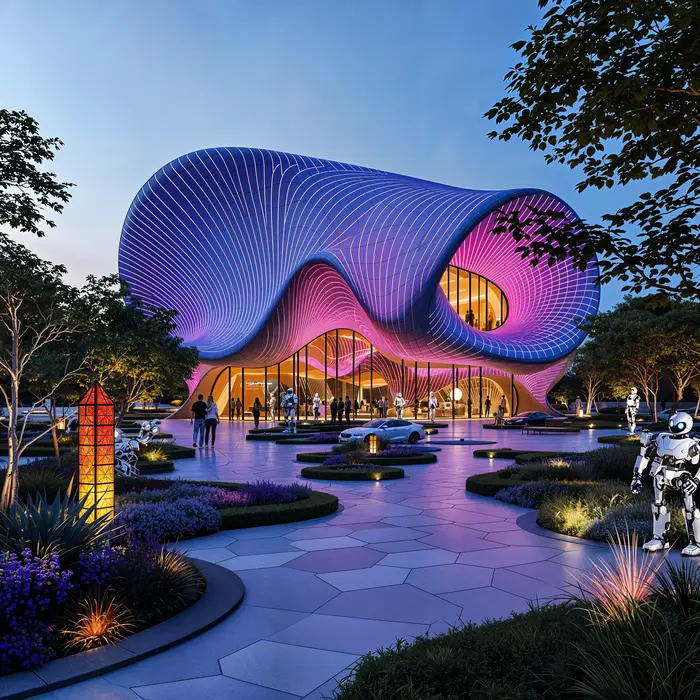 Architecture
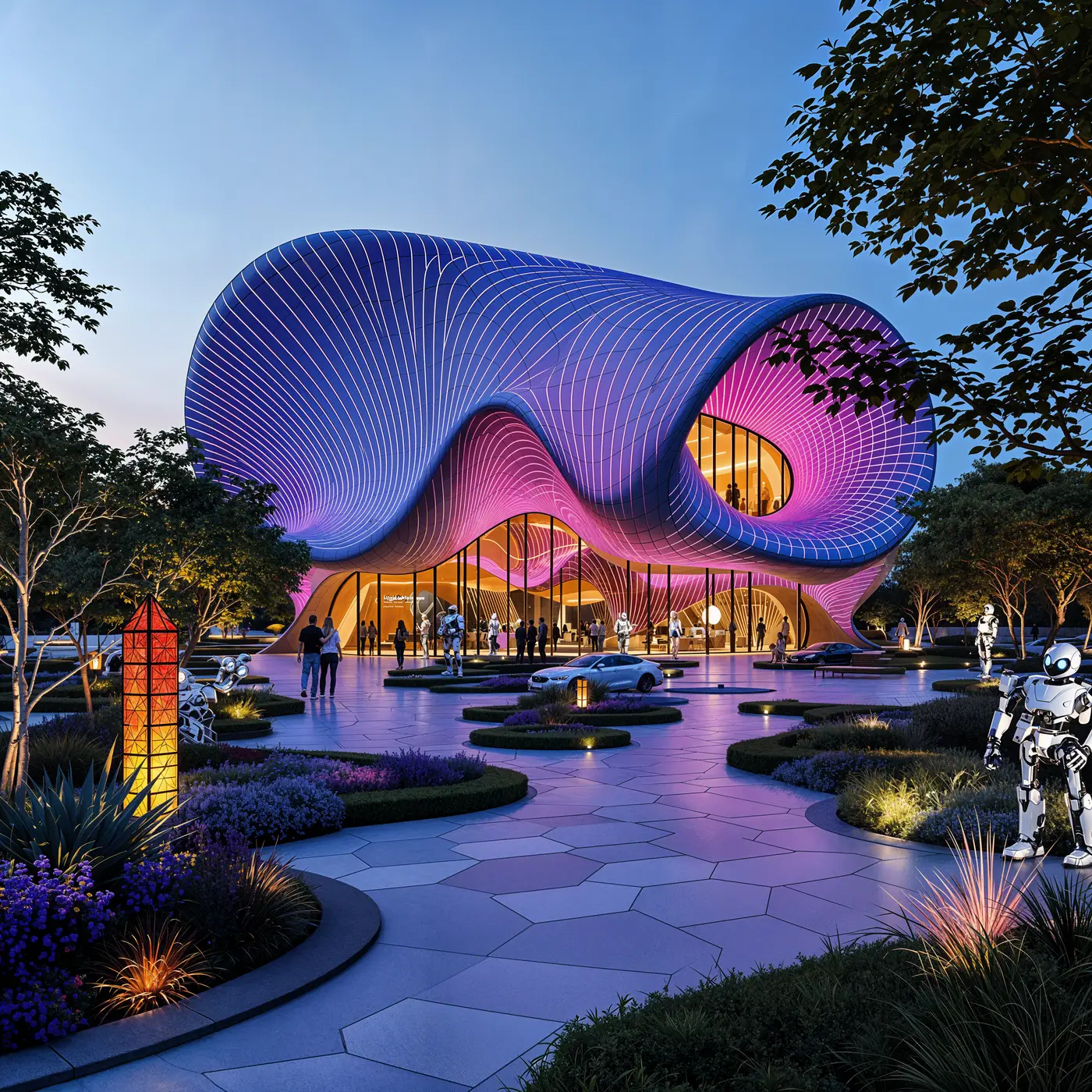
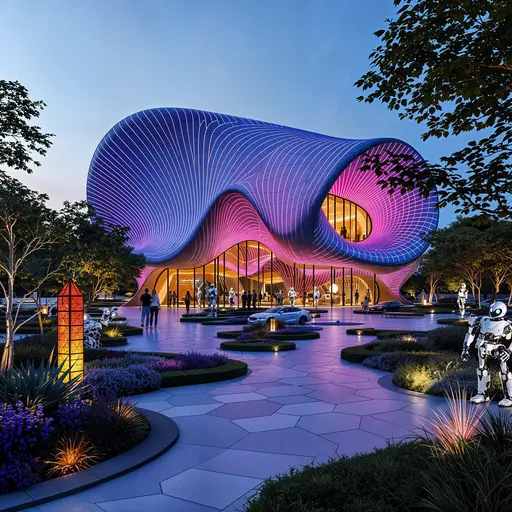
Pavilion — Mixed-Use Development, New Cairo
ODX Studio used Luw.ai to translate their Revit architectural model into atmospheric, photoreal visualizations.
The Most Advanced
AI Design Suite
Transform your creative workflow with our powerful AI-driven design tools. From concept to completion, create stunning visuals across iOS, macOS, and Web platforms.
About
What is Luw.ai and what does it do?
What 3D software is compatible with Luw.ai?
Can I modify specific parts of my design?
Can I use Luw.ai for commercial projects?
How do I use the HD - 4K - 8K Export or Supersize feature?
Can I use hand-drawn sketches?
How can I open GLB, OBJ or STL files without installing anything?
Can I view DXF, IFC or SVG floor plans in my browser?
Who can use Luw.ai?
Explore luw.ai tools
AI rendering, editing, and 3D generation for architects and designers.
- Interior AI: Redesign any room and stage interiors from a single photo.
- Exterior AI: Reimagine facades, gardens and curb appeal in seconds.
- 3D AI: Turn any image or text prompt into a 3D model.
- ArchiGPT: Chat with your AI design assistant about any design.
- Remove Furniture AI: Erase furniture and objects from any photo instantly.
- Virtual Staging: Furnish an empty room photo for a listing in about 20 seconds.
- 3DSpace AI: Rebuild a room photo in 3D and place every piece of furniture by hand.
- Image Upscaler: Enhance and upscale low-quality photos to crystal-clear 4K.
- Sketch AI: Turn hand sketches into photorealistic renders.
- Magic Prompt: Edit images with text prompts — no Photoshop needed.
- Render AI: Any image, prompt or 3D model to a photorealistic render.
- Magic Wand AI: Brush-select any region and let AI edit only that area.
- Luw.ai Studio: AI floor plan generator — build, furnish and render in 3D.
- AI for Architects: Sketch, photo or CAD export to render in under 10 seconds.
- API & MCP: Use Luw.ai design tools inside Claude, ChatGPT, Cursor or your own app.


Meet your AI design assistant,
design ideas in seconds
Design your interiors and exteriors with a photo, and watch as Luw AI instantly works its magic.
Join 3M+ designers already using Luw AI.